ฝ่ายบริการลูกค้าของเราพร้อมตอบทุกคำถามเกี่ยวกับการจัดซื้อของคุณติดต่อเลย

 คอมพิวเตอร์สำนักงานเครือข่ายออดิโอ-วิดีโอและเกมคีย์บอร์ดเมาส์เว็บแคมและอุปกรณ์ต่อพ่วงคอมพิวเตอร์เว็บแคมและอุปกรณ์ต่อพ่วงสำหรับการประชุม


MERGORO
4.6แชทกับแบรนด์ติดตามแบรนด์


มีสินค้าพร้อมส่งออกอย่างรวดเร็วจัดซื้อจำนวนมากสำหรับองค์กรOEM/ODM
เว็บแคมคอมพิวเตอร์รุ่น C16
จำนวนสั่งซื้อขั้นต่ำ: 40
ราคาจัดซื้อปัจจุบันราคาจัดซื้อมาตรฐาน
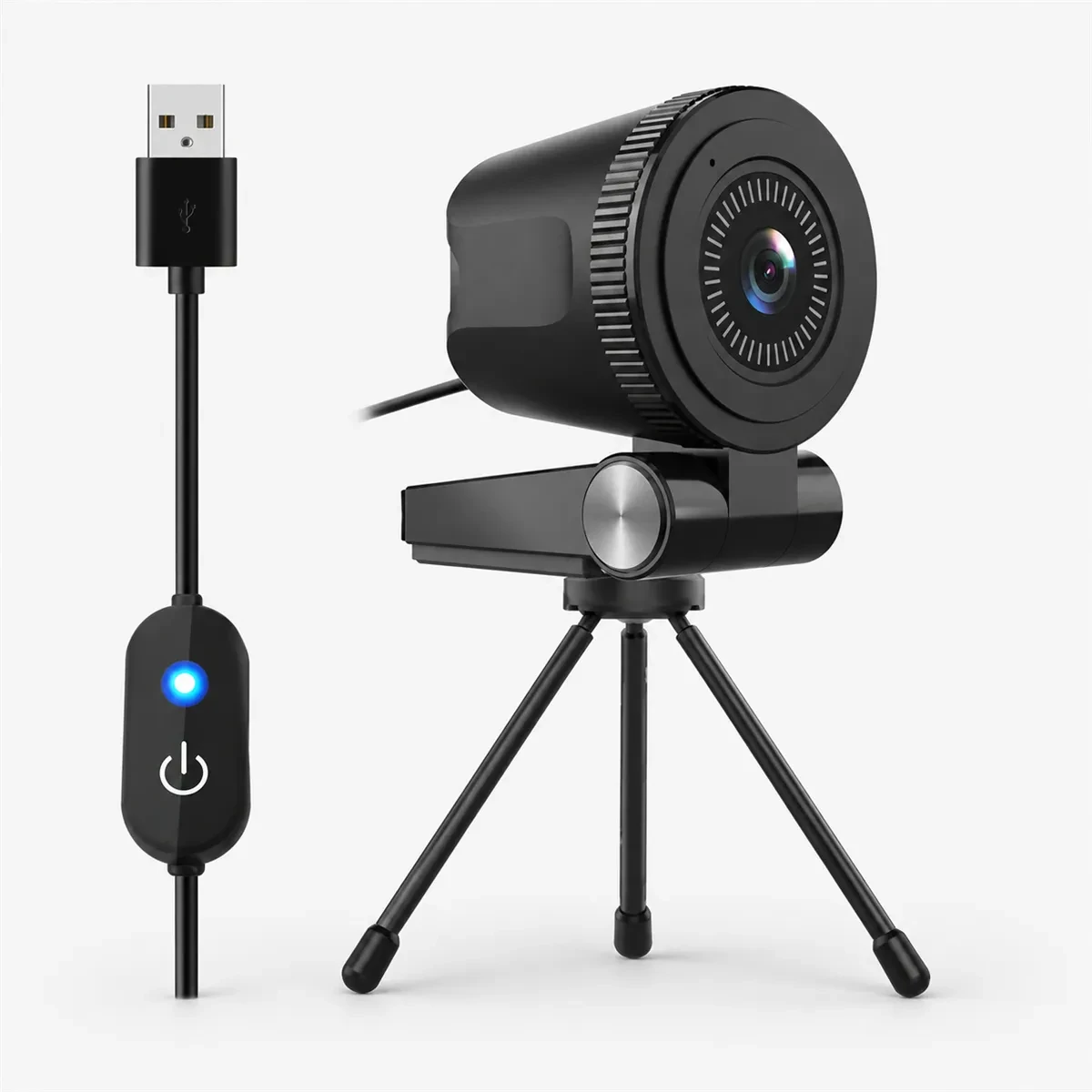
- เว็บแคมโฟกัสอัตโนมัติความละเอียด 2K พร้อมสายยาว 1.5 เมตร ไฟเสริมในตัว และคลิปยึดหน้าจอแบบติดตั้งมาให้

การรับประกันของแท้
บริการหลังการขายที่อุ่นใจ
จัดส่งตามกำหนด
รายละเอียดอันประณีตและคุณสมบัติด้านการออกแบบ
รายละเอียดที่ผ่านการประดิษฐ์อย่างพิถีพิถันสะท้อนงานฝีมือชั้นเยี่ยมและคุณสมบัติด้านการออกแบบที่โดดเด่น
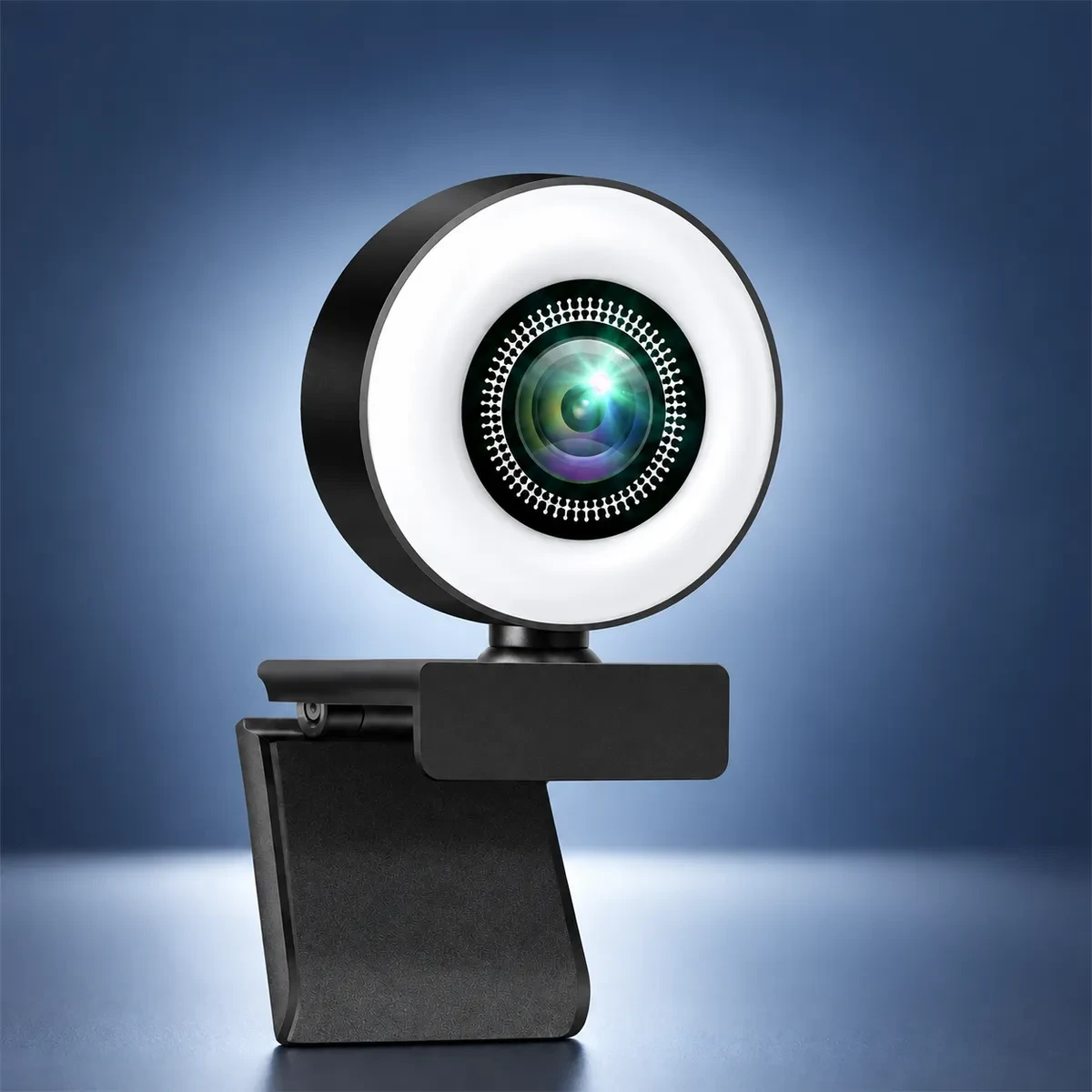
C16 Autofocus Webcam with a Built-In Fill Light
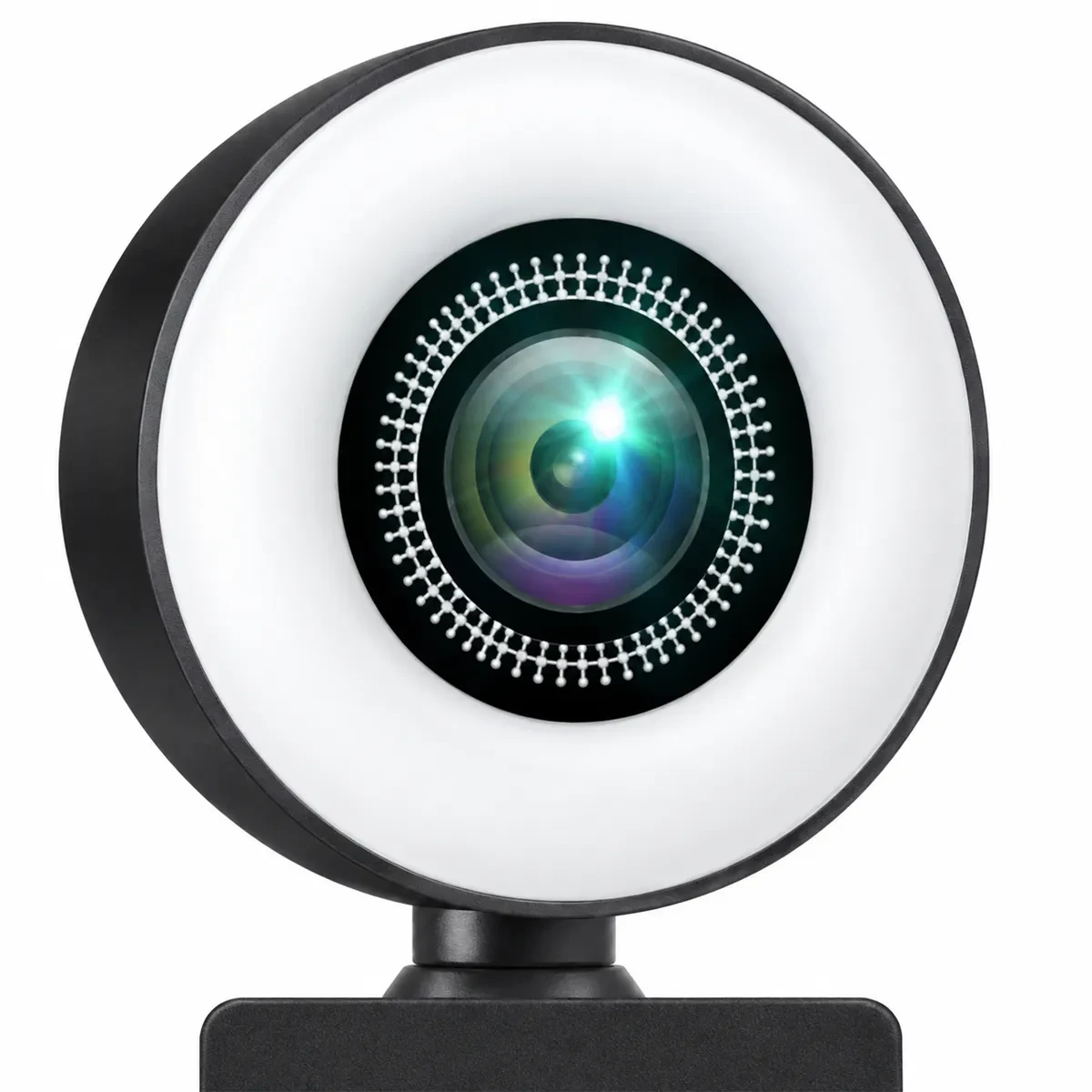
The 2K configuration combines autofocus with a circular camera housing.
ค้นพบจุดเด่นหลักของผลิตภัณฑ์ของเรา
คุณภาพที่เชื่อถือได้และประสิทธิภาพที่มั่นคงสำหรับการใช้งานที่หลากหลาย มาตรฐานการผลิตที่เข้มงวดช่วยให้มีความทนทานและคุ้มค่าต่อต้นทุน

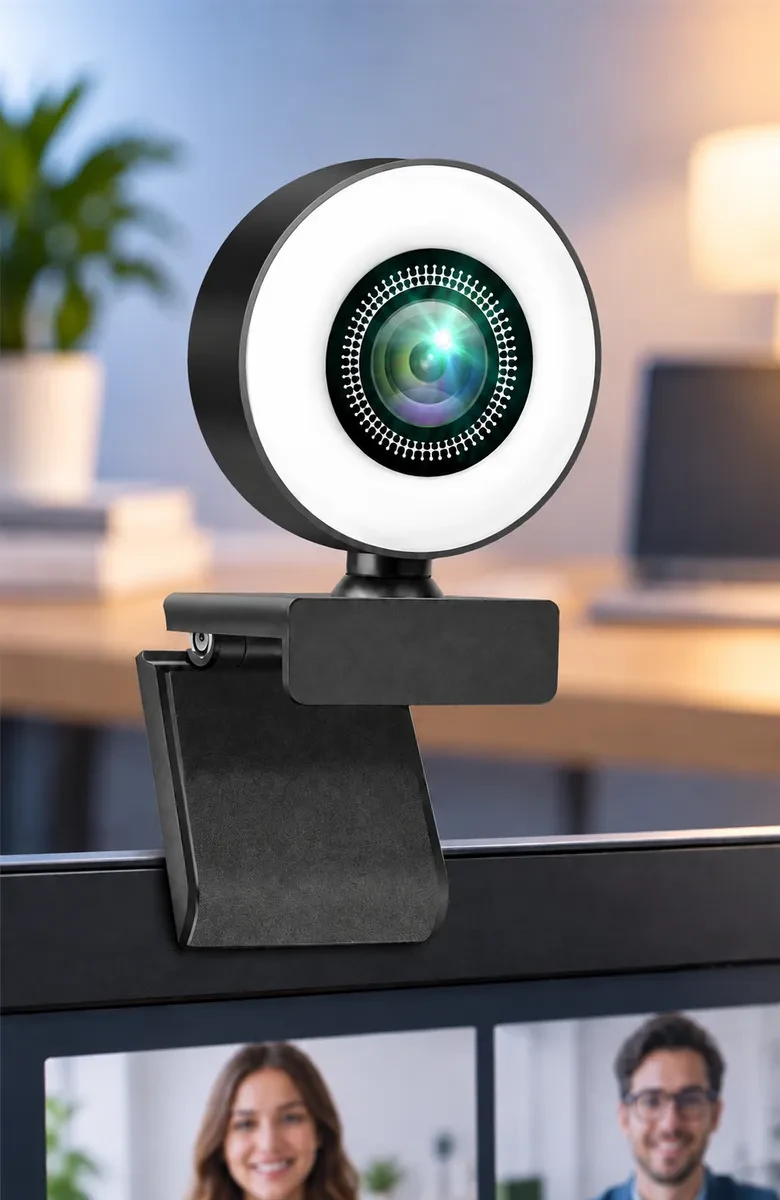
Place the webcam above the laptop screen with its lens facing the seated caller.
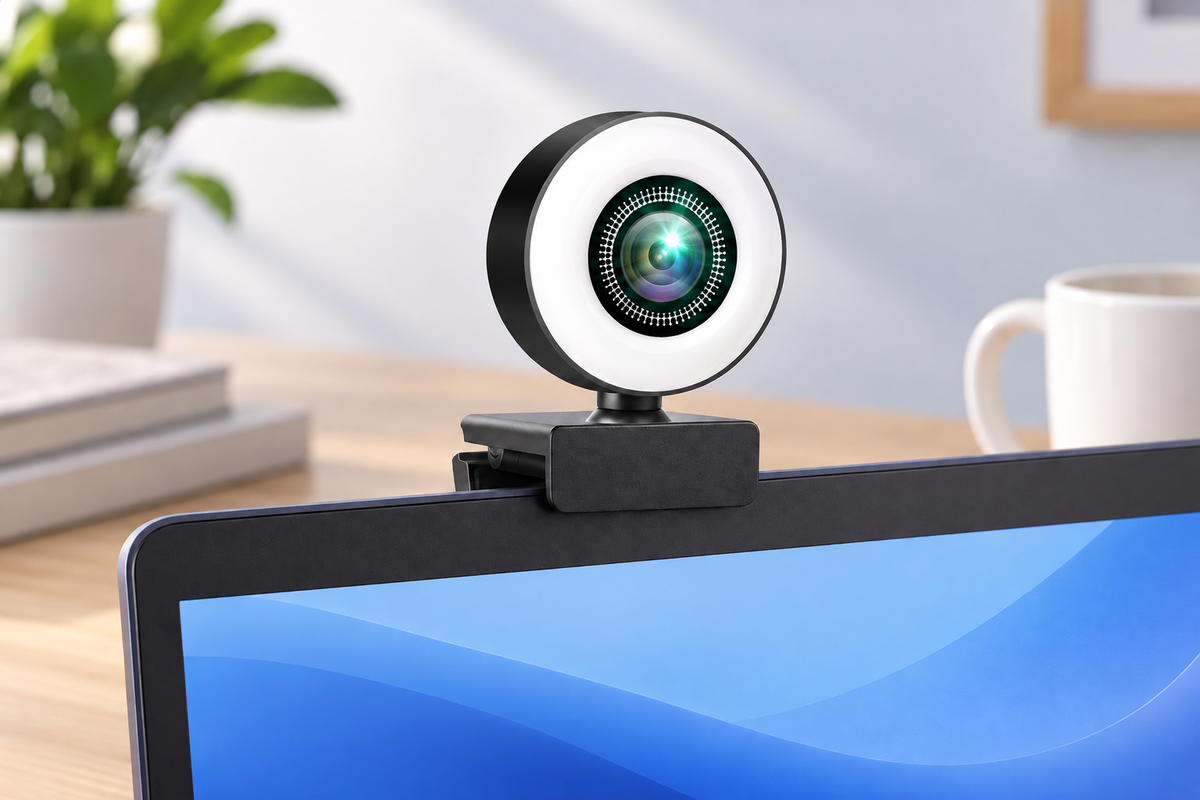
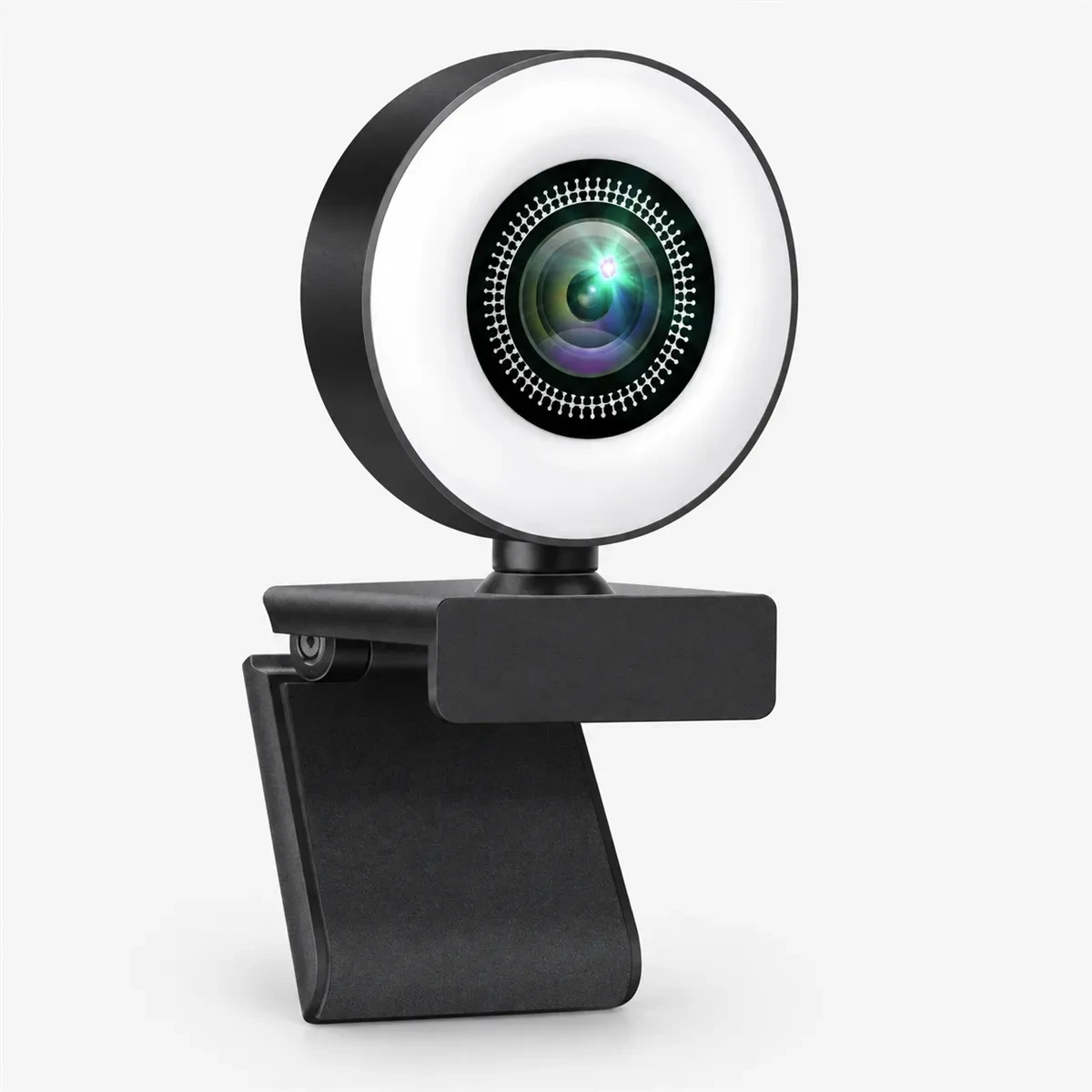
The attached hinged clip supports the webcam on the upper screen bezel.
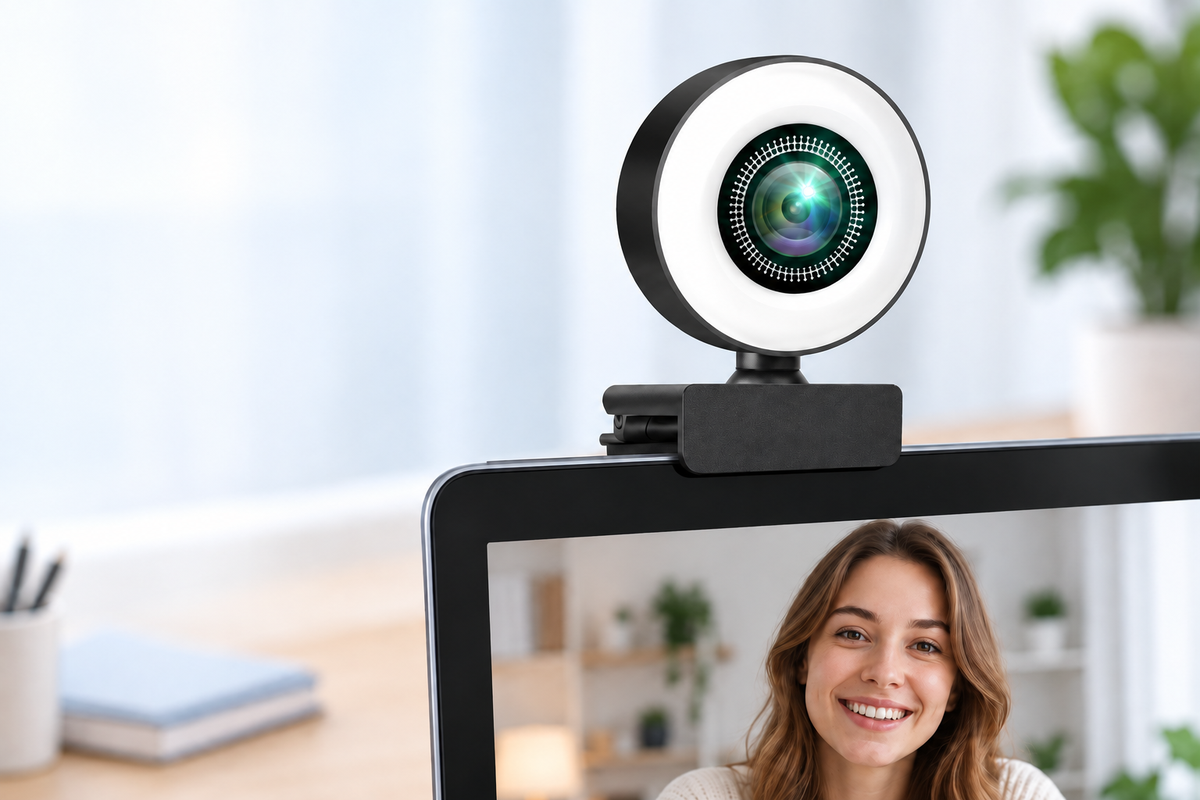
The circular camera housing keeps the lens centered within the front light ring.
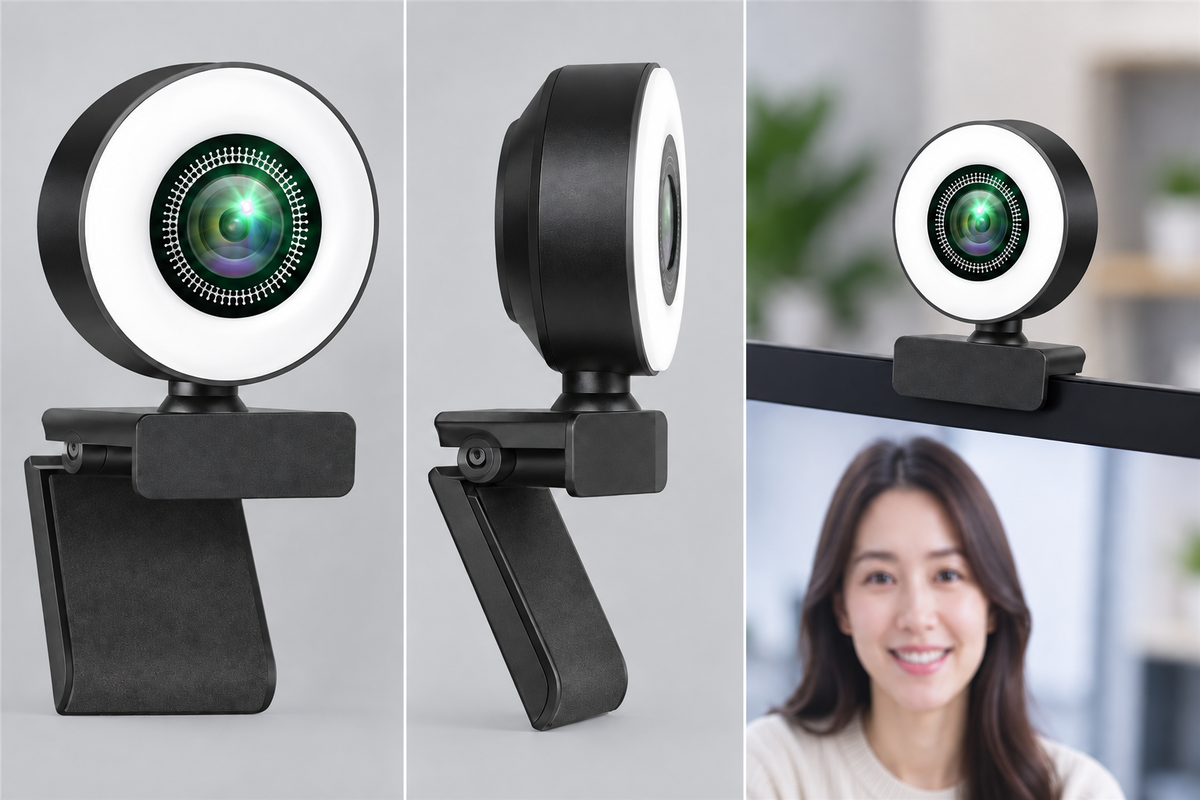
The round body, short neck and hinged mount form one connected webcam assembly.
พารามิเตอร์สินค้า
Product NameC16 Computer Webcam
ModelC16
DimensionsPackage: 140 x 80 x 65 mm
WeightStated unit weight: 130 g
StructureRound camera body with annular front light, short neck and attached hinged clip
Available Colors / PatternsBlack body and clip with white front light ring
Configuration2K autofocus configuration; 1.5 m cable; built-in fill light; no speaker; no included privacy cover
Additional Verified ParametersOuter carton: 57 x 35.5 x 40 cm; stated carton weight: 14 kg
ยืดหยุ่นสำหรับหลากหลายสถานการณ์
Position the webcam with its lens facing the caller and its clip supported on the screen. Check the framing before a call, route the cable neatly and place the camera on a dry desk mat between sessions.

Laptop Call SetupMount the webcam above the laptop screen with its lens facing the seated caller.
Check the lens and mounting clip before placing the webcam on your screen bezel.

Desktop Video CallKeep the webcam facing you during calls, with the screen and workspace arranged.
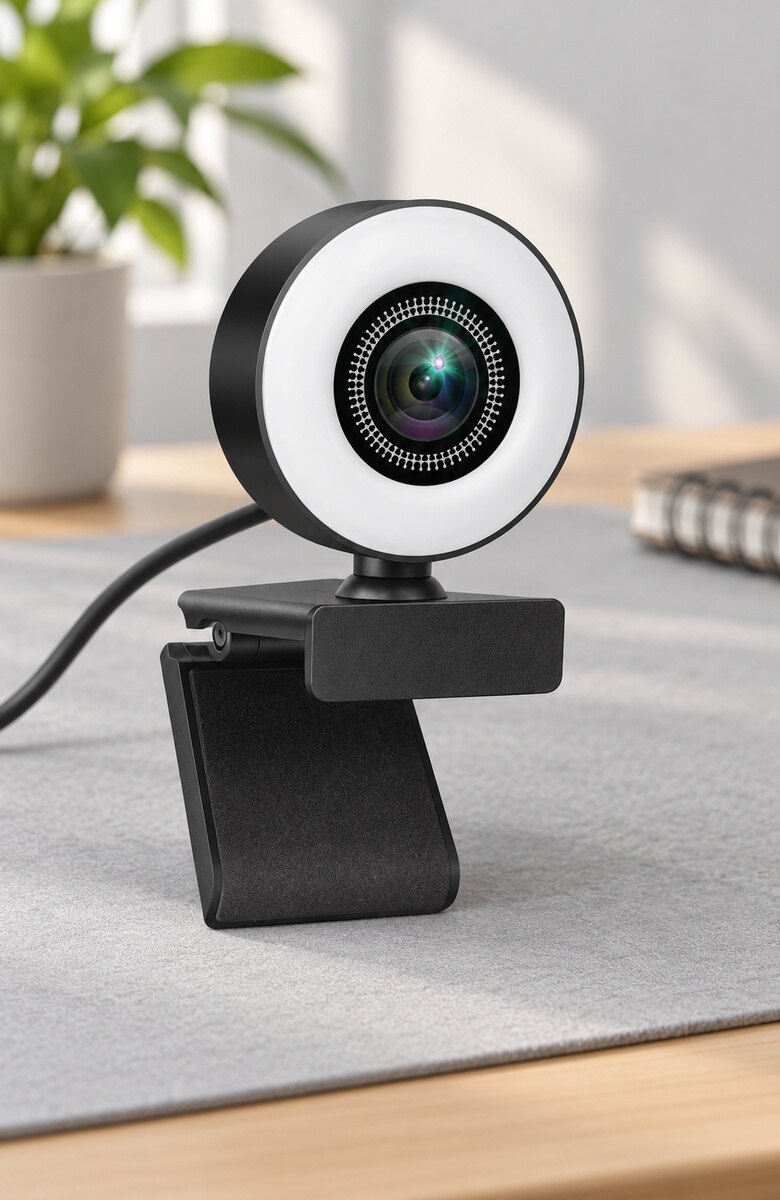
Between-Call StorageSet the webcam on a tidy dry mat; let its attached cable rest loosely alongside.
Route the attached cable without tight bends and keep the working surface clear.
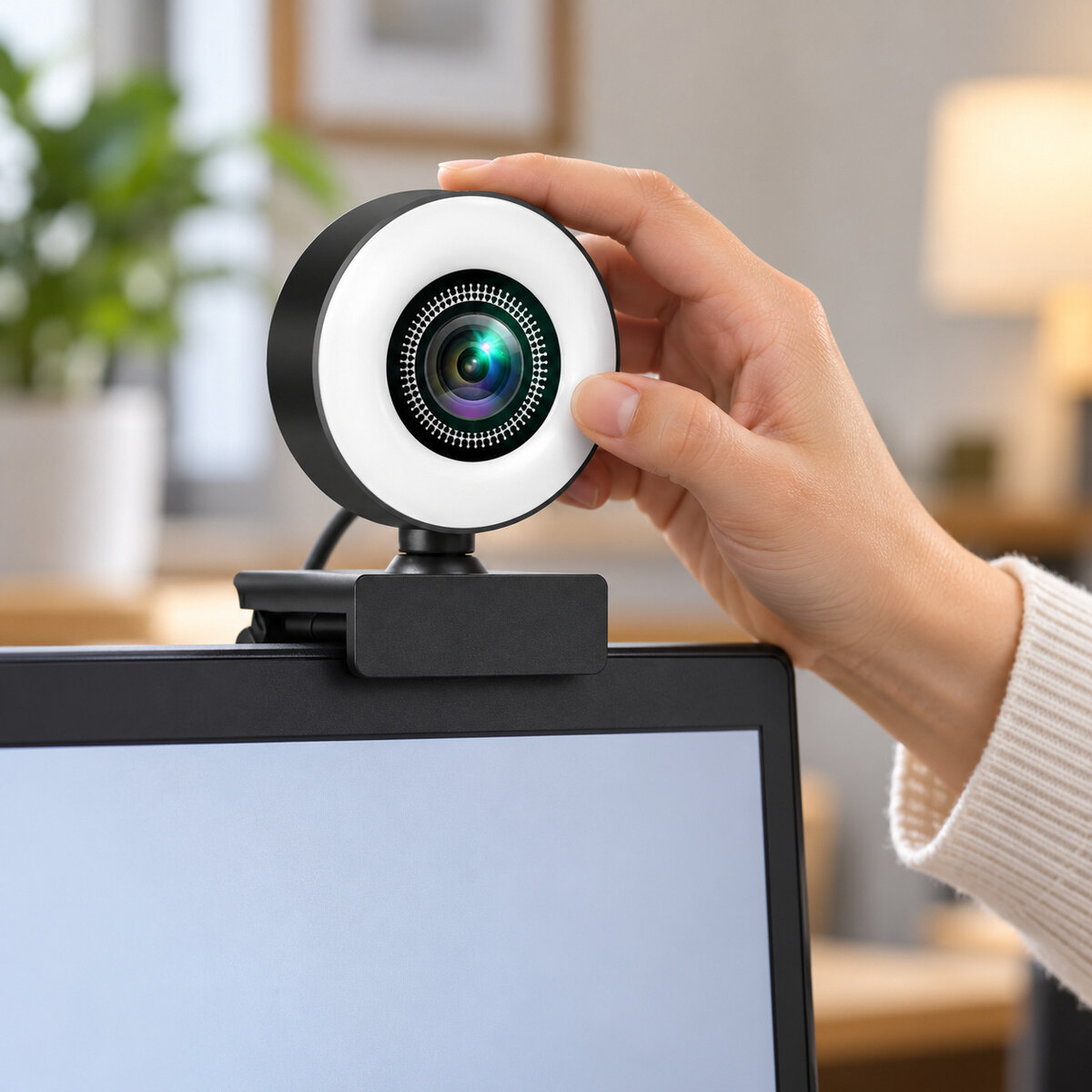
Before-Call Position CheckSteady the webcam body on its base while checking its position before your call.
รายการบรรจุภัณฑ์
1 x C16 webcam with attached cable and hinged mounting clip.
Package size: 140 x 80 x 65 mm. Unit weight: 130 g. Cable length: 1.5 m.
คำถามที่พบบ่อย
คำแนะนำที่เกี่ยวข้อง
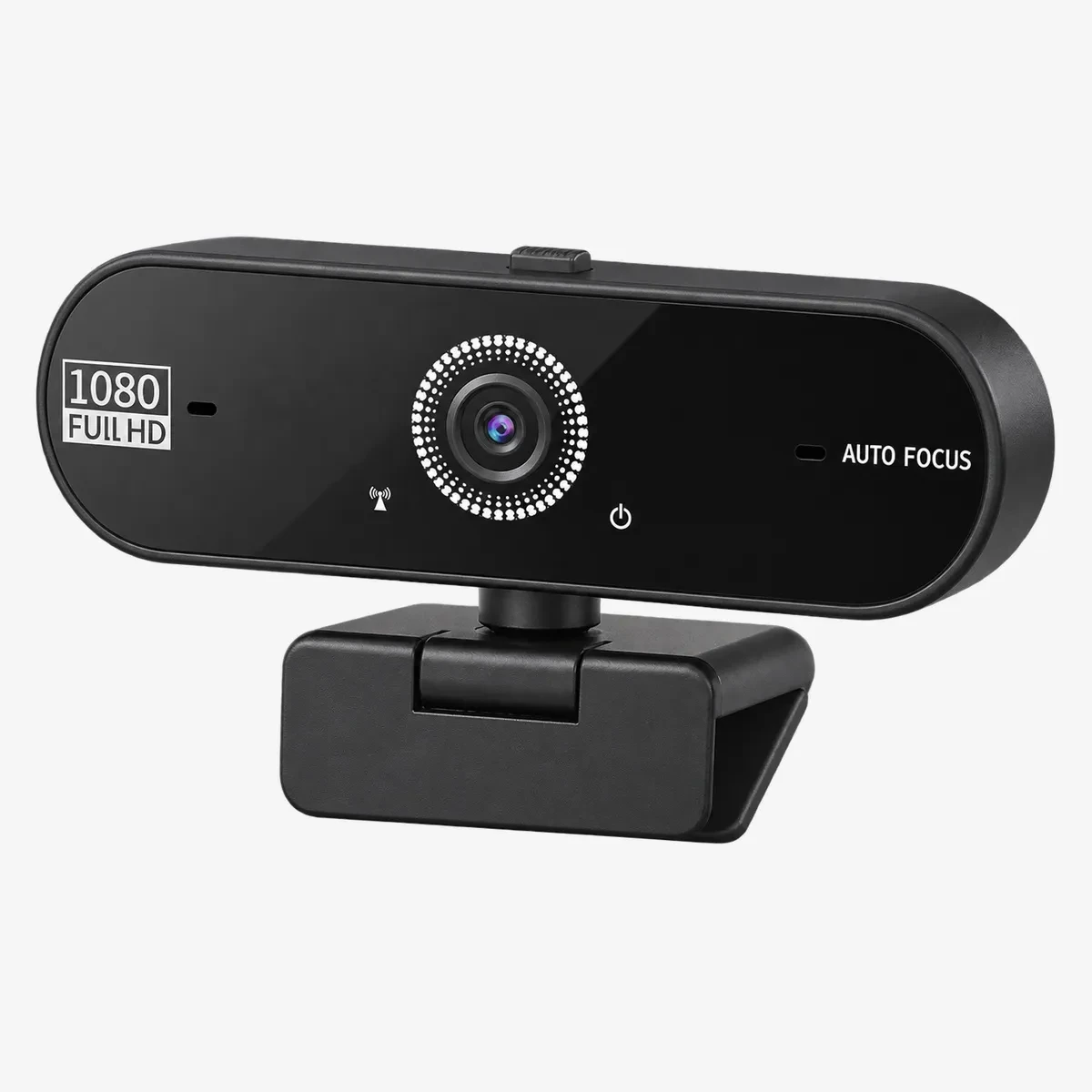
เว็บแคม USB W8 ความละเอียด 1080p พร้อมคลิปหนีบจอภาพ
MOQ 100 set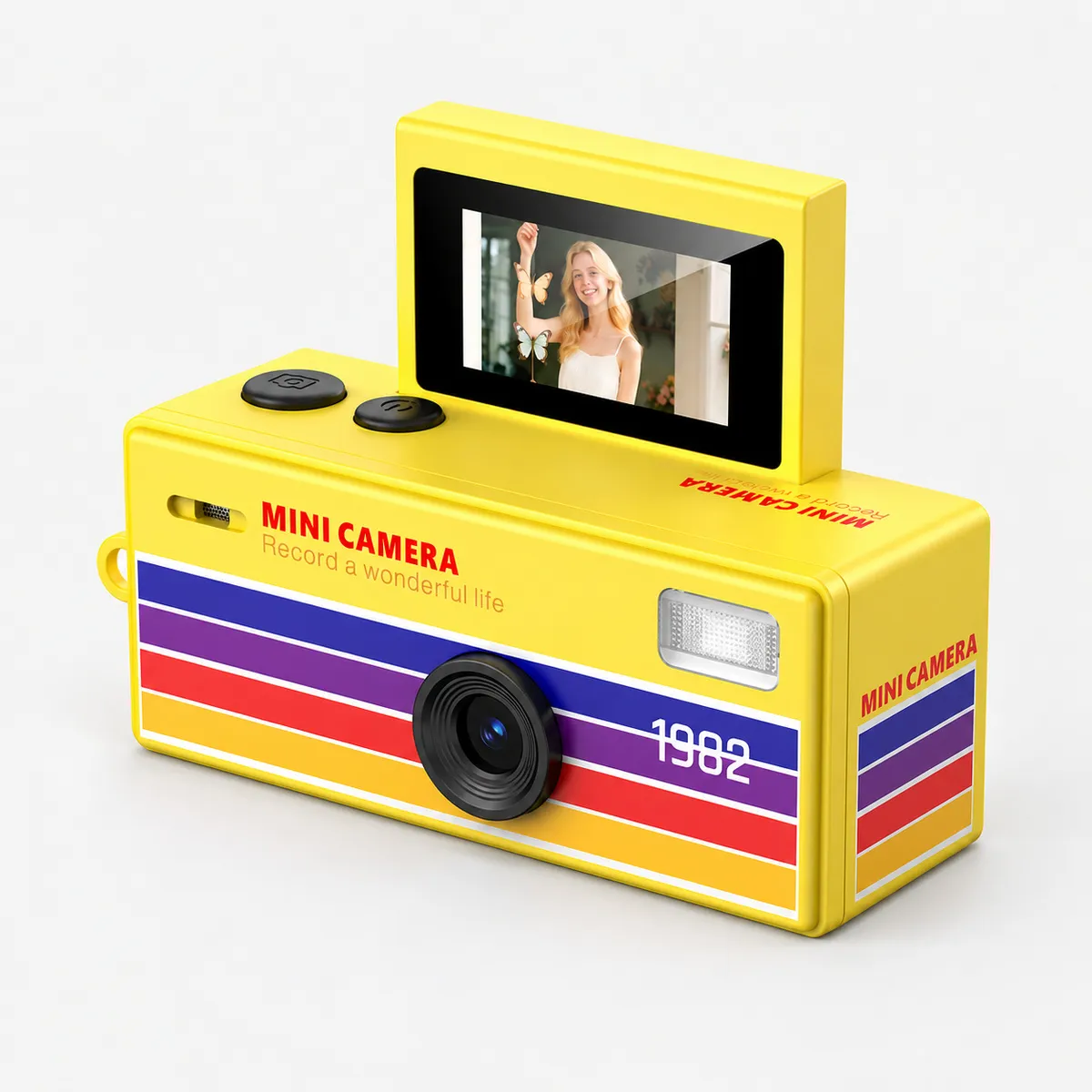
กล้องมินิแบบนิ้วหัวแม่มือ
MOQ 200 unit
เว็บแคมคอมพิวเตอร์ C260
MOQ 24 unit
เว็บแคมคอมพิวเตอร์รุ่น CW100
MOQ 24 unit