ฝ่ายบริการลูกค้าของเราพร้อมตอบทุกคำถามเกี่ยวกับการจัดซื้อของคุณติดต่อเลย

 คอมพิวเตอร์สำนักงานเครือข่ายออดิโอ-วิดีโอและเกมคีย์บอร์ดเมาส์เว็บแคมและอุปกรณ์ต่อพ่วงคอมพิวเตอร์เว็บแคมและอุปกรณ์ต่อพ่วงสำหรับการประชุม


MERGORO
4.6แชทกับแบรนด์ติดตามแบรนด์


มีสินค้าพร้อมส่งออกอย่างรวดเร็วจัดซื้อจำนวนมากสำหรับองค์กรOEM/ODM
เว็บแคมคอมพิวเตอร์ C260
จำนวนสั่งซื้อขั้นต่ำ: 24
ราคาจัดซื้อปัจจุบันราคาจัดซื้อมาตรฐาน
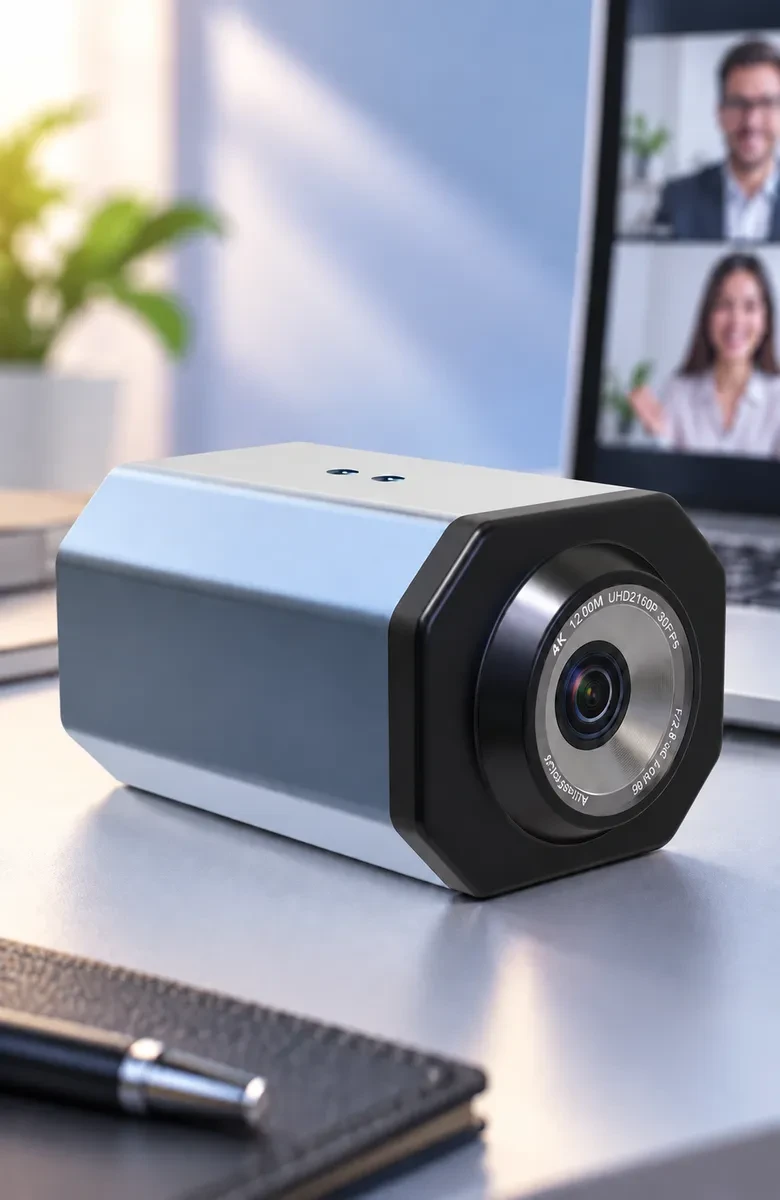
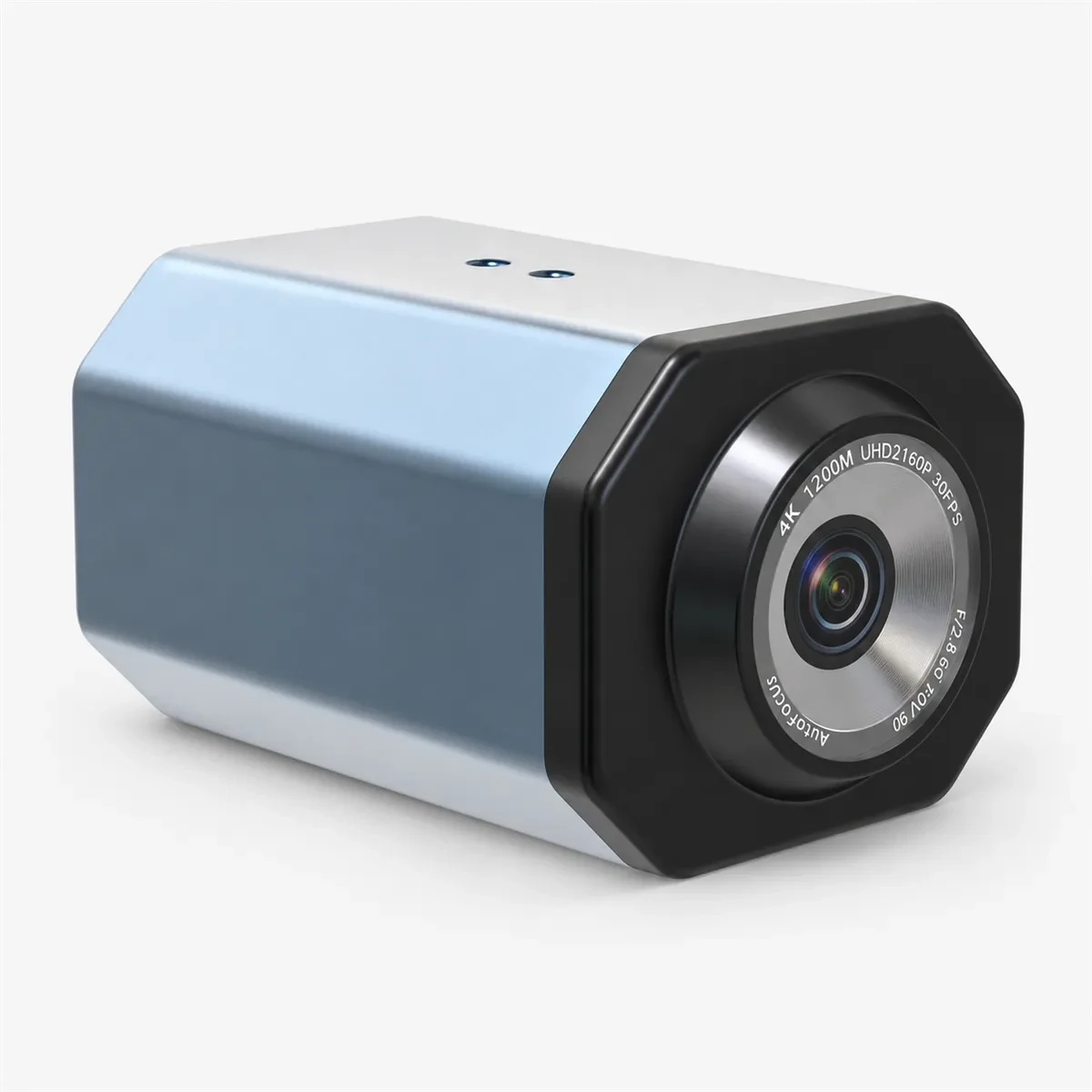
- เว็บแคม USB โฟกัสอัตโนมัติ 4K พร้อมสายเคเบิลยาว 2 ม. และตัวกล้องสีเงินเทาแบบเหลี่ยม

การรับประกันของแท้
บริการหลังการขายที่อุ่นใจ
จัดส่งตามกำหนด
รายละเอียดอันประณีตและคุณสมบัติด้านการออกแบบ
รายละเอียดที่ผ่านการประดิษฐ์อย่างพิถีพิถันสะท้อนงานฝีมือชั้นเยี่ยมและคุณสมบัติด้านการออกแบบที่โดดเด่น
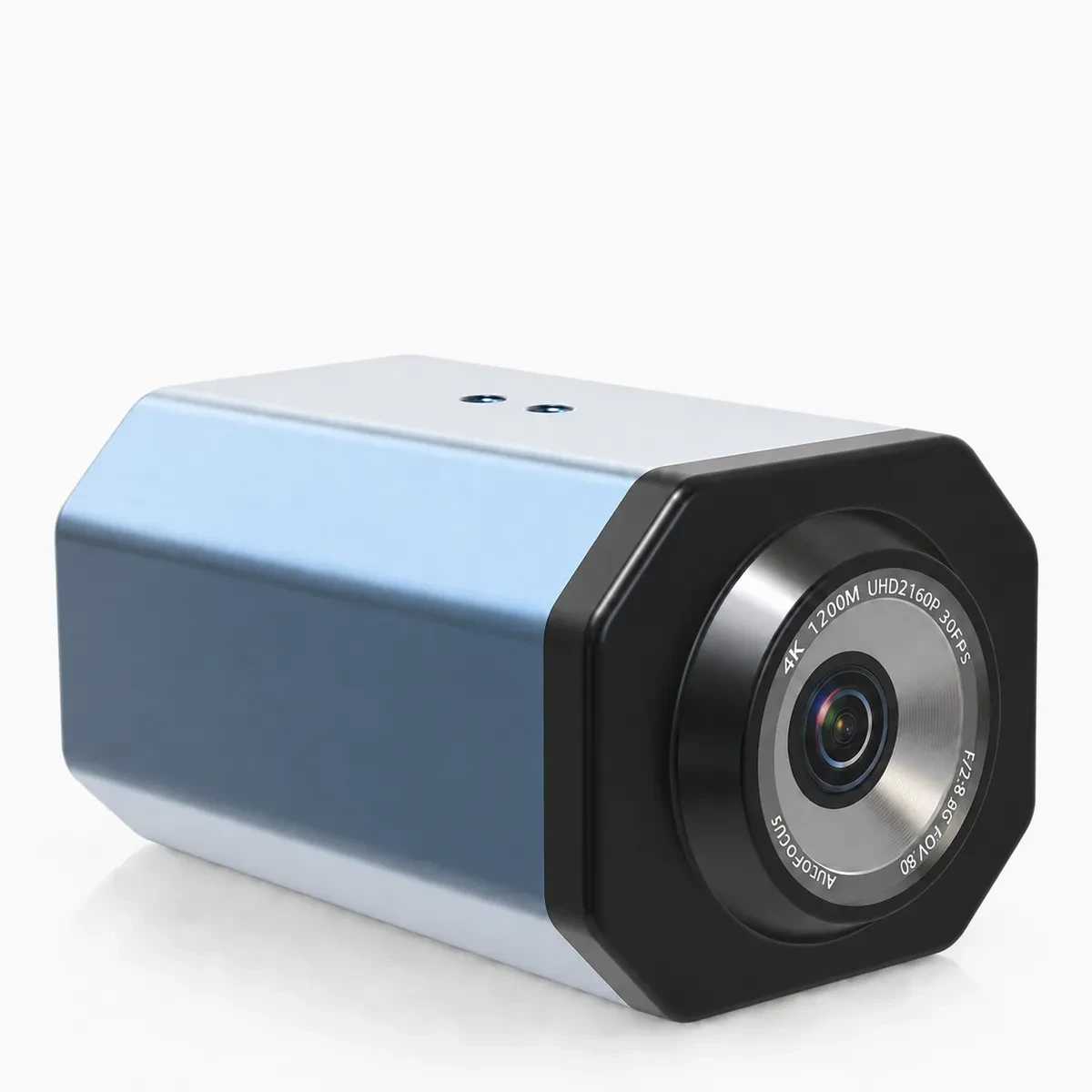
C260 4K Autofocus USB Webcam for Computer Calls
The C260 combines 4K output with automatic lens focusing.
ค้นพบจุดเด่นหลักของผลิตภัณฑ์ของเรา
คุณภาพที่เชื่อถือได้และประสิทธิภาพที่มั่นคงสำหรับการใช้งานที่หลากหลาย มาตรฐานการผลิตที่เข้มงวดช่วยให้มีความทนทานและคุ้มค่าต่อต้นทุน
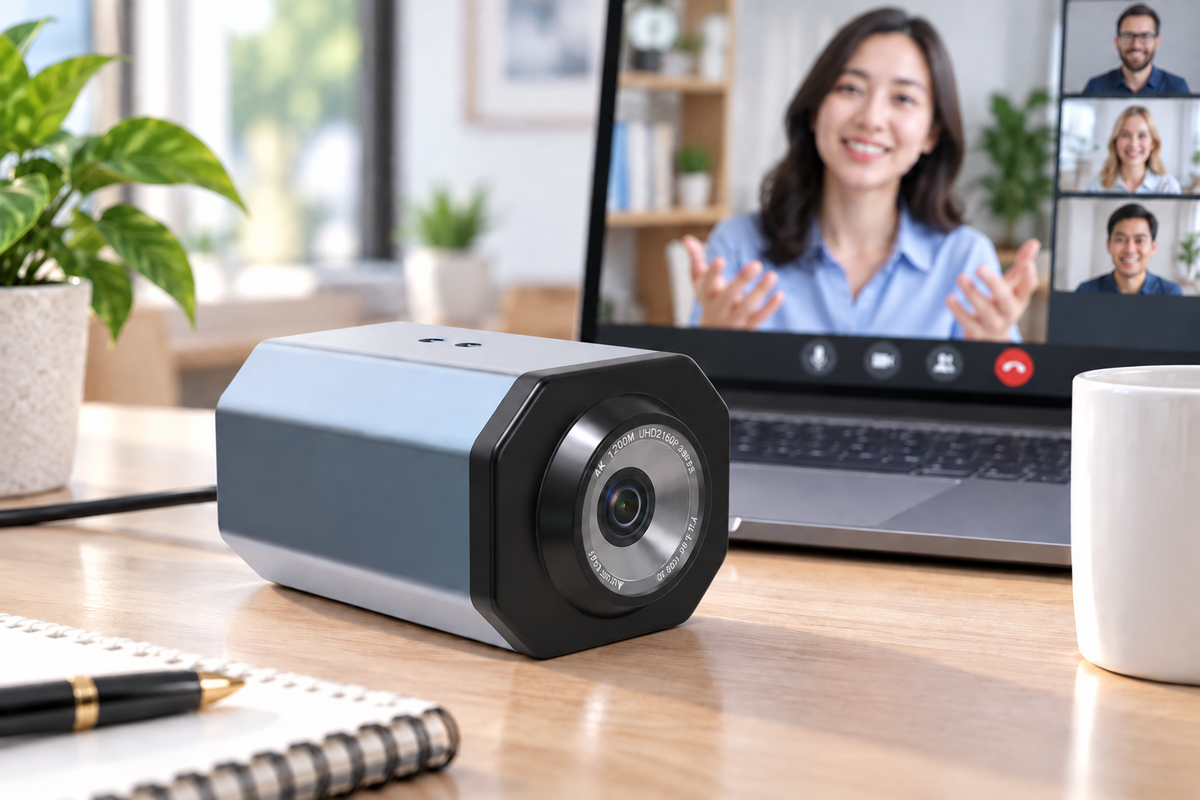
Place the webcam on a stable desk surface with its lens facing the caller.
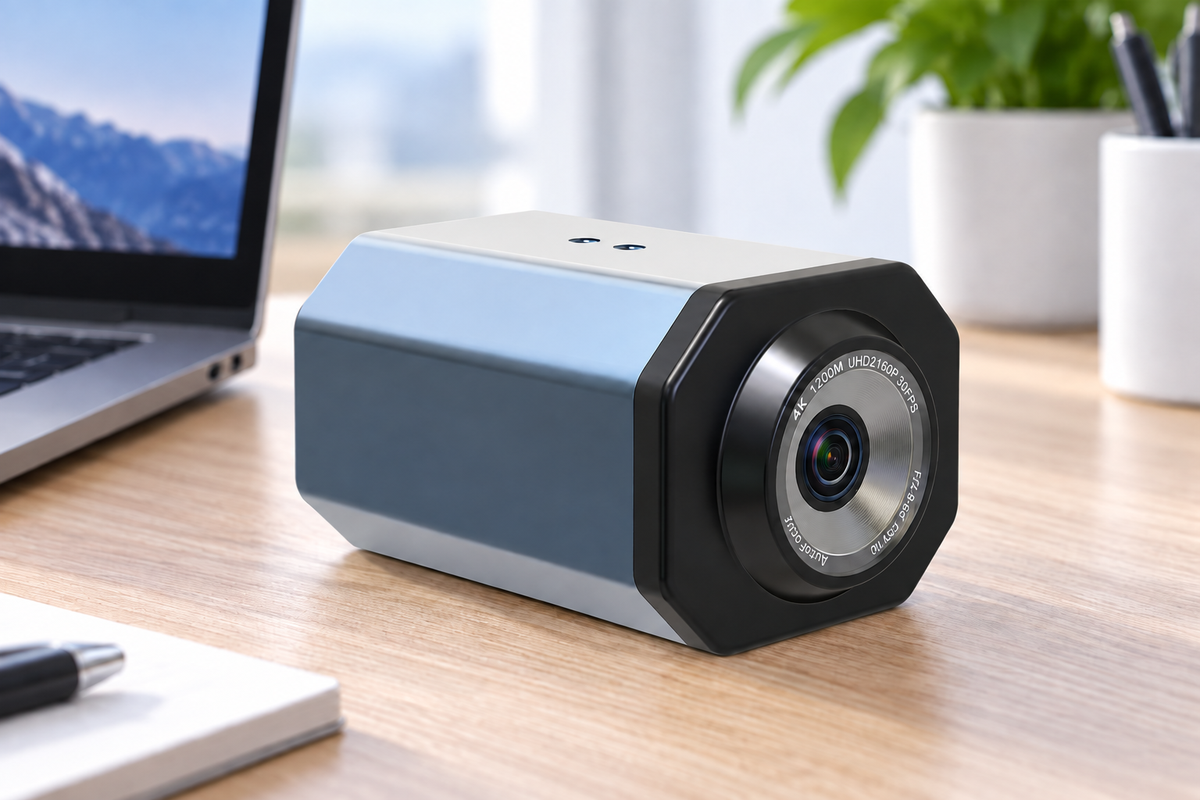
The faceted housing supports the camera on its flat lower face.
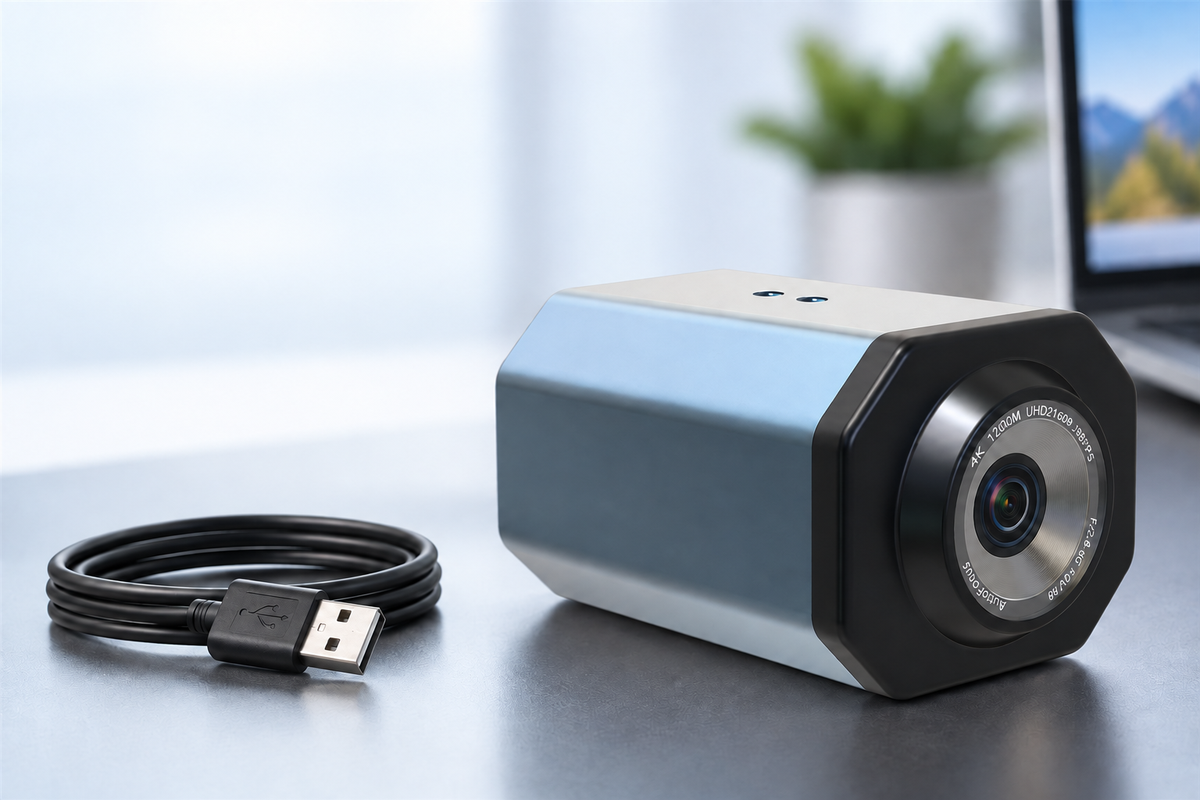
The USB lead can be arranged loosely beside the webcam before connection.
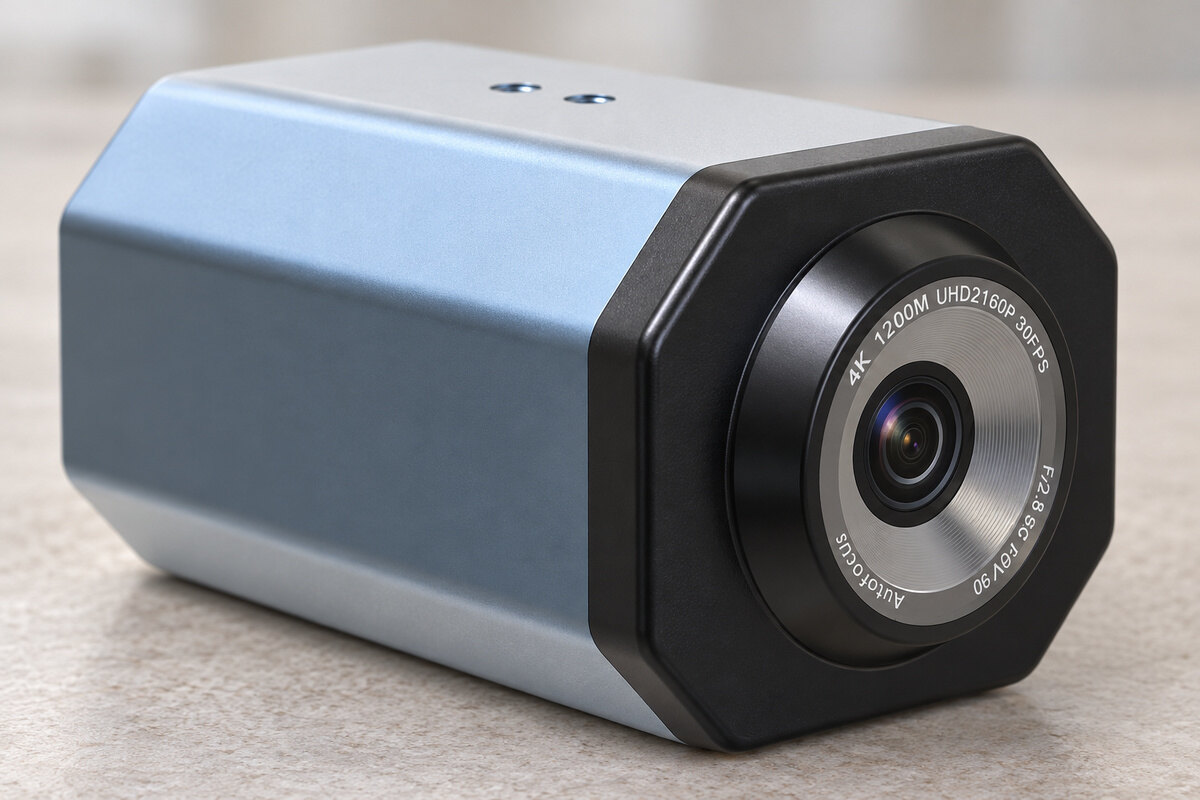
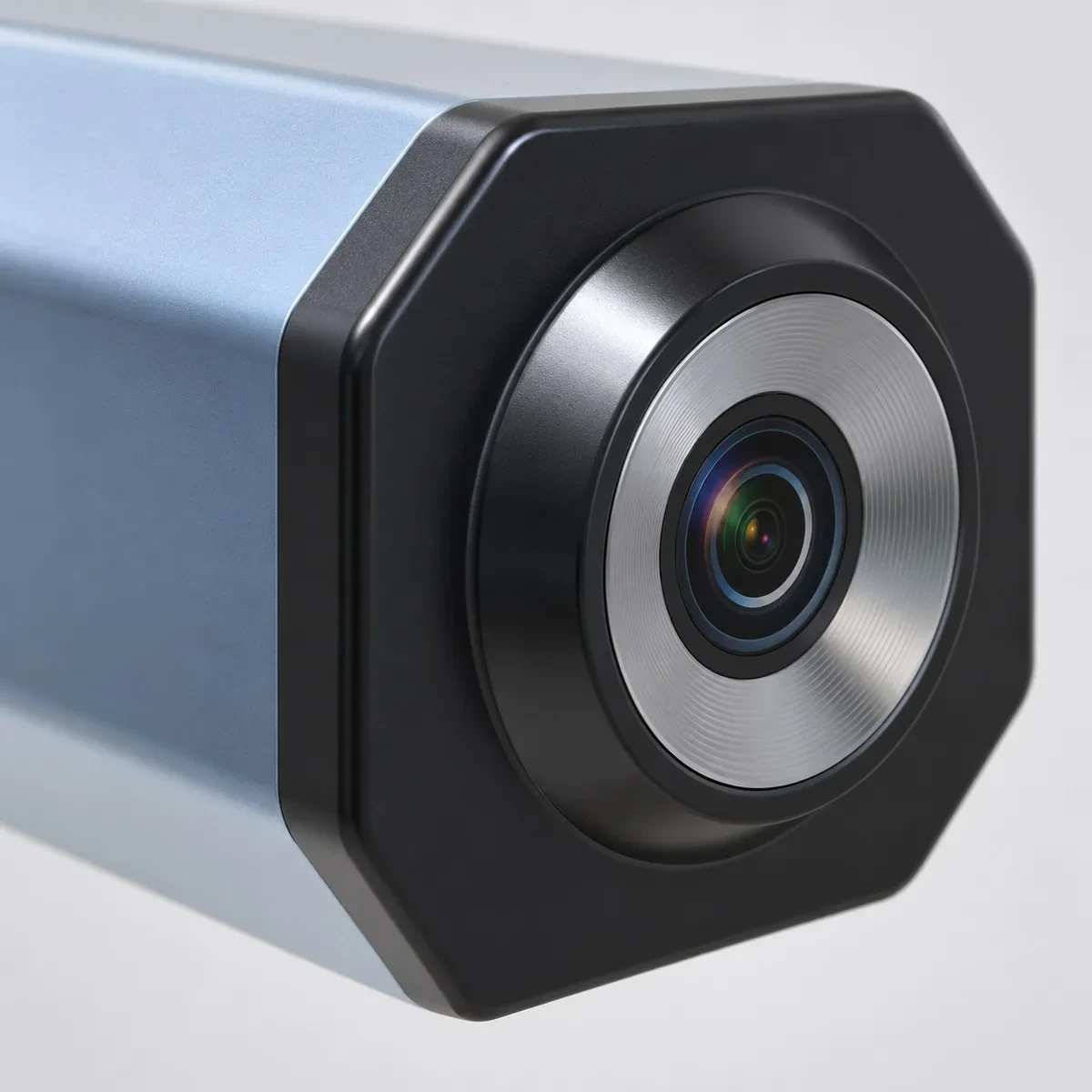
The circular front lens projects from the black beveled camera face.
พารามิเตอร์สินค้า
Product NameC260 Computer Webcam
ModelC260
StructureElongated faceted camera housing with black front plate and projecting circular lens
Available Colors / PatternsSilver-gray housing with black lens surround
Configuration4K camera; autofocus; USB connection; 2 m USB cable; no privacy cover
Additional Verified ParametersCable length: 2 m
ยืดหยุ่นสำหรับหลากหลายสถานการณ์
Place the webcam on a stable desk surface with the lens facing the caller. Check framing before a video call, arrange the USB cable without tight bends and keep the lens clear when adjusting the camera position.
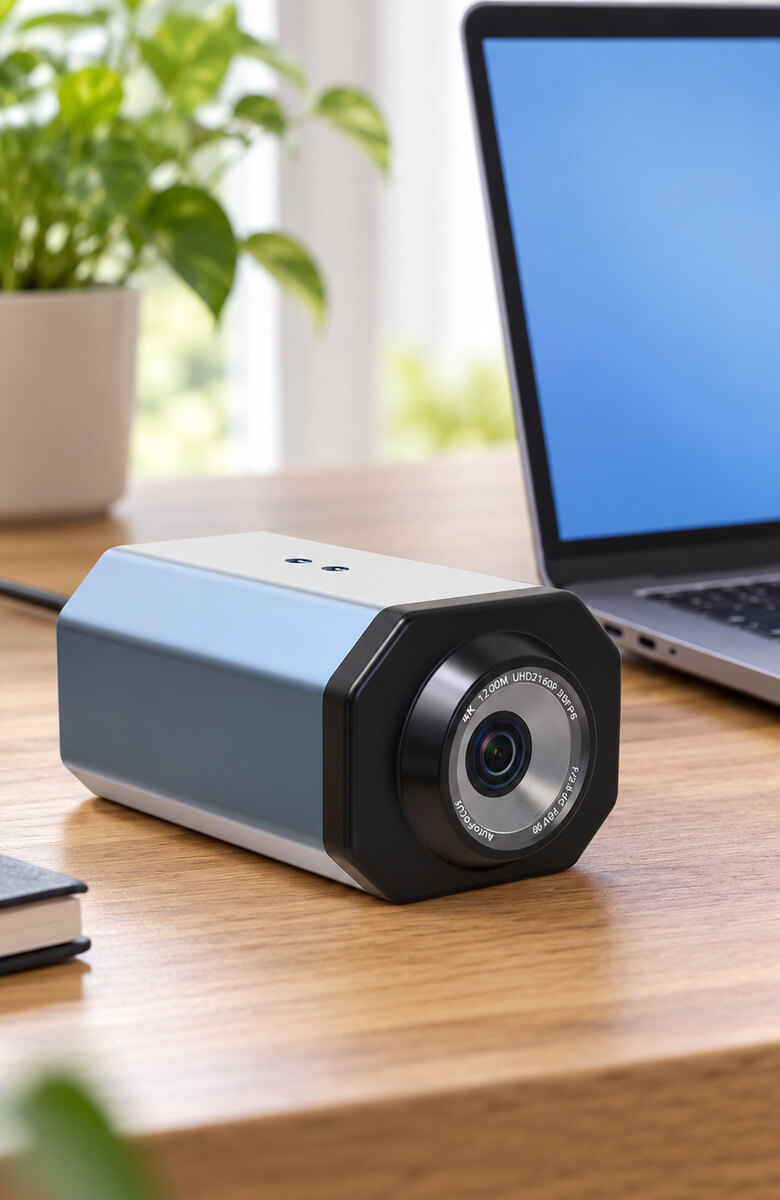
Laptop Desk SetupArrange the camera by the laptop with its lens facing the seated caller for use.
Check lens and camera body before placing the webcam onto a stable desk surface.
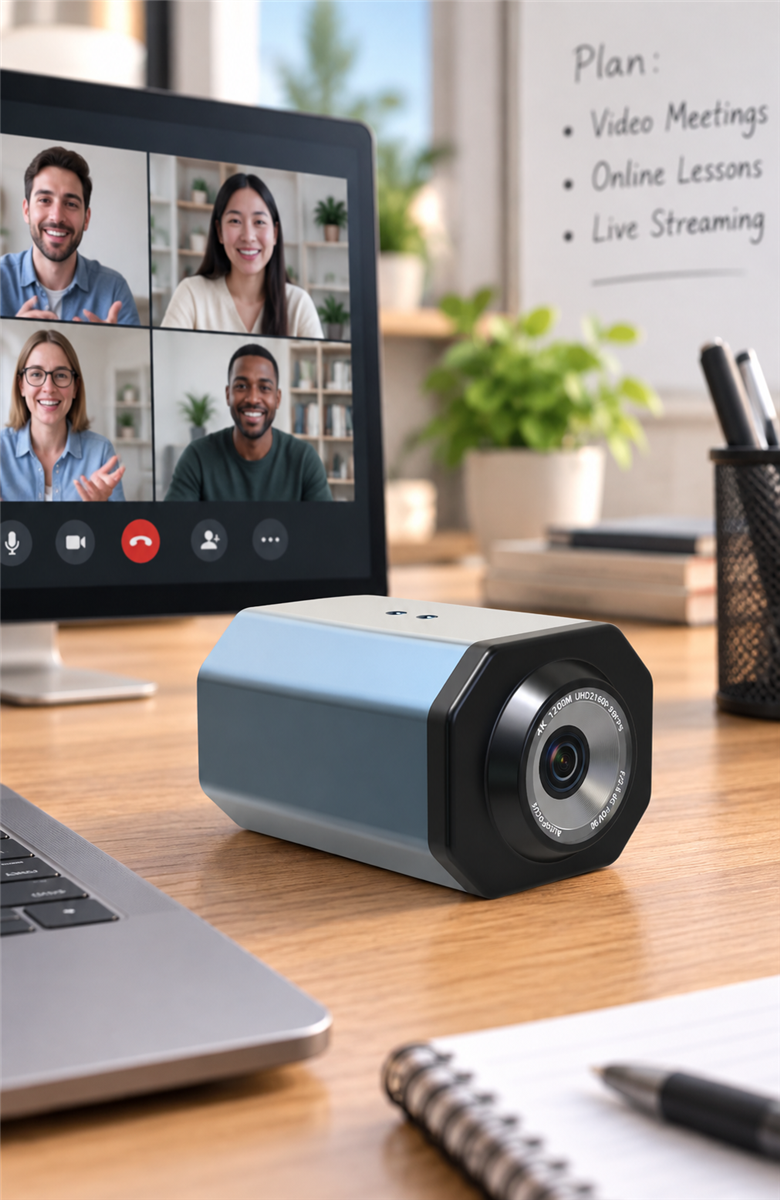
Desktop Video CallKeep the webcam facing you during calls, with the screen and workspace arranged.
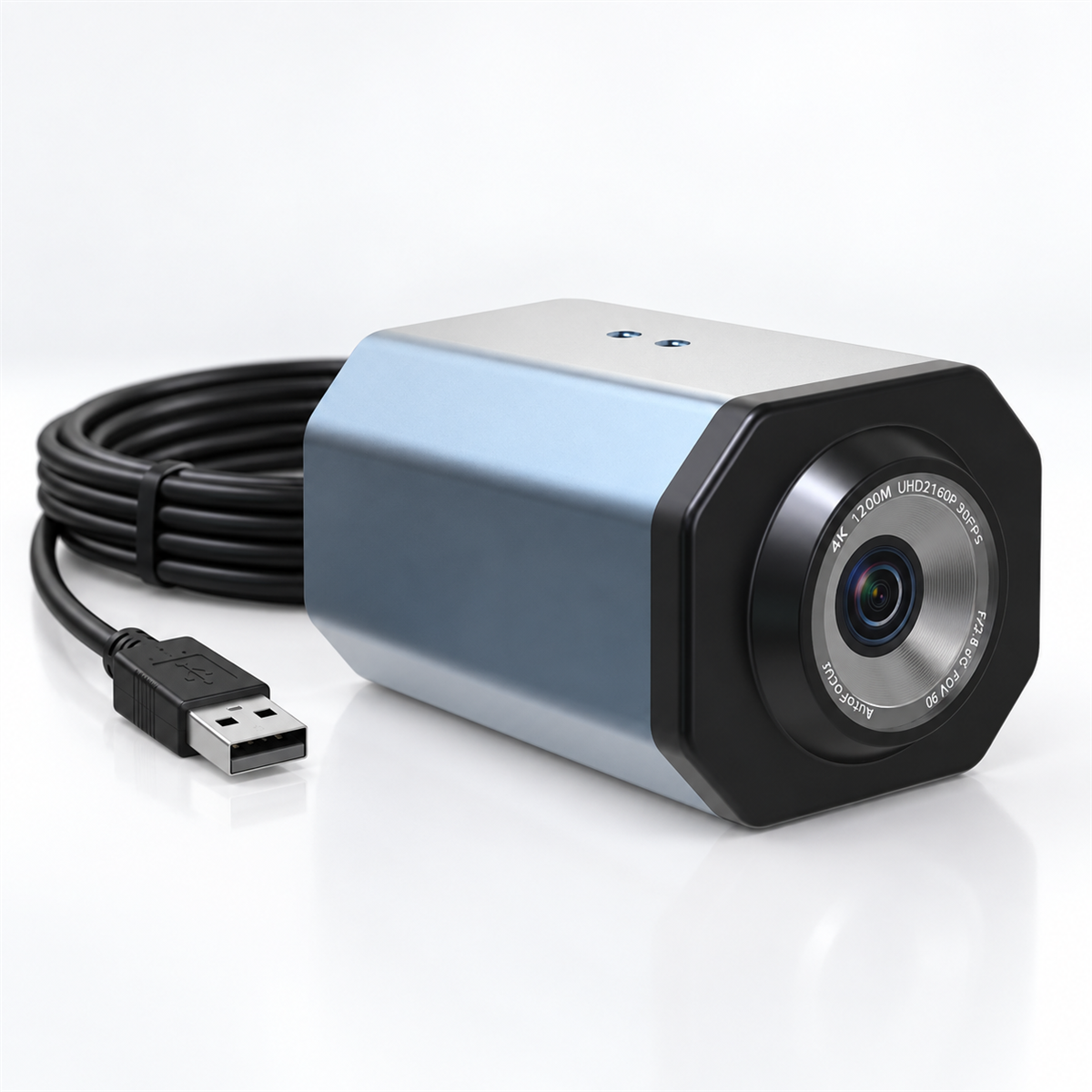
Cable PreparationLay the USB cable loosely beside the webcam before arranging the computer setup.
Route the attached cable without tight bends and keep the working surface clear.
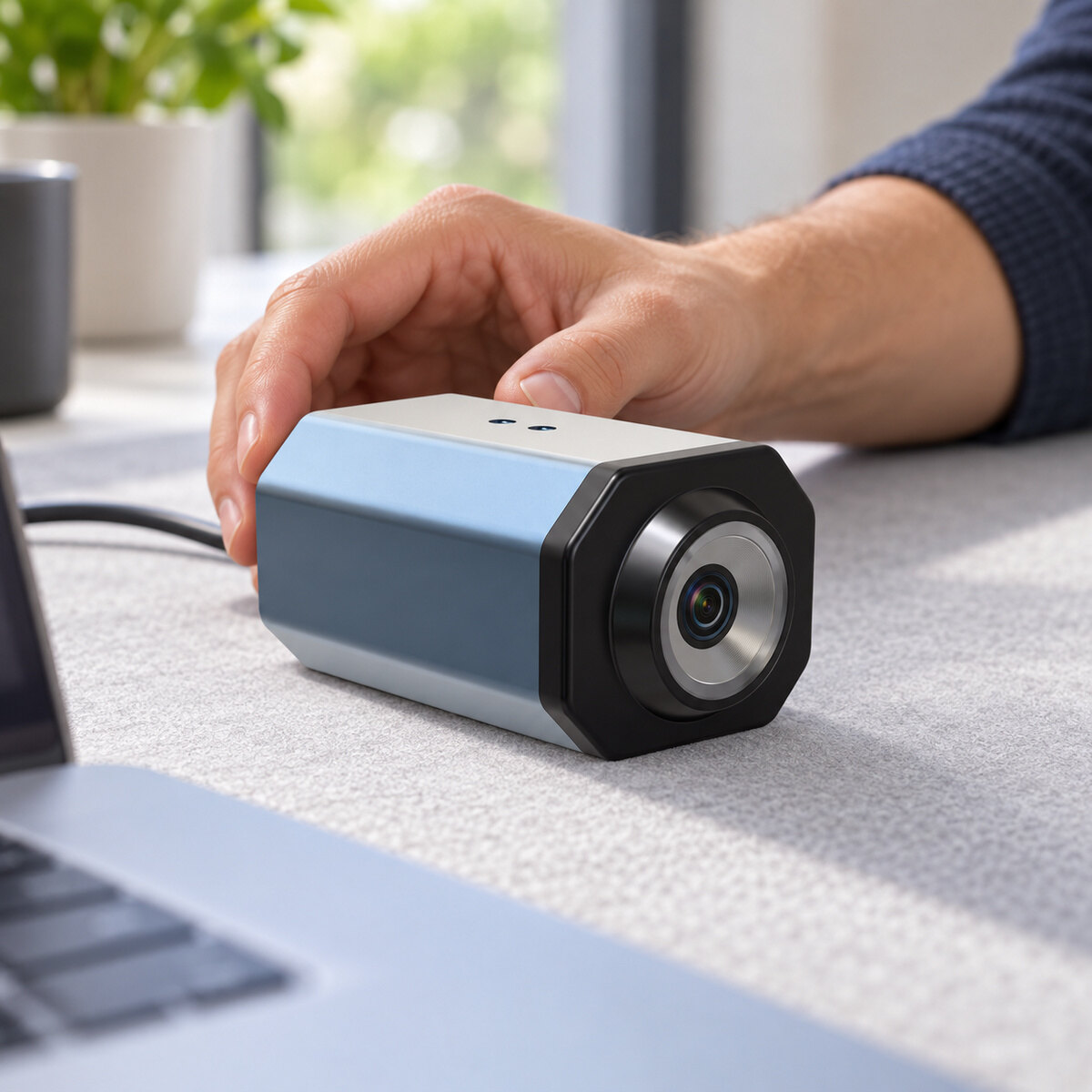
Before-Call Position CheckSteady the webcam body on a mat while checking its position before a video call.
รายการบรรจุภัณฑ์
1 x C260 webcam and 1 x USB cable.
USB cable length: 2 m.
คำถามที่พบบ่อย
คำแนะนำที่เกี่ยวข้อง
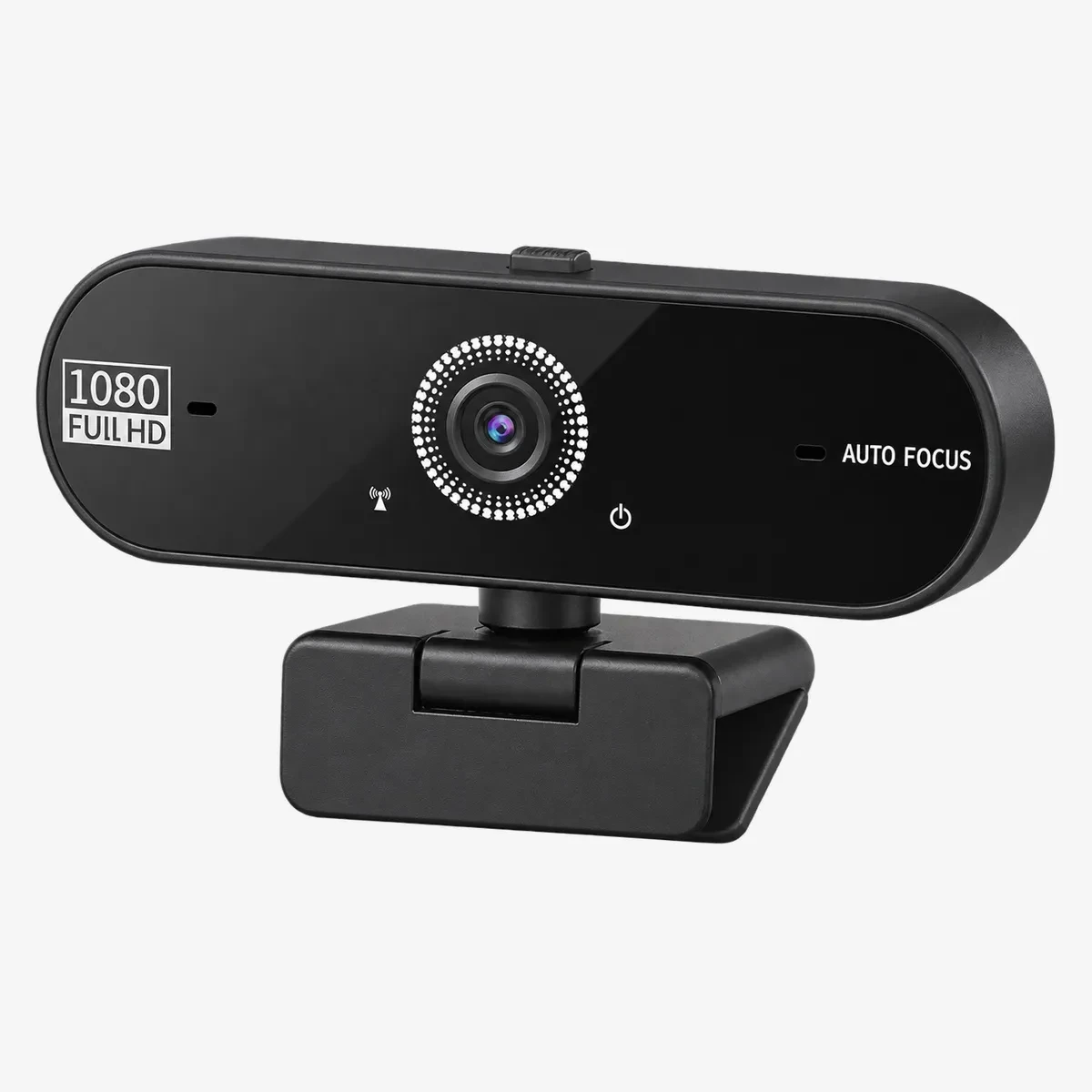
เว็บแคม USB W8 ความละเอียด 1080p พร้อมคลิปหนีบจอภาพ
MOQ 100 set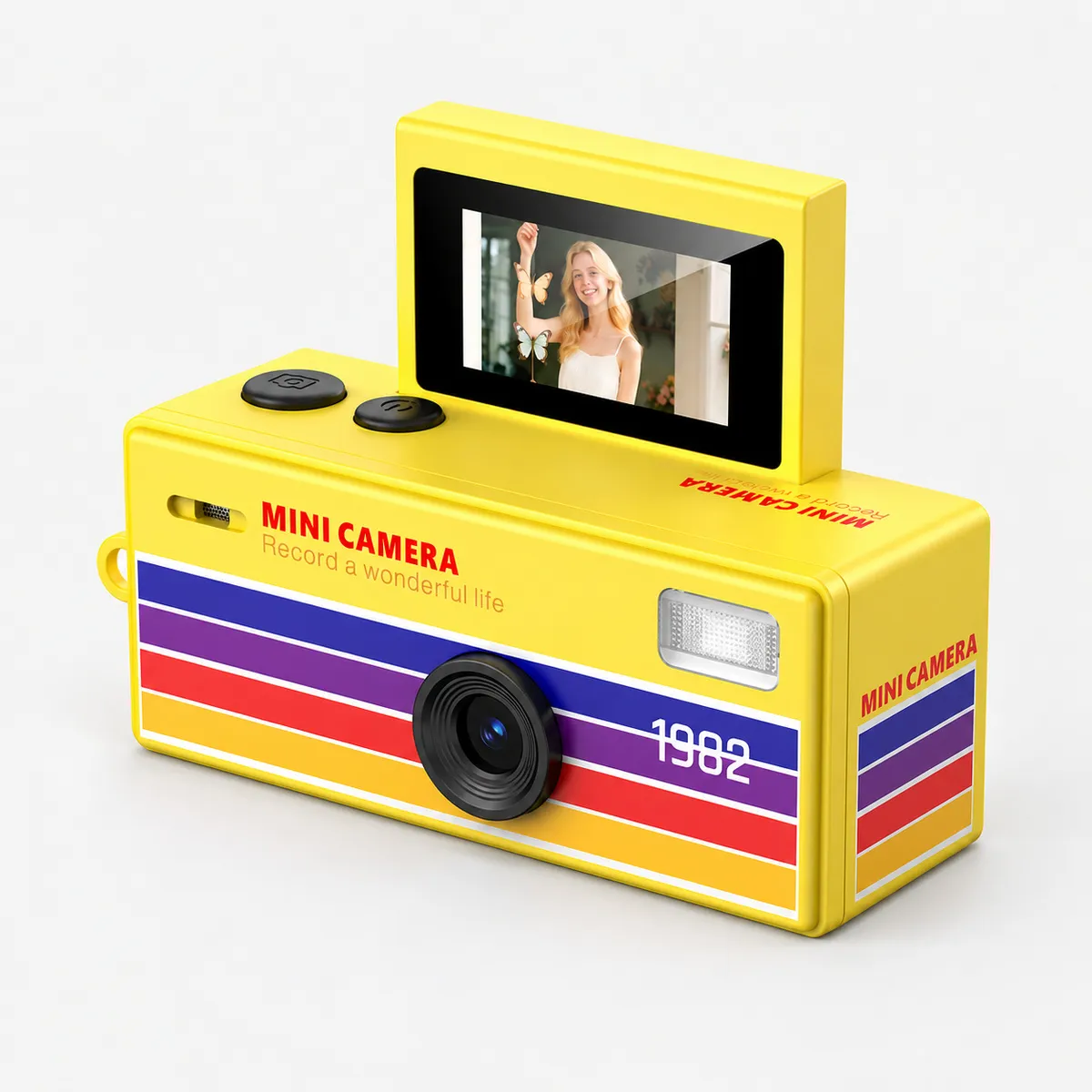
กล้องมินิแบบนิ้วหัวแม่มือ
MOQ 200 unit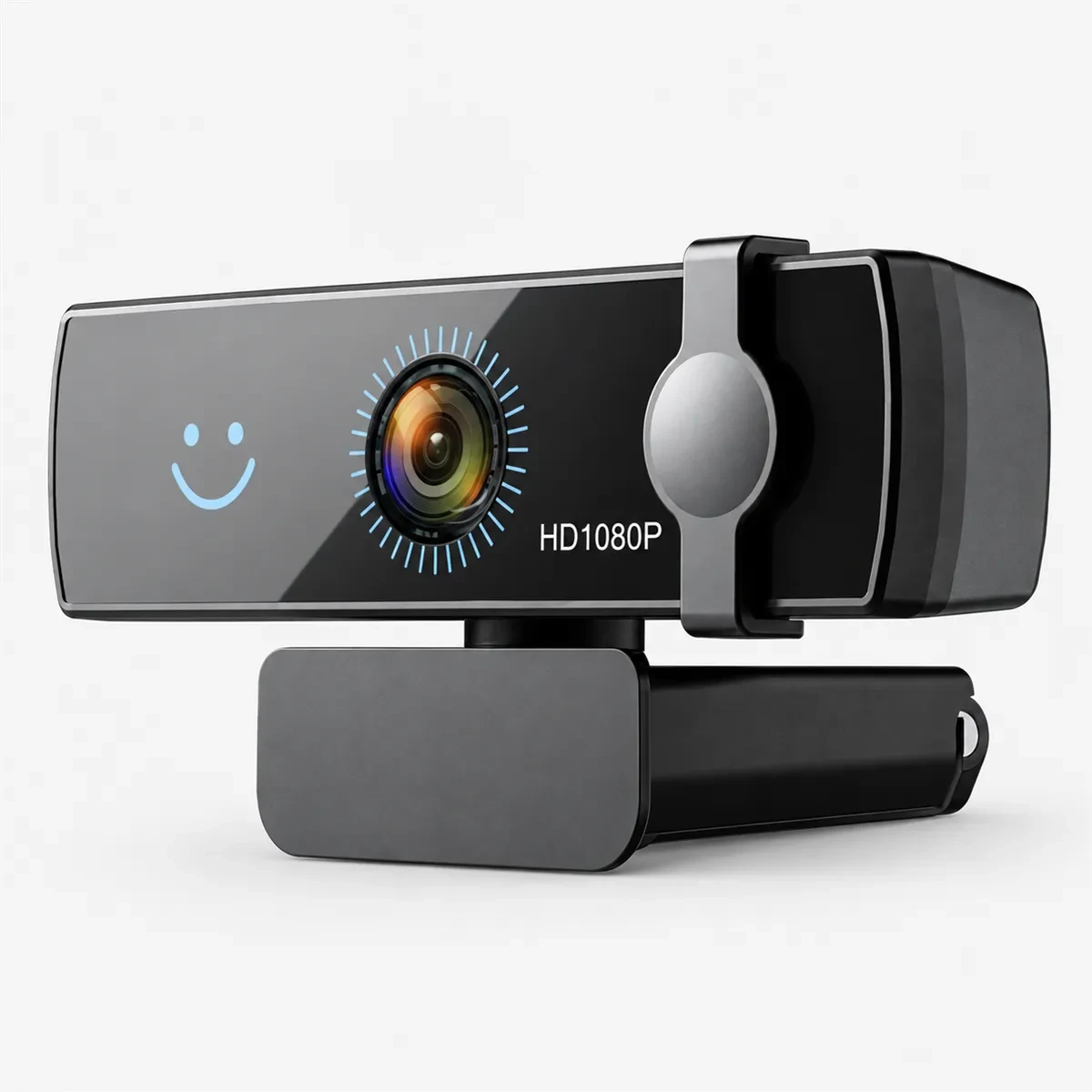
เว็บแคมคอมพิวเตอร์รุ่น CW100
MOQ 24 unit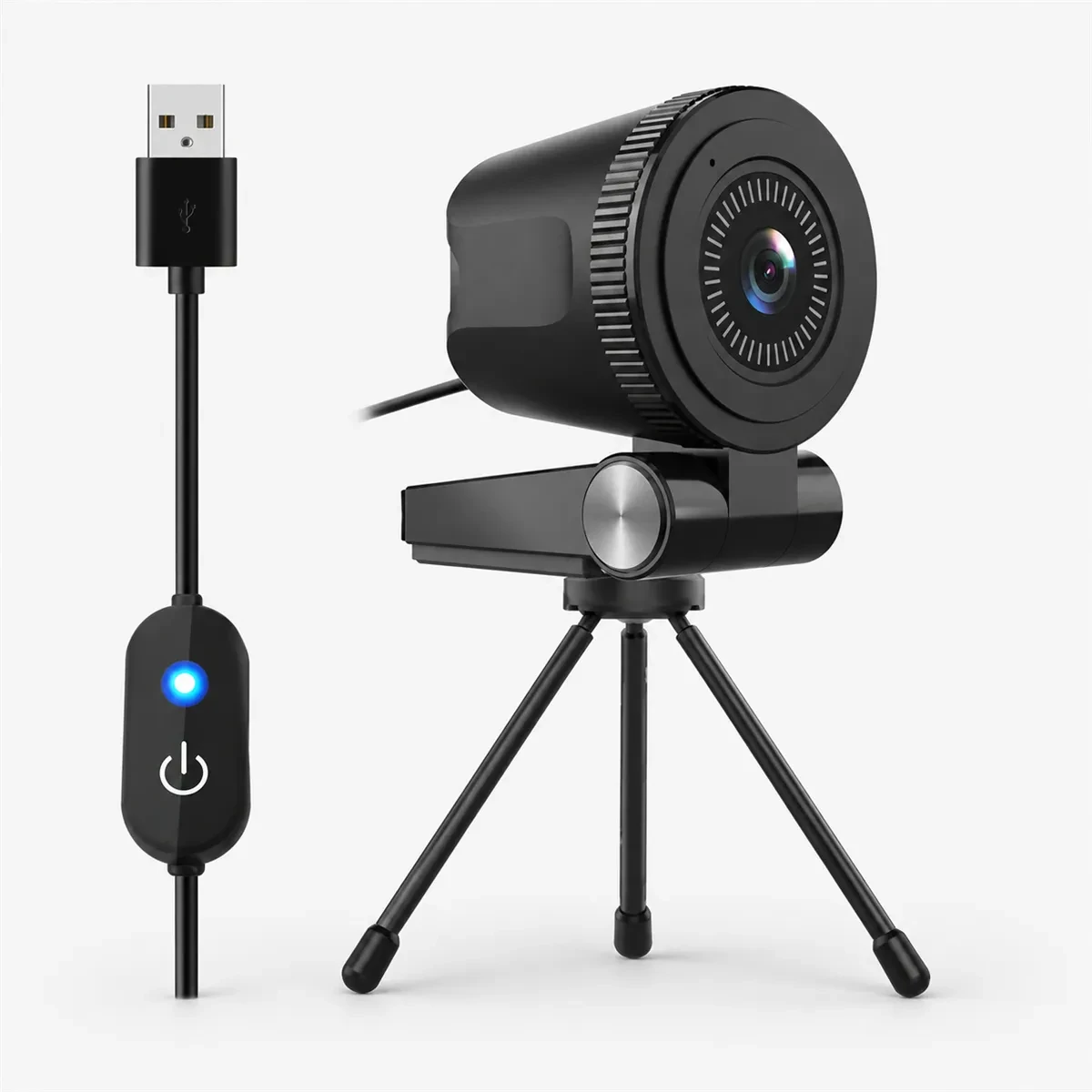
เว็บแคมคอมพิวเตอร์ C380
MOQ 12 unit