Onze klantenservice beantwoordt al uw vragen over inkoop.Neem nu contact op

 Computers, Kantoor, Netwerken, Audio-Video en GamingToetsenborden, muizen, webcams en computerperipheralsWebcams en conferentieaccessoires


MERGORO
4.6Chat met het merkMerk volgen


Op voorraad, snel verzondenGrootinkoop voor bedrijvenOEM/ODM
C100 computerwebcam
Minimale bestelhoeveelheid: 6
Huidige inkoopprijsStandaard inkoopprijs
- 1080P webcam met vaste focus, 2 m kabel, privacycover en bevestigingsvoet.

Echtheidsgarantie
Zorgeloze after-sales service
Op tijd geleverd
Verfijnde details en designkenmerken
Zorgvuldig vervaardigde details getuigen van superieur vakmanschap en uitstekende designkenmerken.
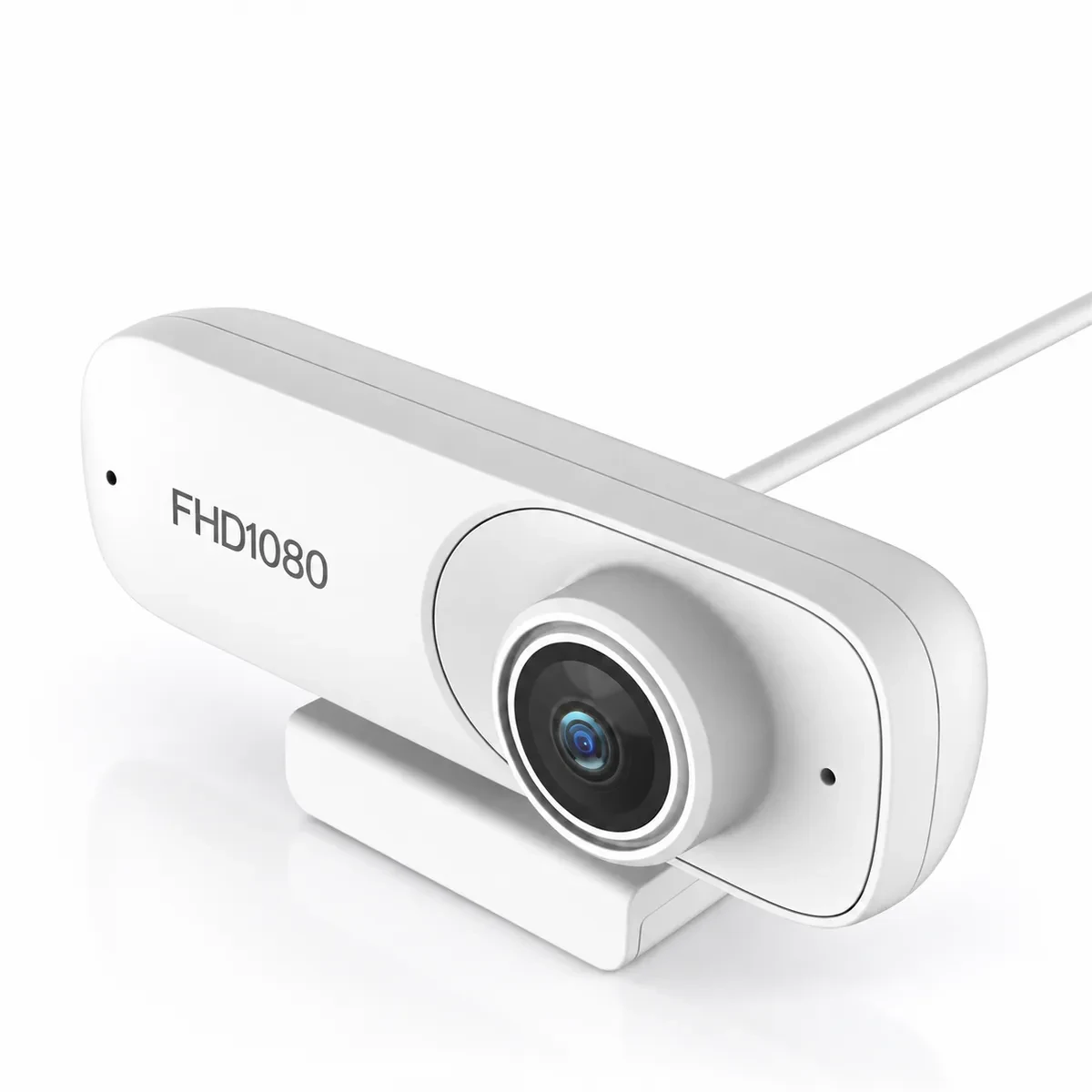
C100 Fixed-Focus Webcam for Computer Video Calls
The high-configuration C100 camera is specified at 1080P.
Ontdek de belangrijkste voordelen van onze producten
Betrouwbare kwaliteit en solide prestaties voor uiteenlopende gebruiksscenario’s. Strikte productienormen zorgen voor uitstekende duurzaamheid en kostenefficiëntie.
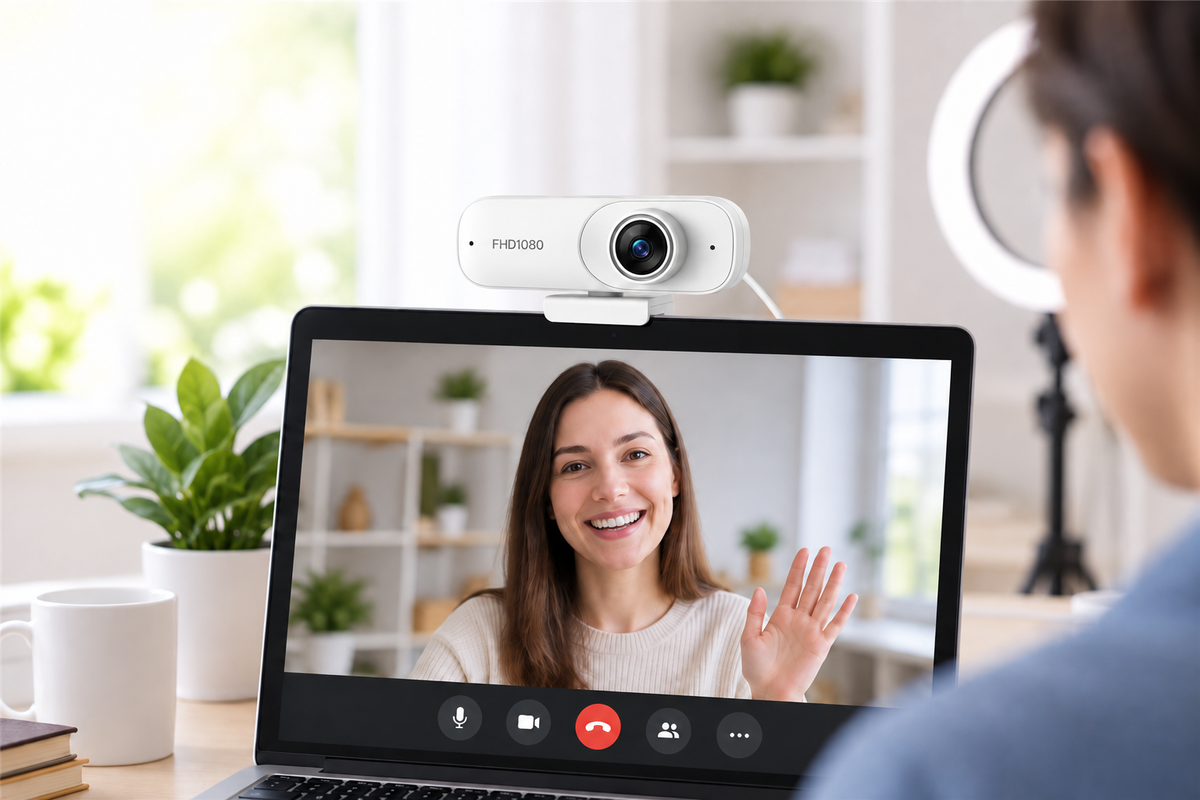
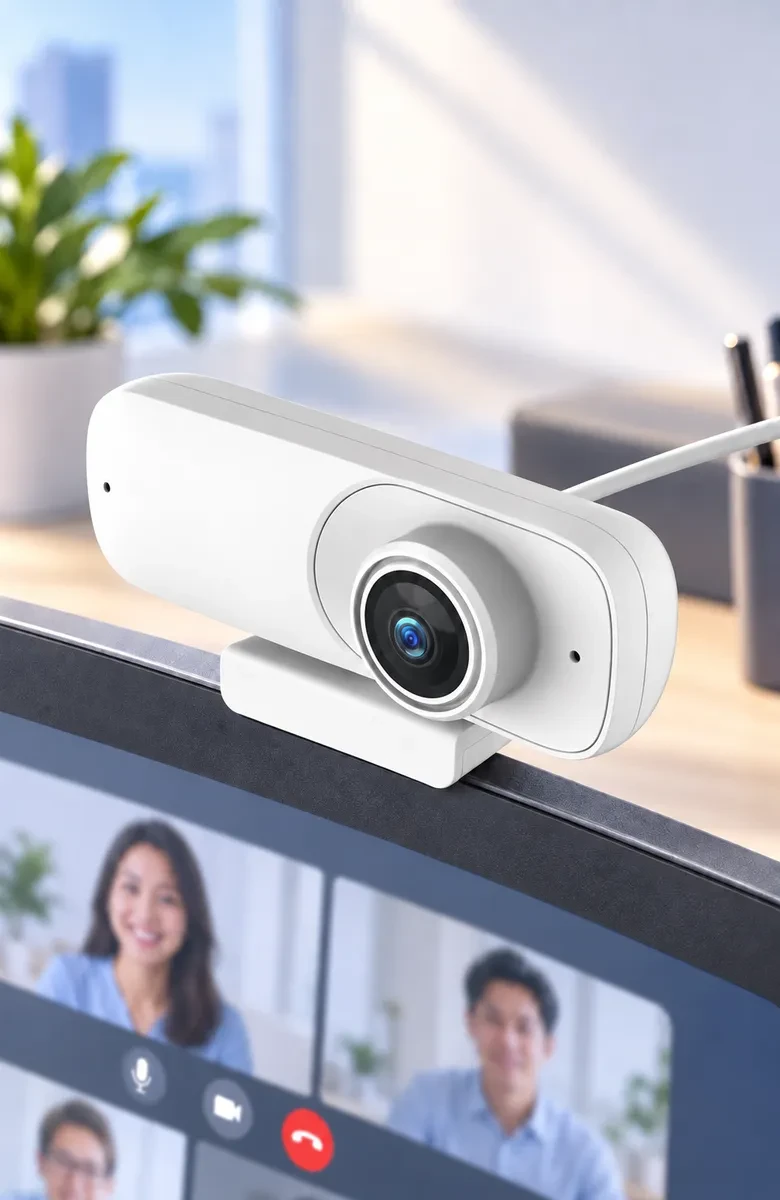
The webcam sits above the laptop screen with its lens facing the caller.
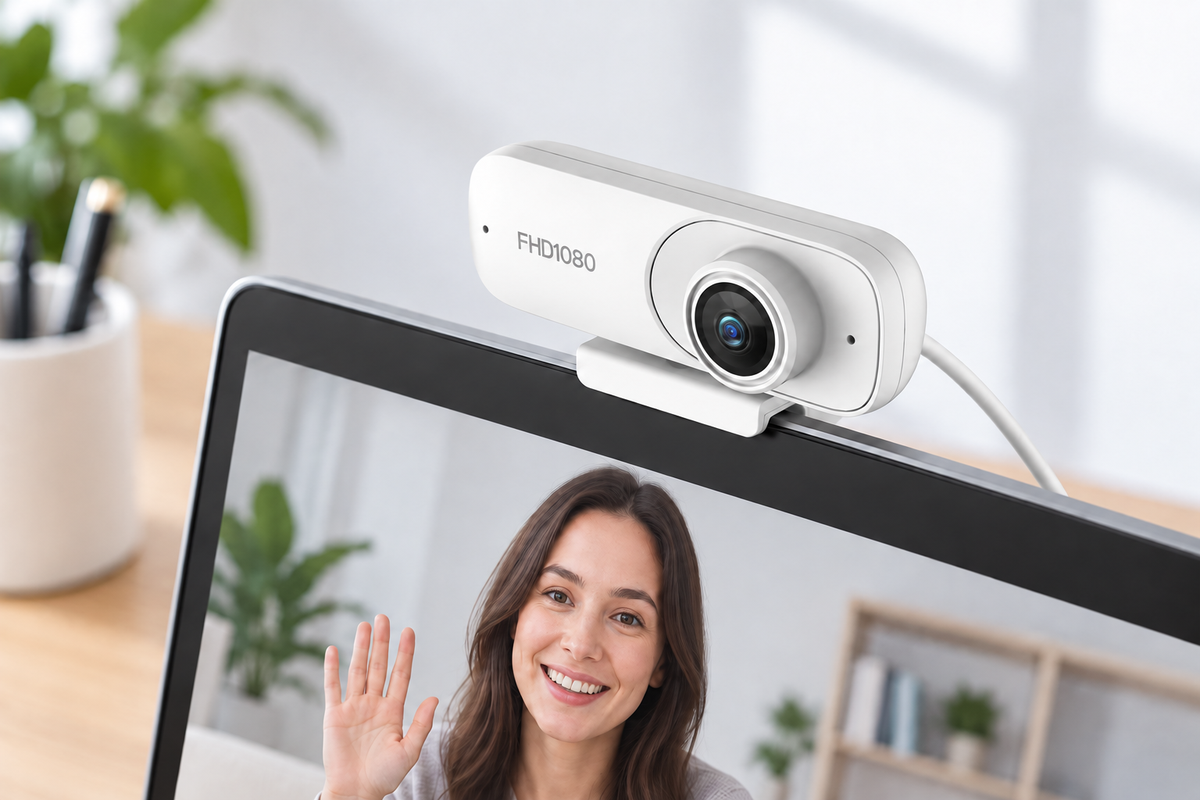
The attached base rests over the screen bezel, with the cable routed behind the camera.
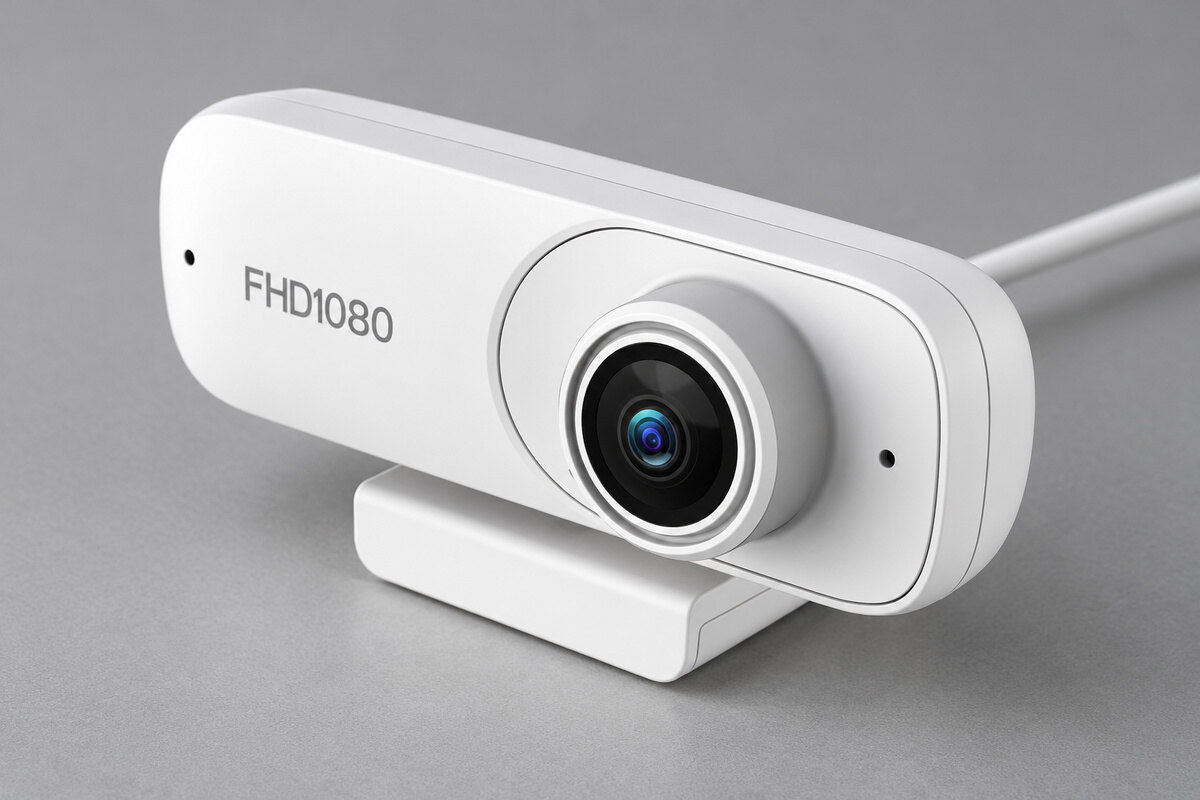
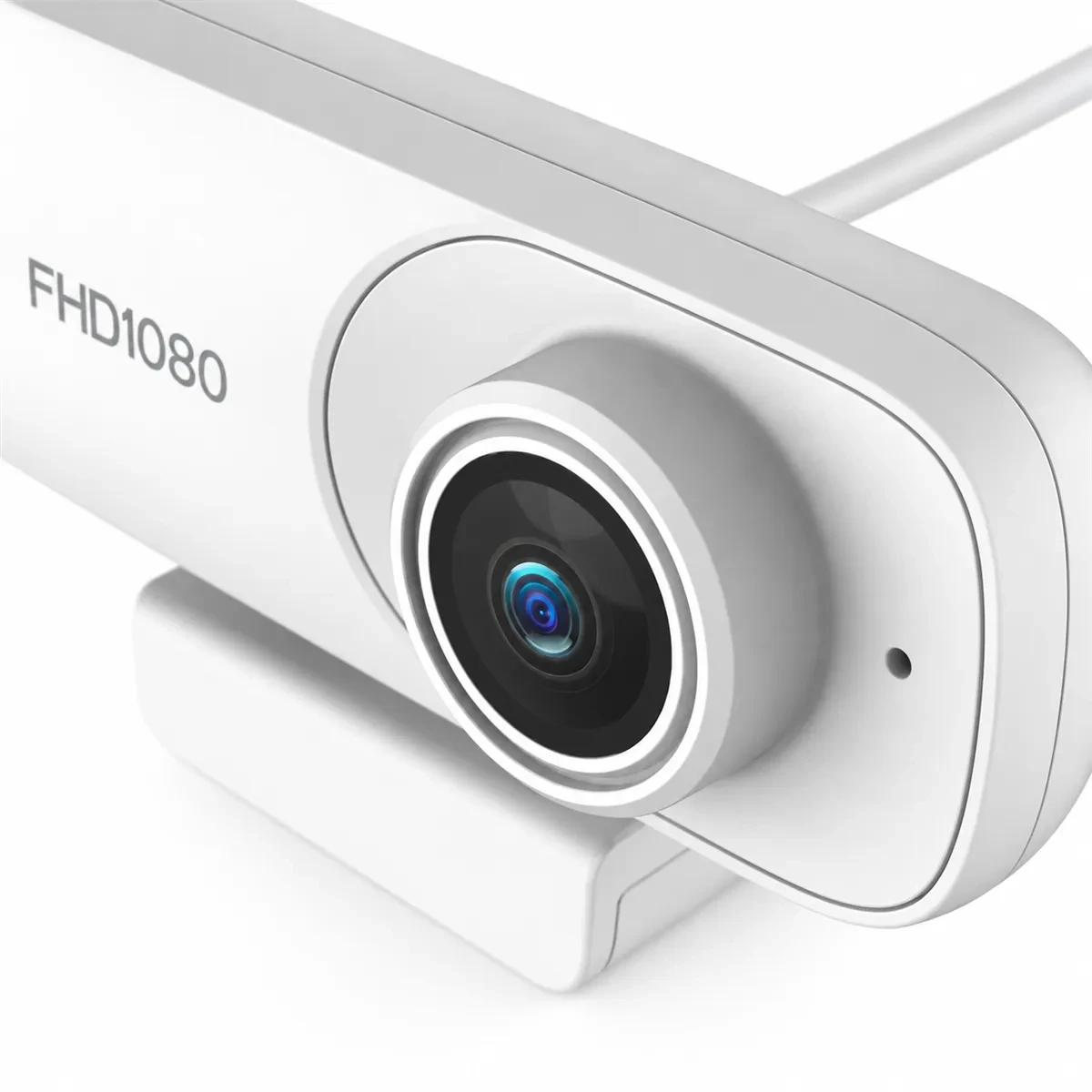
The projecting circular lens and white camera housing are shown in a close hardware view.
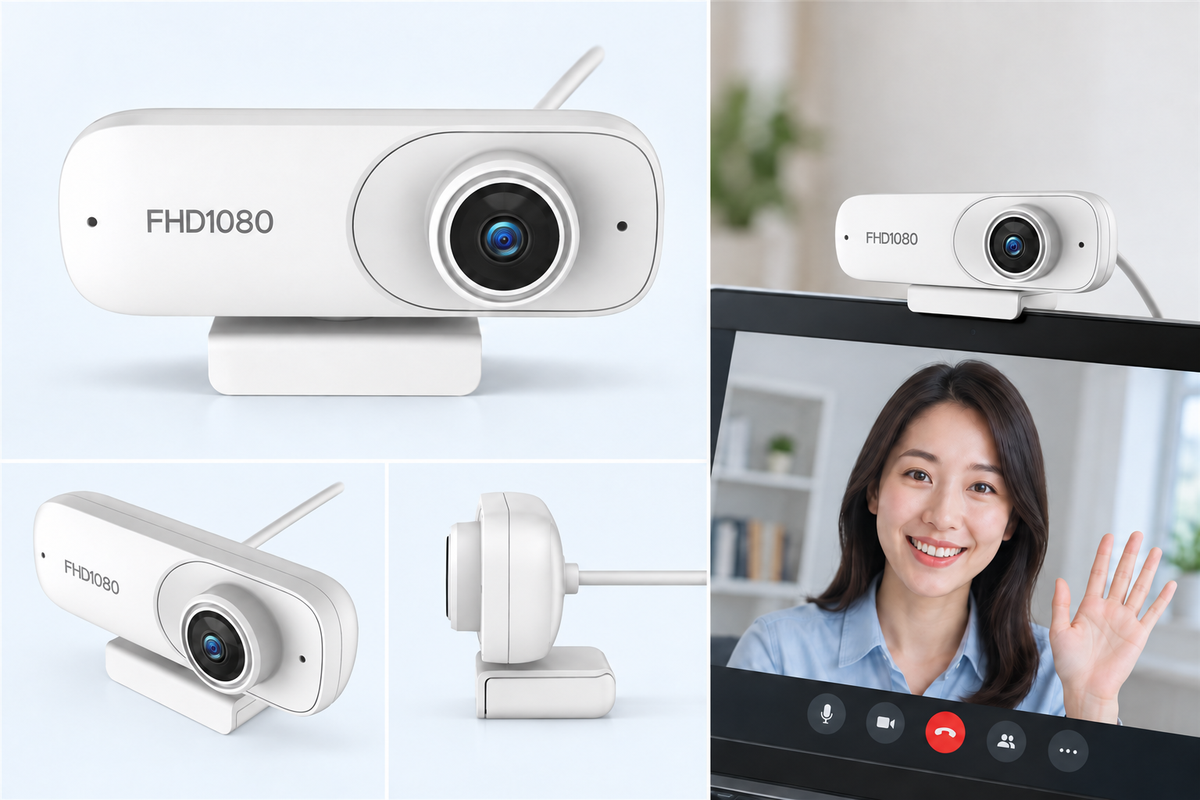
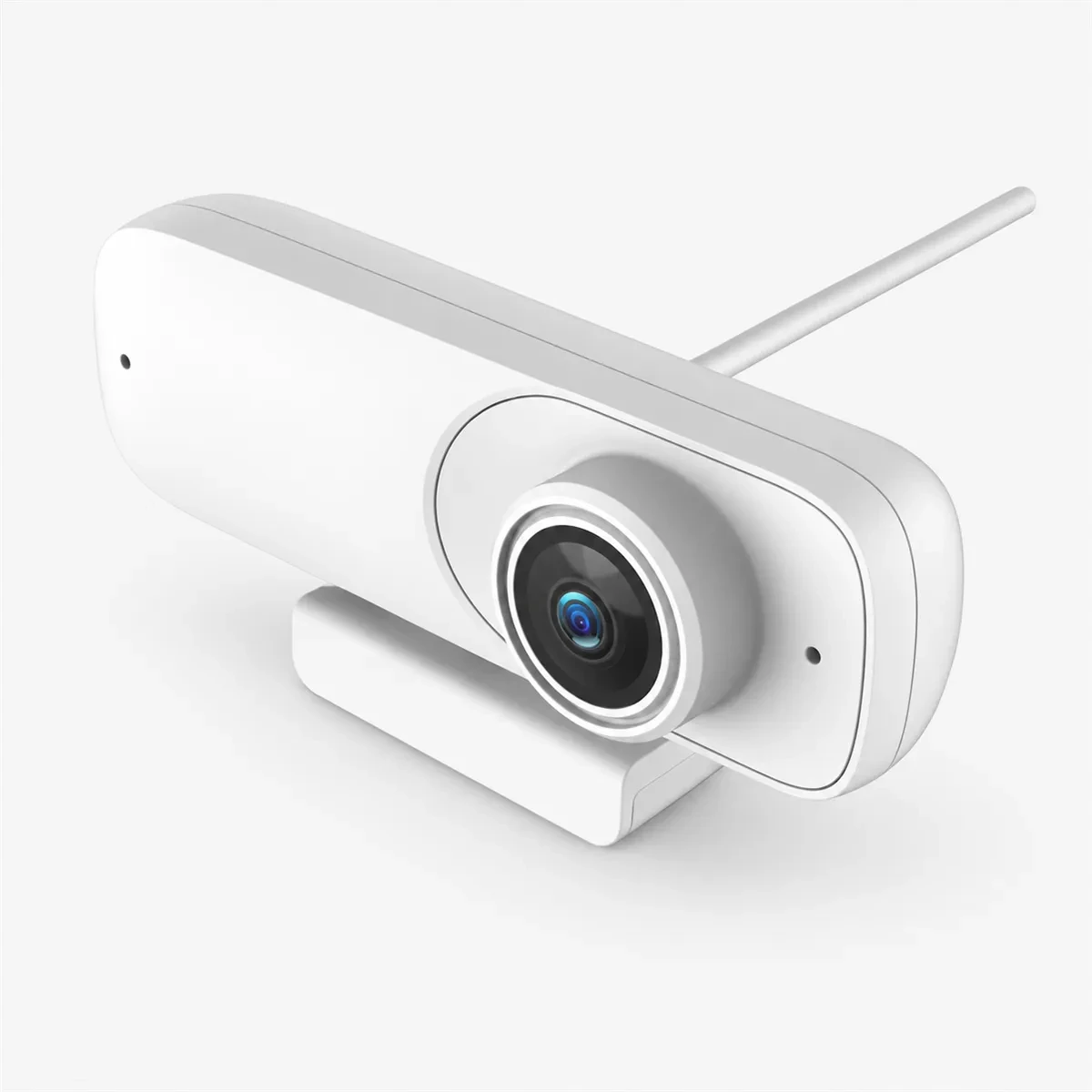
Front, side and screen-mounted views show the camera body and attached base.
Productparameters
Product NameC100 Computer Webcam
ModelC100
DimensionsPackage: 140 x 80 x 65 mm
WeightStated unit weight: 130 g
StructureHorizontal camera body with projecting lens and attached mounting base
Available Colors / PatternsWhite
Configuration1080P; fixed focus; 2 m cable; privacy cover; no fill light; no speaker
Additional Verified ParametersOuter carton: 57 x 35.5 x 40 cm; carton weight: 14 kg
Flexibel voor meerdere scenario’s
Position the webcam with the lens facing the caller and the mount supported on the screen. Check the framing before a call, route the cable neatly and place the camera on a clean dry surface between sessions.
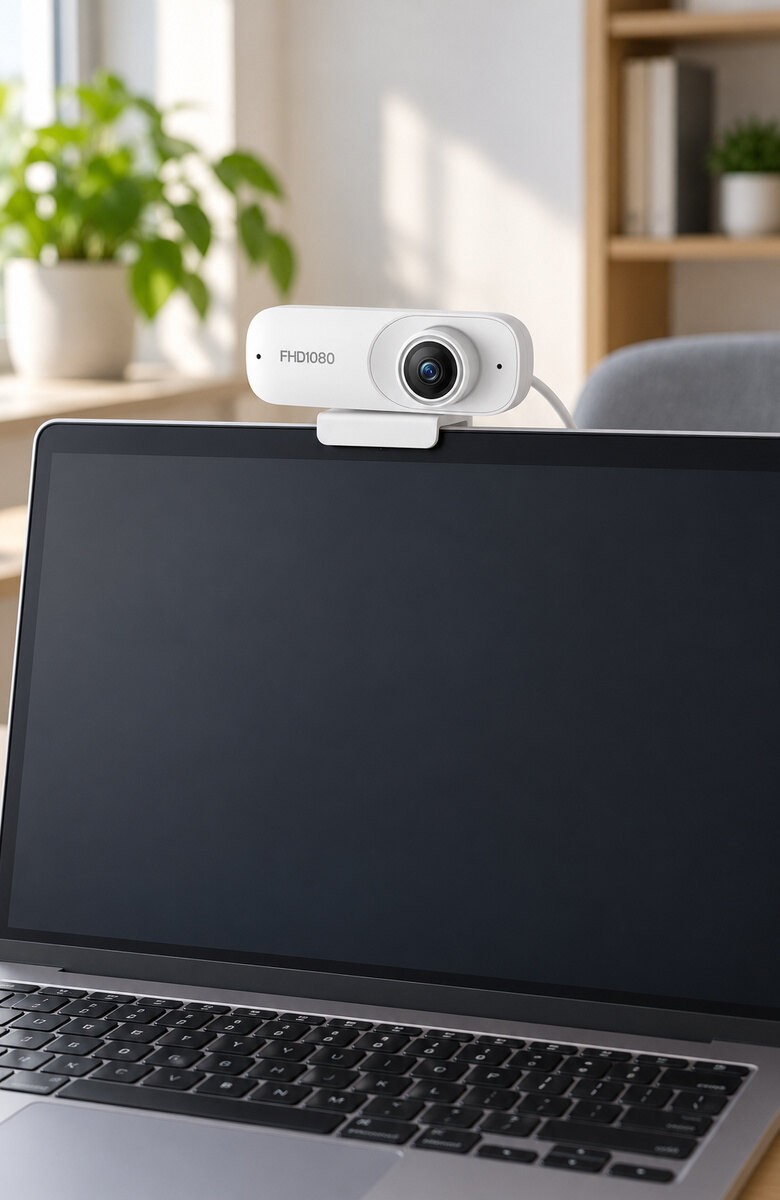
Laptop Call SetupMount the webcam above the laptop screen with its lens facing the seated caller.
Check the lens and mounting clip before placing the webcam on your screen bezel.
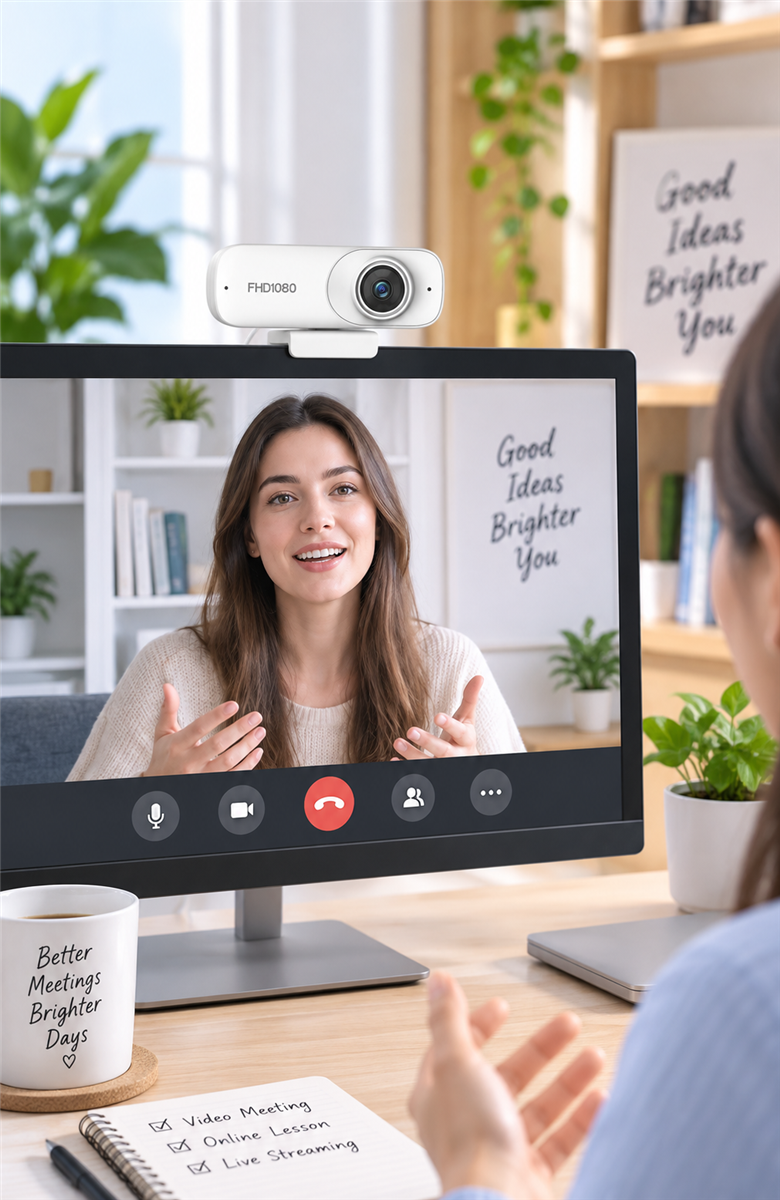
Desktop Video CallKeep the webcam facing you during calls, with the screen and workspace arranged.
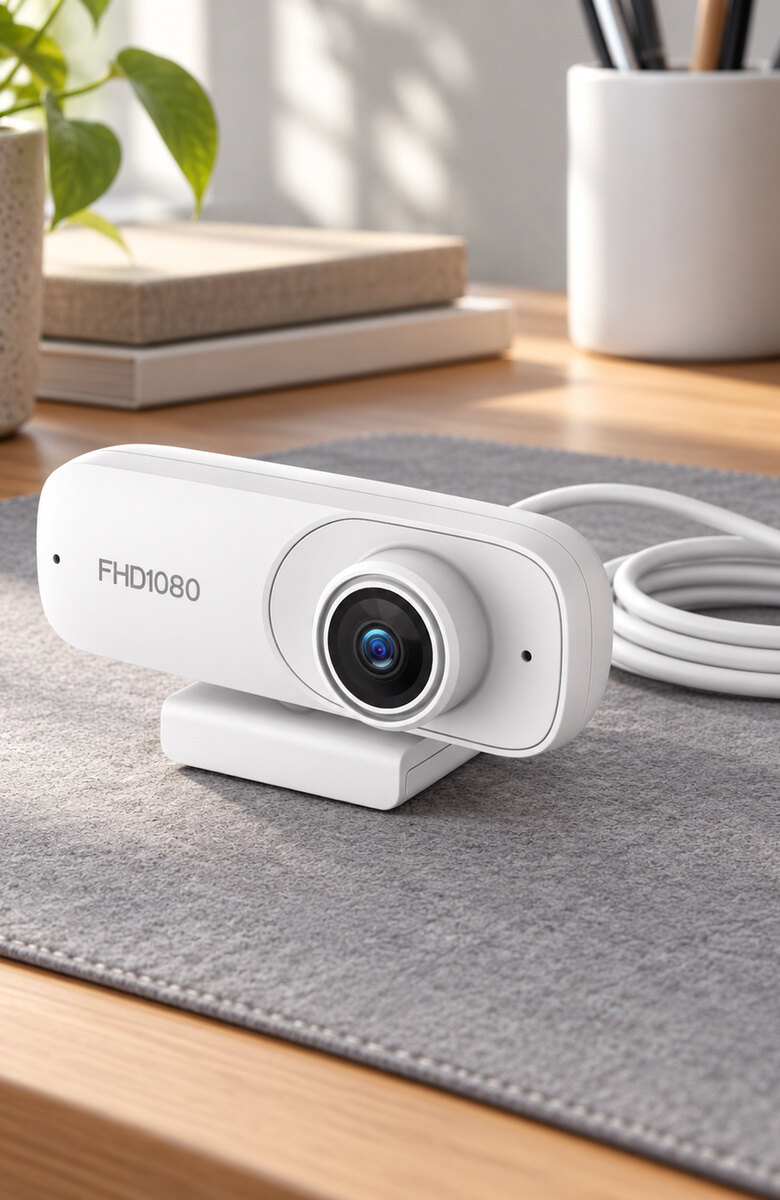
Between-Call StorageSet the webcam on a clean dry mat and coil its attached cable loosely after use.
Route the attached cable without tight bends and keep the working surface clear.
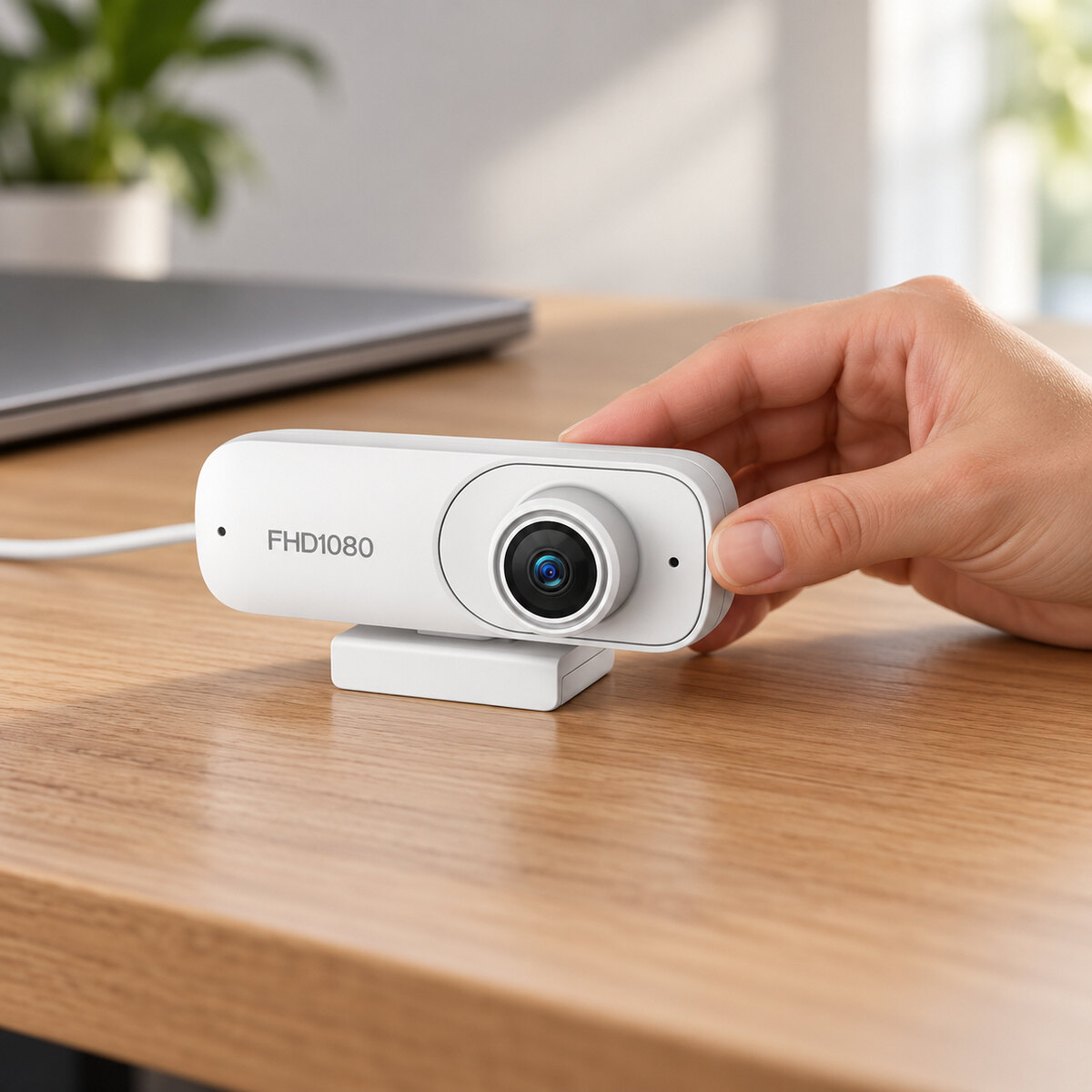
Before-Call Position CheckSteady the webcam body on its base while checking its position before your call.
Verpakkingslijst
1 x C100 webcam with attached cable and mounting base.
Package size: 140 x 80 x 65 mm. Stated unit weight: 130 g. Cable length: 2 m.
Veelgestelde vragen
Gerelateerde aanbevelingen
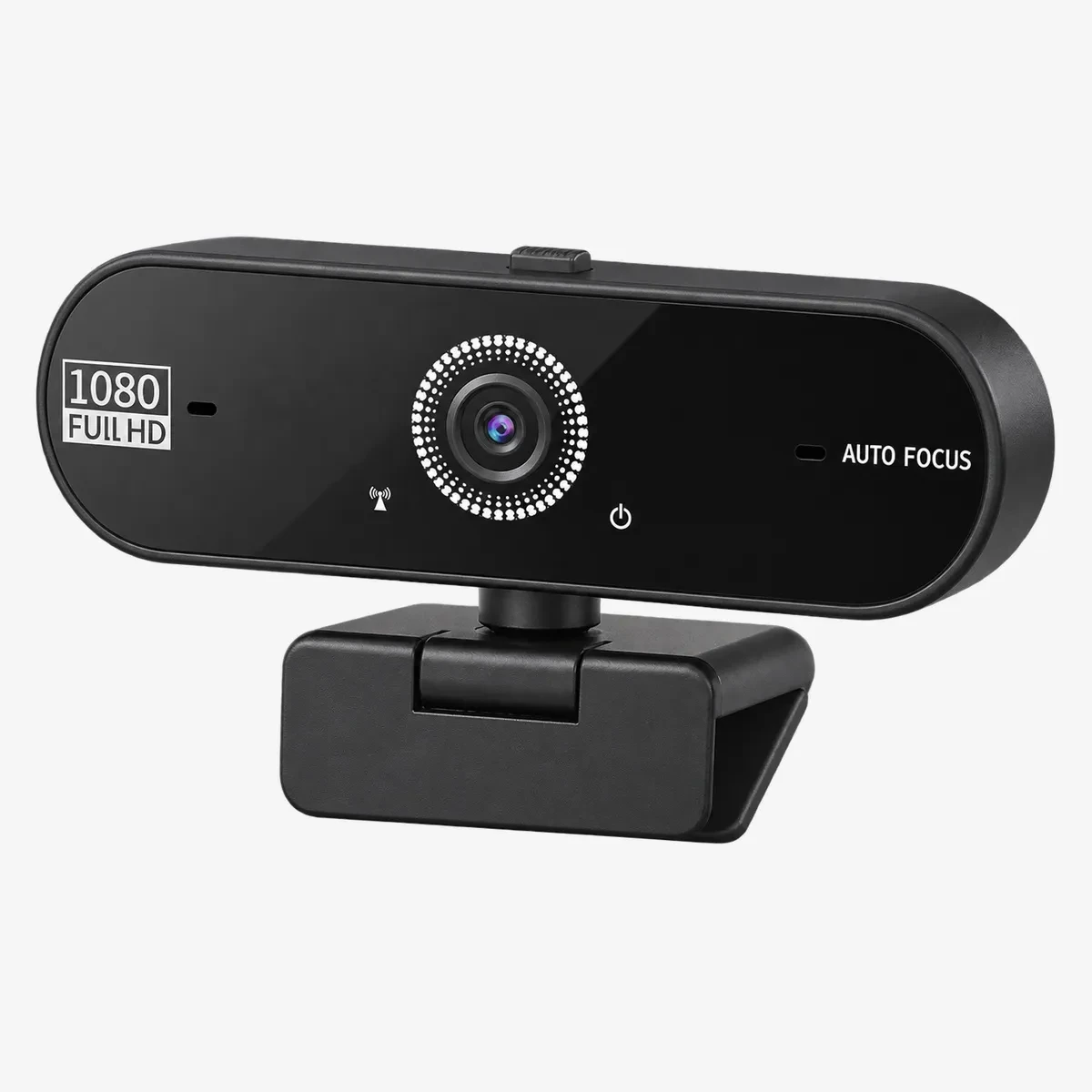
W8 1080p USB-webcam met monitorclip
MOQ 100 set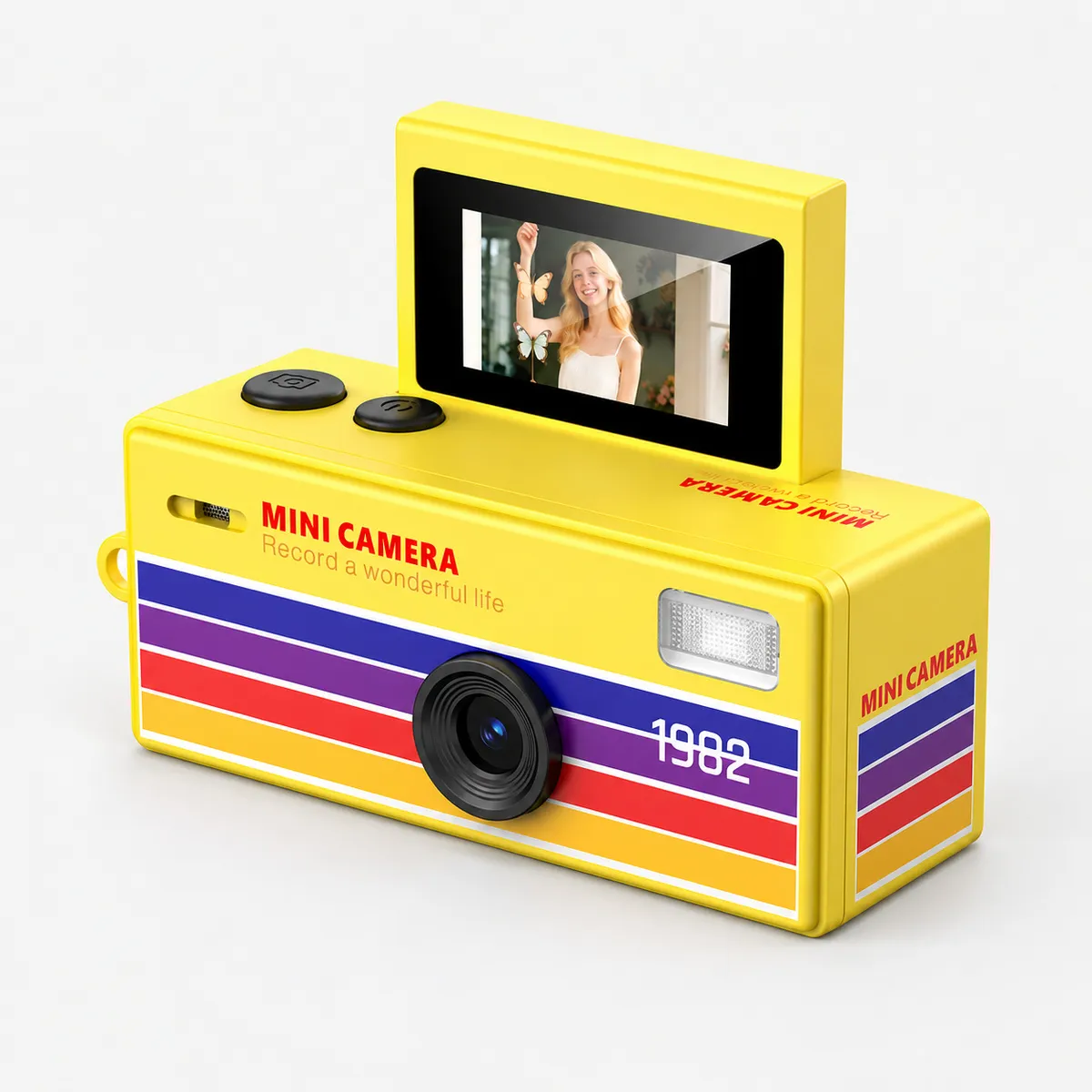
Mini-duimcamera
MOQ 200 unit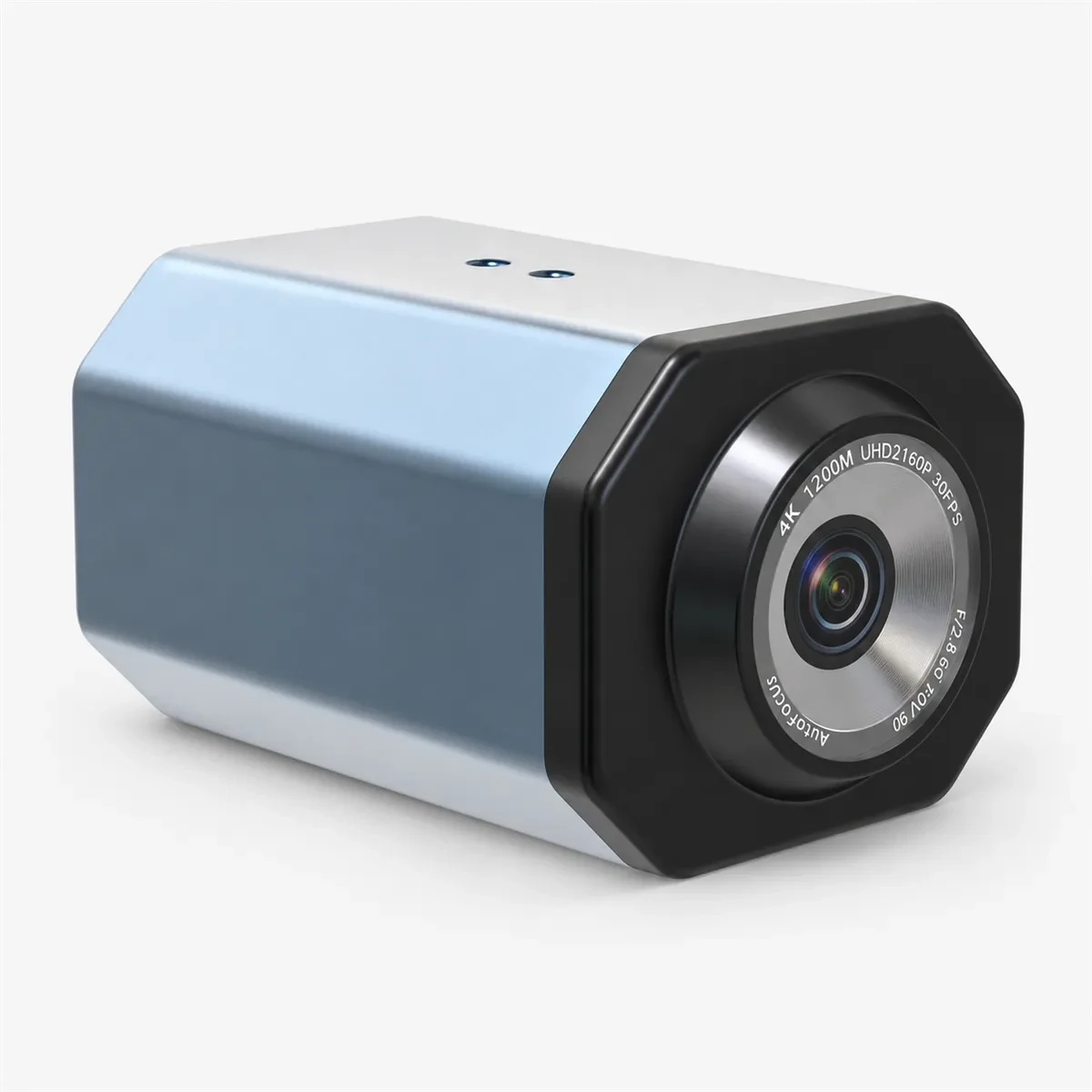
C260 computerwebcam
MOQ 24 unit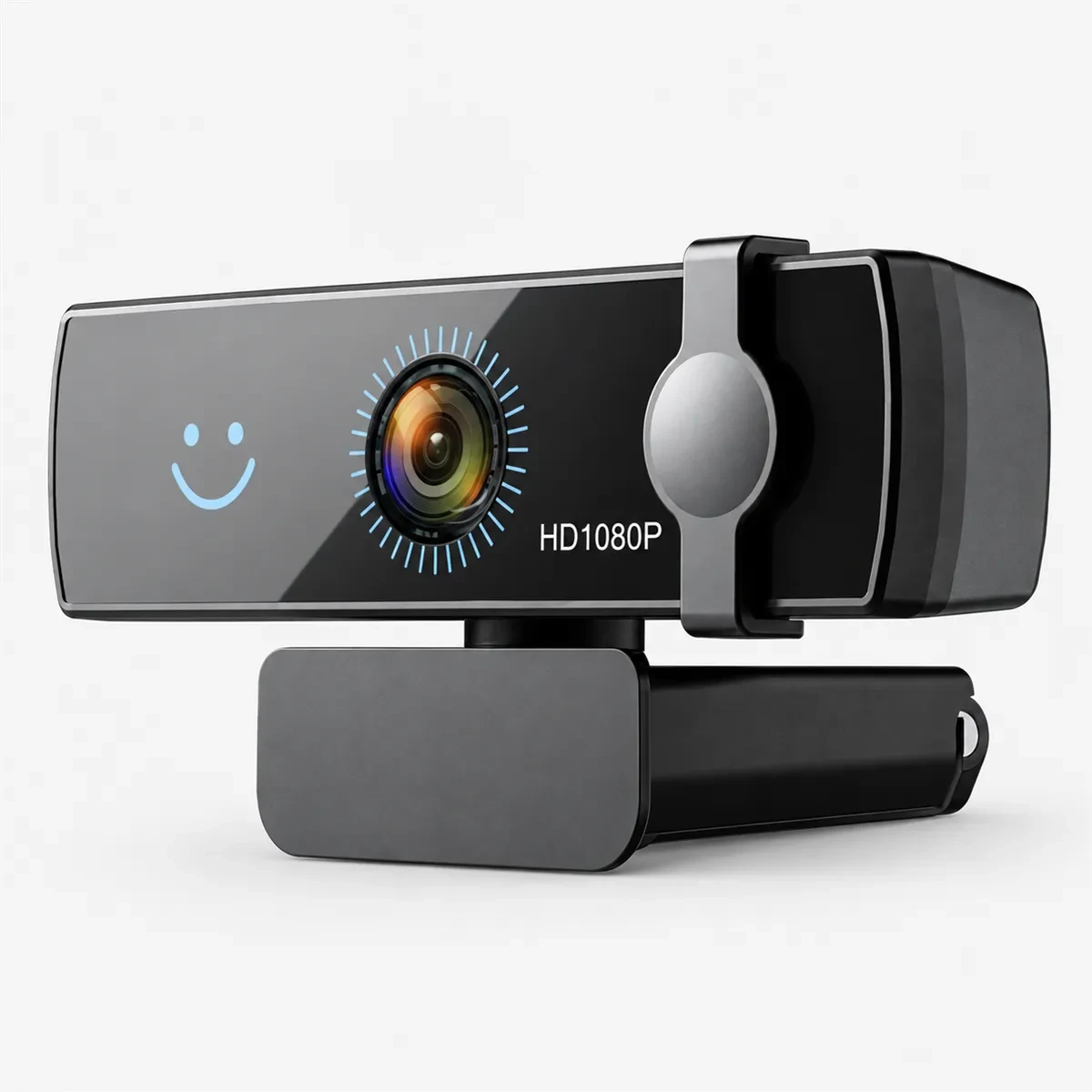
CW100 Computercam
MOQ 24 unit