Onze klantenservice beantwoordt al uw vragen over inkoop.Neem nu contact op

 Computers, Kantoor, Netwerken, Audio-Video en GamingToetsenborden, muizen, webcams en computerperipheralsWebcams en conferentieaccessoires


MERGORO
4.6Chat met het merkMerk volgen


Op voorraad, snel verzondenGrootinkoop voor bedrijvenOEM/ODM
C260 computerwebcam
Minimale bestelhoeveelheid: 24
Huidige inkoopprijsStandaard inkoopprijs
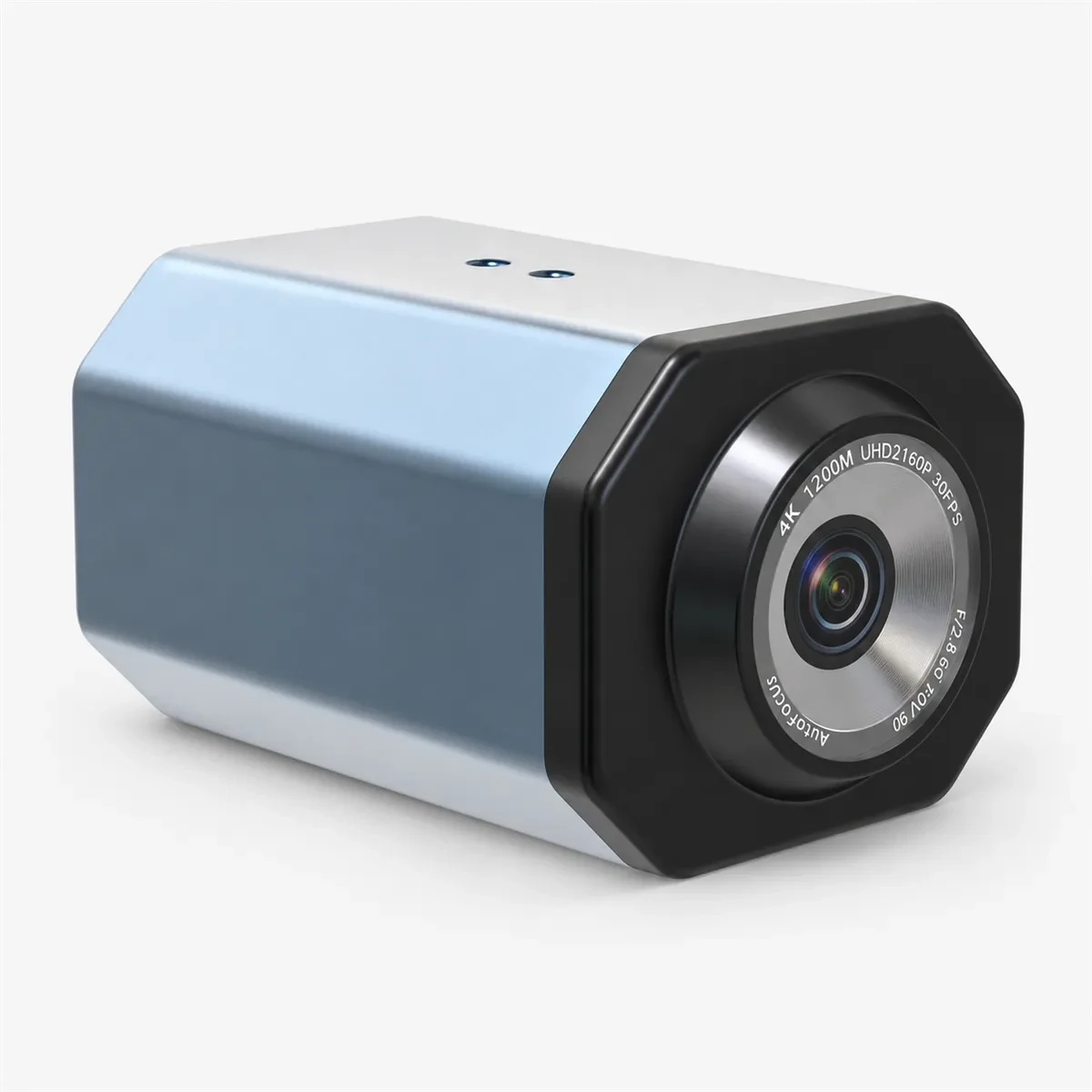
- 4K USB-webcam met autofocus, een kabel van 2 m en een gefacetteerde zilvergrijze camerabehuizing.

Echtheidsgarantie
Zorgeloze after-sales service
Op tijd geleverd
Verfijnde details en designkenmerken
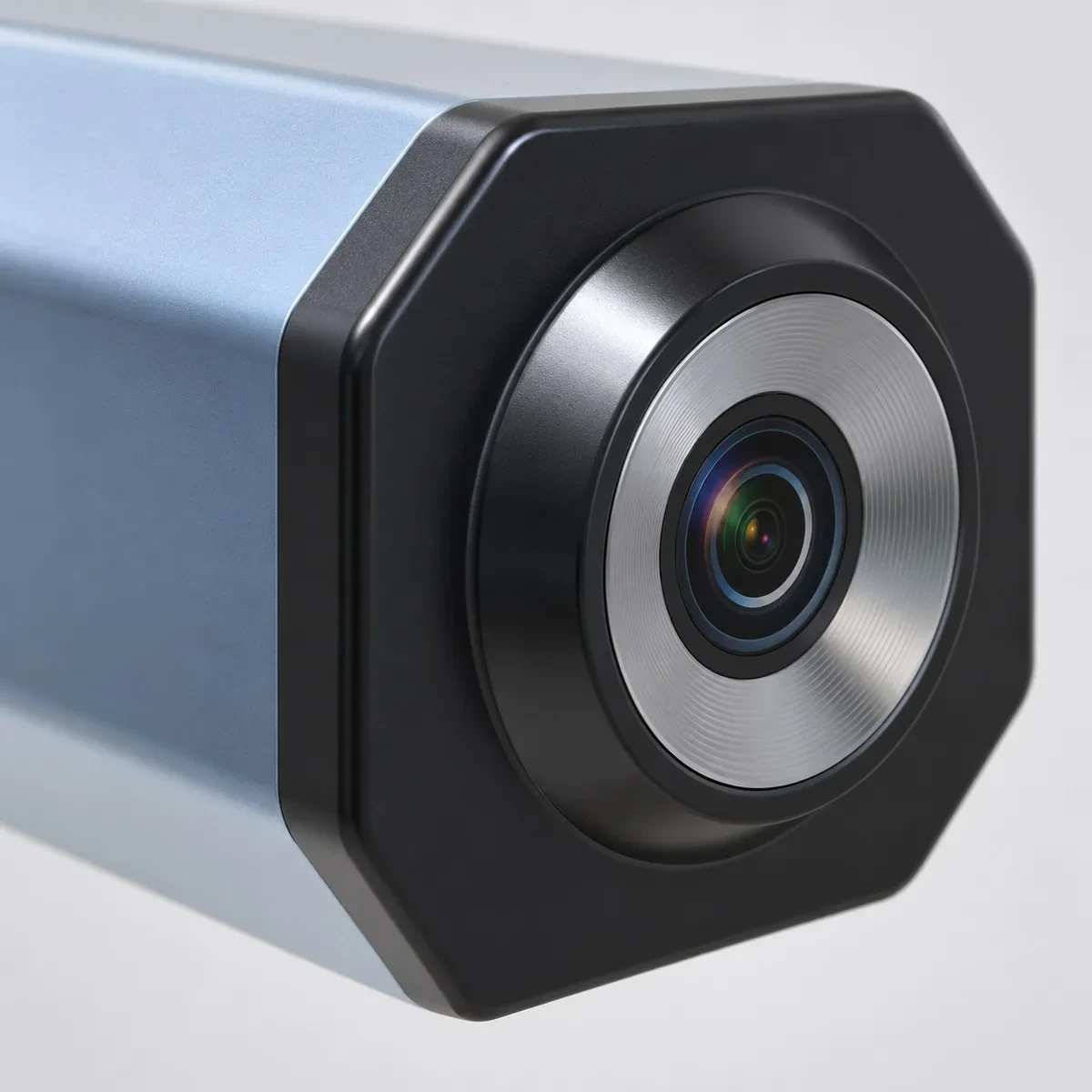
Zorgvuldig vervaardigde details getuigen van superieur vakmanschap en uitstekende designkenmerken.
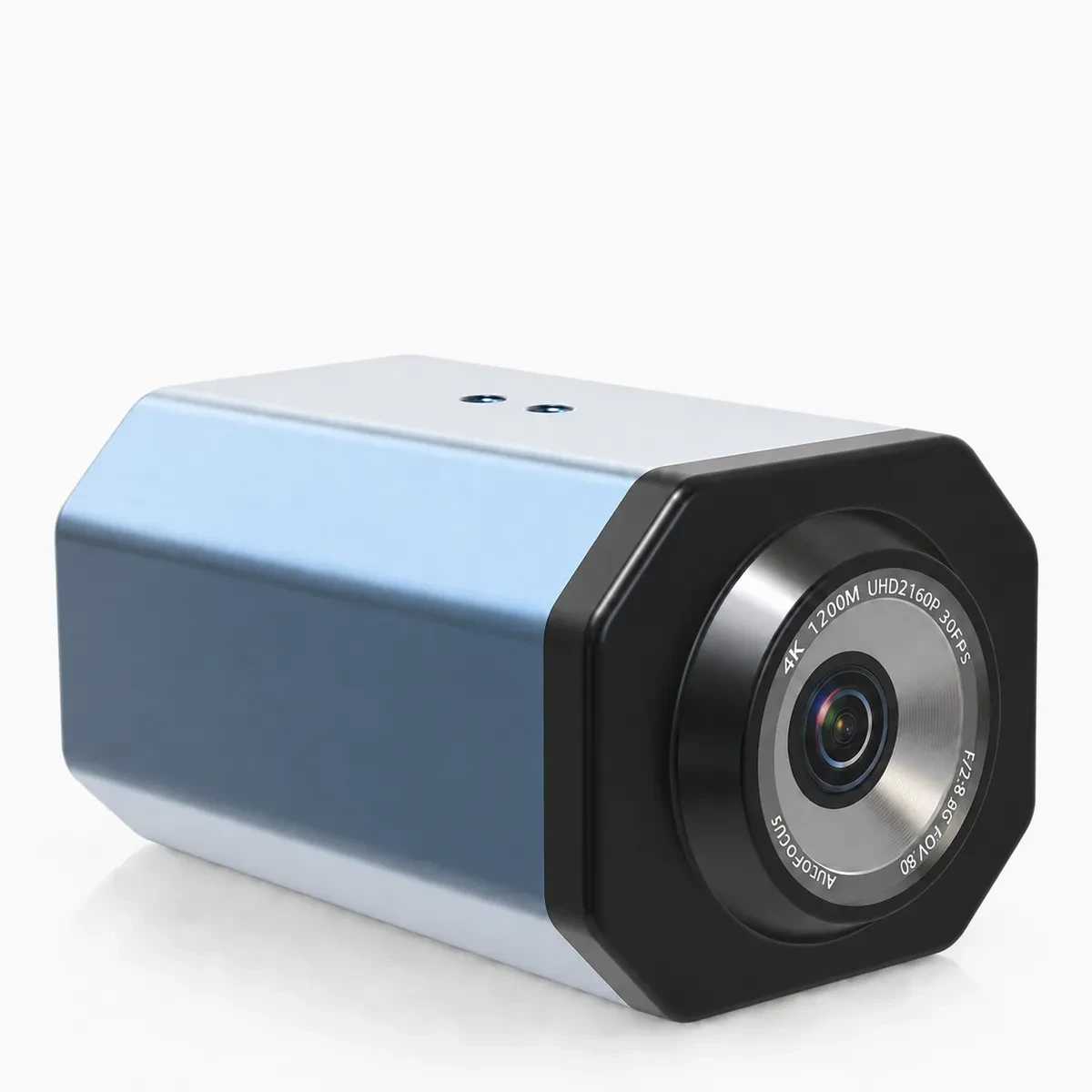
C260 4K Autofocus USB Webcam for Computer Calls
The C260 combines 4K output with automatic lens focusing.
Ontdek de belangrijkste voordelen van onze producten
Betrouwbare kwaliteit en solide prestaties voor uiteenlopende gebruiksscenario’s. Strikte productienormen zorgen voor uitstekende duurzaamheid en kostenefficiëntie.
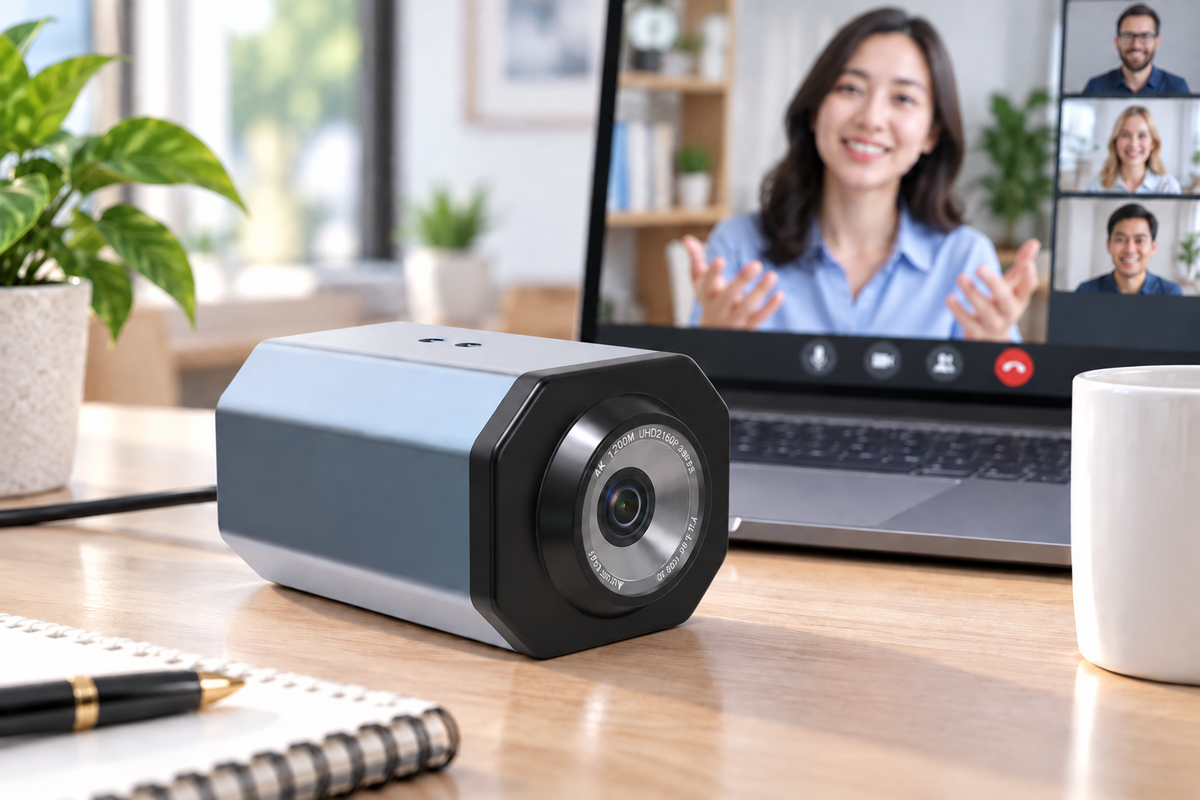
Place the webcam on a stable desk surface with its lens facing the caller.
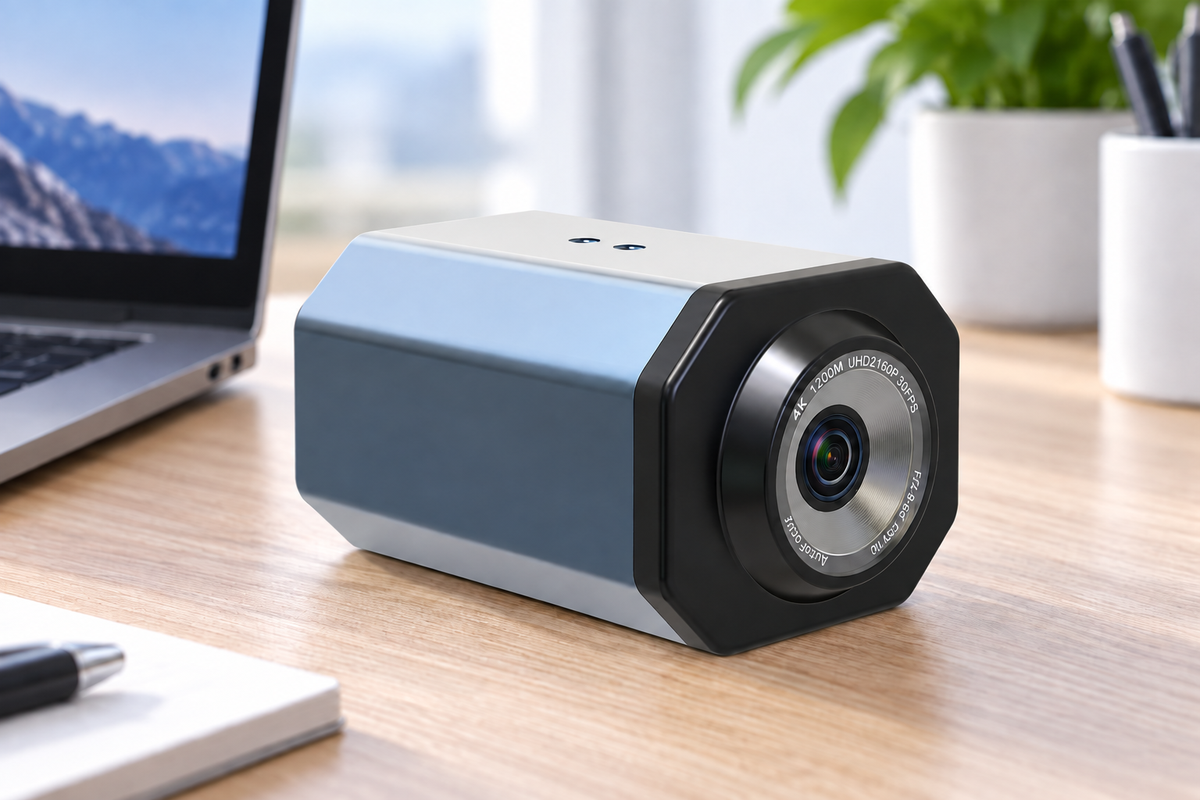
The faceted housing supports the camera on its flat lower face.
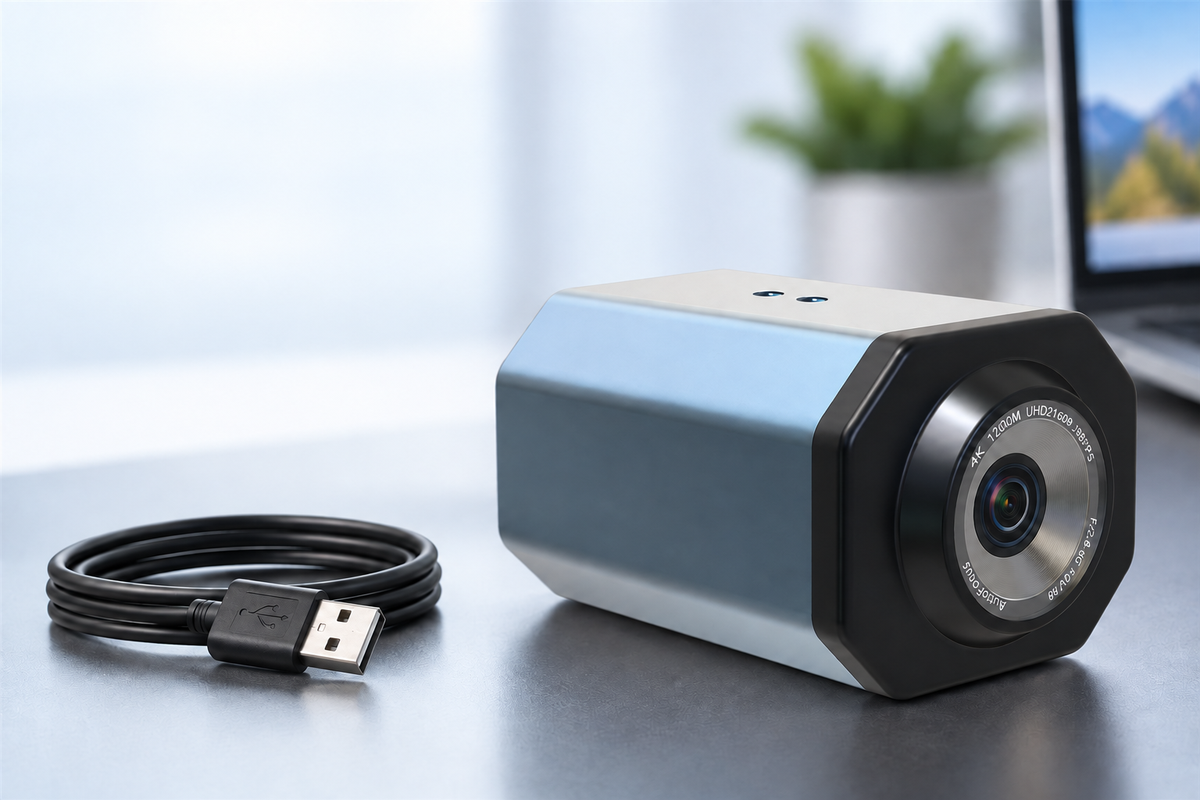
The USB lead can be arranged loosely beside the webcam before connection.
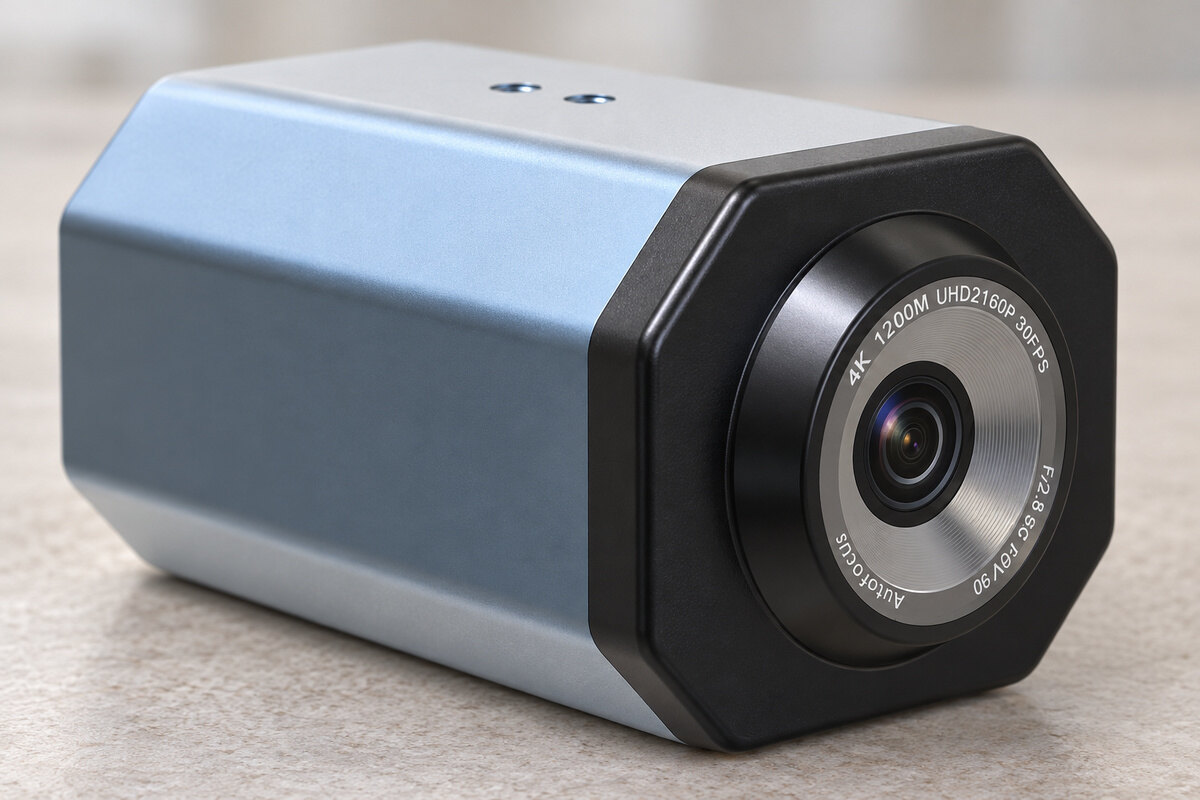
The circular front lens projects from the black beveled camera face.
Productparameters
Product NameC260 Computer Webcam
ModelC260
StructureElongated faceted camera housing with black front plate and projecting circular lens
Available Colors / PatternsSilver-gray housing with black lens surround
Configuration4K camera; autofocus; USB connection; 2 m USB cable; no privacy cover
Additional Verified ParametersCable length: 2 m
Flexibel voor meerdere scenario’s
Place the webcam on a stable desk surface with the lens facing the caller. Check framing before a video call, arrange the USB cable without tight bends and keep the lens clear when adjusting the camera position.
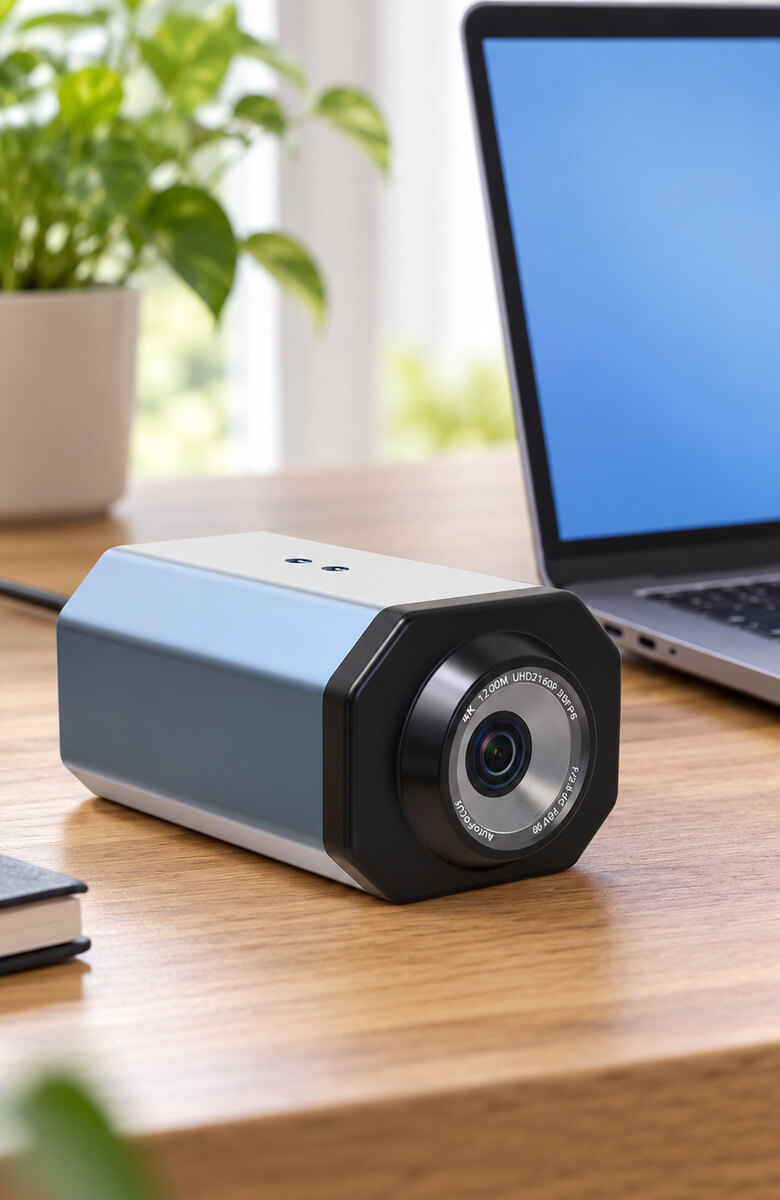
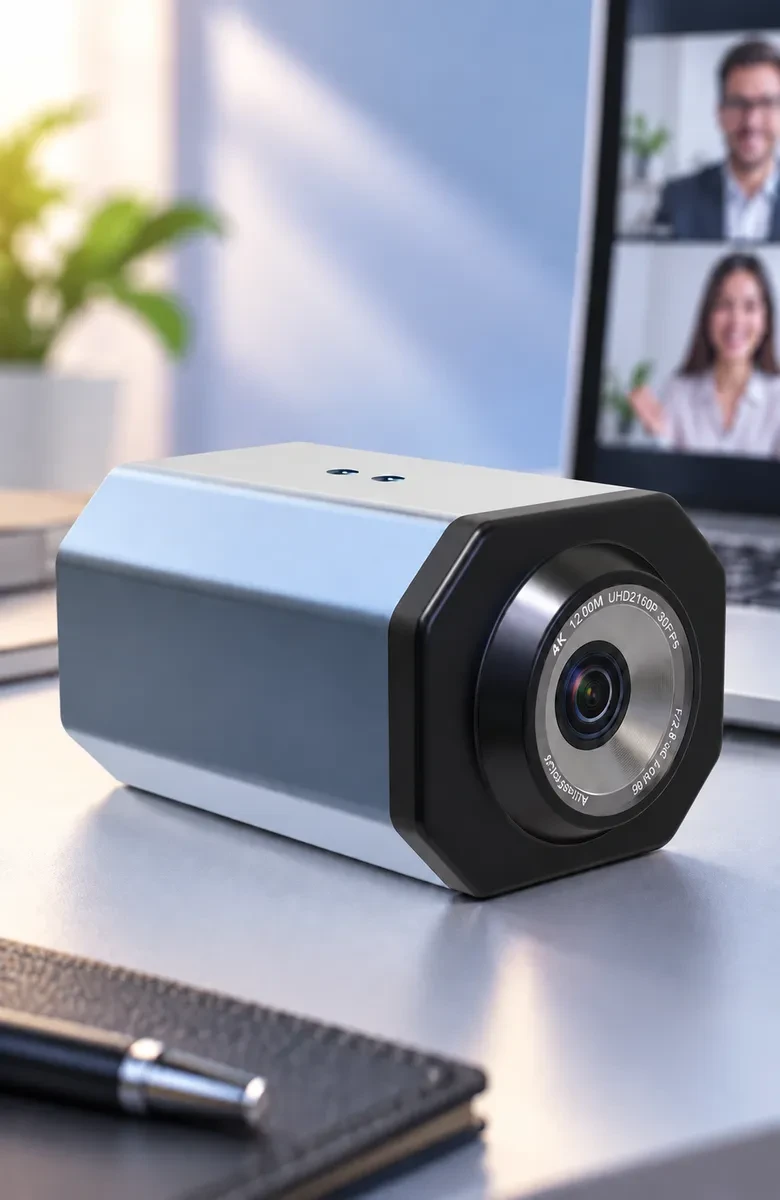
Laptop Desk SetupArrange the camera by the laptop with its lens facing the seated caller for use.
Check lens and camera body before placing the webcam onto a stable desk surface.
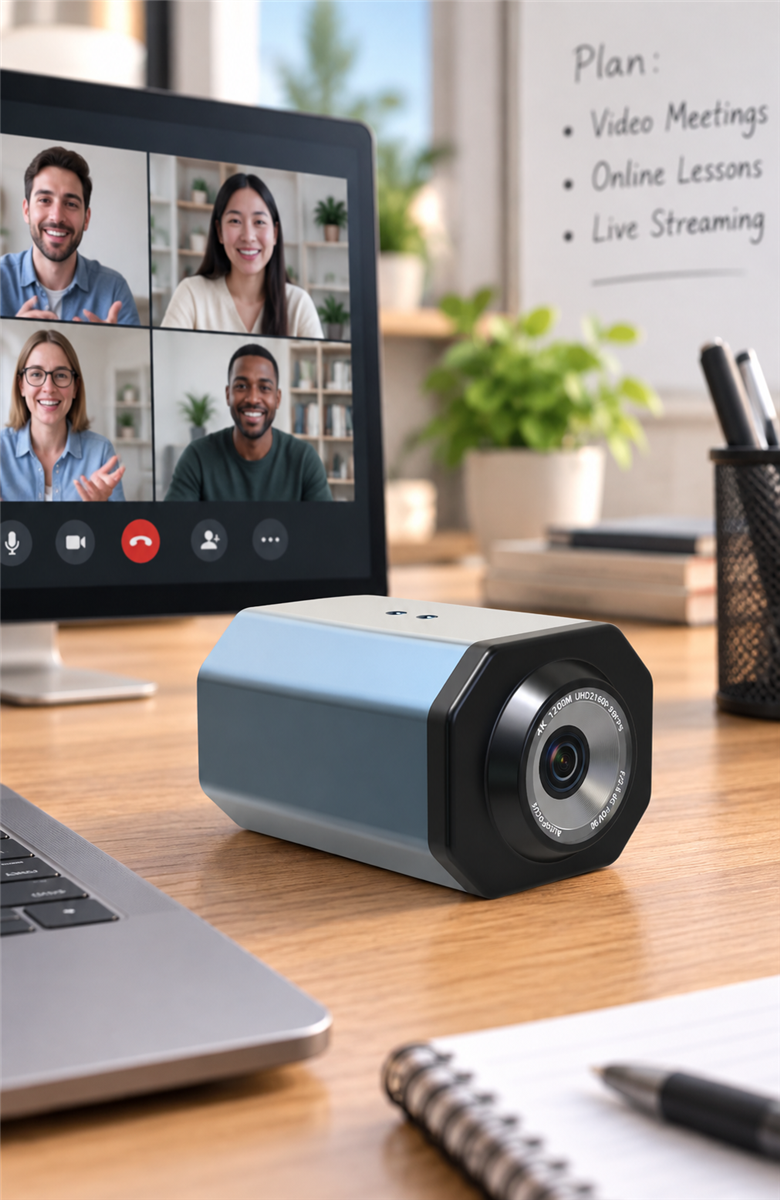
Desktop Video CallKeep the webcam facing you during calls, with the screen and workspace arranged.
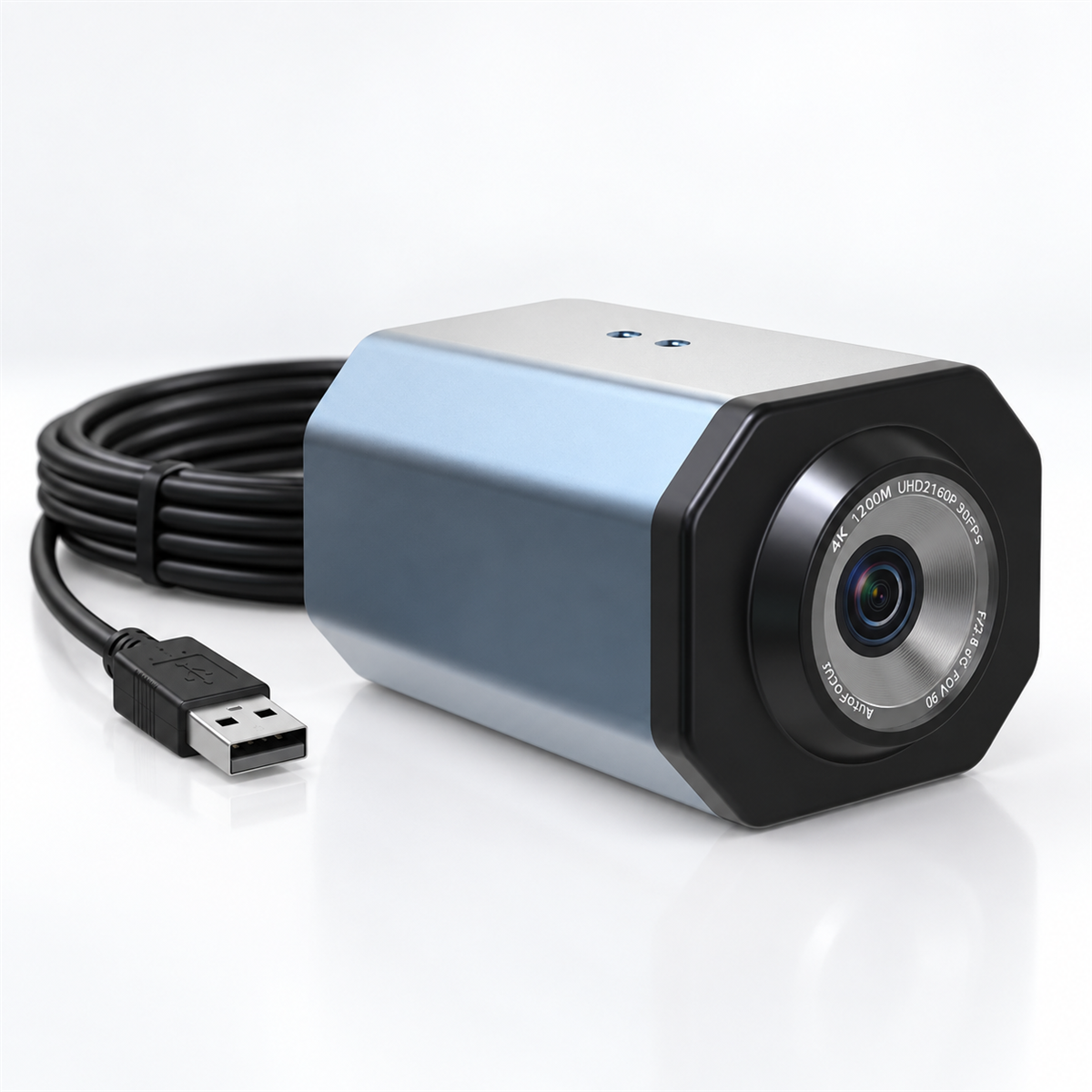
Cable PreparationLay the USB cable loosely beside the webcam before arranging the computer setup.
Route the attached cable without tight bends and keep the working surface clear.
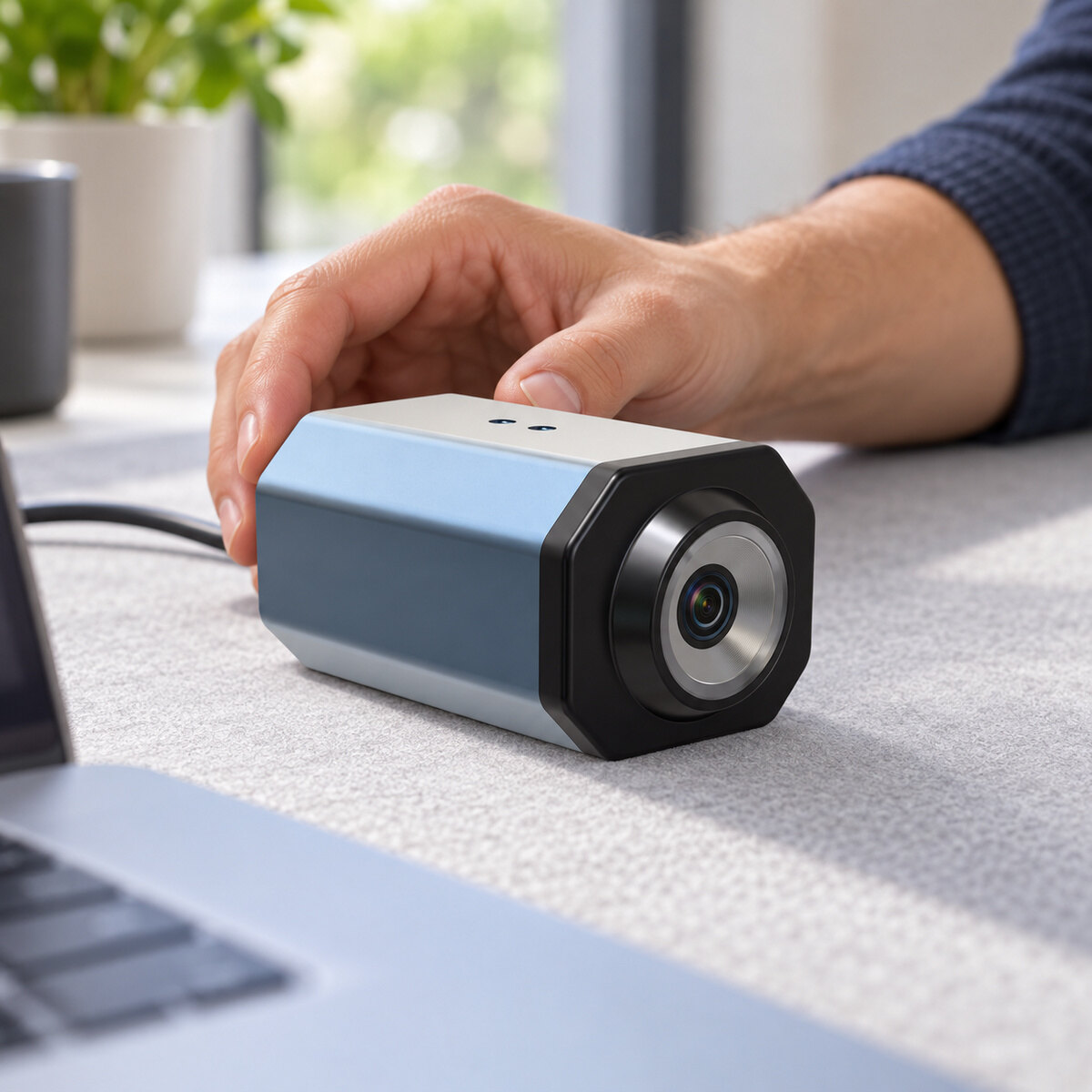
Before-Call Position CheckSteady the webcam body on a mat while checking its position before a video call.
Verpakkingslijst
1 x C260 webcam and 1 x USB cable.
USB cable length: 2 m.
Veelgestelde vragen
Gerelateerde aanbevelingen
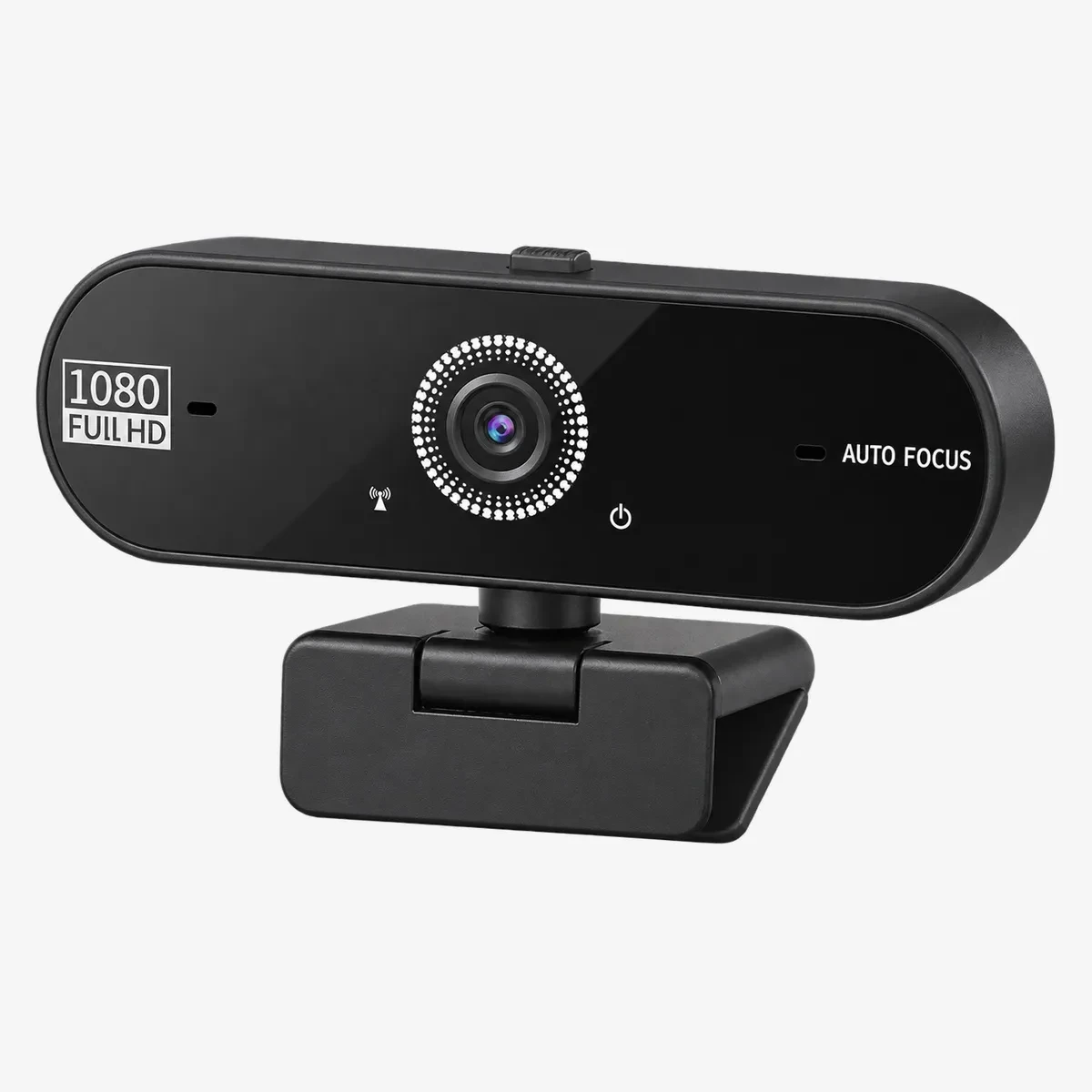
W8 1080p USB-webcam met monitorclip
MOQ 100 set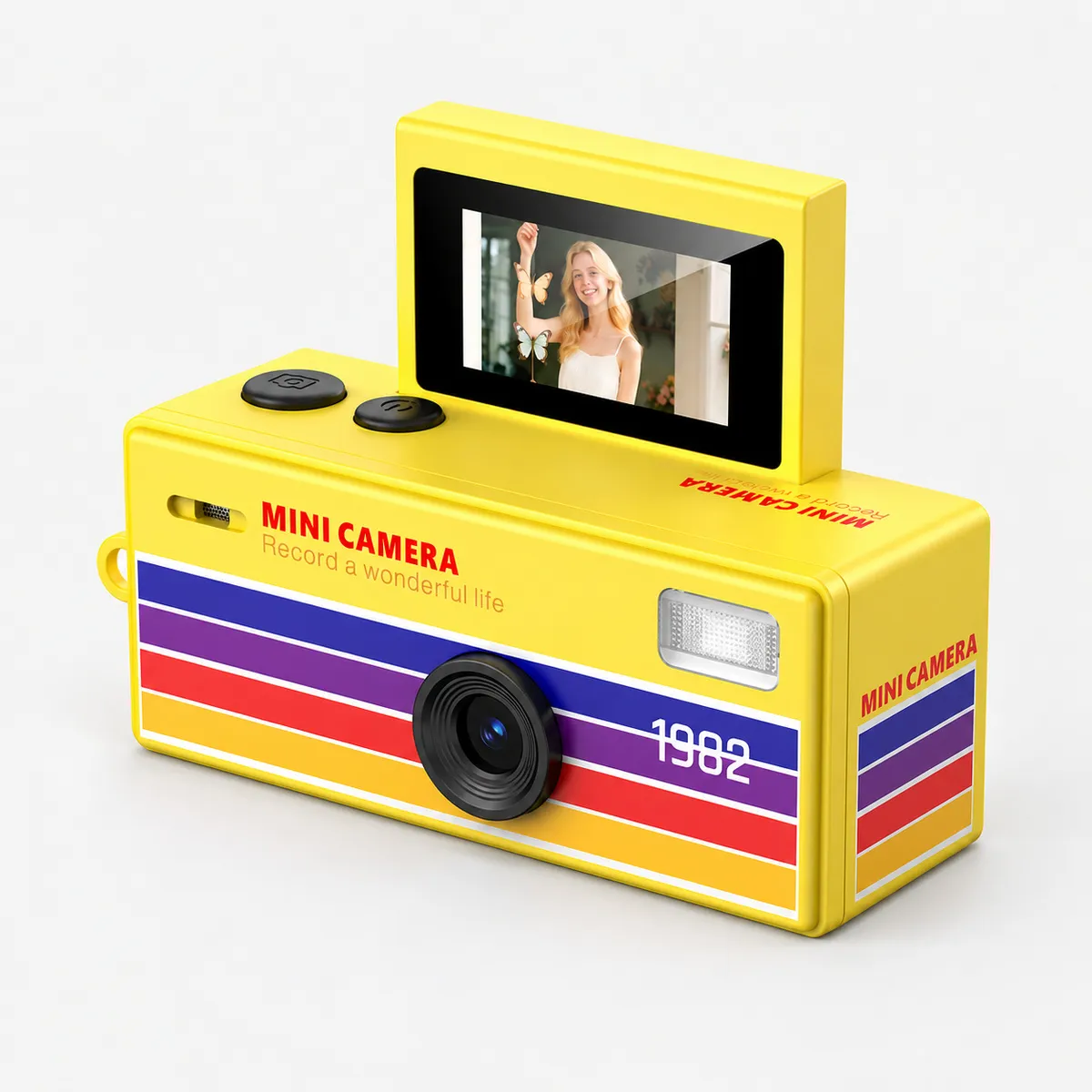
Mini-duimcamera
MOQ 200 unit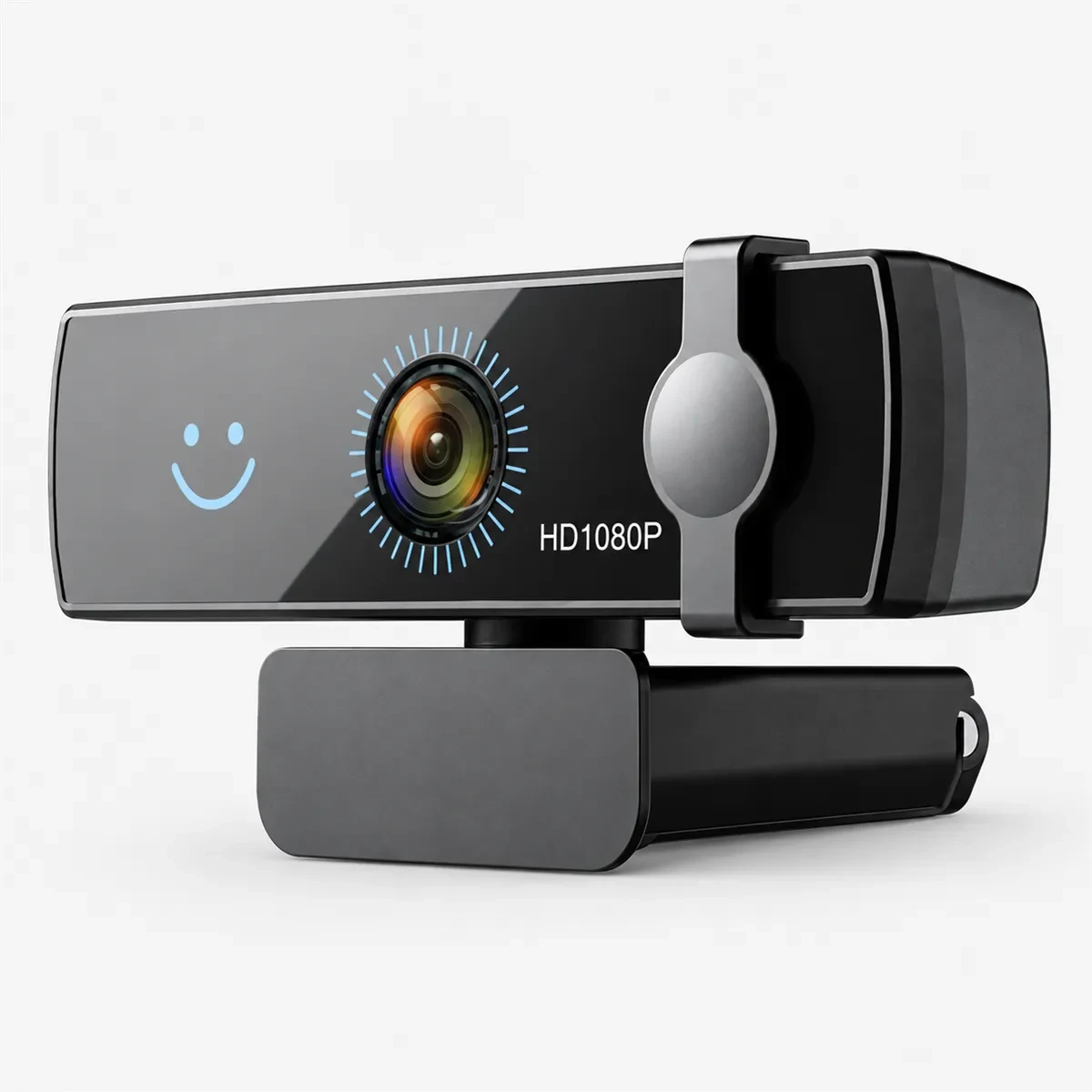
CW100 Computercam
MOQ 24 unit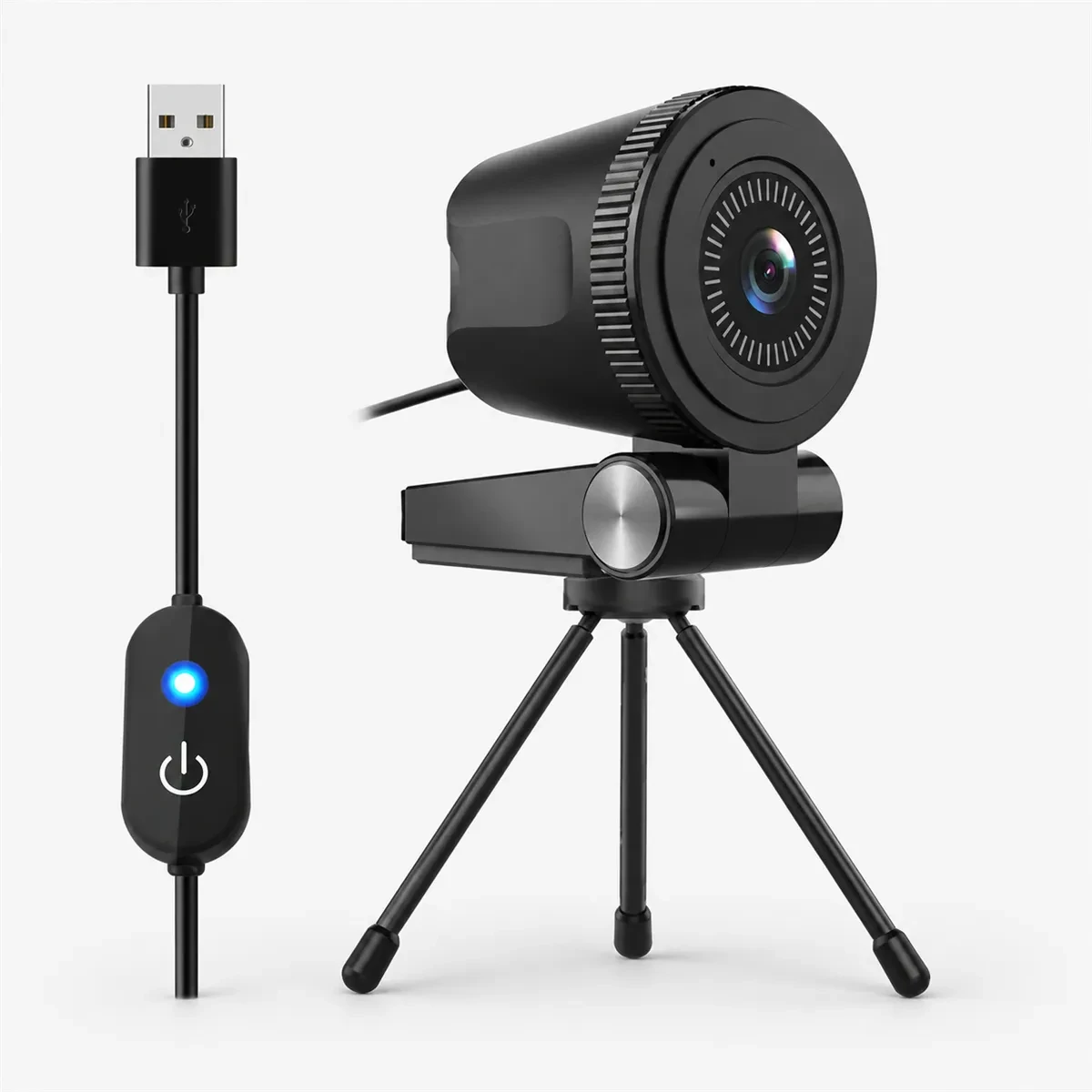
C380 computerwebcam
MOQ 12 unit