Layanan pelanggan kami siap menjawab semua pertanyaan pengadaan Anda.Hubungi sekarang

 Komputer, Kantor, Jaringan, Audio-Video & GamingKeyboard, Mouse, Webcam & Periferal KomputerKamera Web & Periferal Konferensi


MERGORO
4.6Obrolkan dengan merekIkuti merek


Stok tersedia, segera dikirimPembelian grosir korporatOEM/ODM
Webcam Komputer C100
Jumlah pesanan minimum: 6
Harga Pembelian Saat IniHarga Pembelian Standar
- Webcam fokus tetap 1080P dengan kabel 2 m, penutup privasi, dan dudukan pemasangan terpasang.

Jaminan keaslian
Layanan purnajual tanpa khawatir
Terkirim sesuai jadwal
Detail Indah dan Fitur Desain
Detail yang dikerjakan dengan cermat menunjukkan keahlian unggul dan fitur desain yang luar biasa.
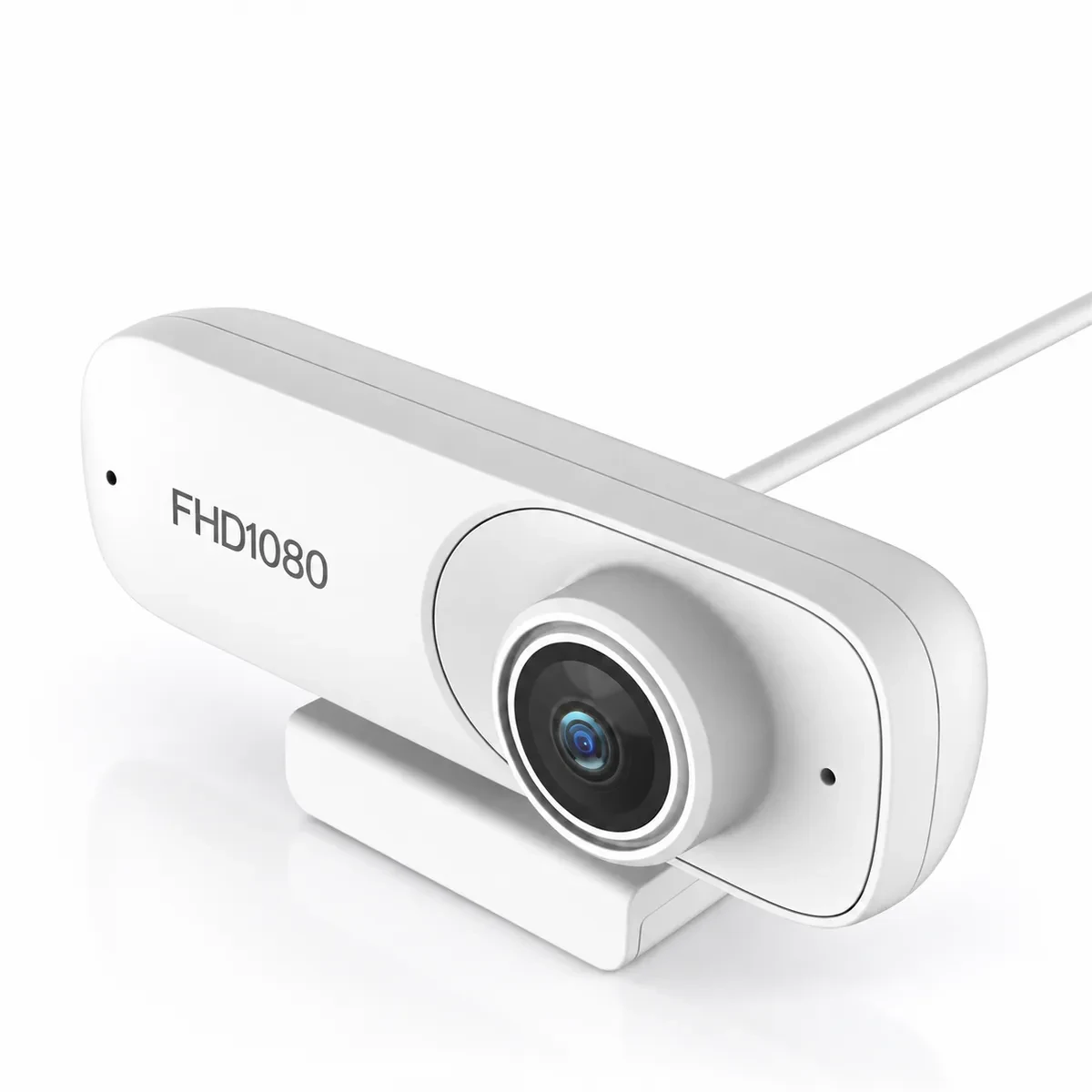
C100 Fixed-Focus Webcam for Computer Video Calls
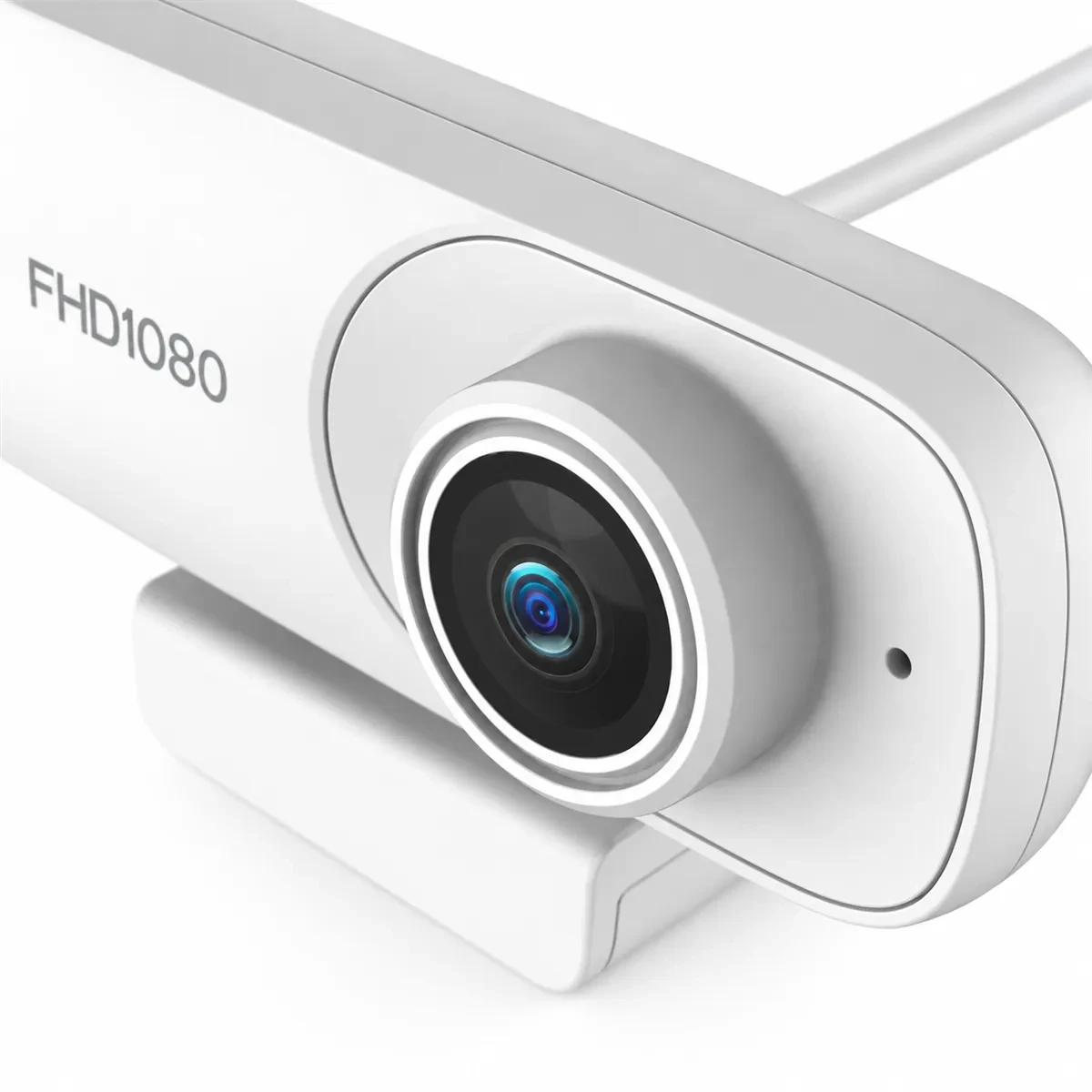
The high-configuration C100 camera is specified at 1080P.
Temukan Keunggulan Utama Produk Kami
Kualitas andal dan performa kokoh untuk berbagai skenario penggunaan. Standar produksi yang ketat memastikan daya tahan dan efisiensi biaya yang unggul.
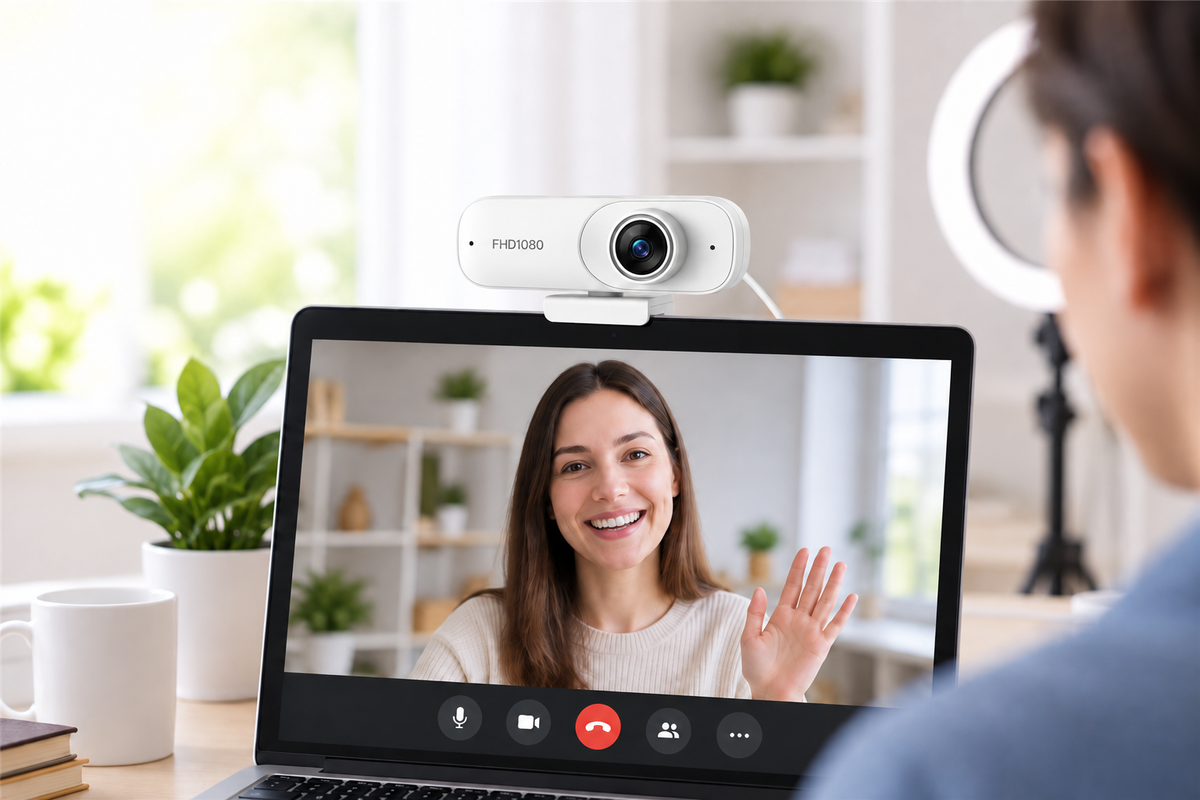
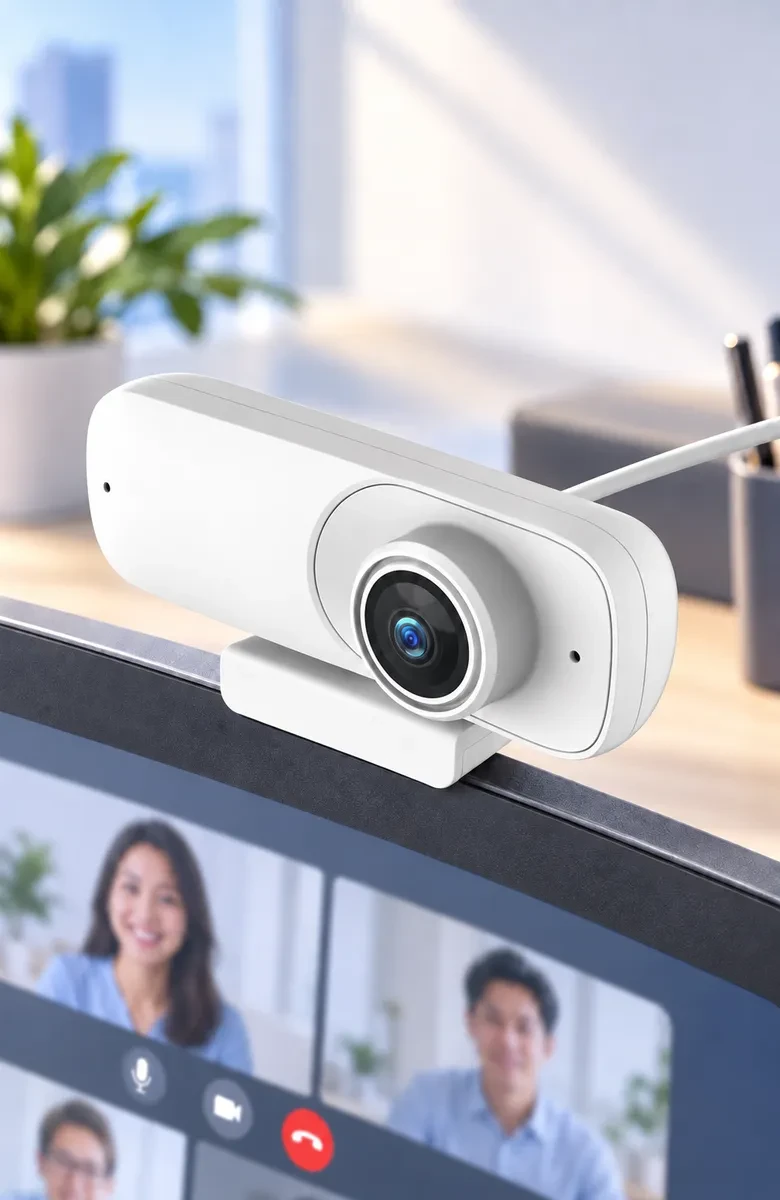
The webcam sits above the laptop screen with its lens facing the caller.
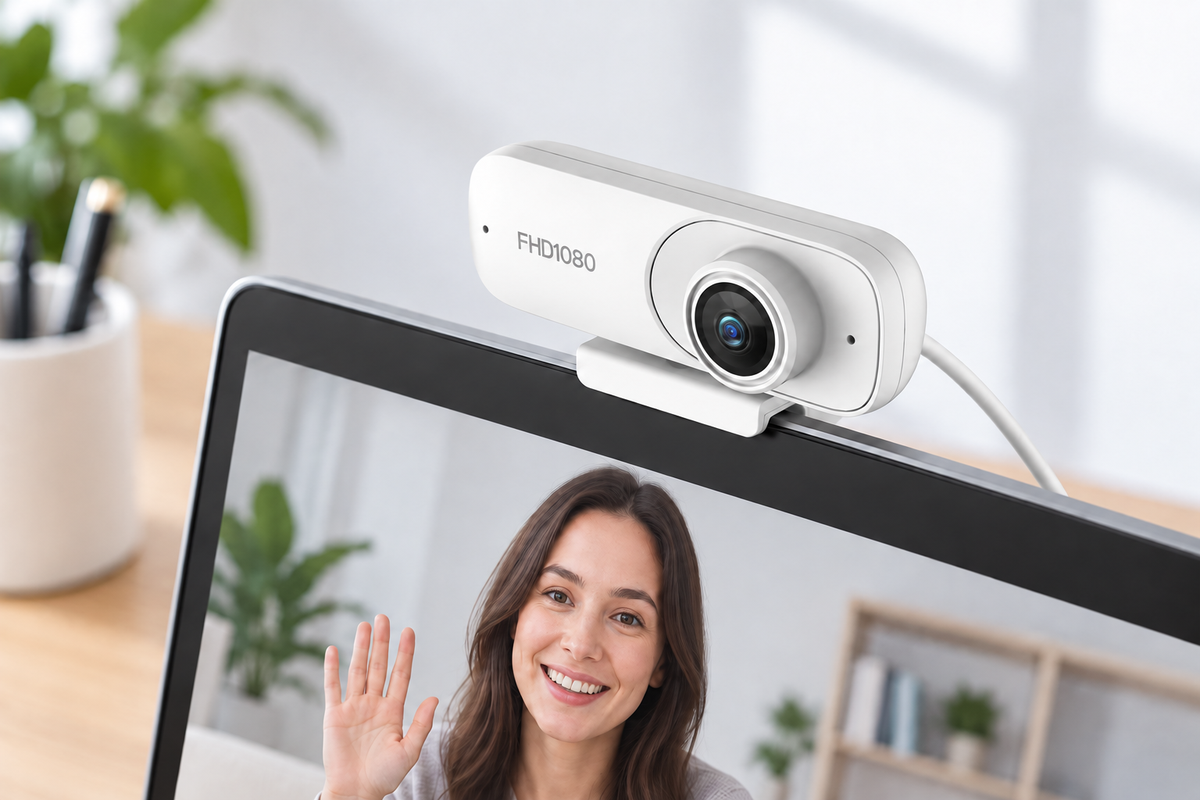
The attached base rests over the screen bezel, with the cable routed behind the camera.
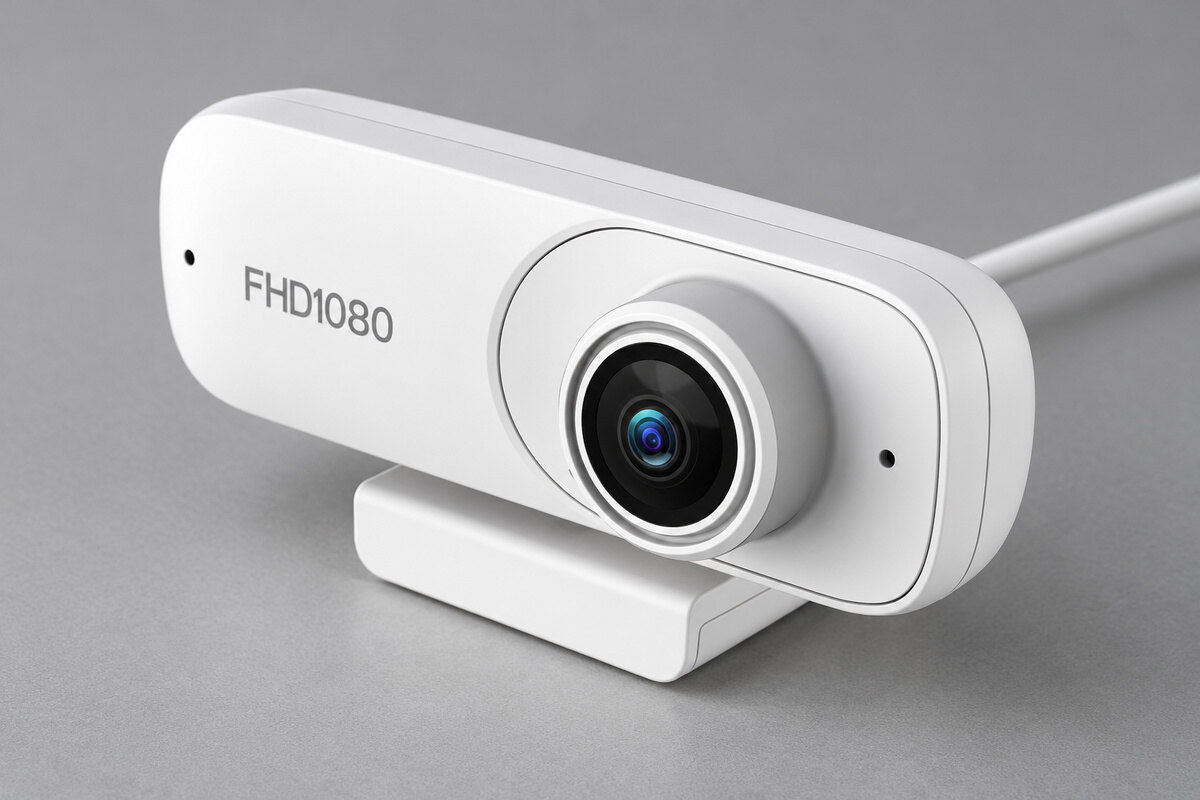
The projecting circular lens and white camera housing are shown in a close hardware view.
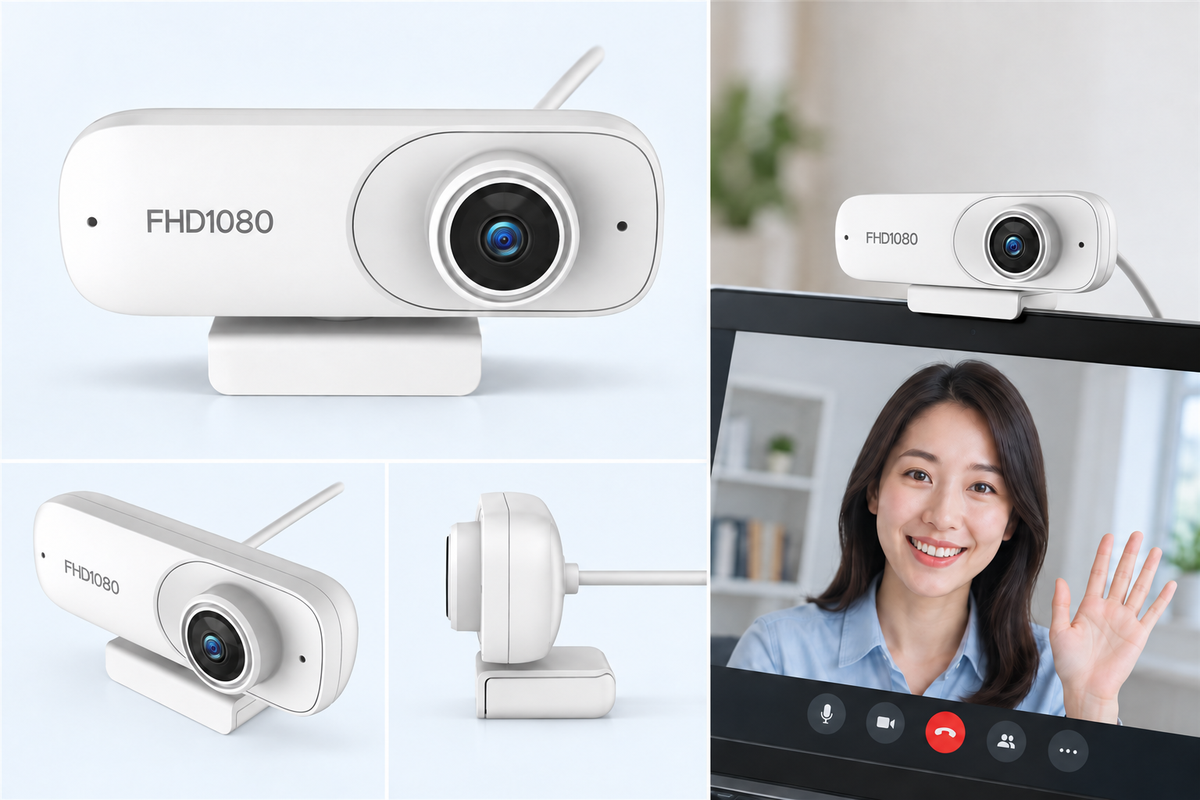
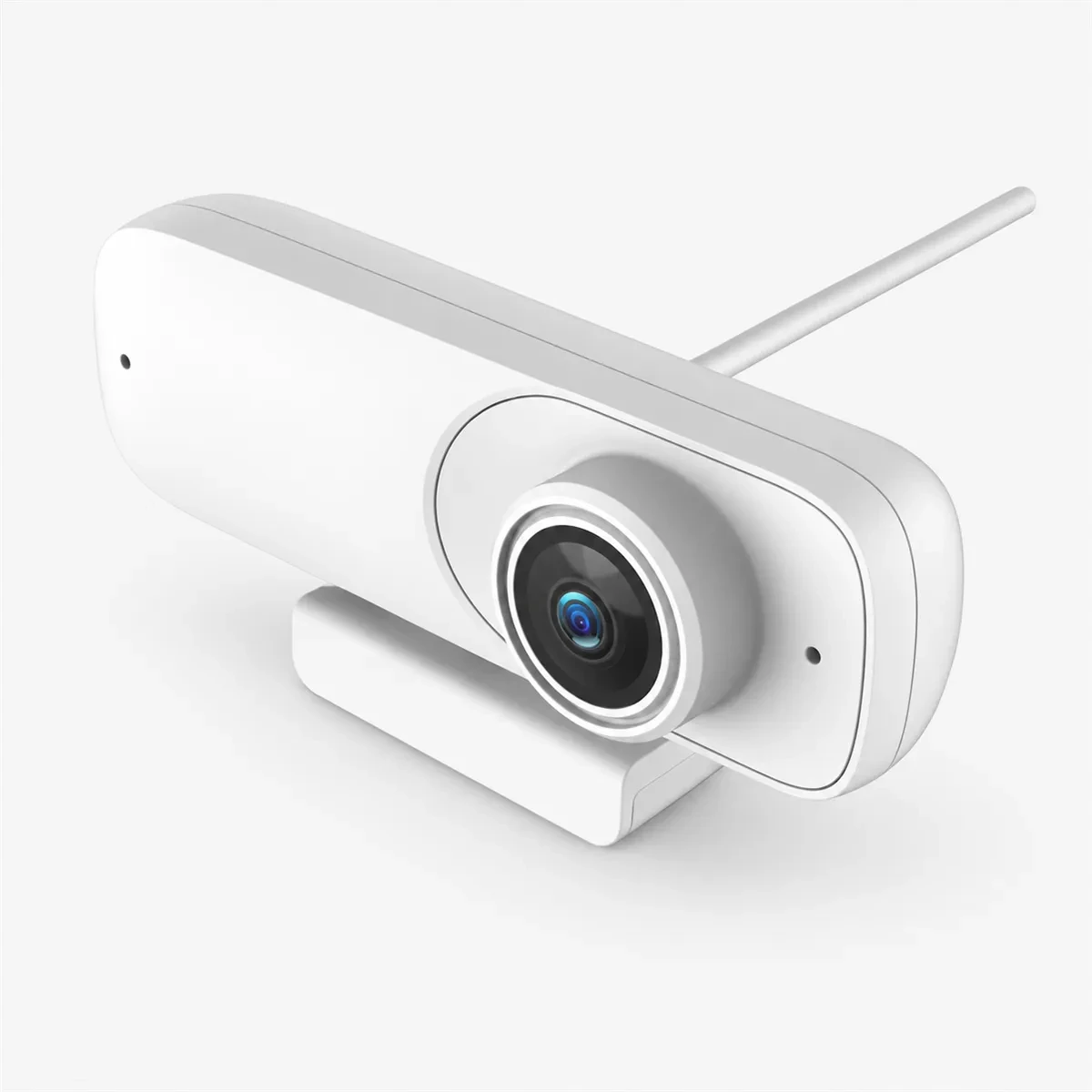
Front, side and screen-mounted views show the camera body and attached base.
Parameter produk
Product NameC100 Computer Webcam
ModelC100
DimensionsPackage: 140 x 80 x 65 mm
WeightStated unit weight: 130 g
StructureHorizontal camera body with projecting lens and attached mounting base
Available Colors / PatternsWhite
Configuration1080P; fixed focus; 2 m cable; privacy cover; no fill light; no speaker
Additional Verified ParametersOuter carton: 57 x 35.5 x 40 cm; carton weight: 14 kg
Fleksibel untuk berbagai skenario
Position the webcam with the lens facing the caller and the mount supported on the screen. Check the framing before a call, route the cable neatly and place the camera on a clean dry surface between sessions.
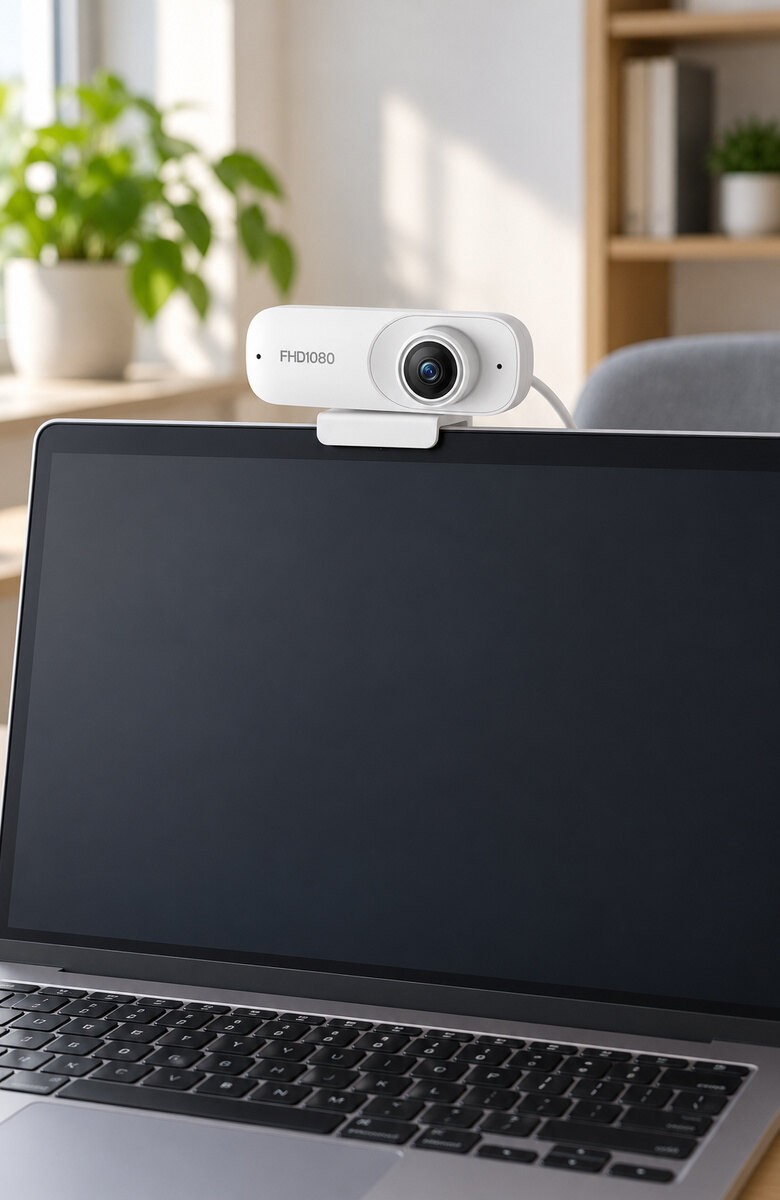
Laptop Call SetupMount the webcam above the laptop screen with its lens facing the seated caller.
Check the lens and mounting clip before placing the webcam on your screen bezel.
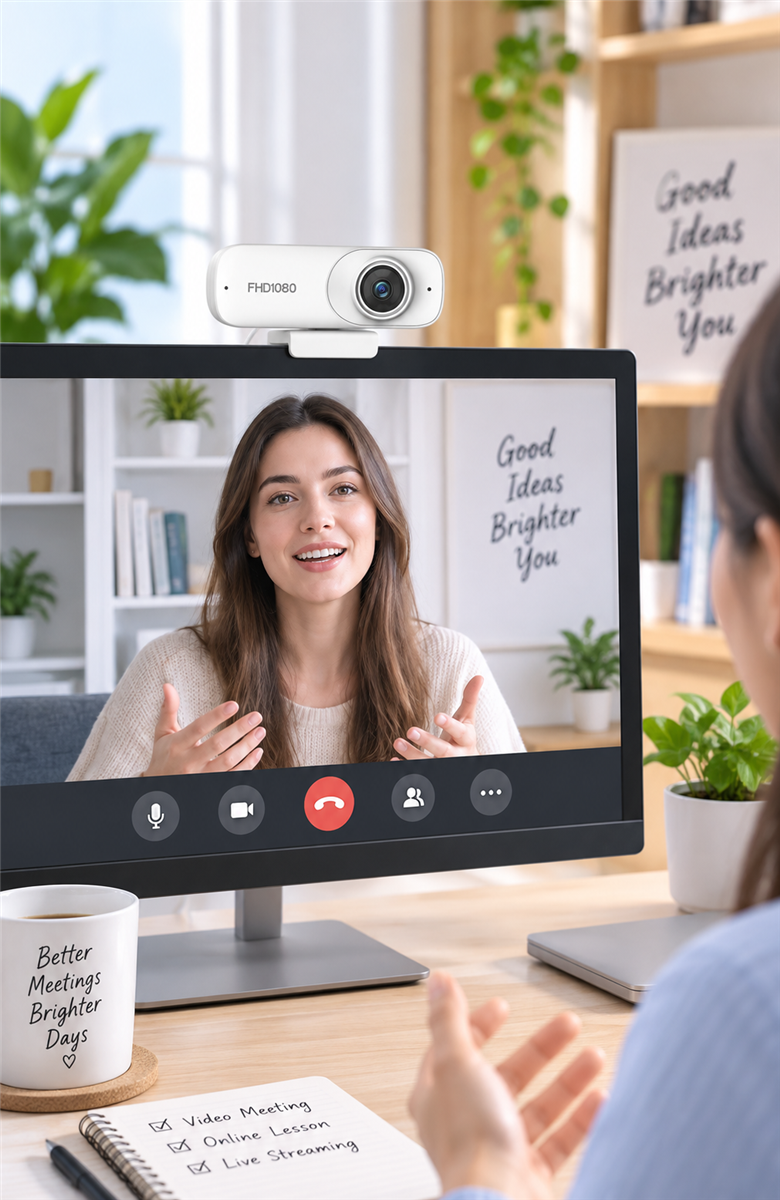
Desktop Video CallKeep the webcam facing you during calls, with the screen and workspace arranged.
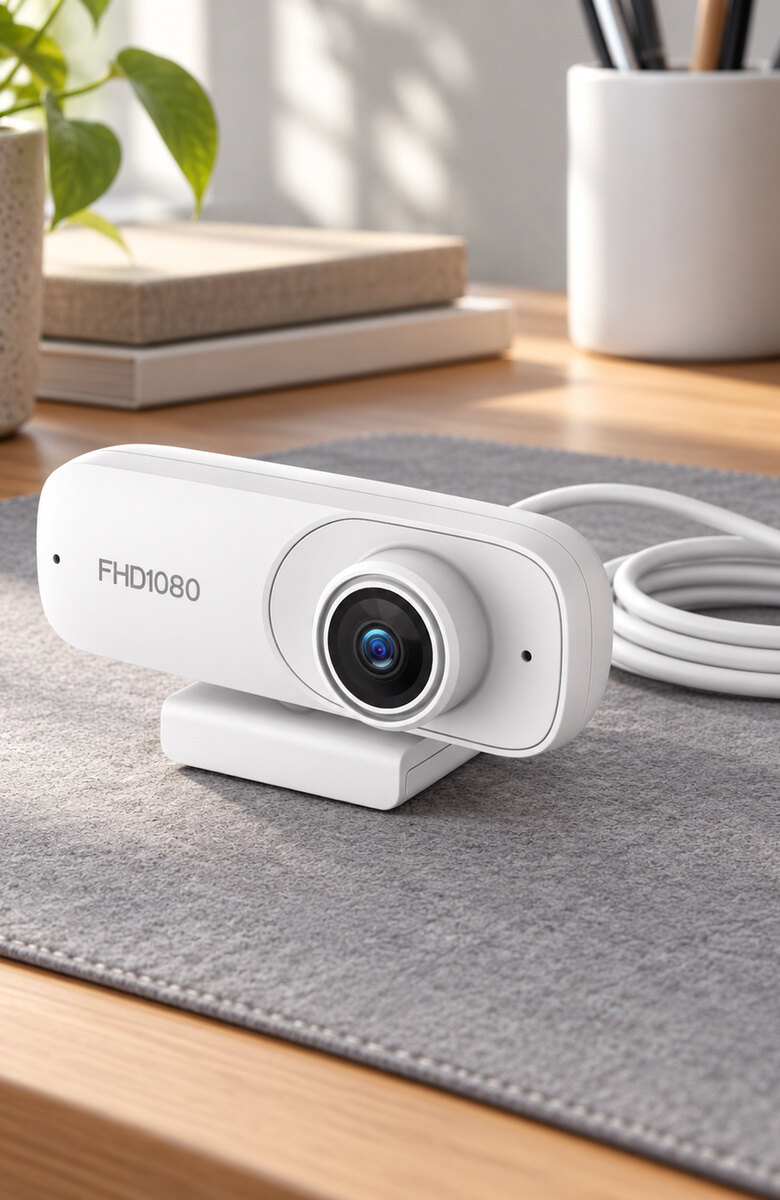
Between-Call StorageSet the webcam on a clean dry mat and coil its attached cable loosely after use.
Route the attached cable without tight bends and keep the working surface clear.
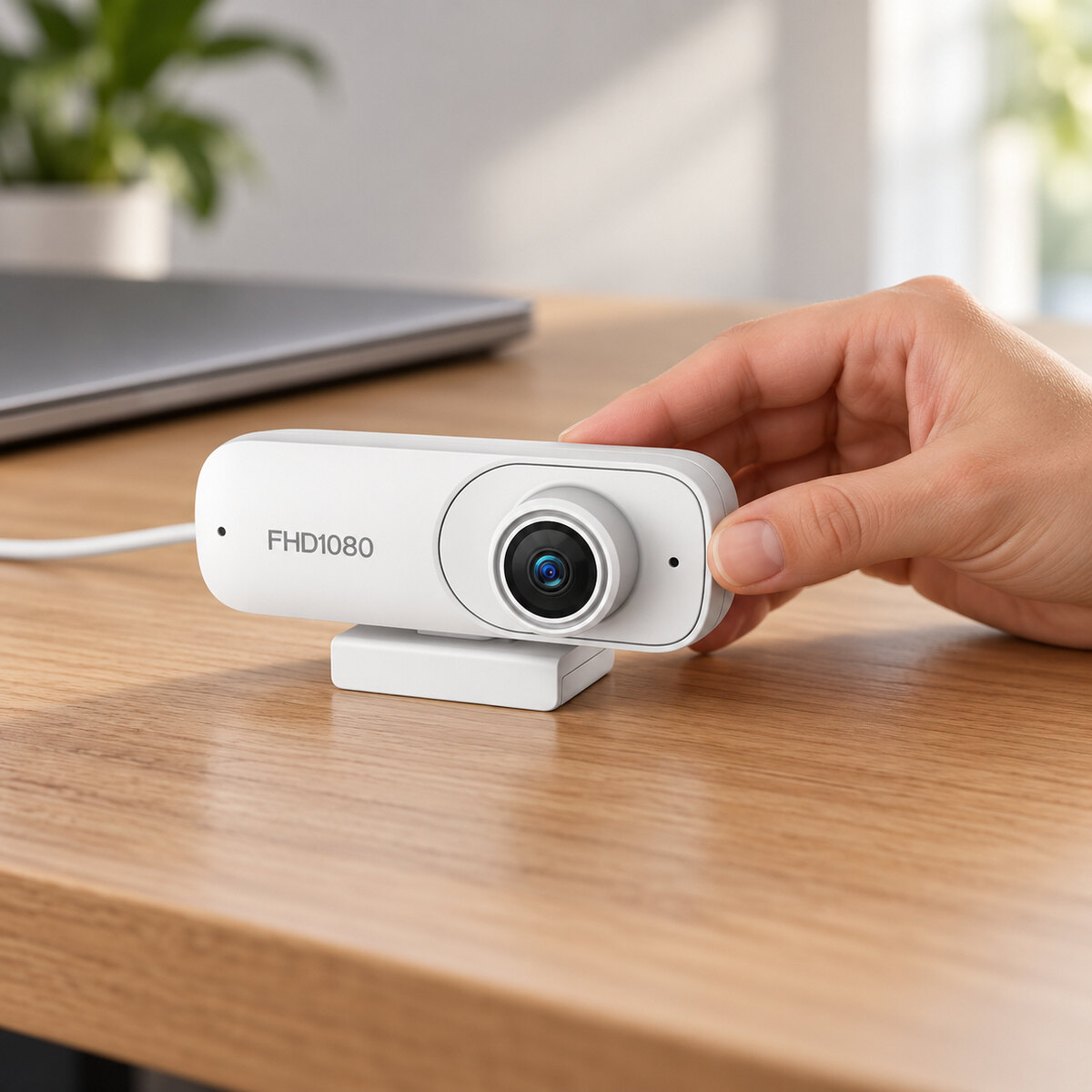
Before-Call Position CheckSteady the webcam body on its base while checking its position before your call.
Daftar kemasan
1 x C100 webcam with attached cable and mounting base.
Package size: 140 x 80 x 65 mm. Stated unit weight: 130 g. Cable length: 2 m.
Pertanyaan yang Sering Diajukan
Rekomendasi terkait
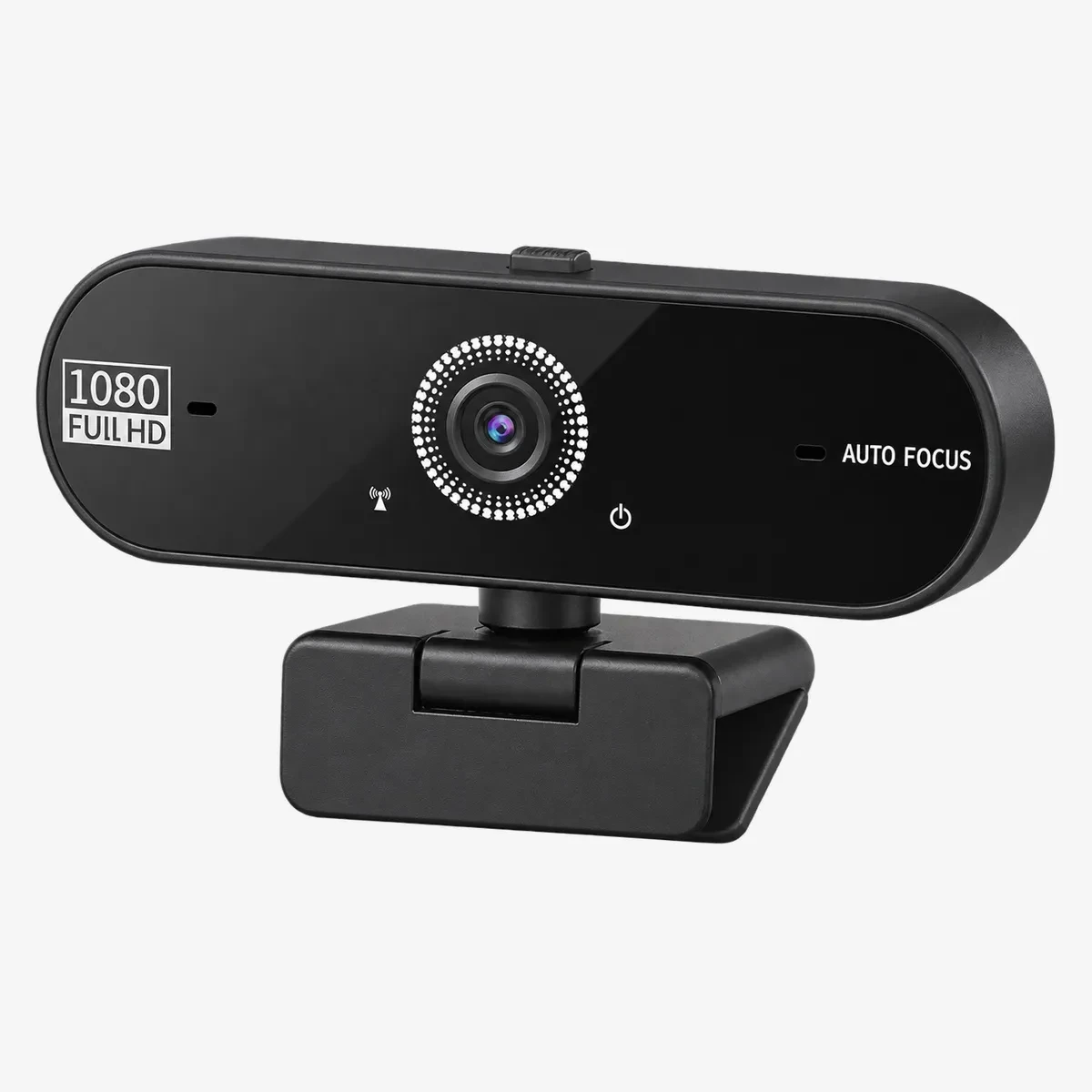
Webcam USB W8 1080p dengan Klip Monitor
MOQ 100 set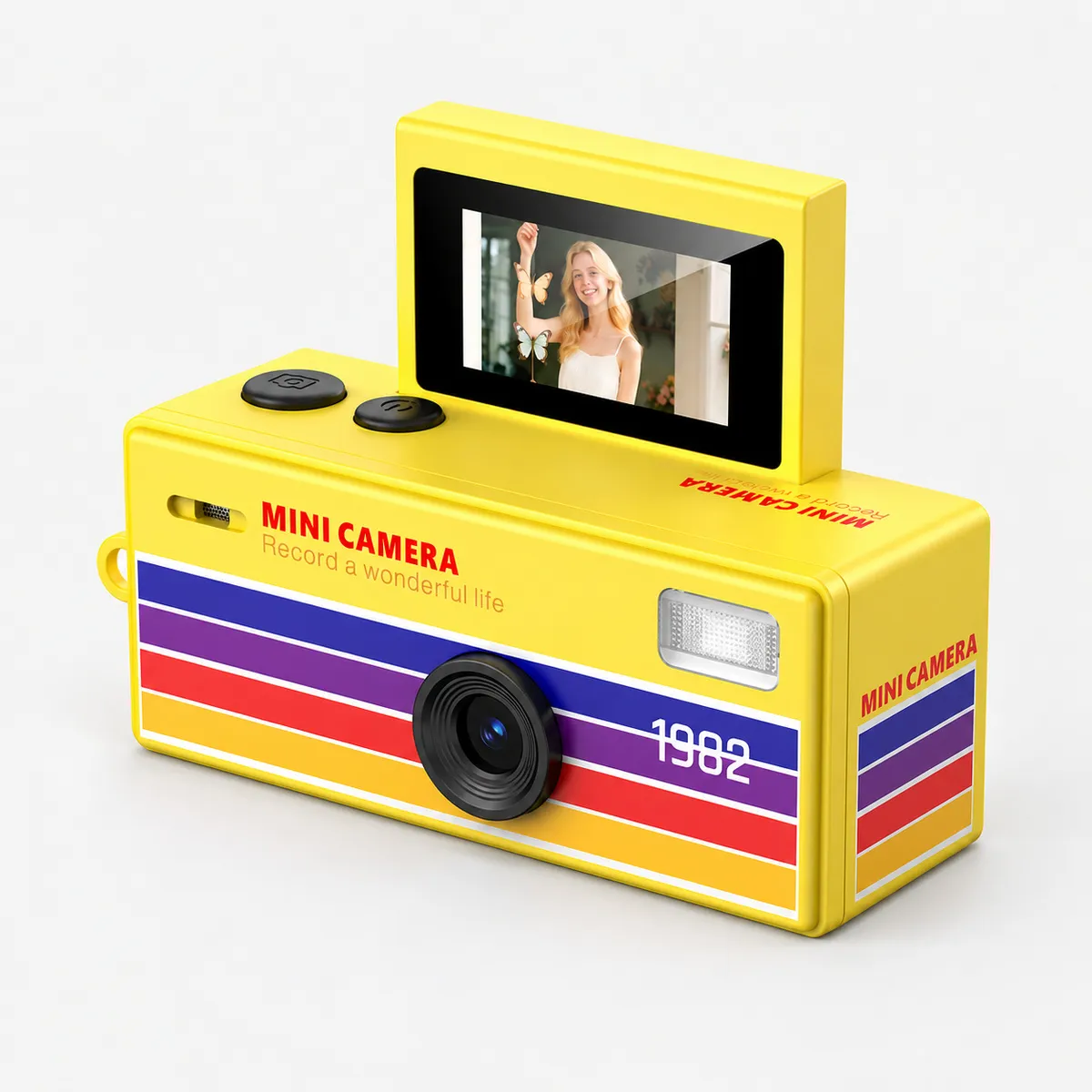
Kamera Jempol Mini
MOQ 200 unit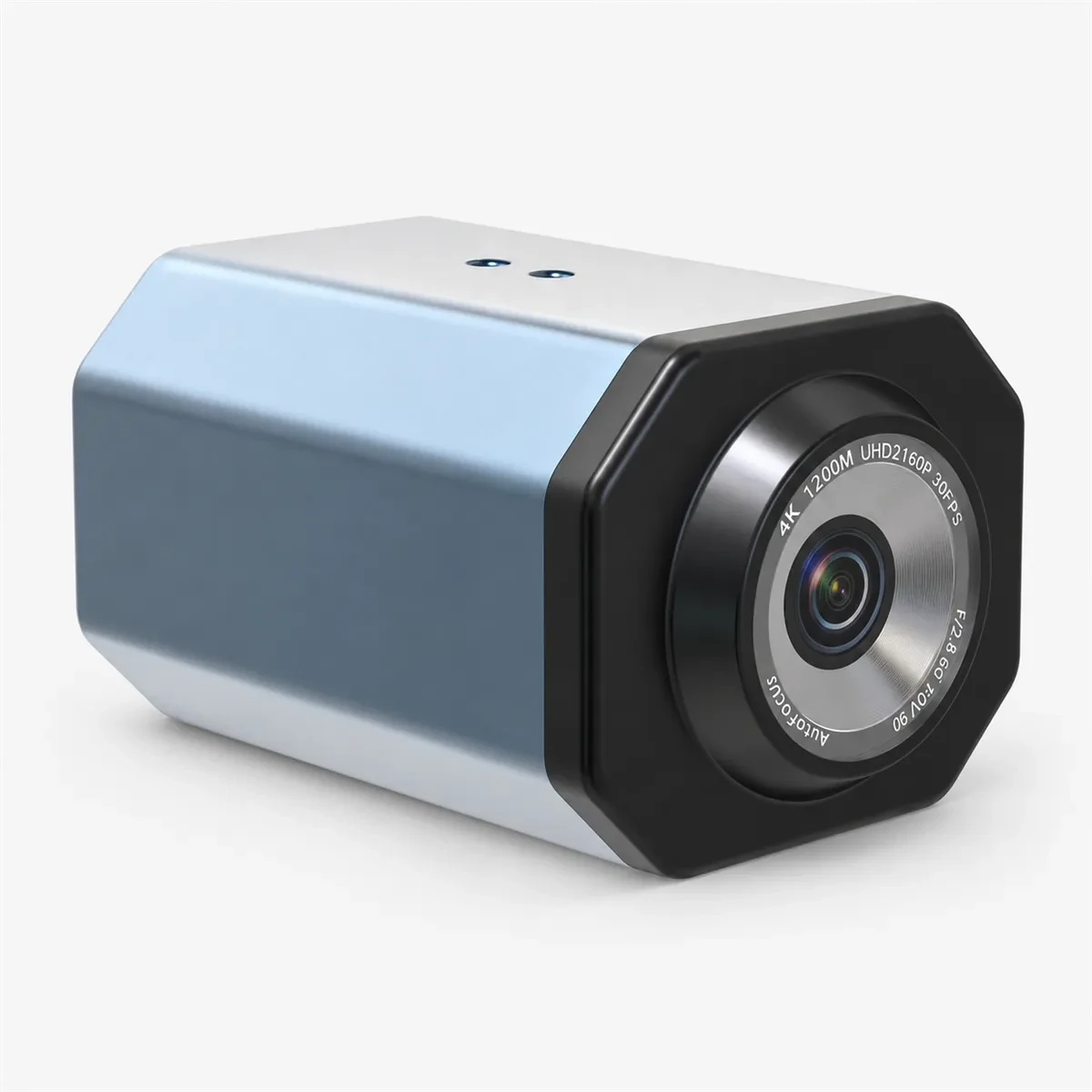
Webcam Komputer C260
MOQ 24 unit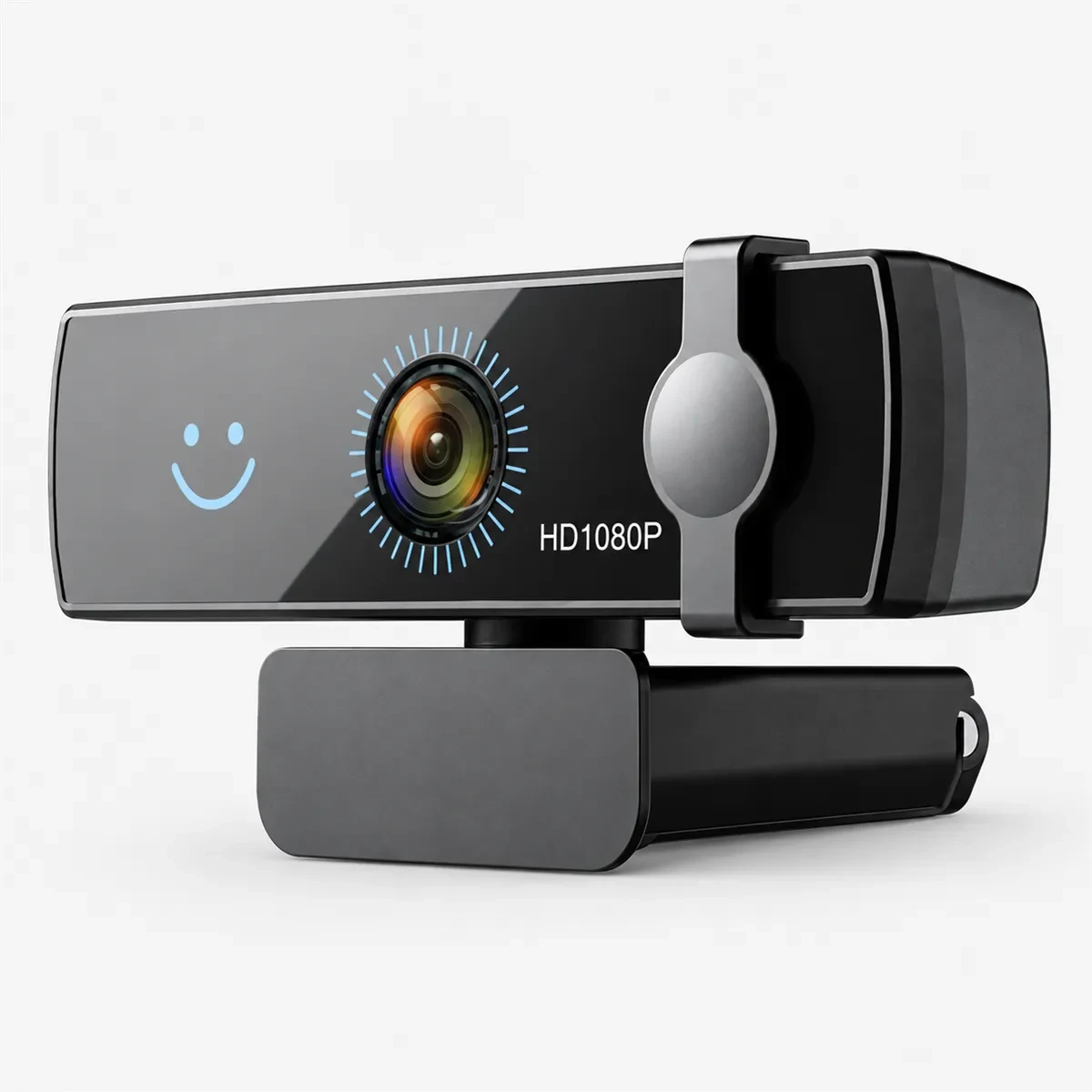
CW100 Webcam Komputer
MOQ 24 unit