हमारी ग्राहक सेवा आपकी खरीद से जुड़े सभी सवालों के जवाब दे सकती है।अभी संपर्क करें

 कंप्यूटर, ऑफिस, नेटवर्किंग, ऑडियो-वीडियो और गेमिंगकीबोर्ड, माउस, वेबकैम और कंप्यूटर पेरिफेरल्सवेबकैम और कॉन्फ्रेंस पेरिफेरल्स


MERGORO
4.6ब्रांड से चैट करेंब्रांड फ़ॉलो करें


स्टॉक में उपलब्ध, जल्द शिपमेंटकॉर्पोरेट थोक खरीदOEM/ODM
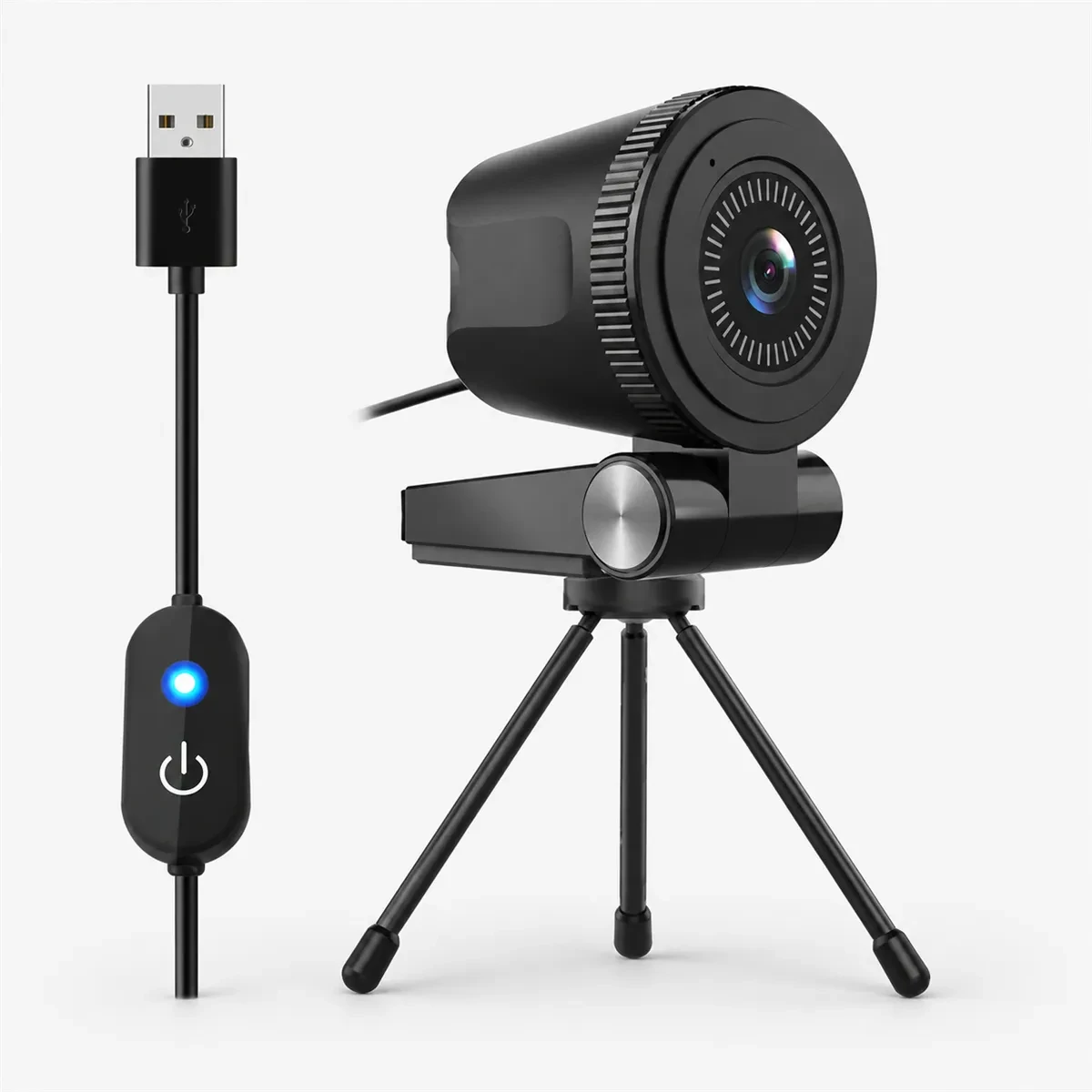
C30 कंप्यूटर वेबकैम
न्यूनतम ऑर्डर मात्रा: 100
वर्तमान खरीद मूल्यमानक खरीद मूल्य
- 480P / 720P / 1080P विकल्प; स्टॉक में उपलब्ध ओपन-मोल्ड मॉडल; 1.5 मीटर केबल लंबाई; प्राइवेसी कवर शामिल नहीं है

प्रामाणिकता की गारंटी
चिंता-मुक्त बिक्री-पश्चात सेवा
निर्धारित समय पर डिलीवर
उत्कृष्ट विवरण और डिज़ाइन विशेषताएँ
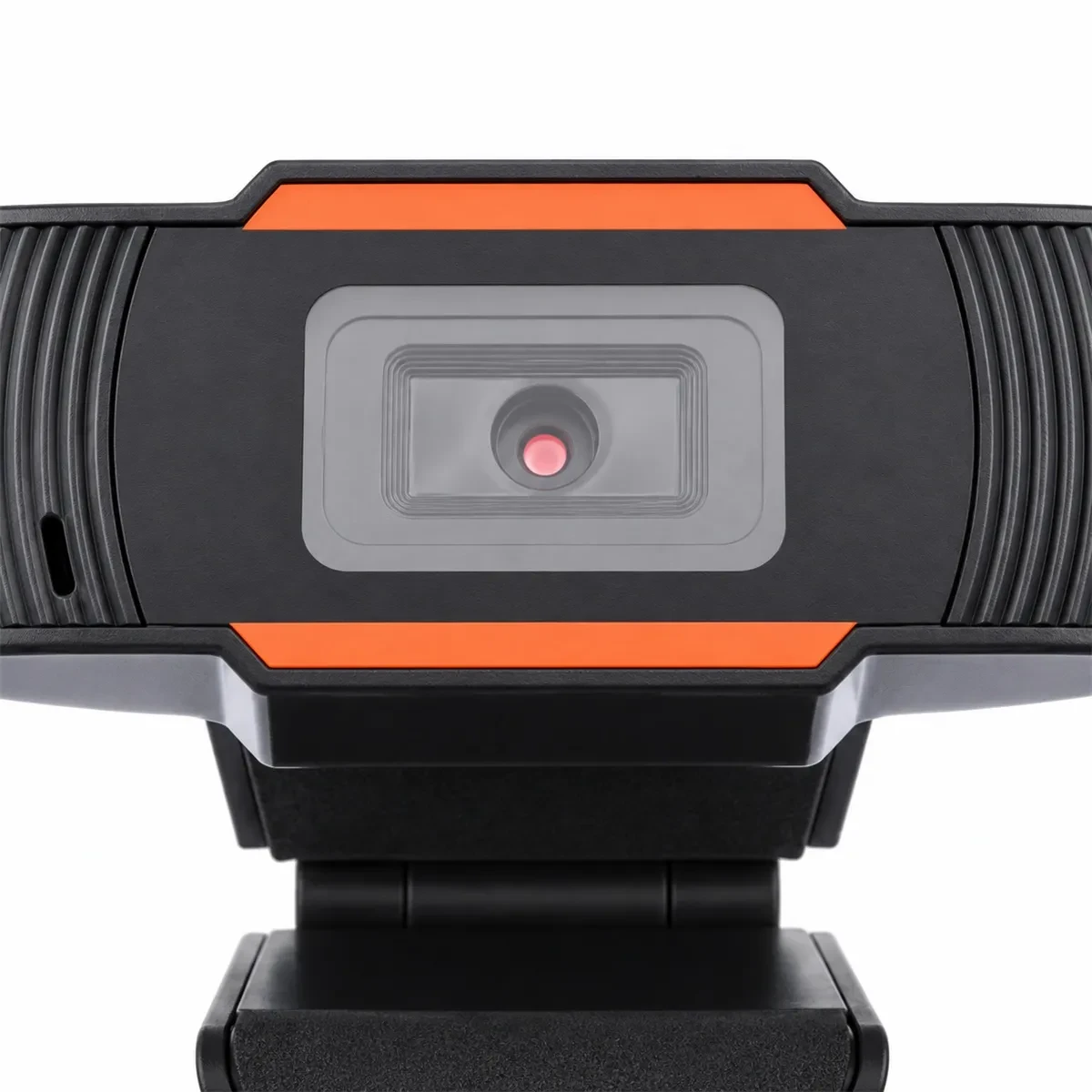
सावधानीपूर्वक तैयार किए गए विवरण बेहतरीन शिल्प कौशल और उत्कृष्ट डिज़ाइन विशेषताओं को दर्शाते हैं।
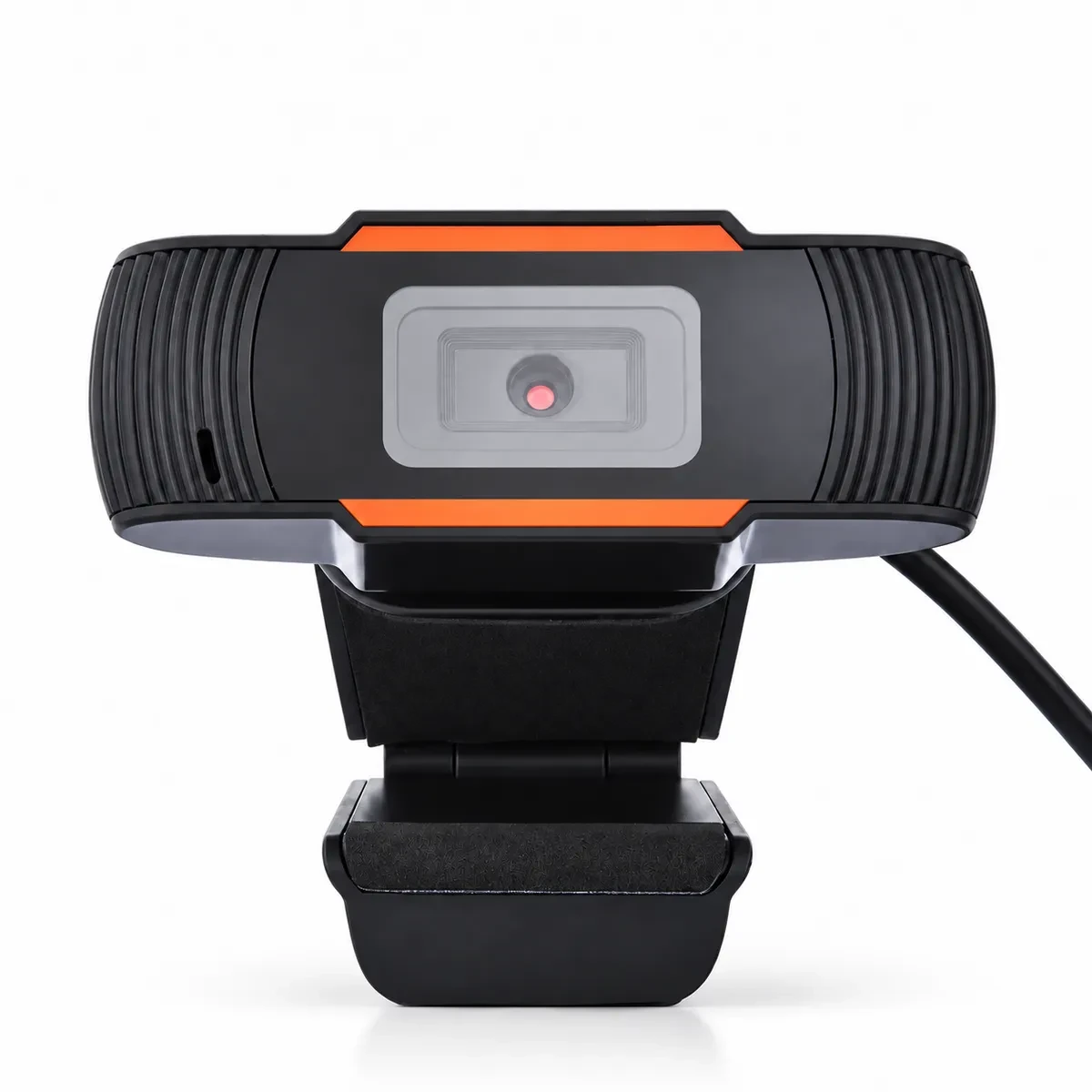
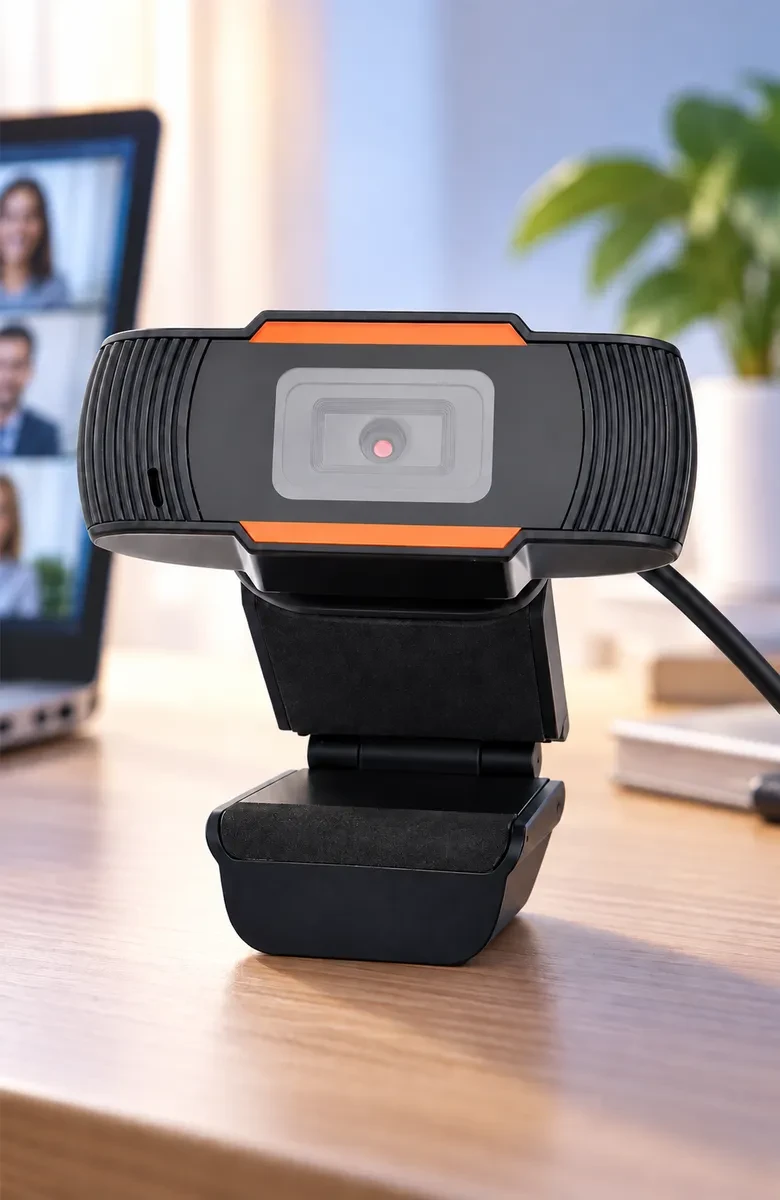
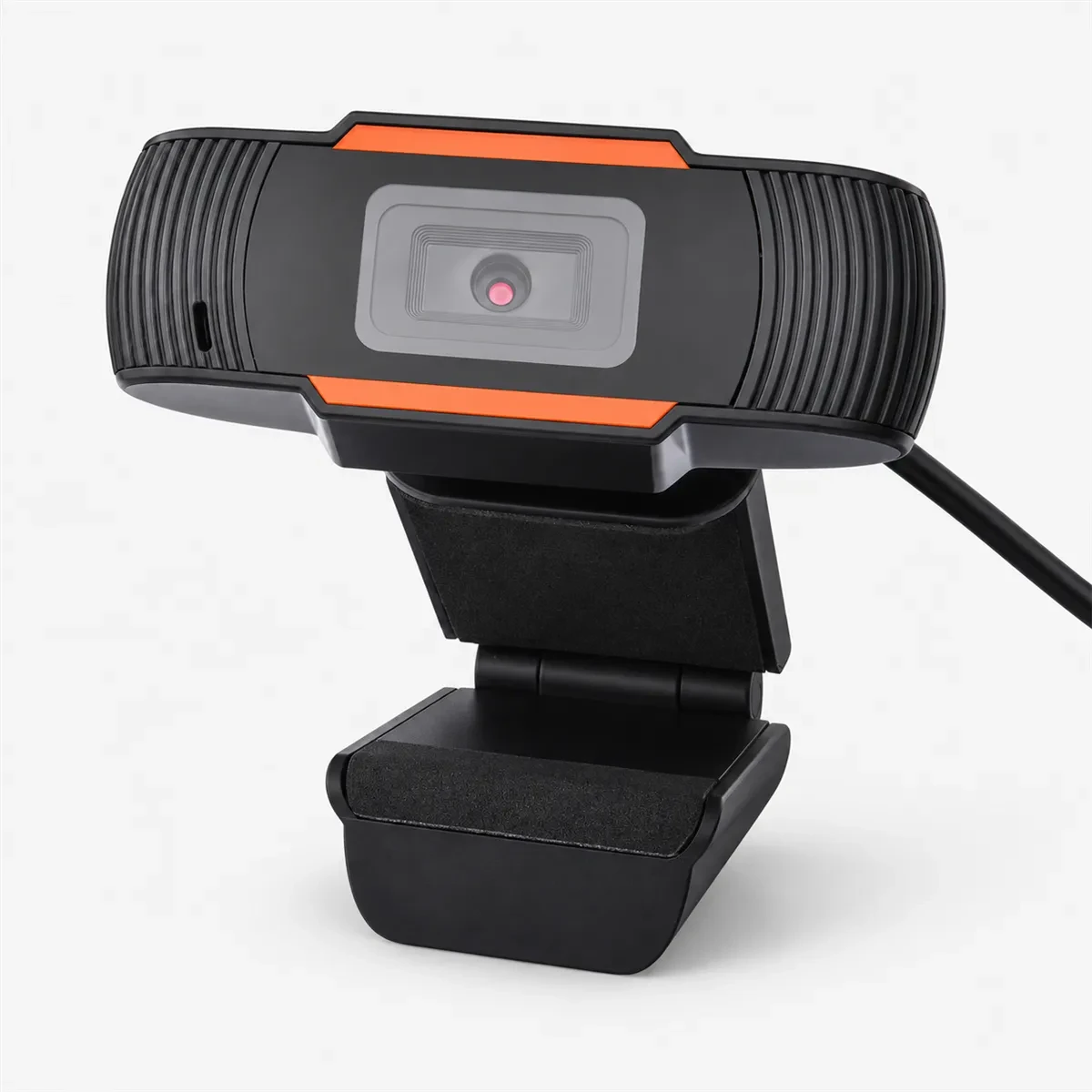
C30 1080P Webcam with Hinged Base for Computer Calls
The selected C30 configuration is specified with 1080P camera output.
हमारे उत्पादों के मुख्य लाभ जानें
विविध उपयोग परिदृश्यों के लिए विश्वसनीय गुणवत्ता और मज़बूत प्रदर्शन। कड़े उत्पादन मानक बेहतरीन टिकाऊपन और लागत-दक्षता सुनिश्चित करते हैं।

The webcam faces the caller from the upper edge of the laptop screen.
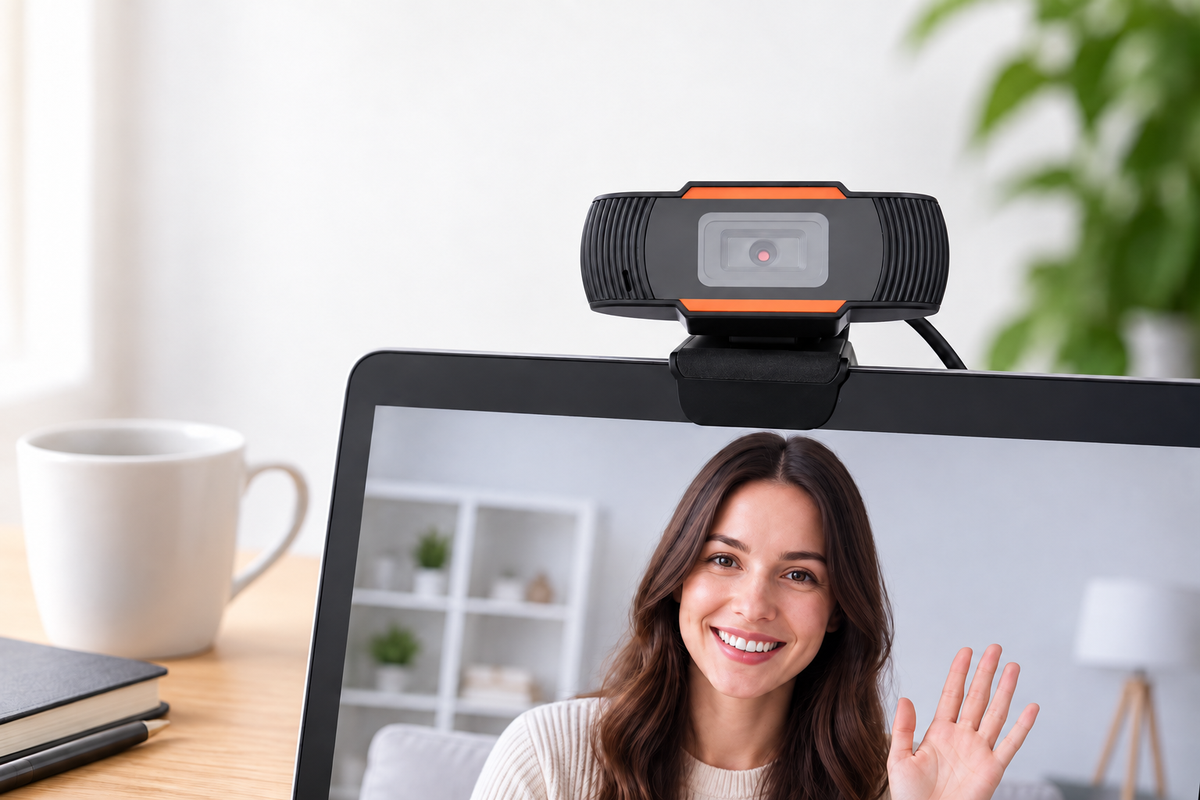
The attached clip positions the camera above the screen for video calls.
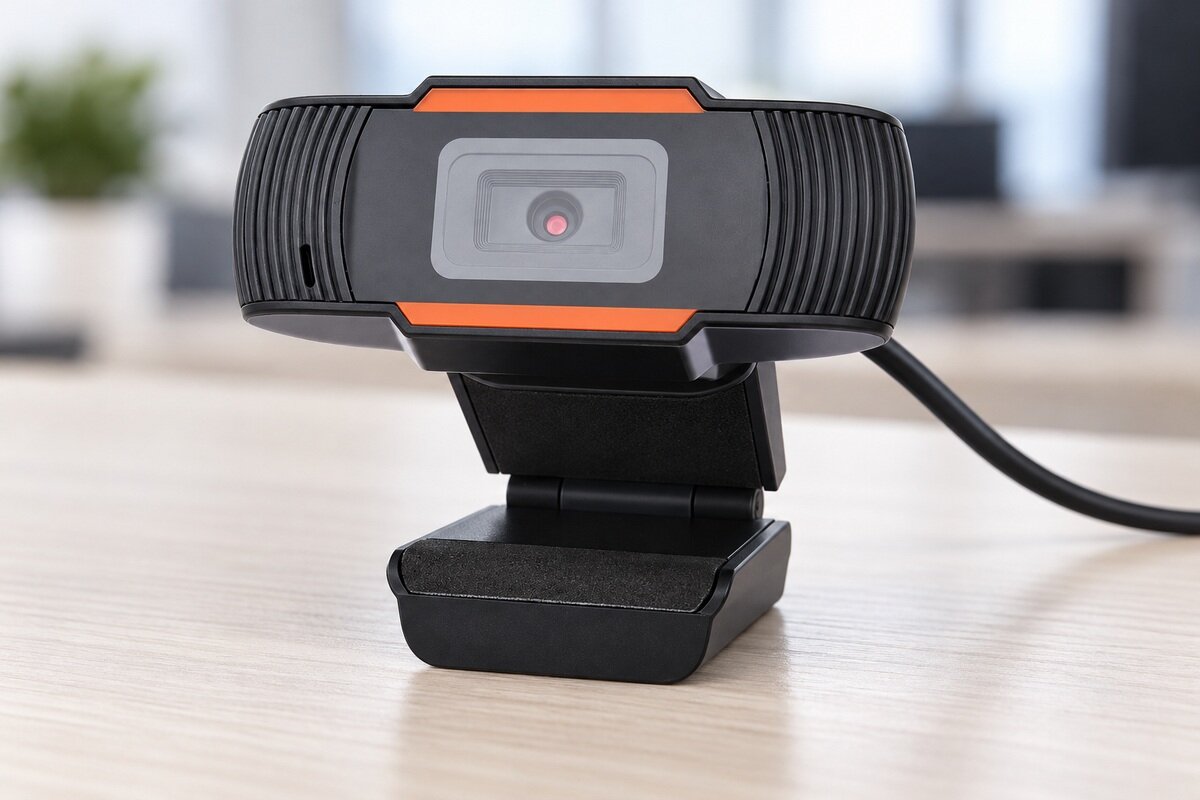
The hinged base supports the camera body on a stable desk surface.
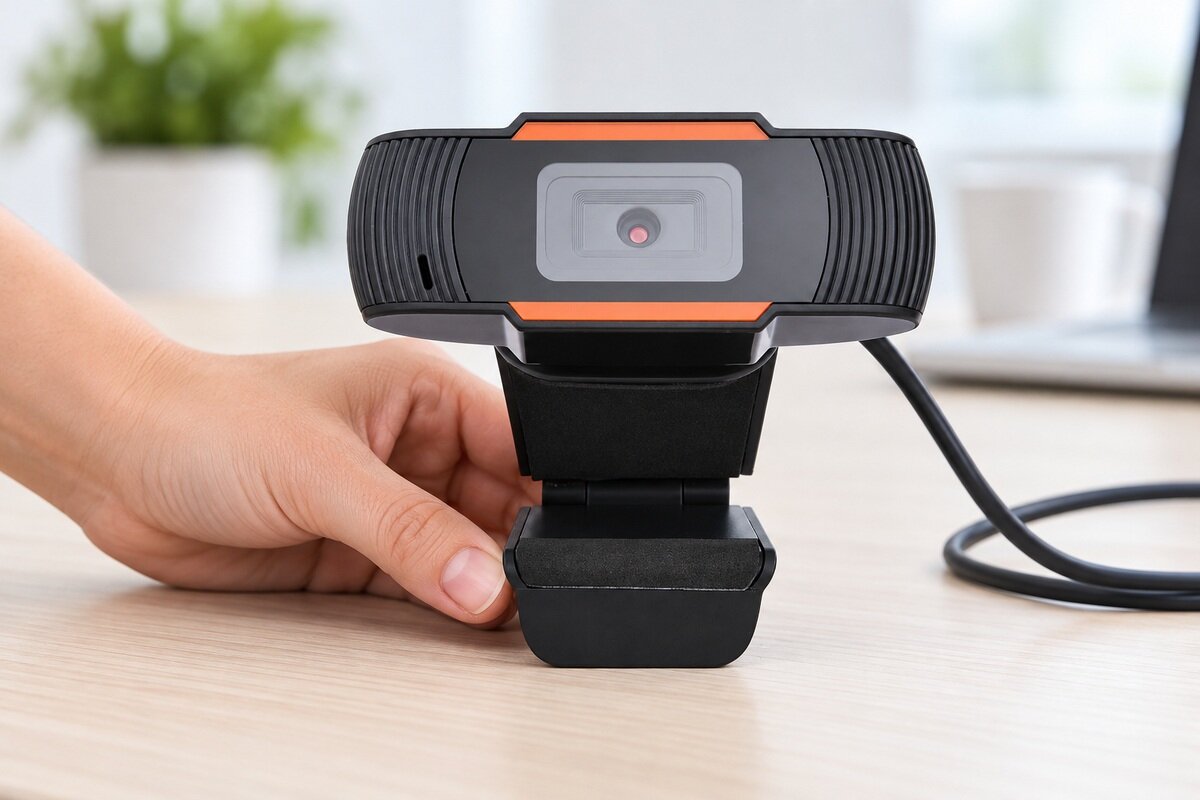
The camera body, attached base and cable form one compact webcam assembly.
उत्पाद पैरामीटर
Product NameC30 Computer Webcam
ModelC30
StructureHorizontal ribbed camera body with central lens and articulated clip base
Available Colors / PatternsBlack body with orange accent strips
Configuration1080P camera; attached 1.5 m cable; no privacy cover
Additional Verified ParametersCable length: 1.5 m
कई परिदृश्यों के लिए लचीला
Position the webcam with its lens facing the caller and its base on a stable surface. Arrange the cable without tight bends, check the framing before a call and keep the lens clear when adjusting the camera.
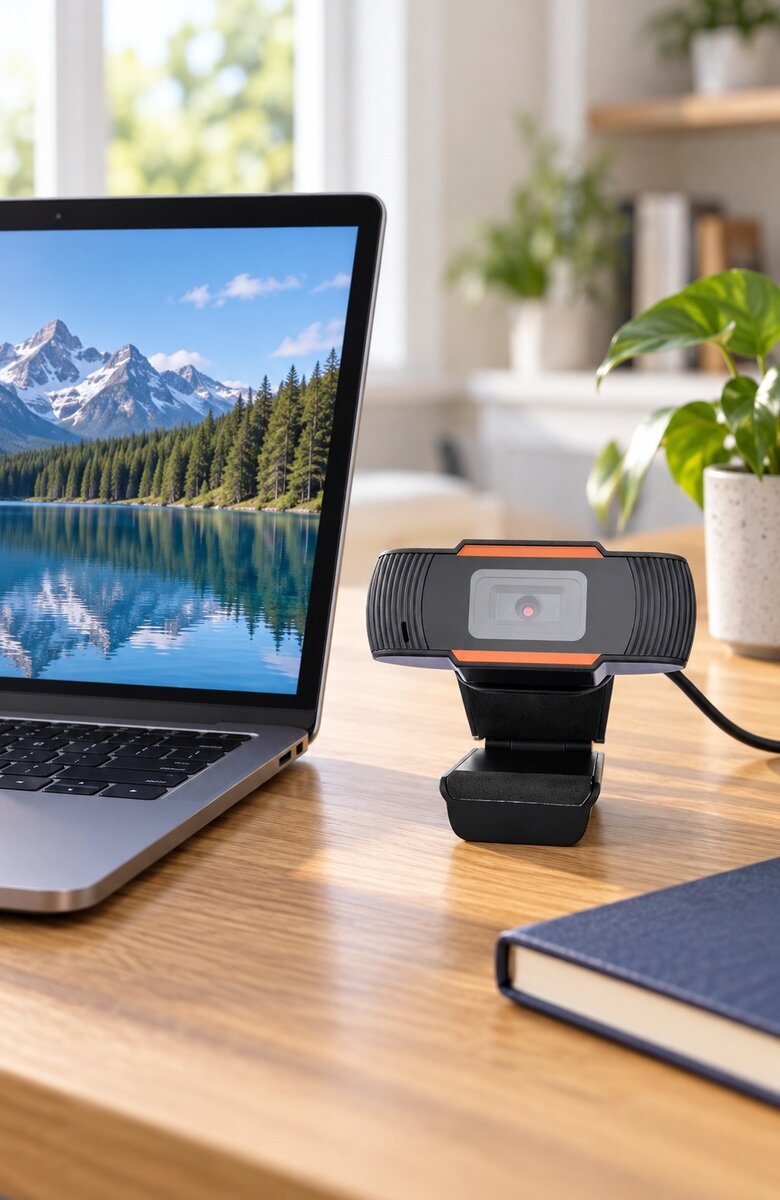
Laptop Desk SetupArrange the camera by the laptop with its lens facing the seated caller for use.
Check lens and camera body before placing the webcam onto a stable desk surface.
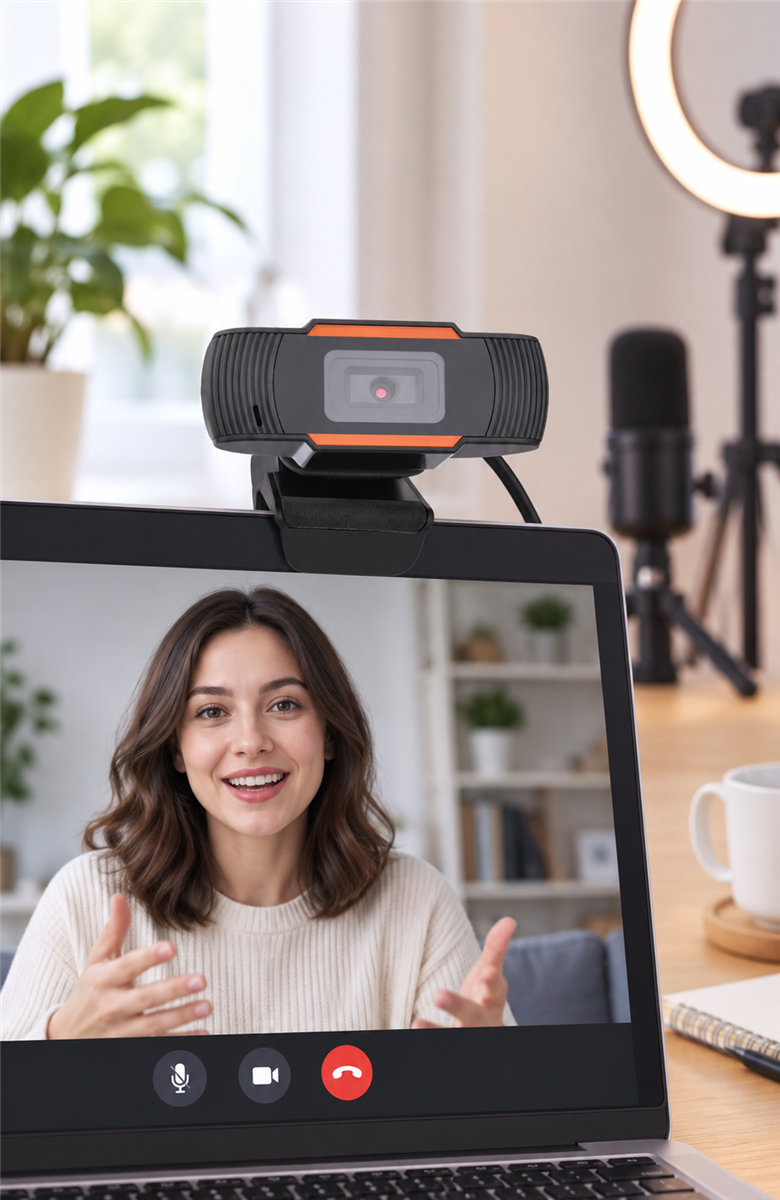
Desktop Video CallKeep the webcam facing you during calls, with the screen and workspace arranged.
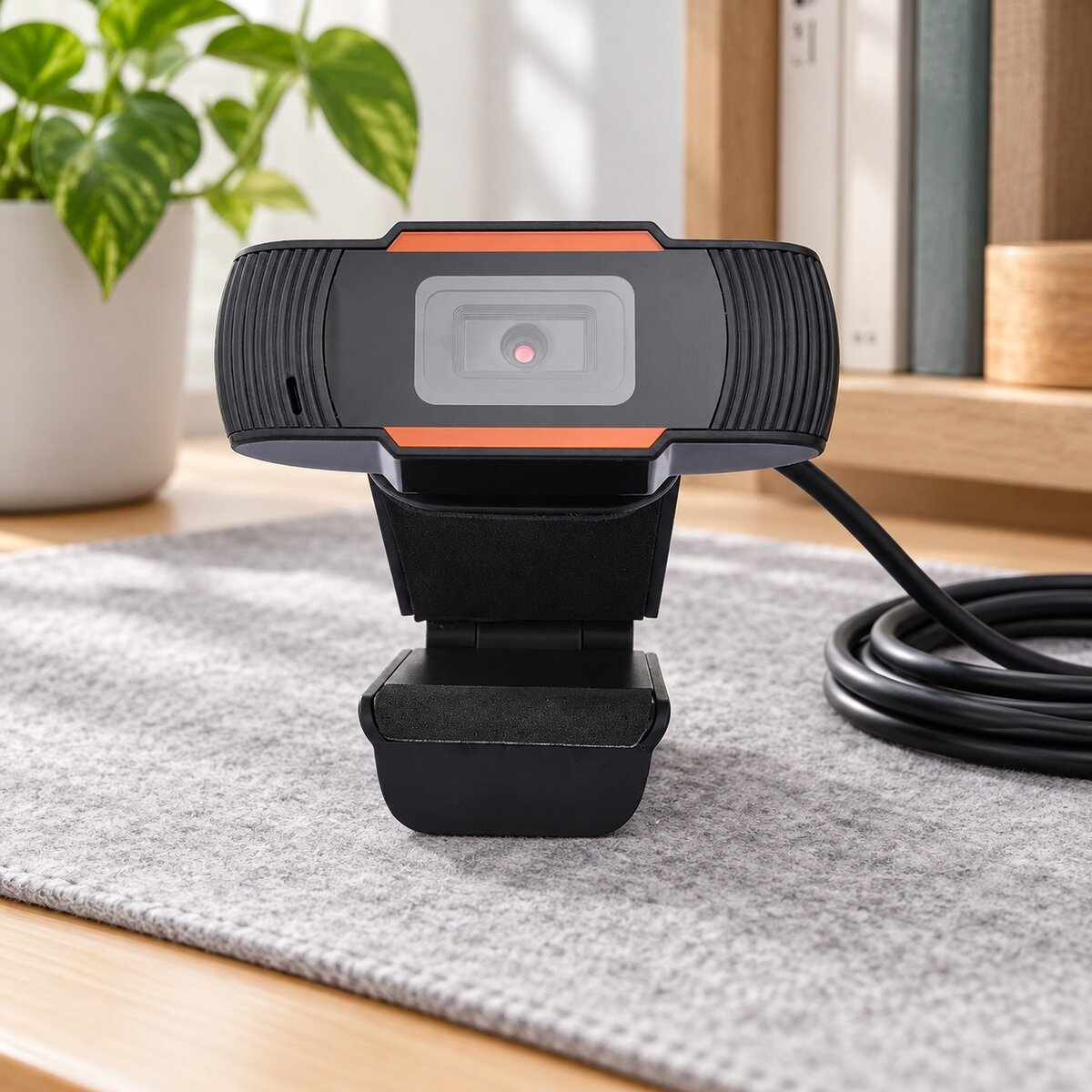
Between-Call StorageSet the webcam on a clean dry mat and coil its attached cable loosely after use.
Route the attached cable without tight bends and keep the working surface clear.
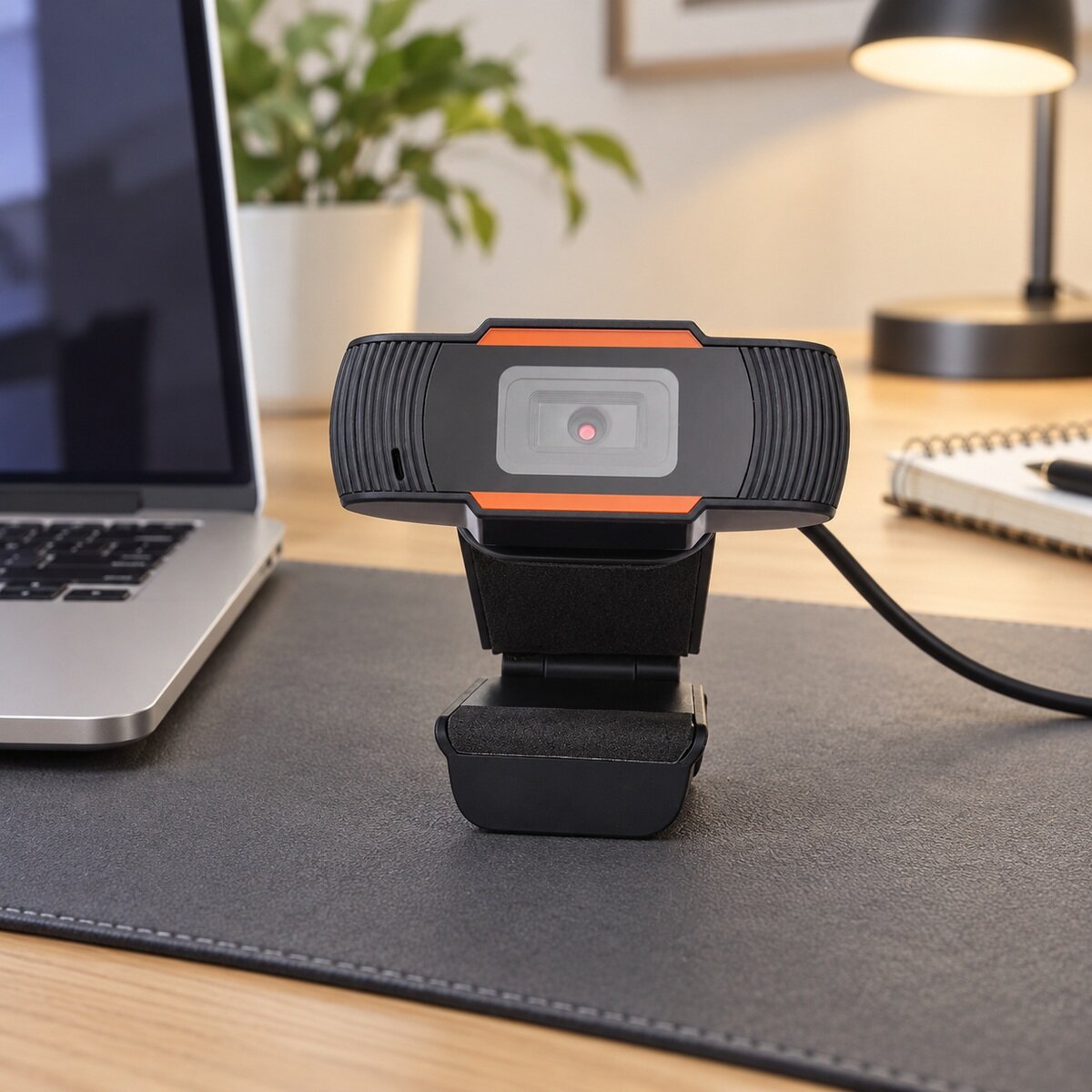
Before-Call Desk CheckSteady the webcam body on its base while checking its position before your call.
पैकेजिंग सूची
1 x C30 webcam with attached cable and mounting base; 1 x user guide.
Cable length: 1.5 m.
अक्सर पूछे जाने वाले सवाल
संबंधित सुझाव
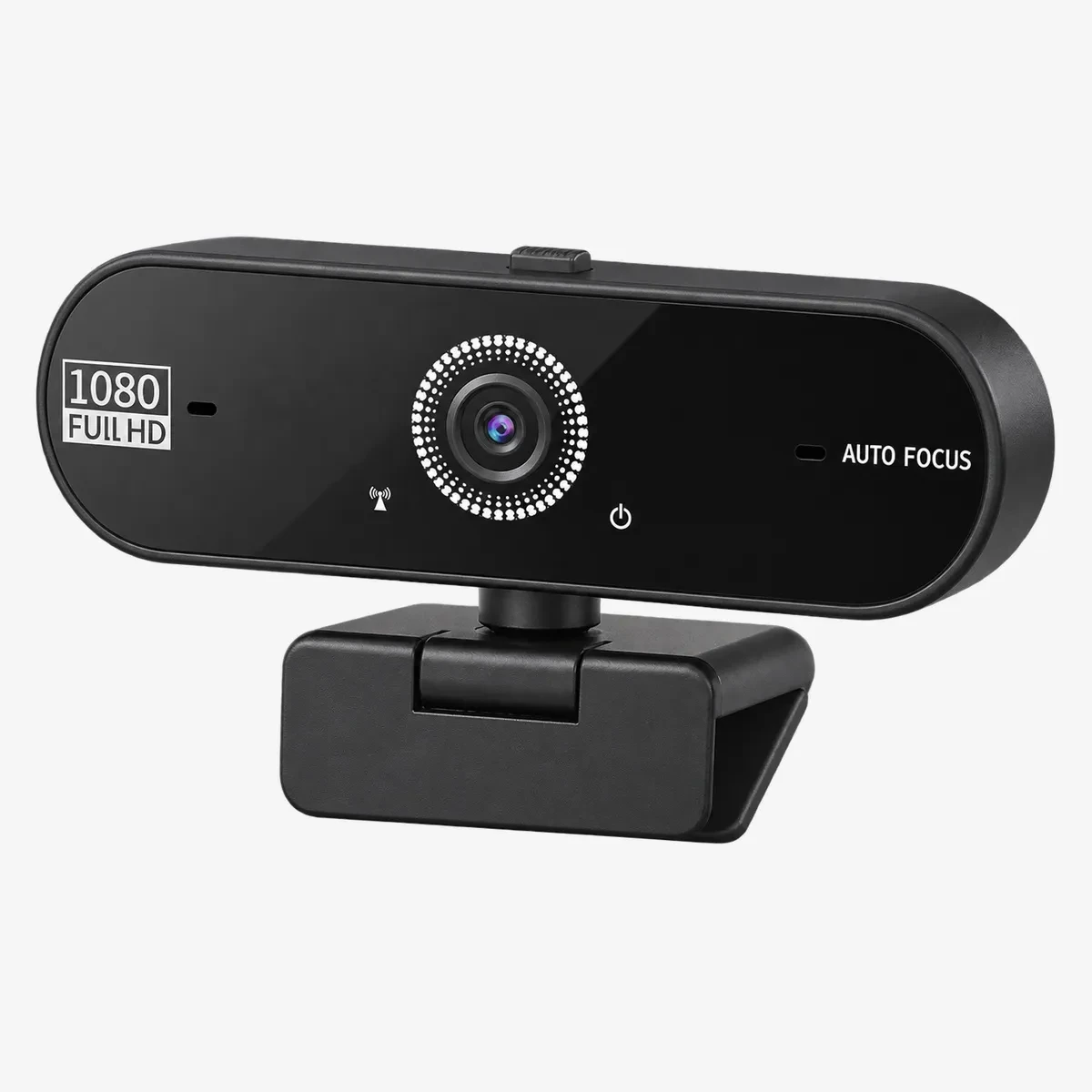
मॉनिटर क्लिप के साथ W8 1080p USB वेबकैम
MOQ 100 set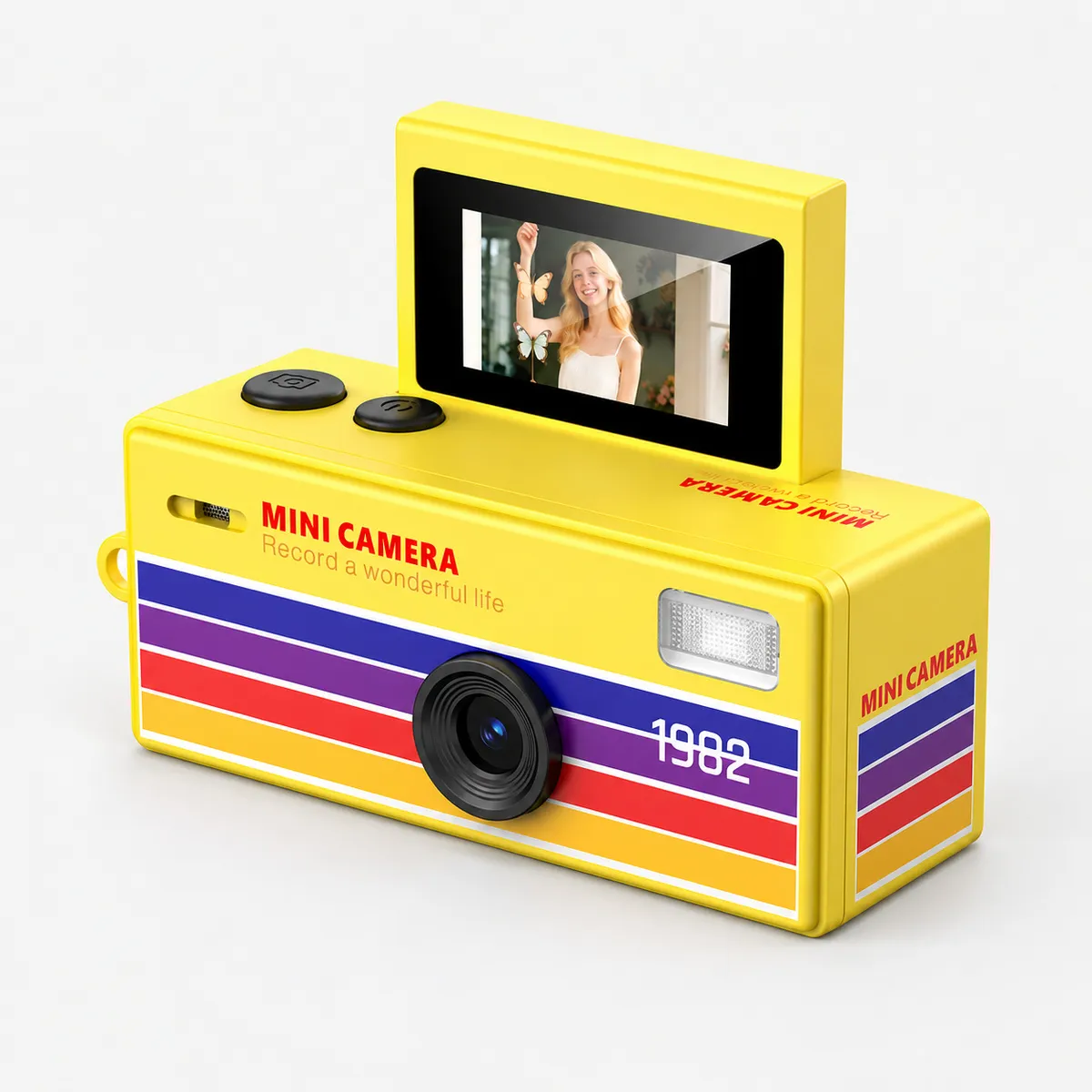
मिनी अंगूठे कैमरा
MOQ 200 unit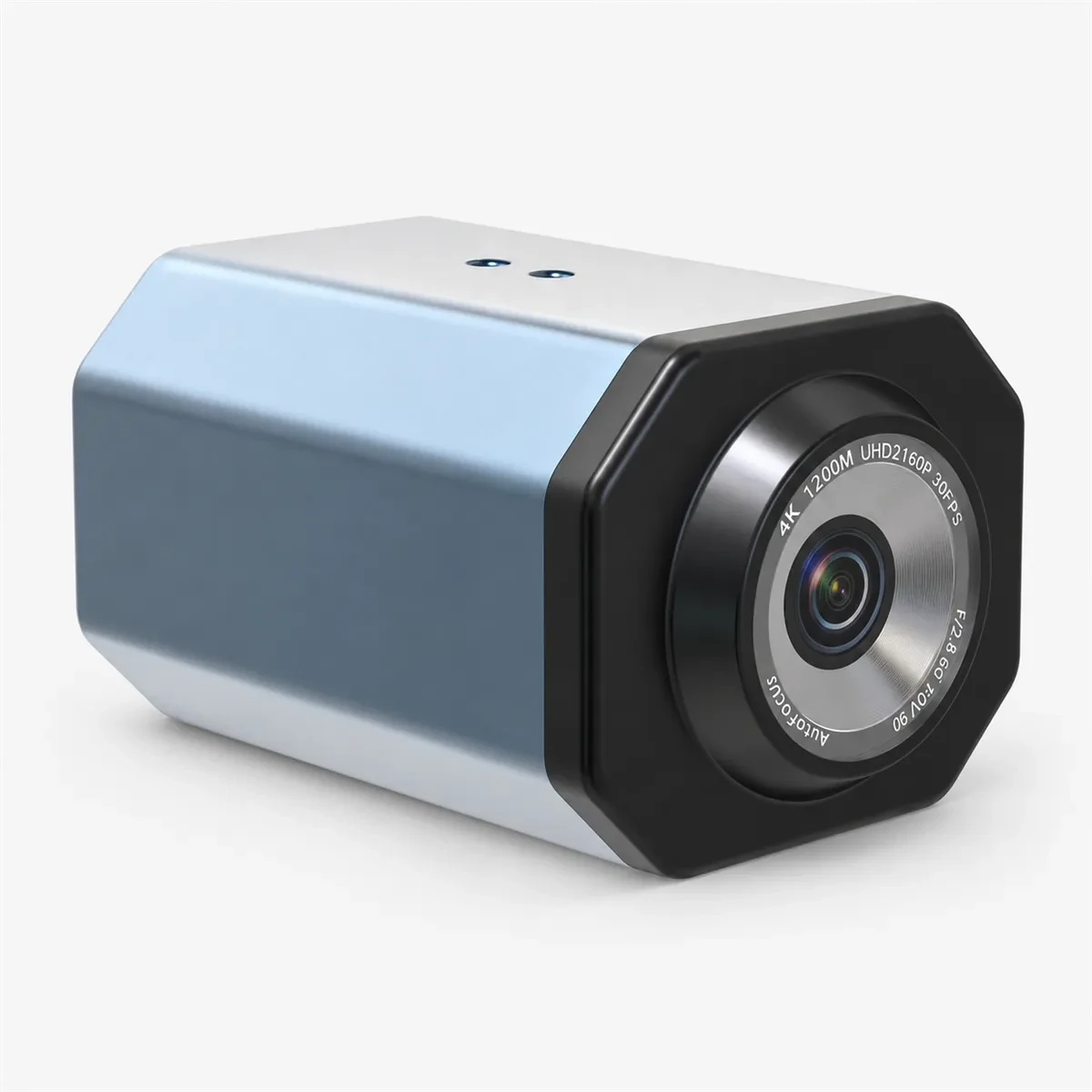
C260 कंप्यूटर वेबकैम
MOQ 24 unit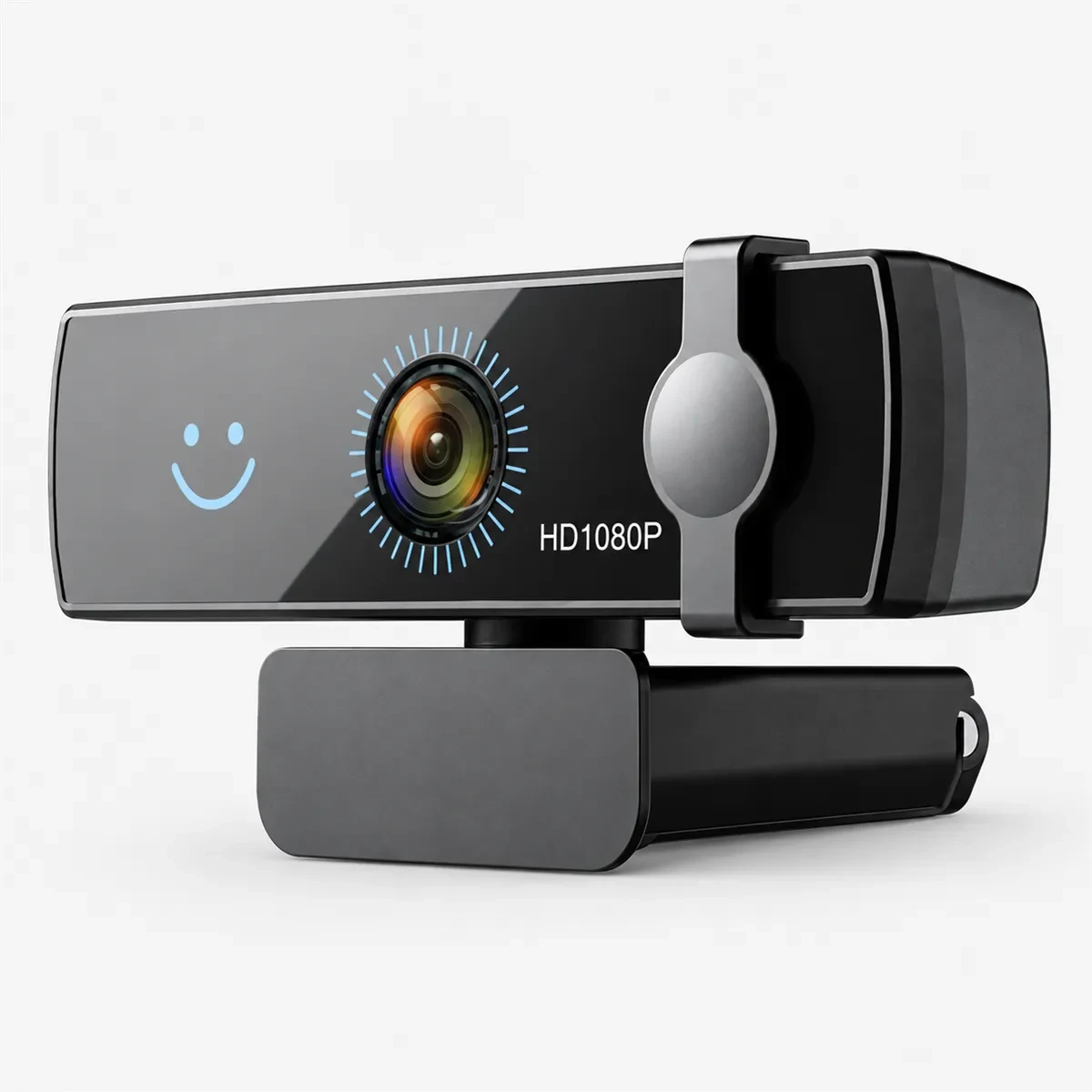
सीडब्ल्यू100 कंप्यूटर वेबकैम
MOQ 24 unit