All your procurement questions can be answered by our customer service.Execute Now

 Mobile Digital, Communications & Smart WearablesData Cables, Adapters & Expansion AccessoriesCharging and Data Cables

Unbranded
4.6Chat with brandFollow brand


Immediate deliveryCorporate bulk purchasingOEM/ODM
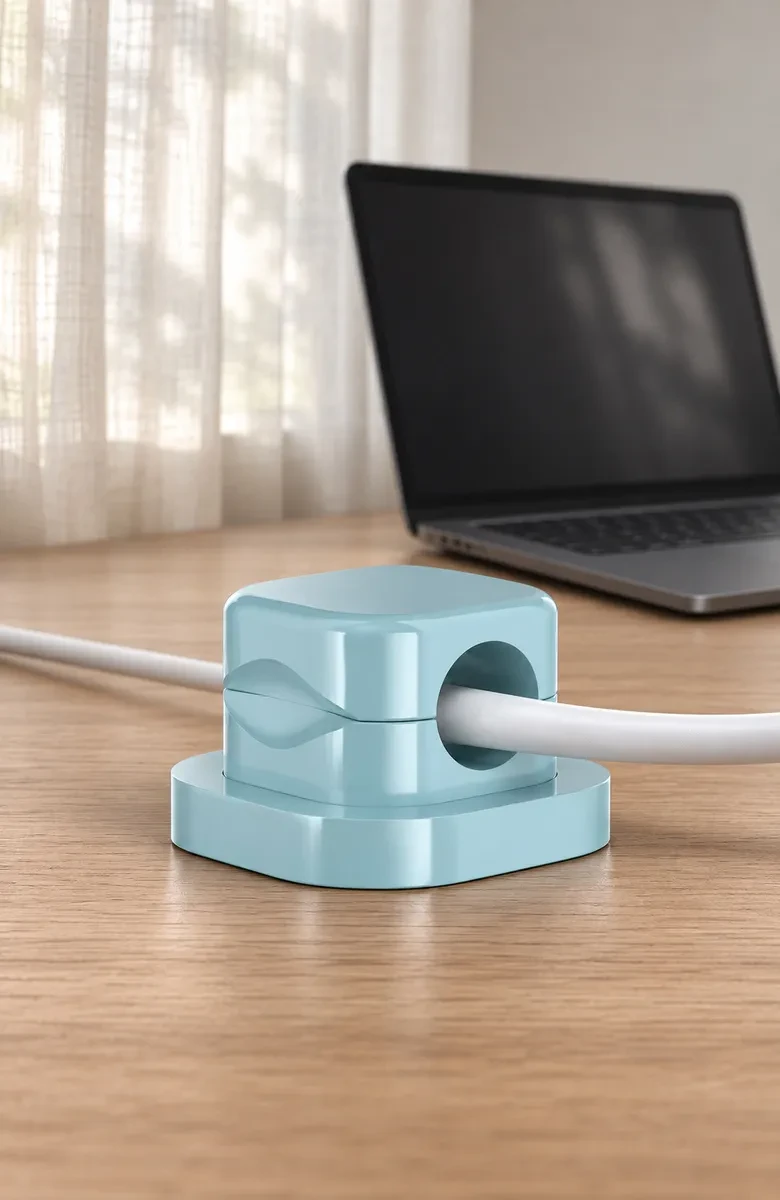
KS-601 Swivel Desktop Cable Clip
Minimum order quantity: 1
Current Purchase PriceStandard Purchase Price
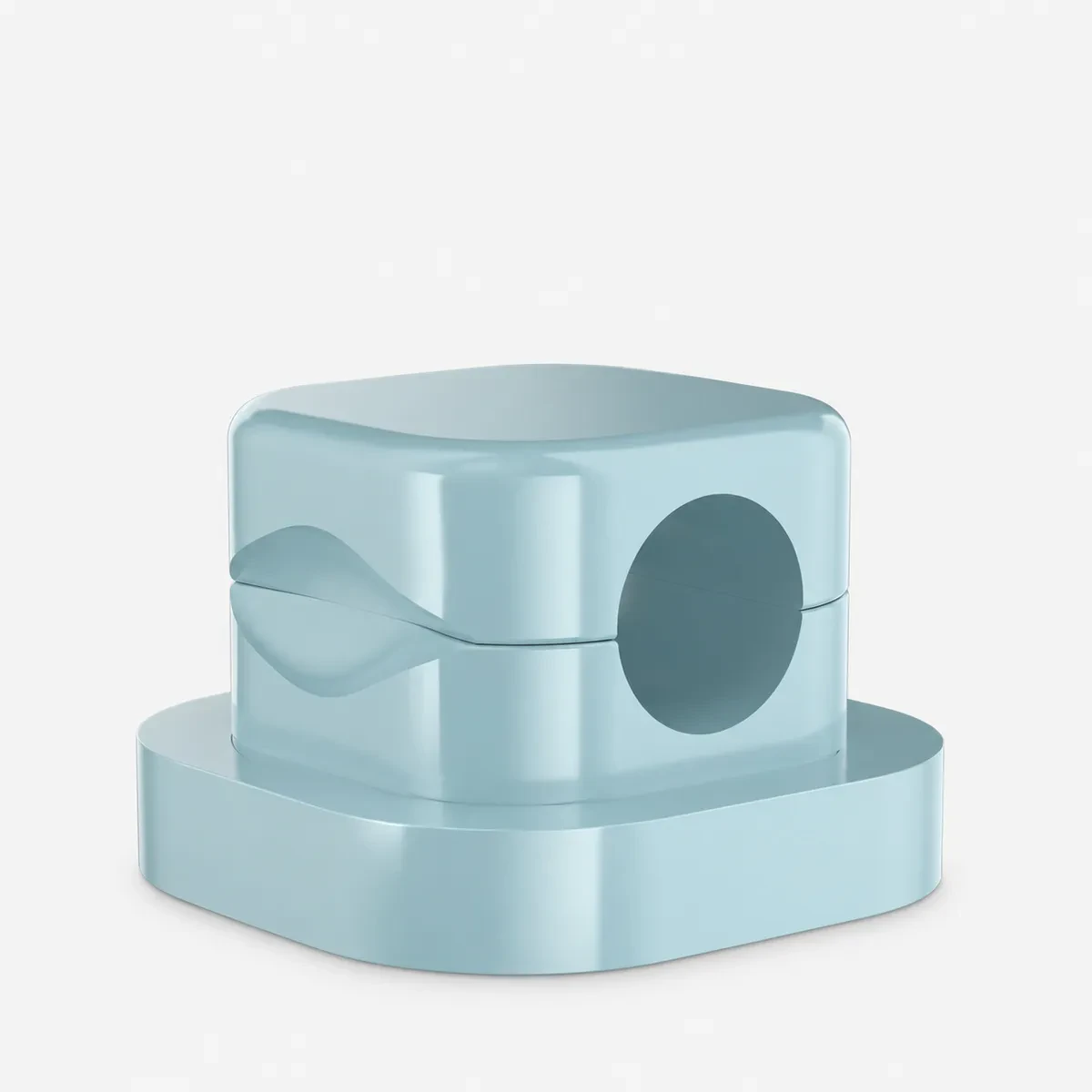
- Turn the clip head through 360 degrees to change the cable direction. Open the hinged cap to place one data cable in the channel. Peel off the liner and press the adhesive base onto a smooth surface. Choose from white, black, orange or light blue.

Authenticity guarantee
Worry-free after-sales service
Delivered on schedule
Exquisite Details & Design Features
Carefully-crafted details showcase superior craftsmanship and outstanding design features.
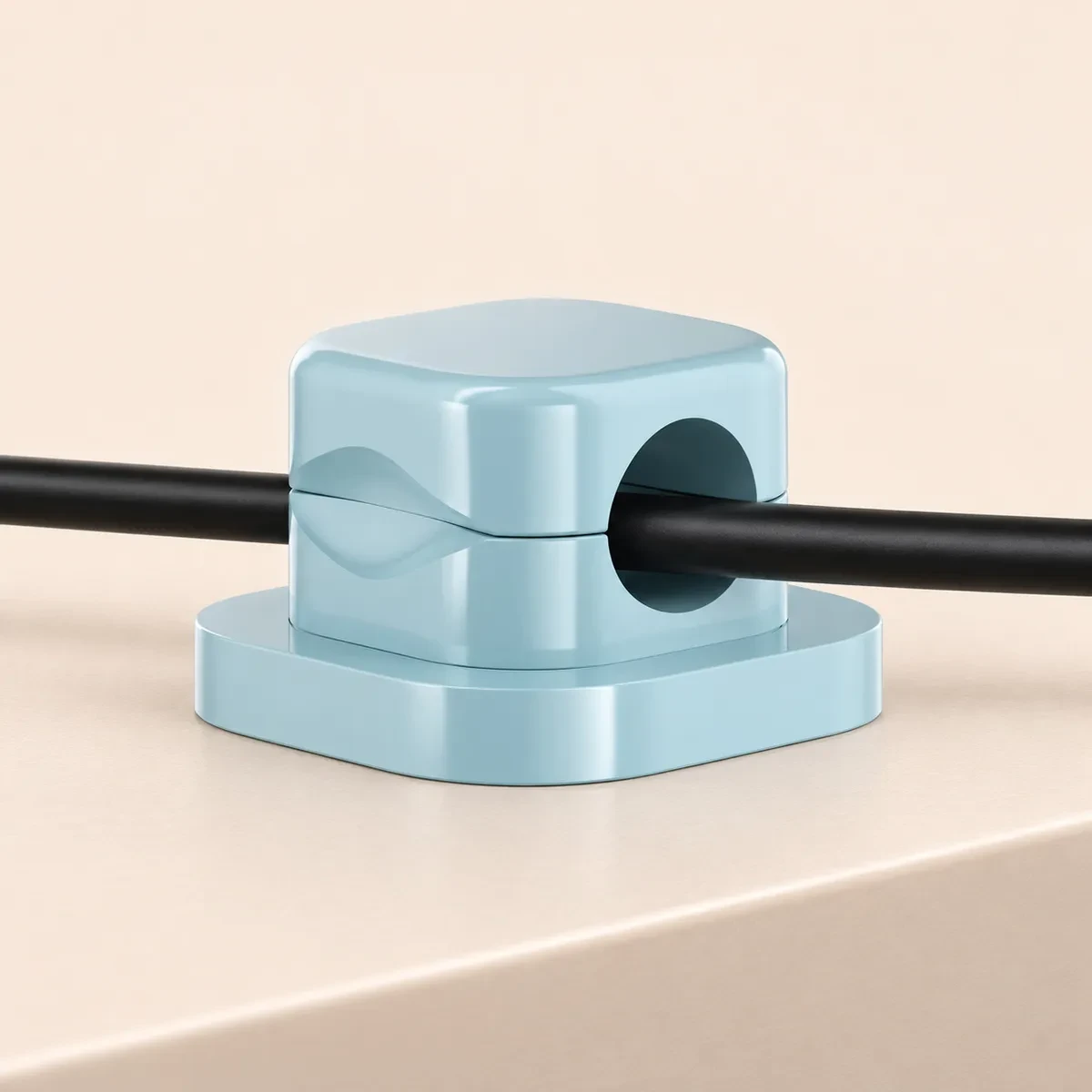
KS-601 Swivel Desktop Cable Clip
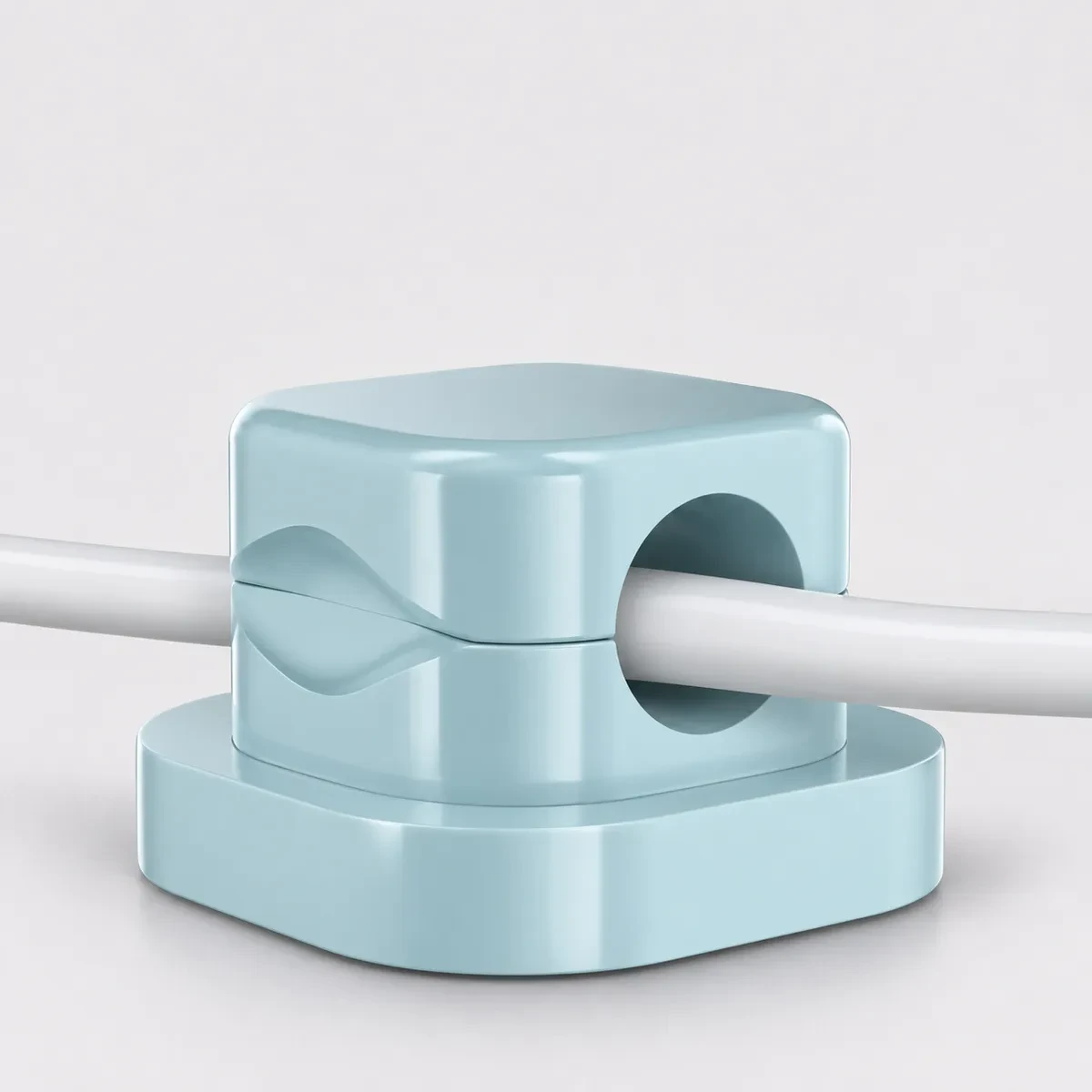
Route one data cable through the clip's circular channel.
Uncover Our Core Product Advantages
Reliable quality and solid performance for your varied usage scenarios. Rigorous production standards ensure great durability and cost‑efficiency.
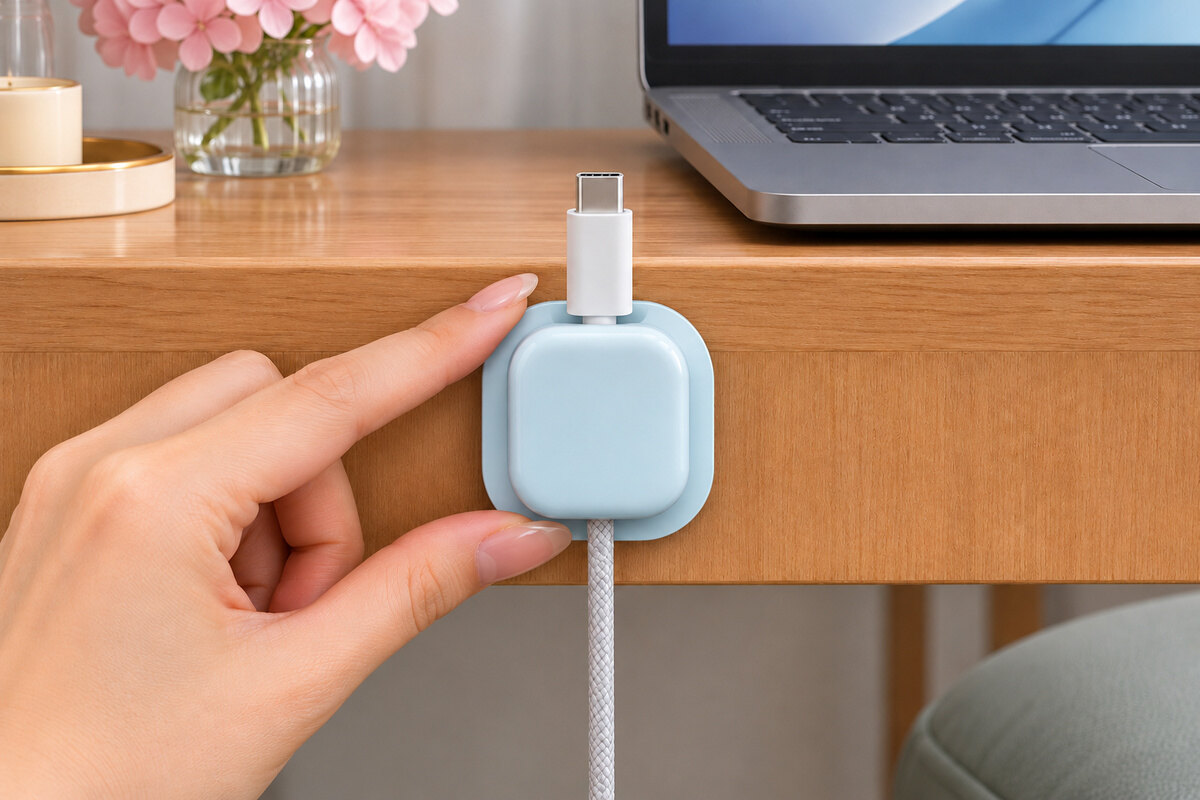
Park a data cable near your laptop where you can reach the connector.
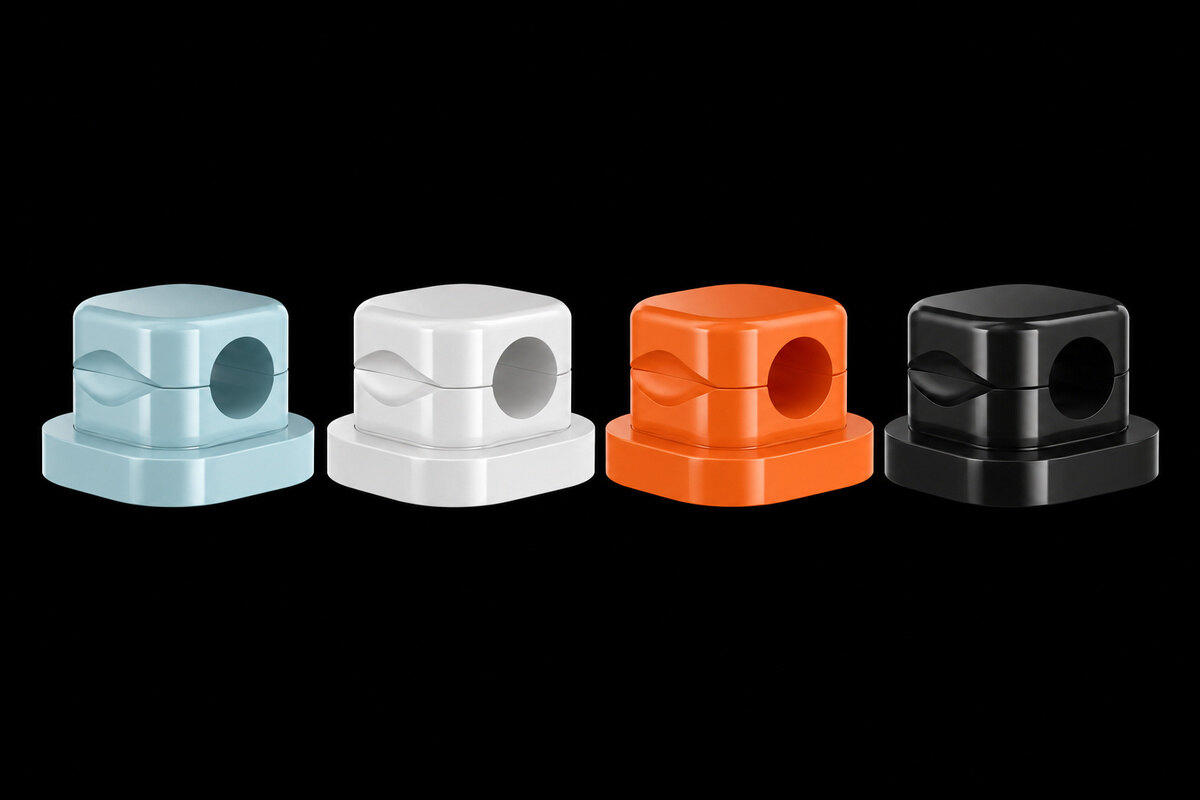
Choose from four colors to suit the surface where you mount the clip.
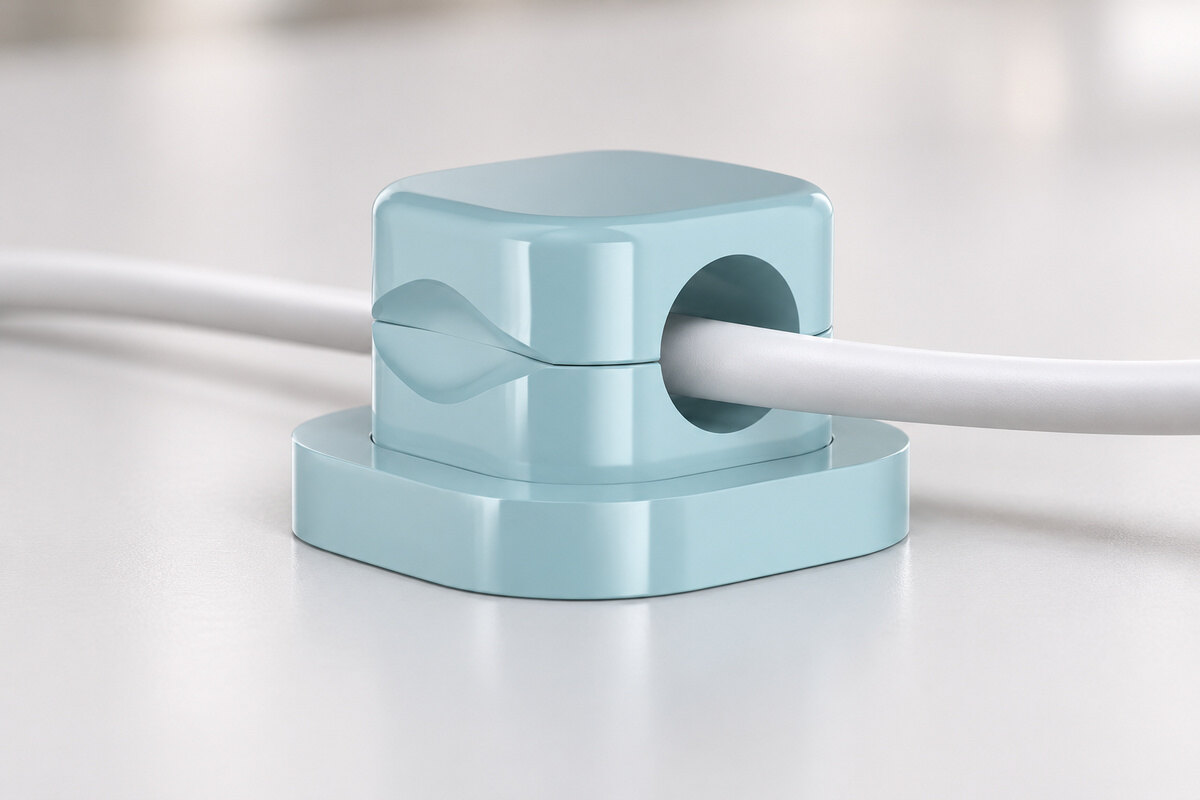
Route a cable across the desktop through the mounted clip.
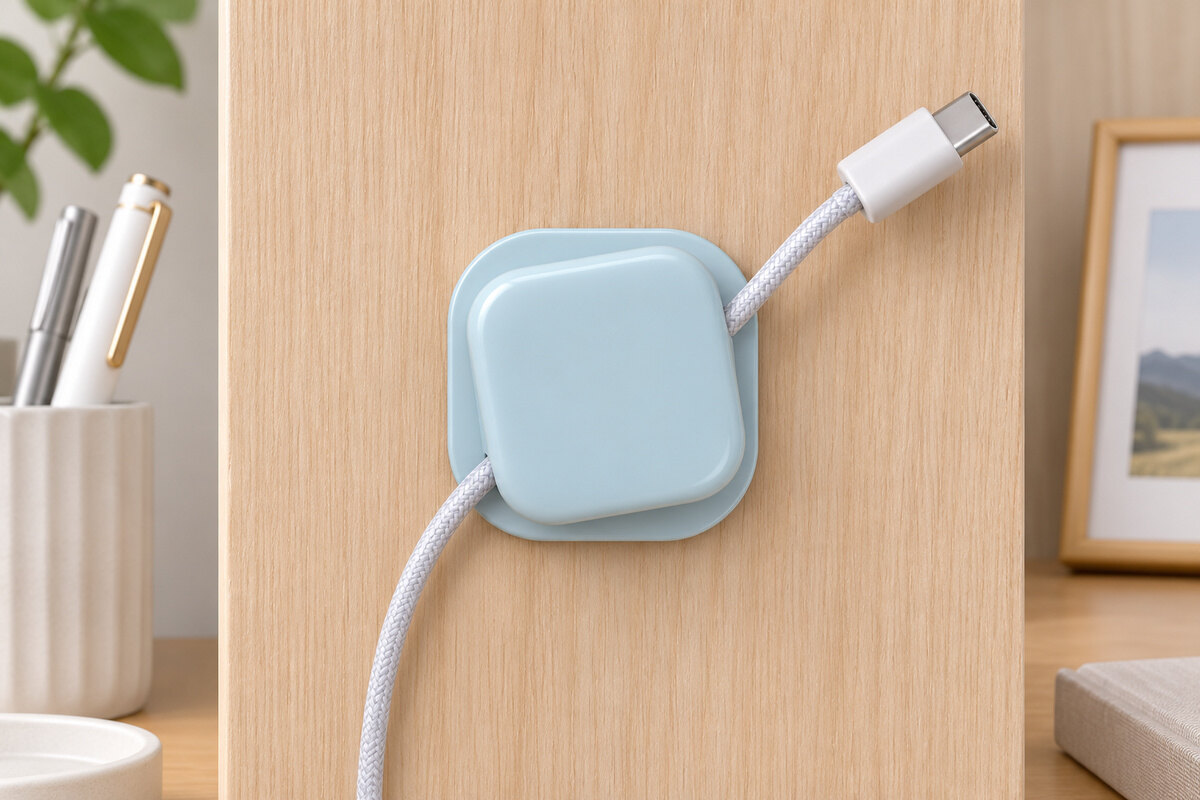
Angle the clip head to suit the direction your cable needs to go.
Compatible devices
Desk Cable Accessories
Use with a data cable that fits the single channel.
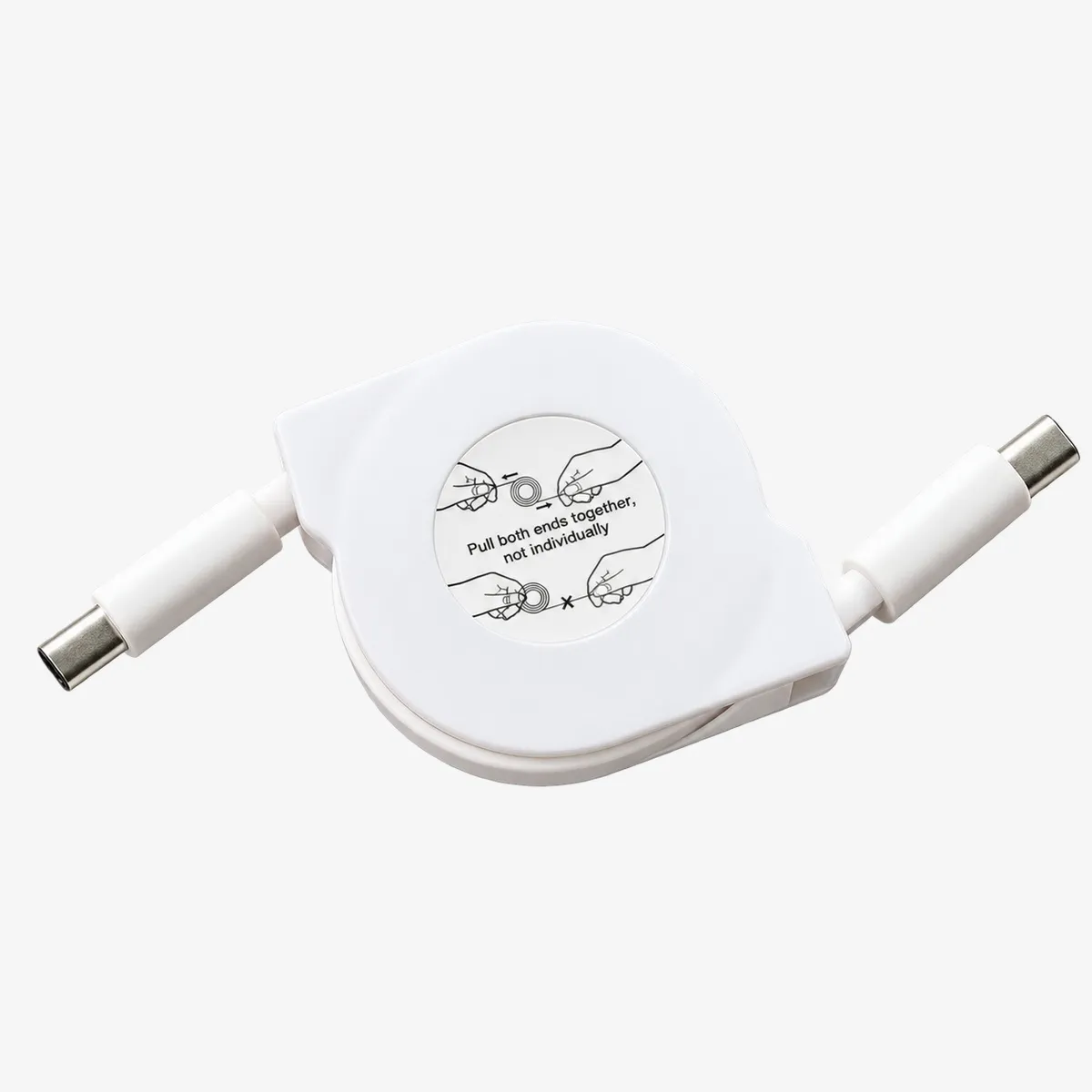
White Macaron USB-C to USB-C Retractable Charging Cable
Product parameters
Product NameKS-601 Swivel Desktop Cable Clip
ModelKS-601
Product TypeDesktop cable clip
MaterialPlastic
ConfigurationDesktop cable clip
Flexible for multiple scenarios
Keep a data cable within reach with the KS-601. Its hinged cap opens to let you lay one cable in the channel. The head swivels through 360 degrees to adjust the cable direction, and the adhesive base mounts to a smooth desk surface.
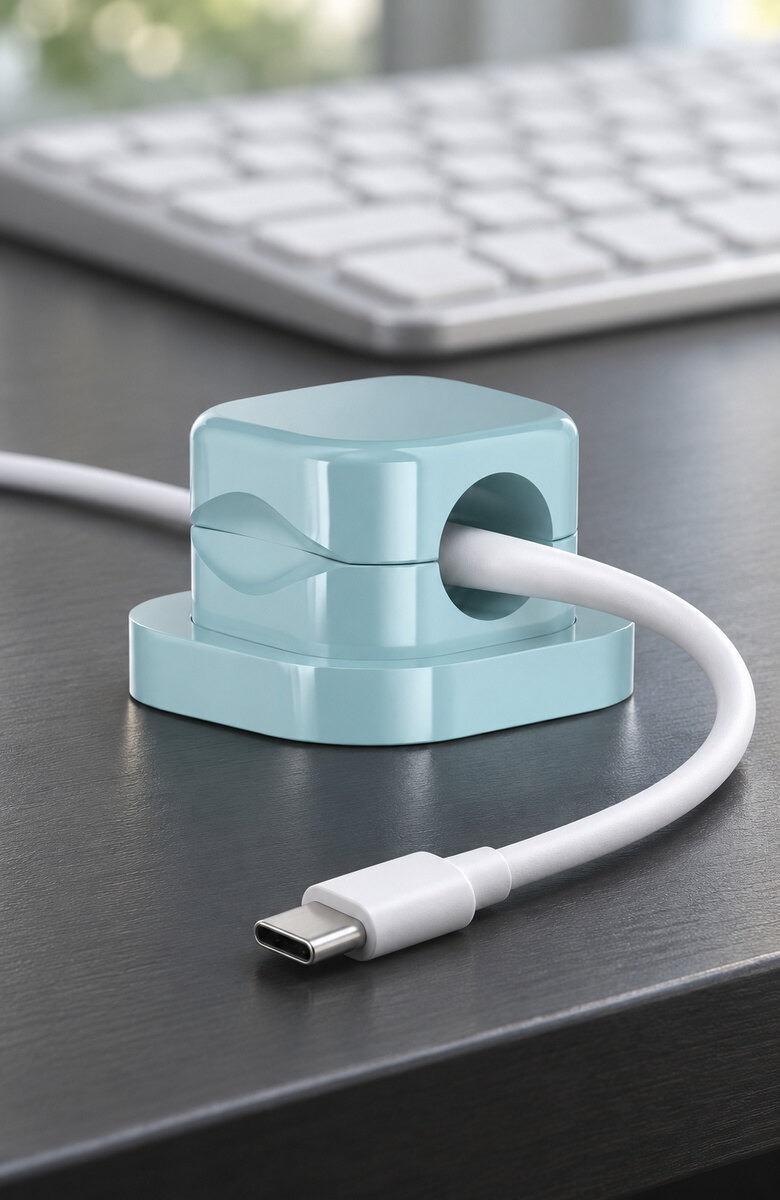
Office DeskKeep the connector at the edge of your office desk so it is always within reach.
Clean the desk, remove the liner, and press the sticky base against the surface.
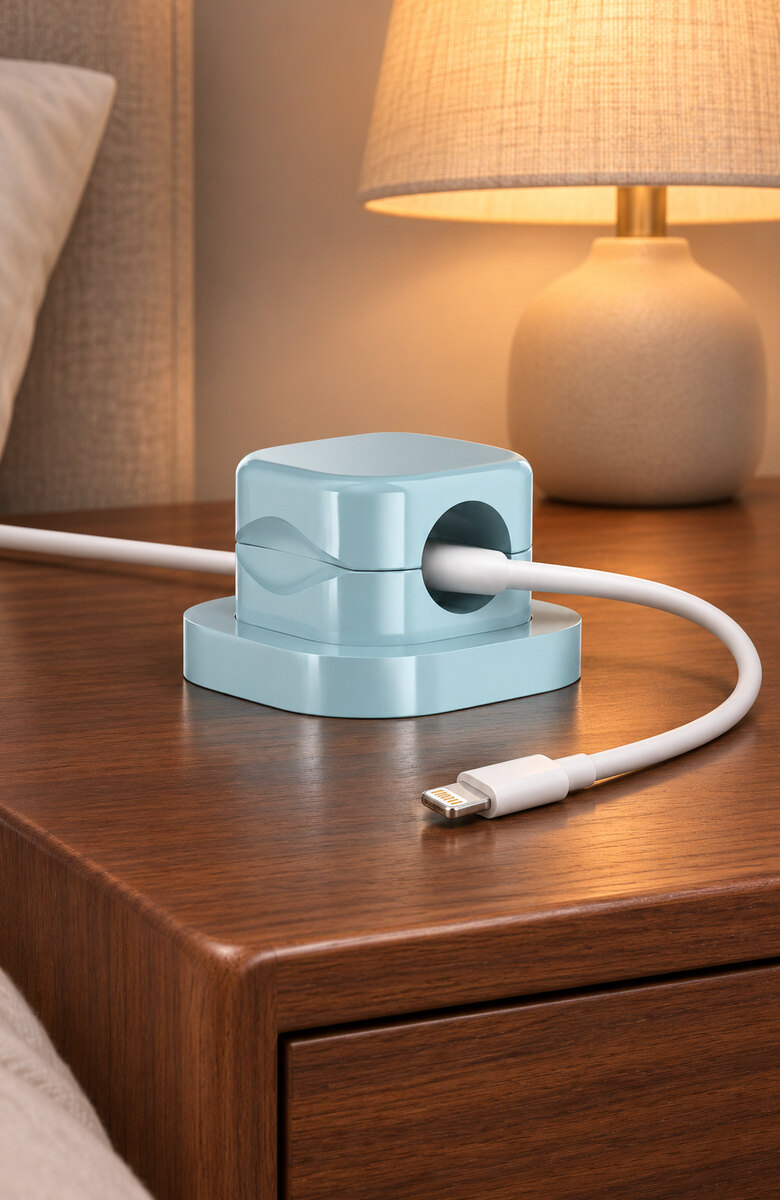
Bedside TablePark the cable on your nightstand so you can find the connector beside your bed.
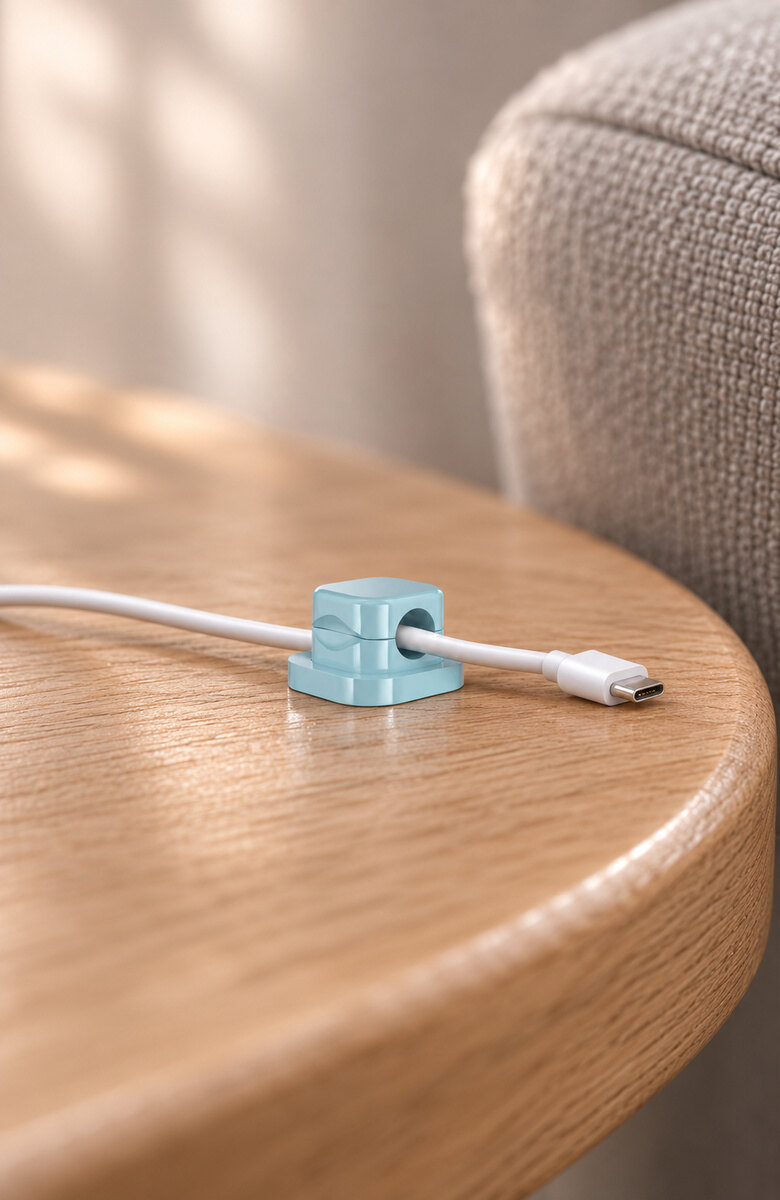
Sofa Side TableMount the clip on a side table to keep the cable close to where you usually sit.
Open the cap, lay the cable in the groove, then close the cap and turn the head.
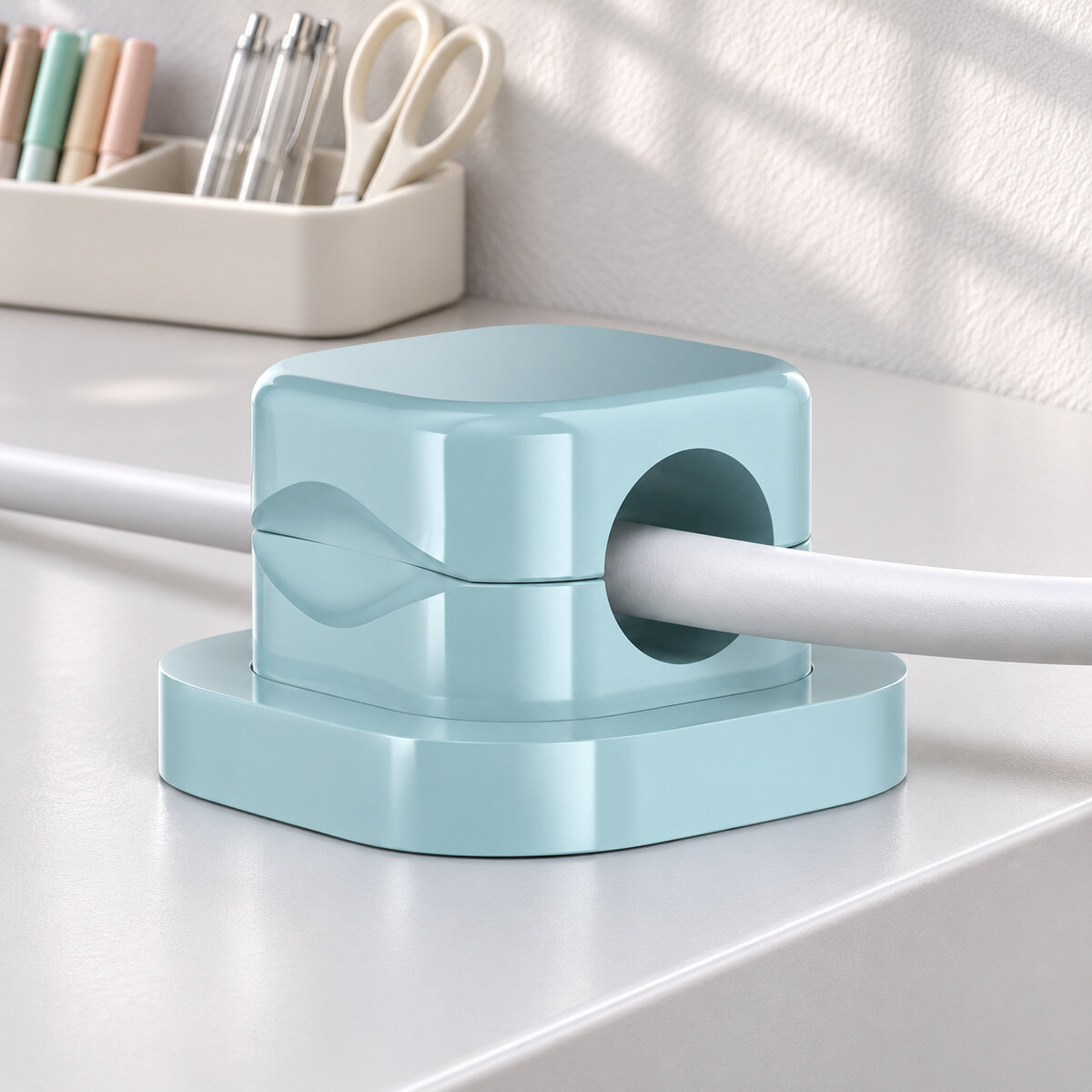
Worktop CornerRoute a data cable along the edge of the worktop to keep the work surface clear.
Packaging list
One KS-601 cable clip.
KS-601 Swivel Desktop Cable ClipQuantity 1
Frequently Asked Questions
Related recommendations