All your procurement questions can be answered by our customer service.Execute Now

 Computers, Office, Networking, Audio-Video & GamingKeyboards, Mice, Webcams & Computer PeripheralsComputer Stands, Cooling Pads & Peripheral Accessories

Unbranded
4.6Chat with brandFollow brand


Immediate deliveryCorporate bulk purchasingOEM/ODM
iFixit Keycap Puller IF145-851-1
Minimum order quantity: 1
Current Purchase PriceStandard Purchase Price
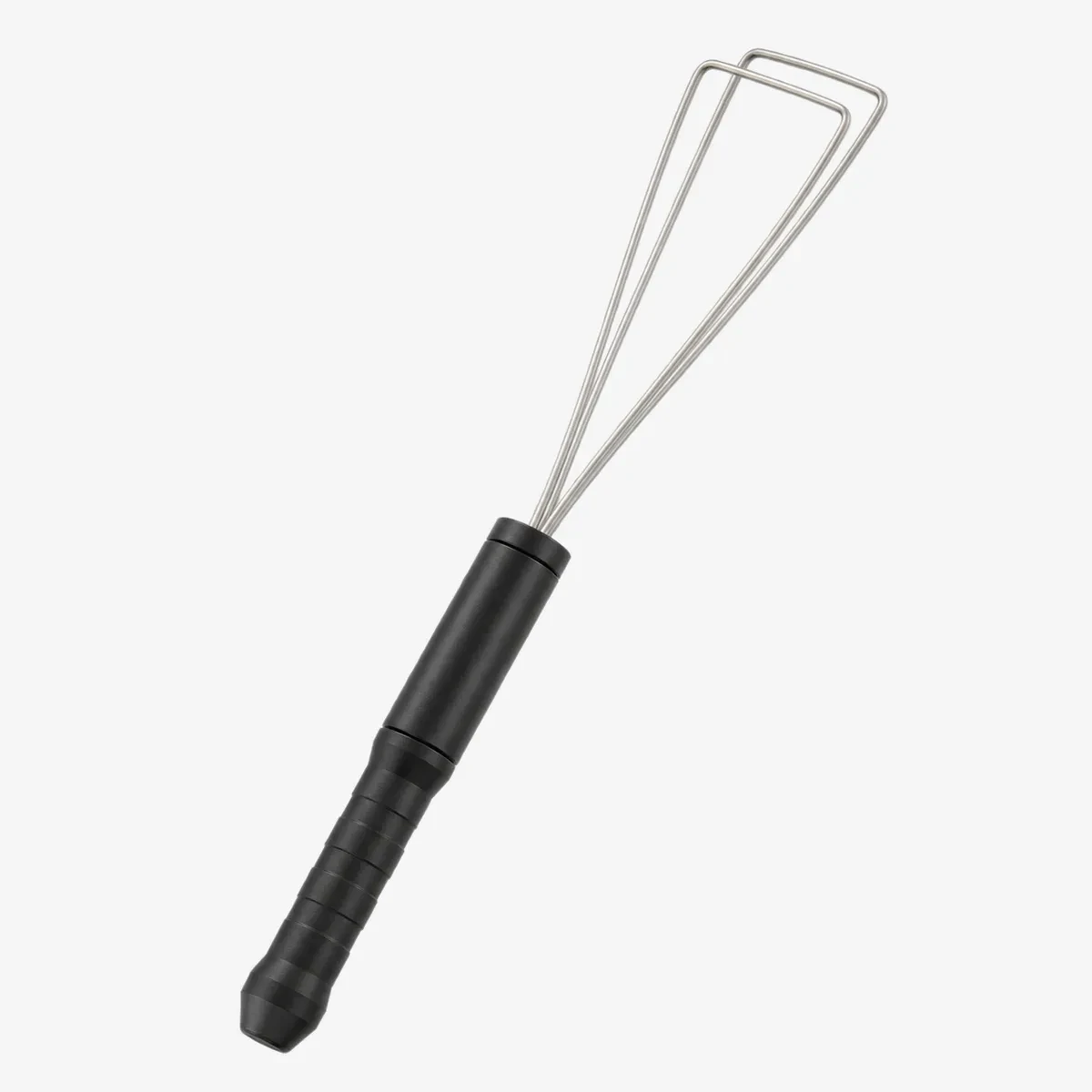
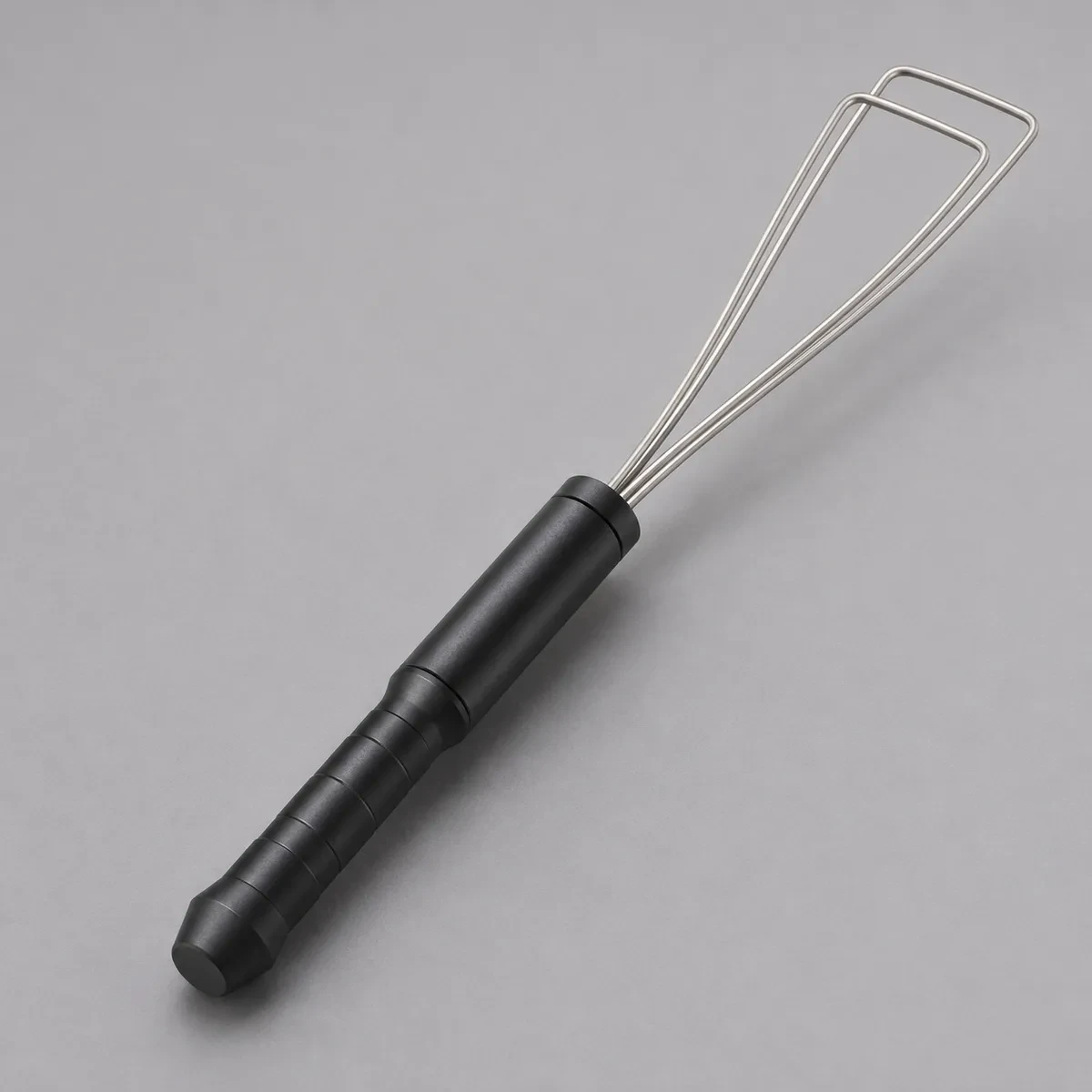
- Two continuous wire loops form the working end. The official product uses a black anodized machined aluminum handle. The handle provides a manual grip for positioning the wire end over a keycap. The two loops engage beneath opposite keycap edges for an upward pull.

Authenticity guarantee
Worry-free after-sales service
Delivered on schedule
Exquisite Details & Design Features
Carefully-crafted details showcase superior craftsmanship and outstanding design features.
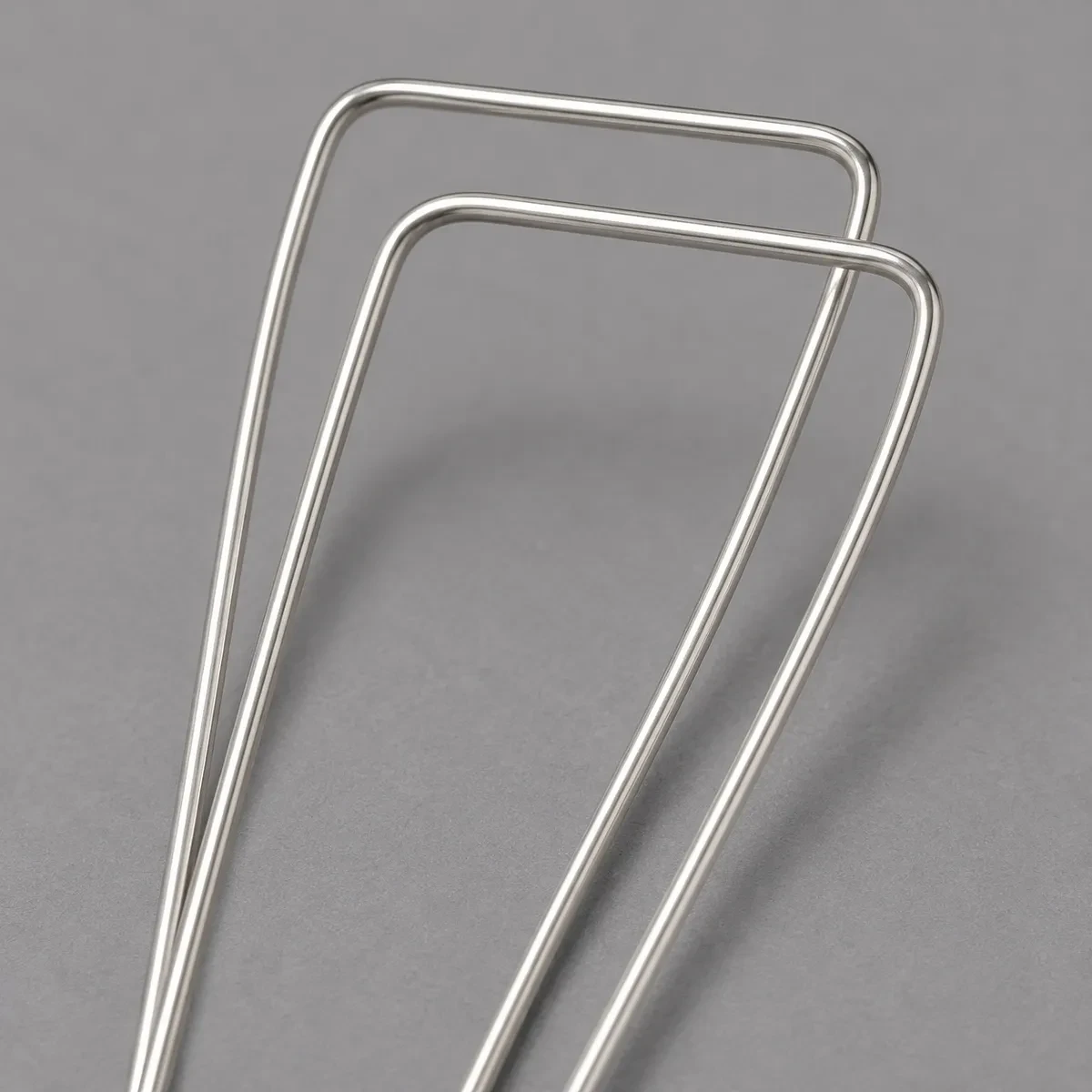
Two Wire Loops and a Black Handle
Both continuous wire loops and their four anchored legs are visible.
Uncover Our Core Product Advantages
Reliable quality and solid performance for your varied usage scenarios. Rigorous production standards ensure great durability and cost‑efficiency.
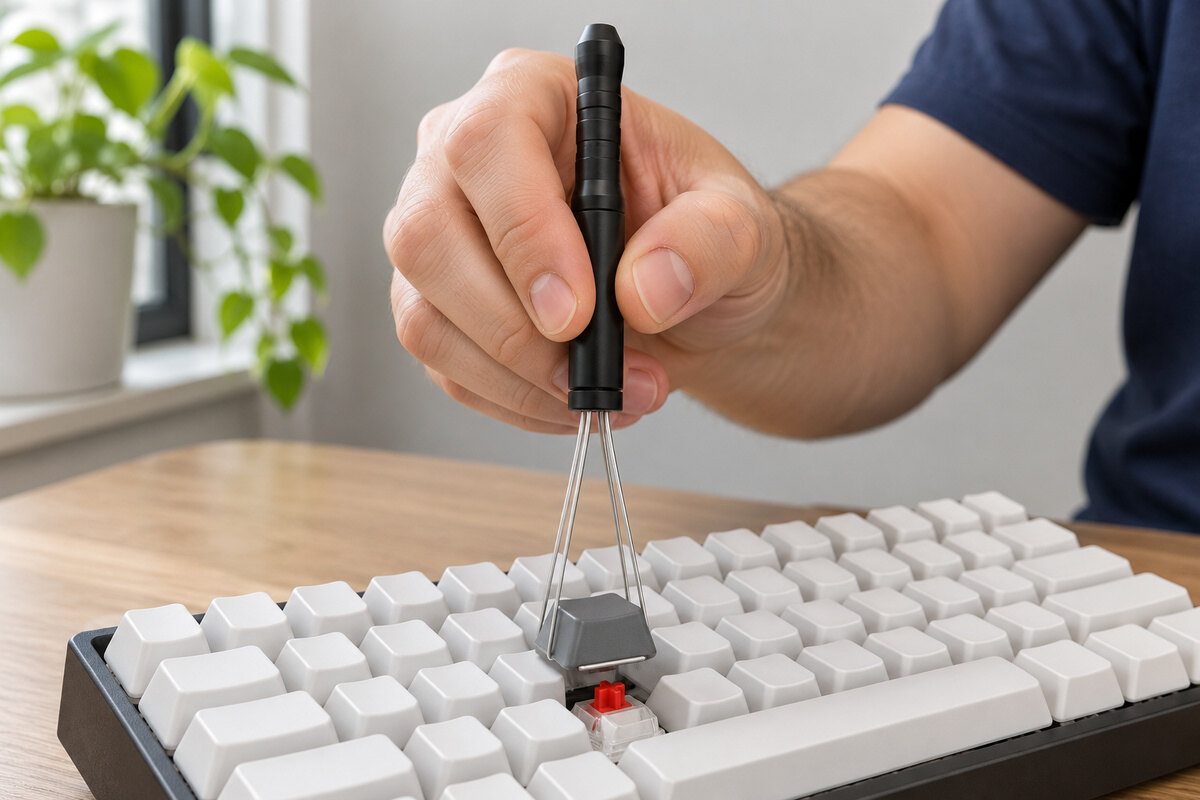
Lift one keycap while the adjacent keycaps remain fitted.
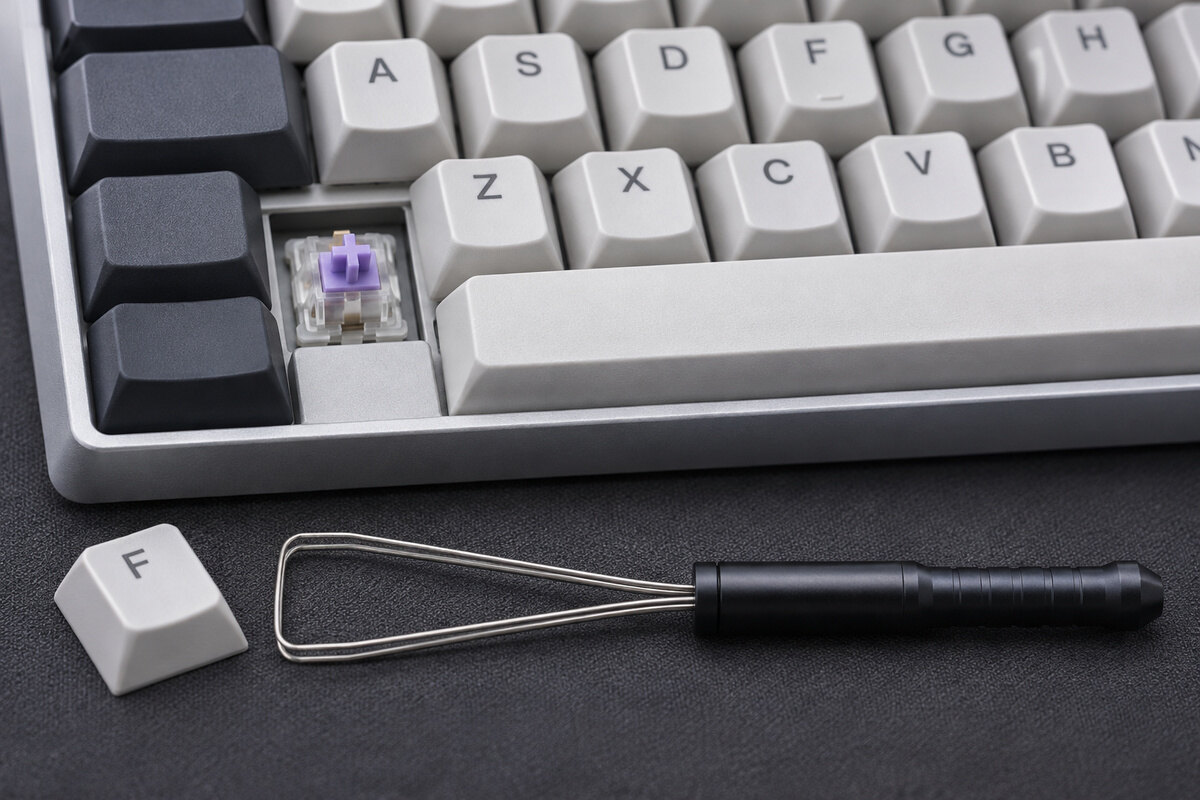
Remove keycaps to expose the deck while switches remain seated.
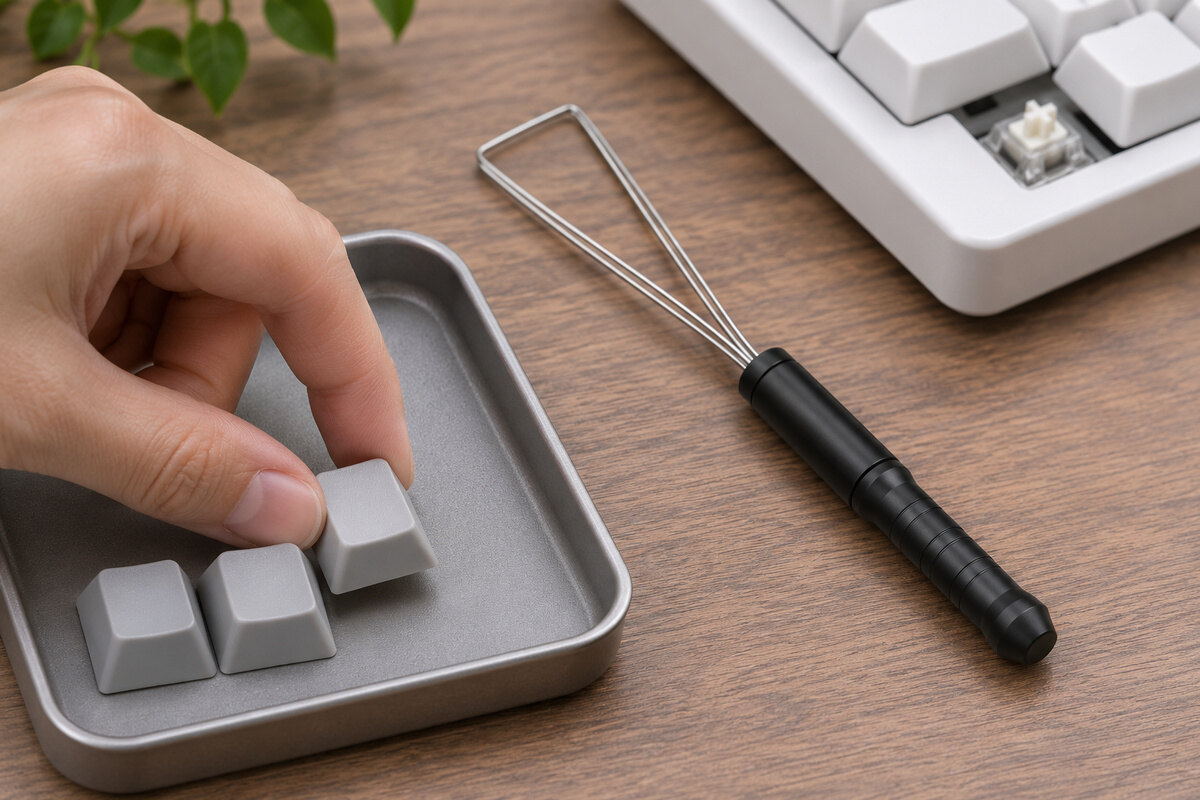
Set the removed keycaps in a shallow tray so they stay grouped on the desk.
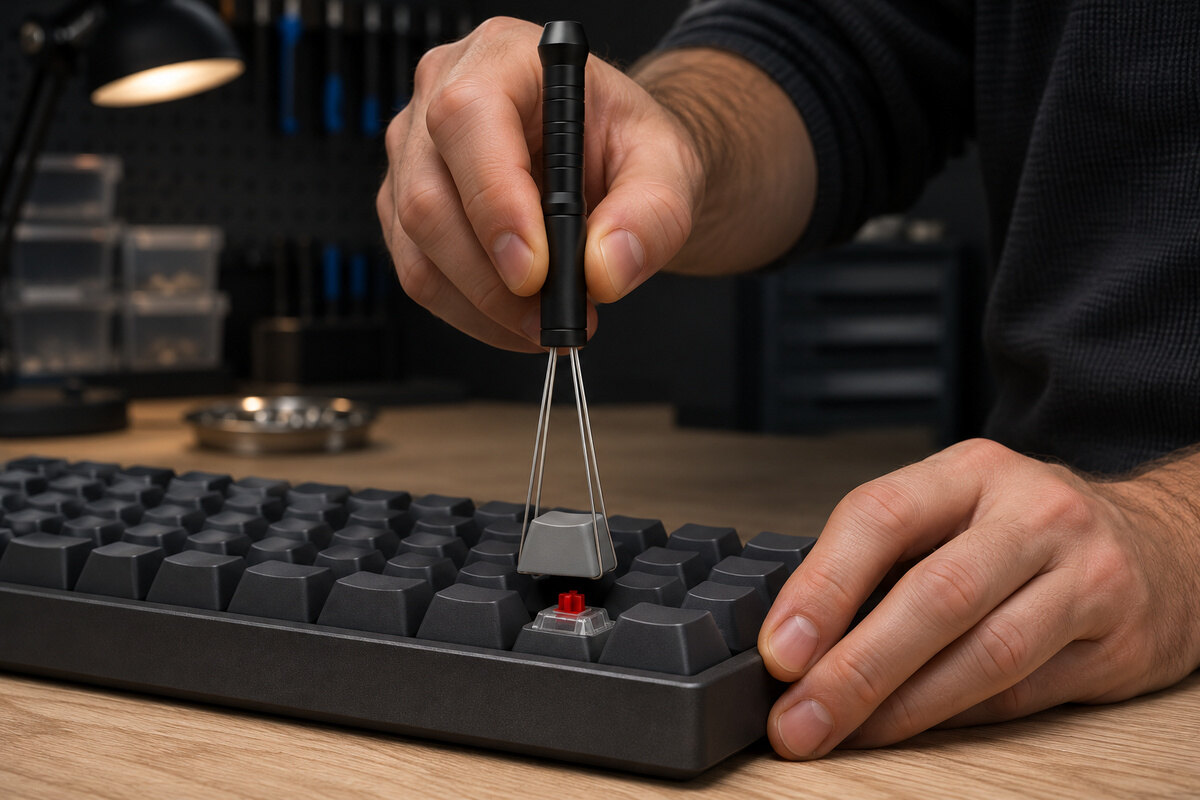
Pull upward along the tool axis without using an adjacent key as a lever.
Compatible devices
Use with Compatible Mechanical Keyboards
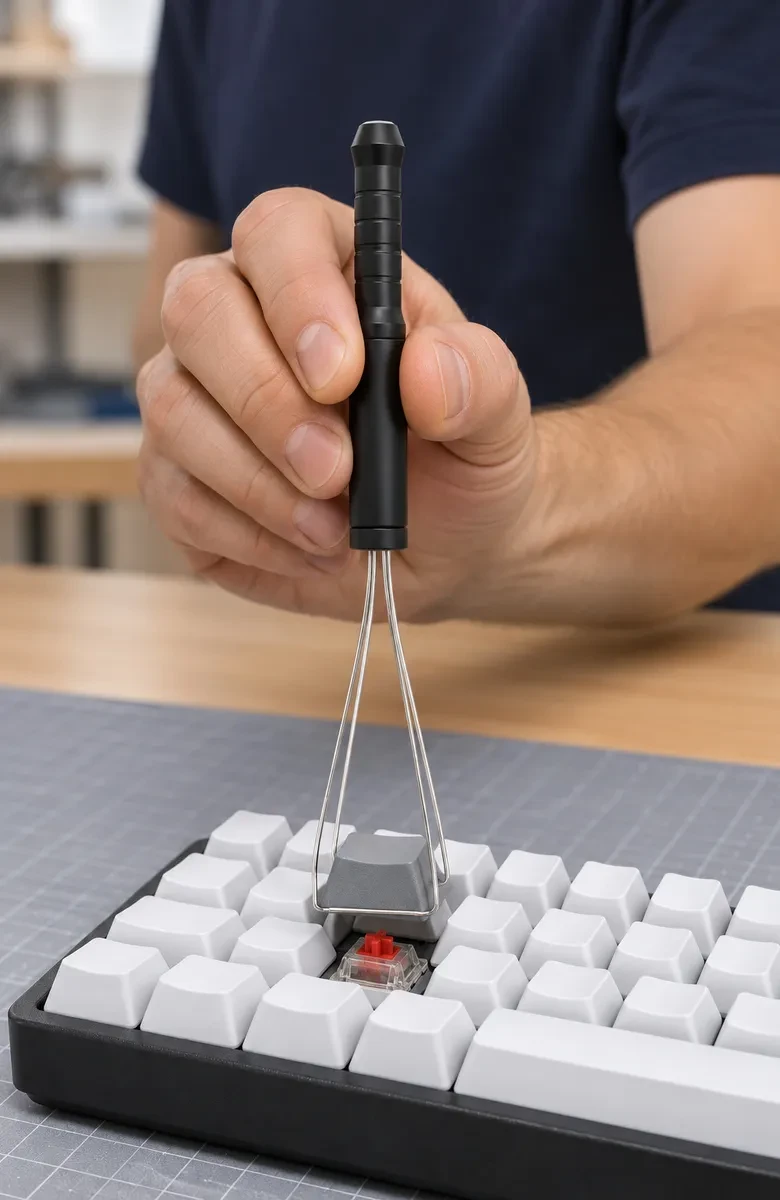
Check the cap and switch layout first. Slide the two wire loops under opposite sides of a removable keycap and pull straight up.
Wired Round-Key Mechanical Keyboard
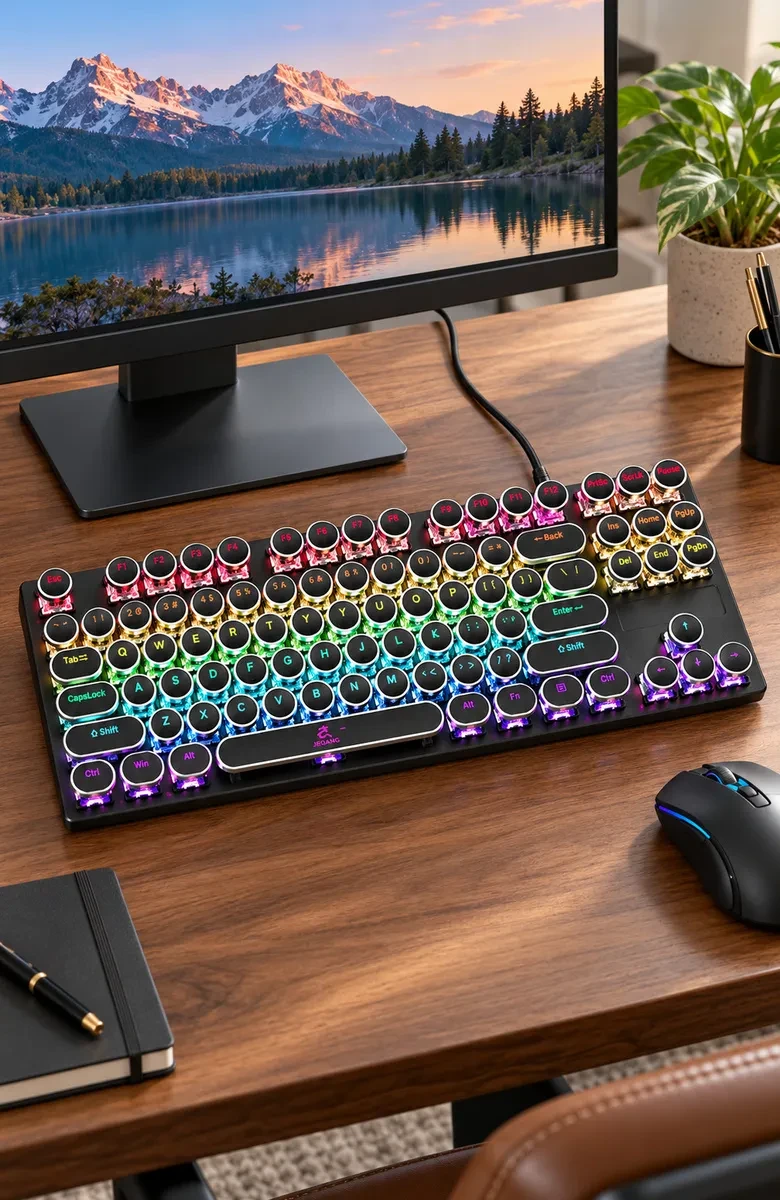
Product parameters
WeightNo exact iFixit unit or packing weight is supplied. Different white-handle supplier weight entries are not assigned to this product.
DimensionsNo dimensions are given in the exact iFixit source record or rechecked official product page. Tiankairui white-handle dimensions are a different model and are not borrowed.
Product NameiFixit Keycap Puller IF145-851-1
ColorCurrent verified black handle and silver wire configuration. No other exact-model color option is established.
ModelIF145-851-1
MaterialOfficial page states machined aluminum handle with black anodized finish and two thin wire loops. No exact aluminum alloy, stainless-steel grade, wire diameter, hardness or force rating is supplied.
StructureSingle black axial handle with thin flat wire-entry collar, long smooth cylindrical body, narrowing transition to ring-grooved grip, flared/faceted closed butt tapering to flat end. Two elongated silver wire loops widen toward rounded-square free crossbars, with four continuous side legs anchored at the flat collar. Fr
ConfigurationOne new iFixit IF145-851-1 keycap puller. Keyboards, keycaps, switches, mats, furniture and source reference boxes are separate scene/reference props rather than included goods.
Additional Verified ParametersManual keycap removal from an assembled keyboard. The two wire loops engage beneath opposing keycap lower edges for an upward pull. No switch-puller claw, powered function, universal keyboard fit, laptop-scissor compatibility, guaranteed scratch-free result or force specification is established.
Flexible for multiple scenarios
Remove individual keycaps from an assembled keyboard with a manual wire tool. Two loops engage opposite keycap edges for an upward pull, while the black anodized aluminum handle provides the grip. This item is one iFixit IF145-851-1 puller.
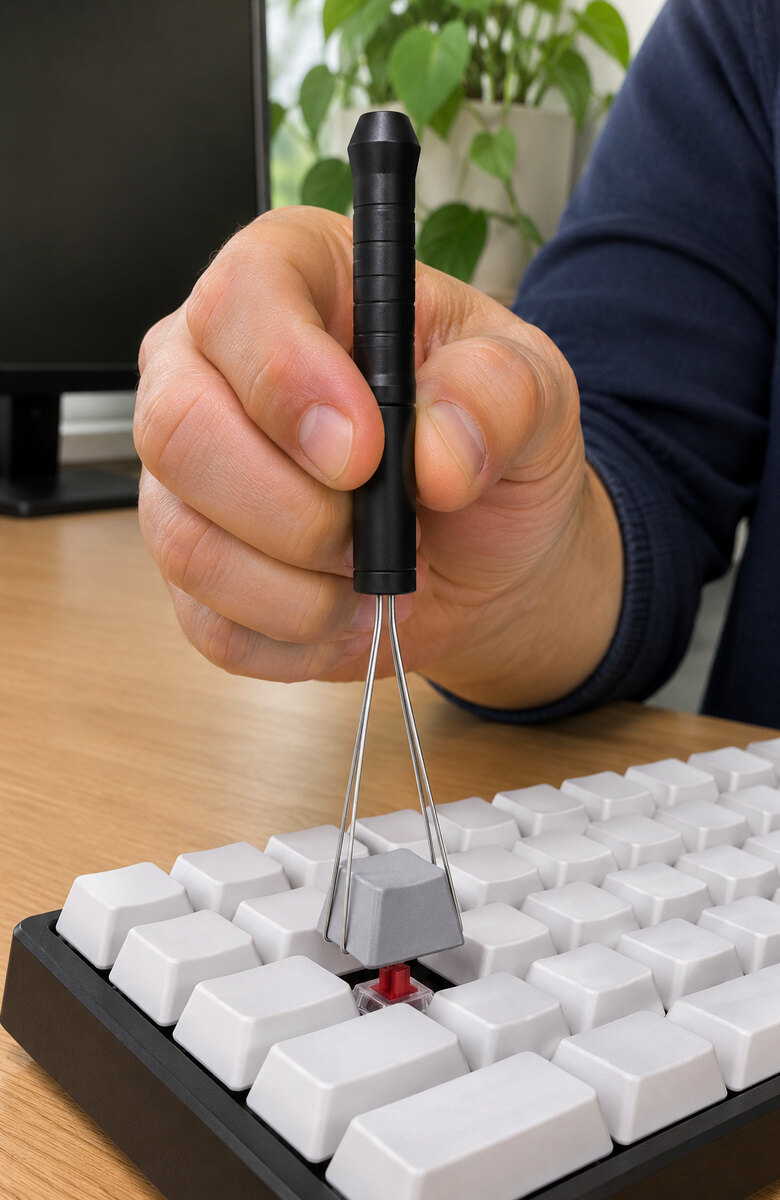
Home Desk Keycap RemovalLift one keycap at a home desk while the adjacent keys stay fitted on the board.
Hook both wire loops under opposite keycap edges and pull upward without prying.
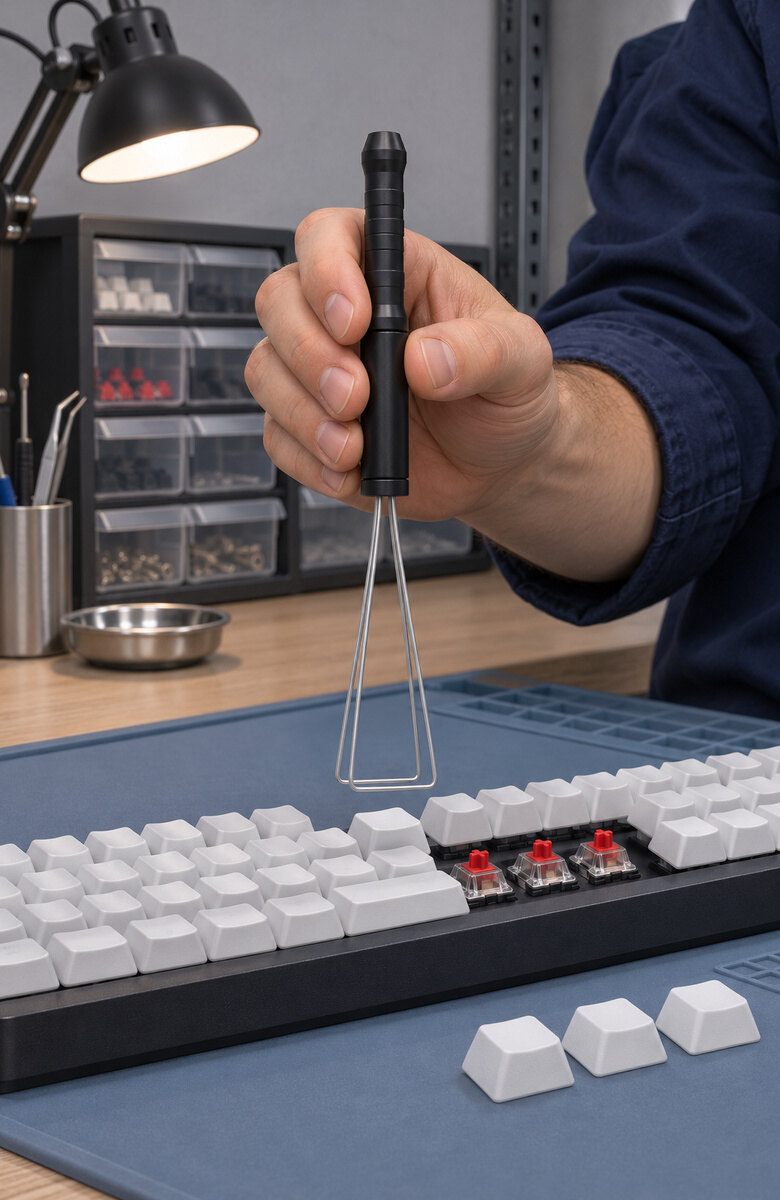
Repair Bench PreparationPosition the empty wire loops above the next key while working at the workbench.
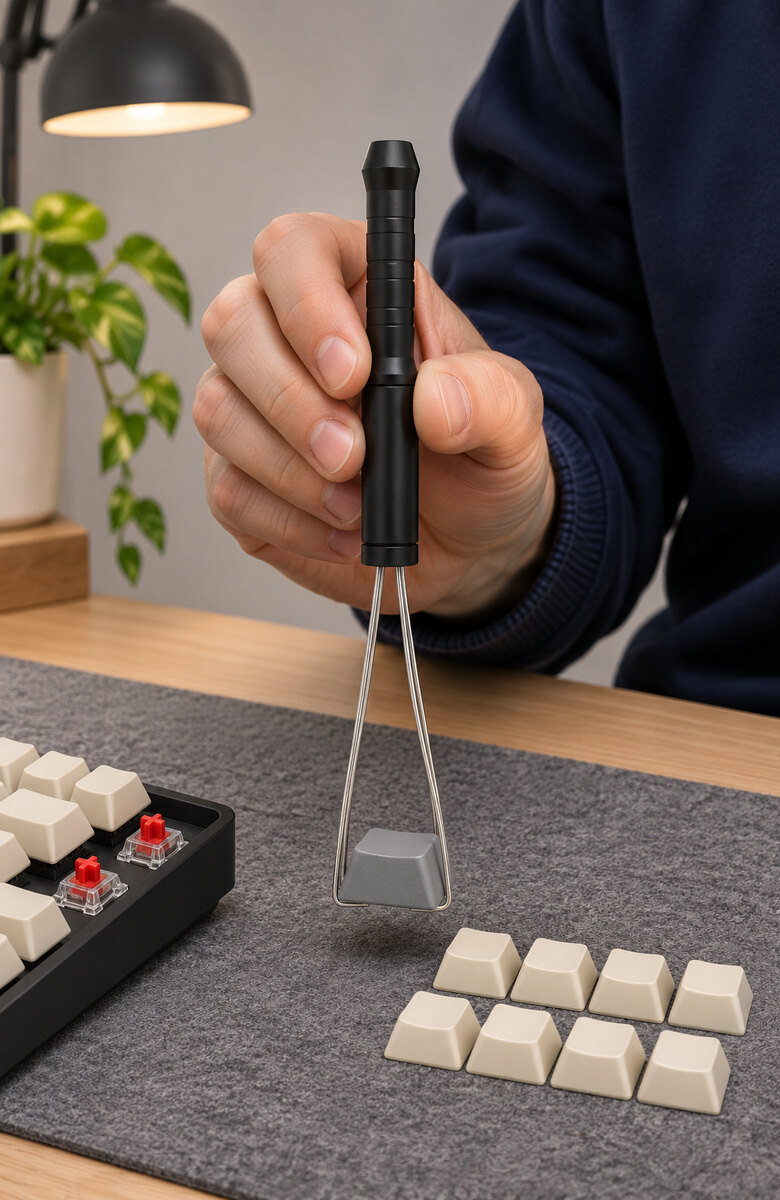
Enthusiast Keycap LayoutKeep removed keycaps in neat rows beside your keyboard during your desk session.
Hold the black aluminum handle while aligning the silver wire end over each key.
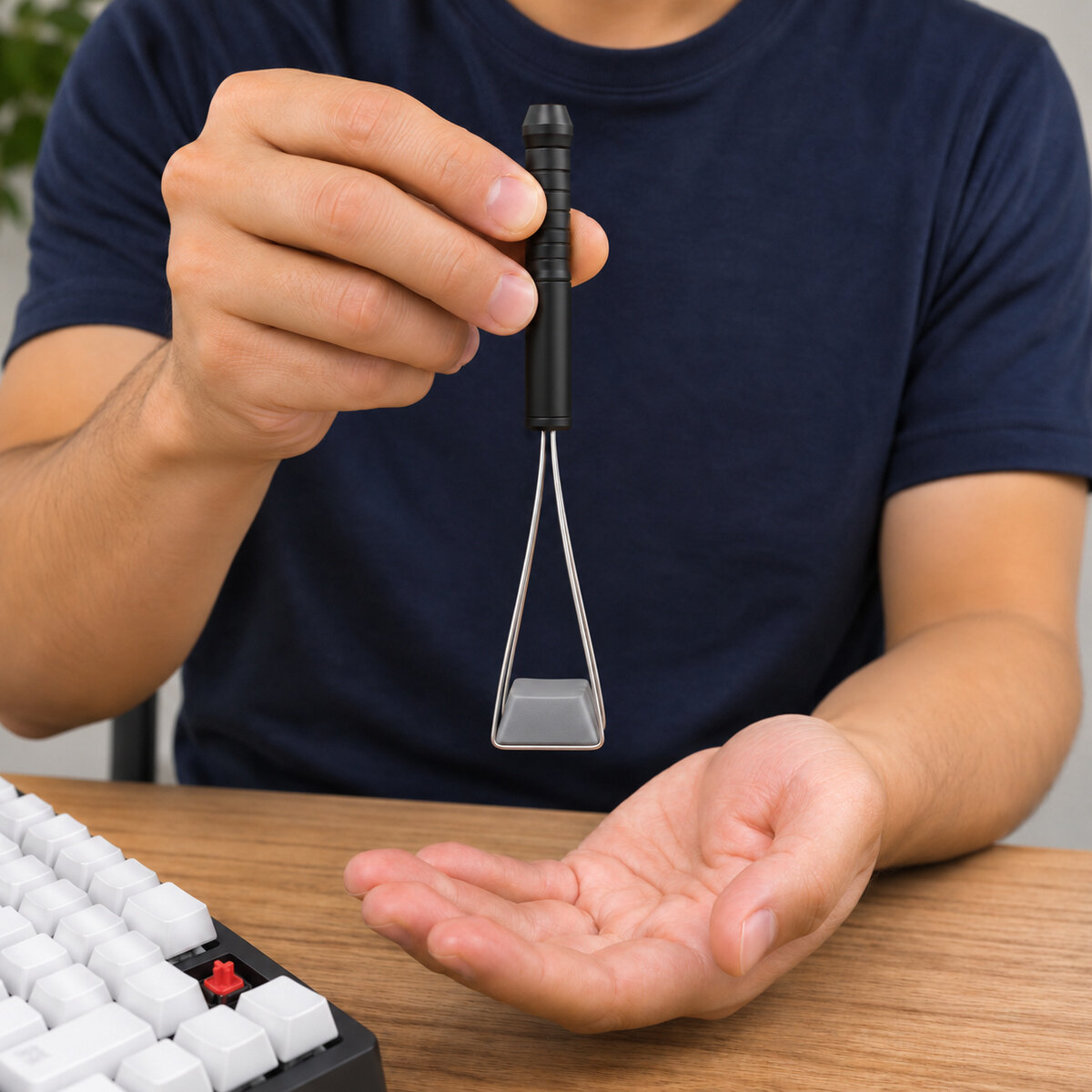
Removed Keycap Hand-OffHold the removed keycap above your palm before releasing it from the wire loops.
Packaging list
1 iFixit IF145-851-1 keycap puller.
Manual keycap removal from an assembled keyboard. The two wire loops engage beneath opposing keycap lower edges for an upward pull. No switch-puller claw, powered function, universal keyboard fit, laptop-scissor compatibility, guaranteed scratch-free result or force specification is established.
Frequently Asked Questions
Related recommendations
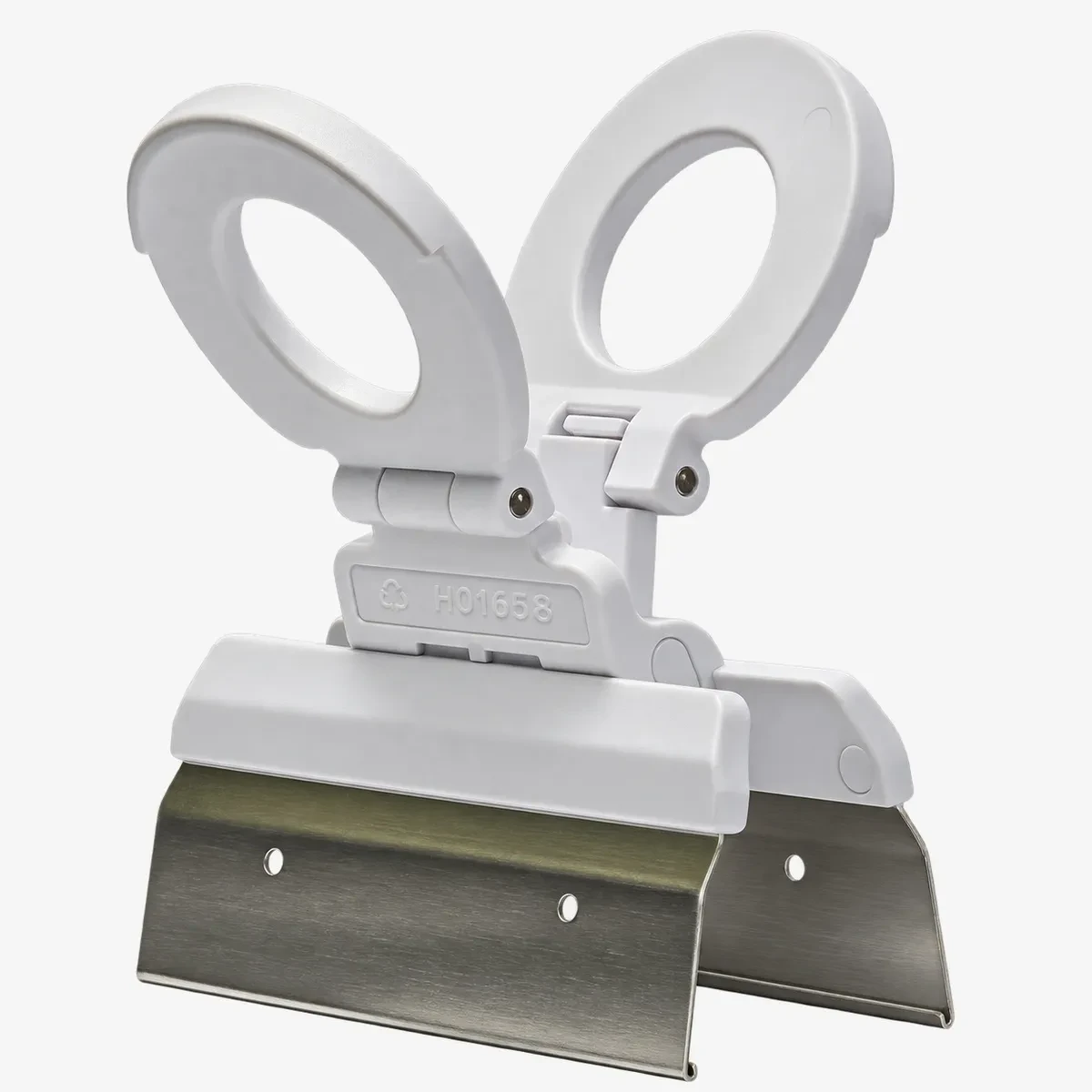
H01658 White Foldable Four-Key Keycap Puller
MOQ 100 pc