Have a question about sourcing? Our team is here to help.Contact us

 Computers, Office, Networking, Audio-Video & GamingKeyboards, Mice, Webcams & Computer PeripheralsWebcams & Conference Peripherals

Unbranded
4.6Chat with brandFollow brand


In stock for prompt dispatchCorporate bulk purchasingOEM/ODM
W8 1080p USB Webcam with Monitor Clip
Minimum order quantity: 100
Current Purchase PriceStandard Purchase Price
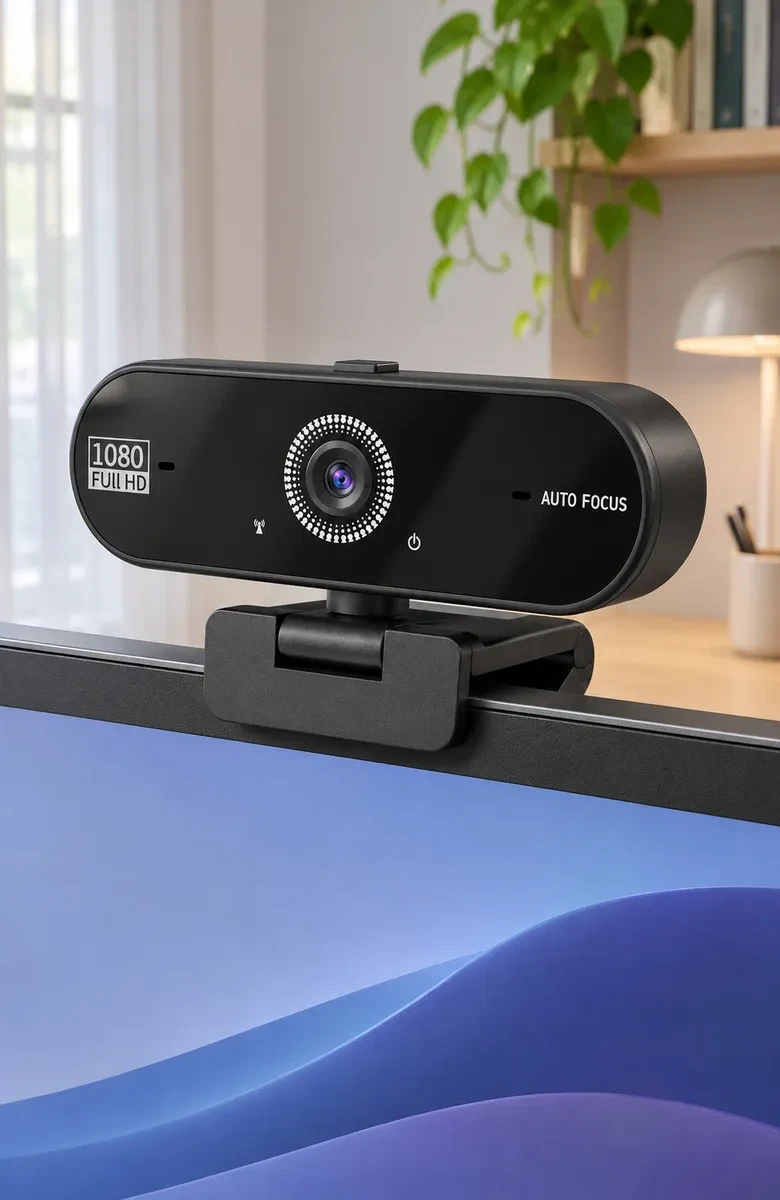
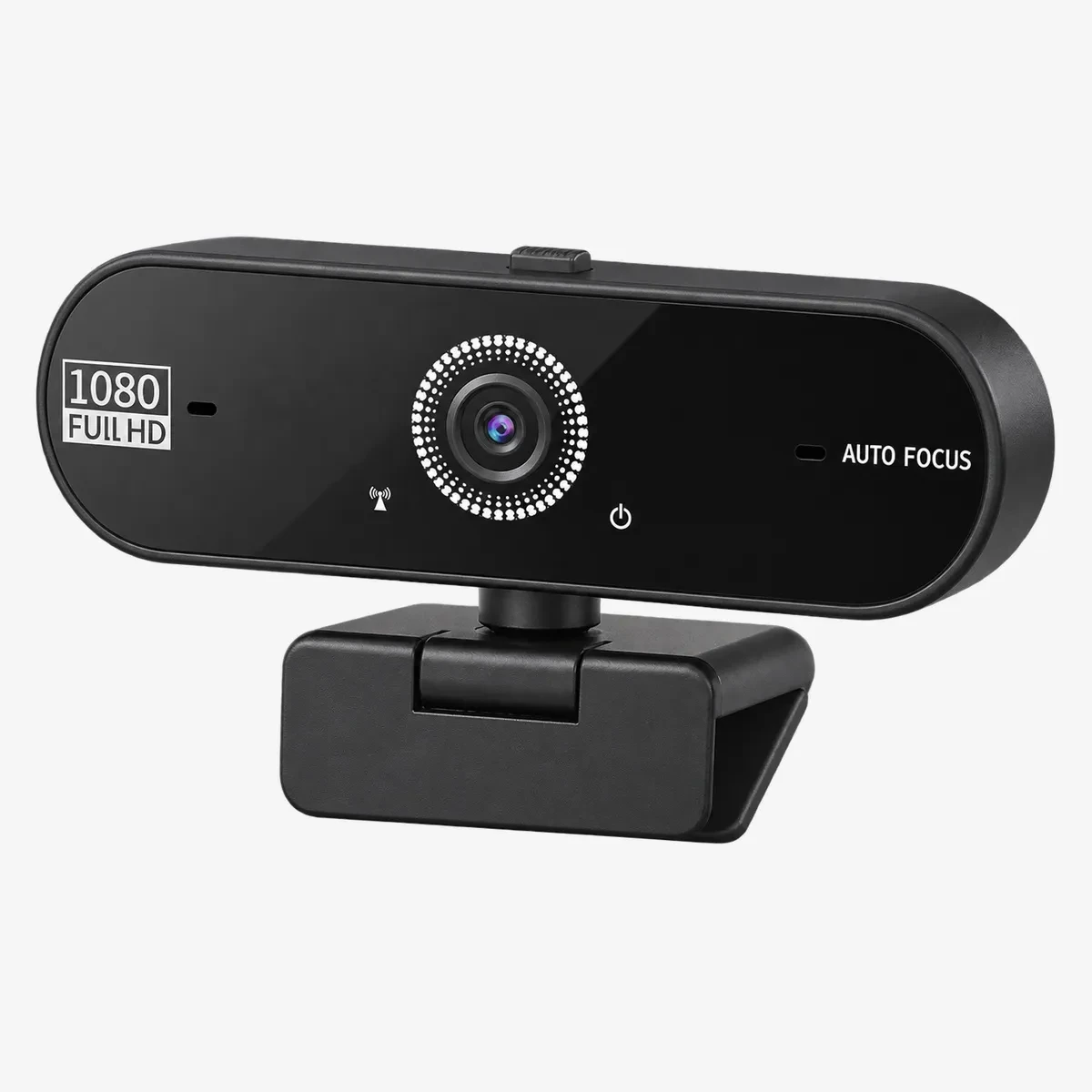
- 1920 x 1080 video at 30 fps. Built-in microphone. Folding clip for a screen edge. Manual privacy cover.

Authenticity guarantee
Worry-free after-sales service
Delivered on schedule
Exquisite Details & Design Features
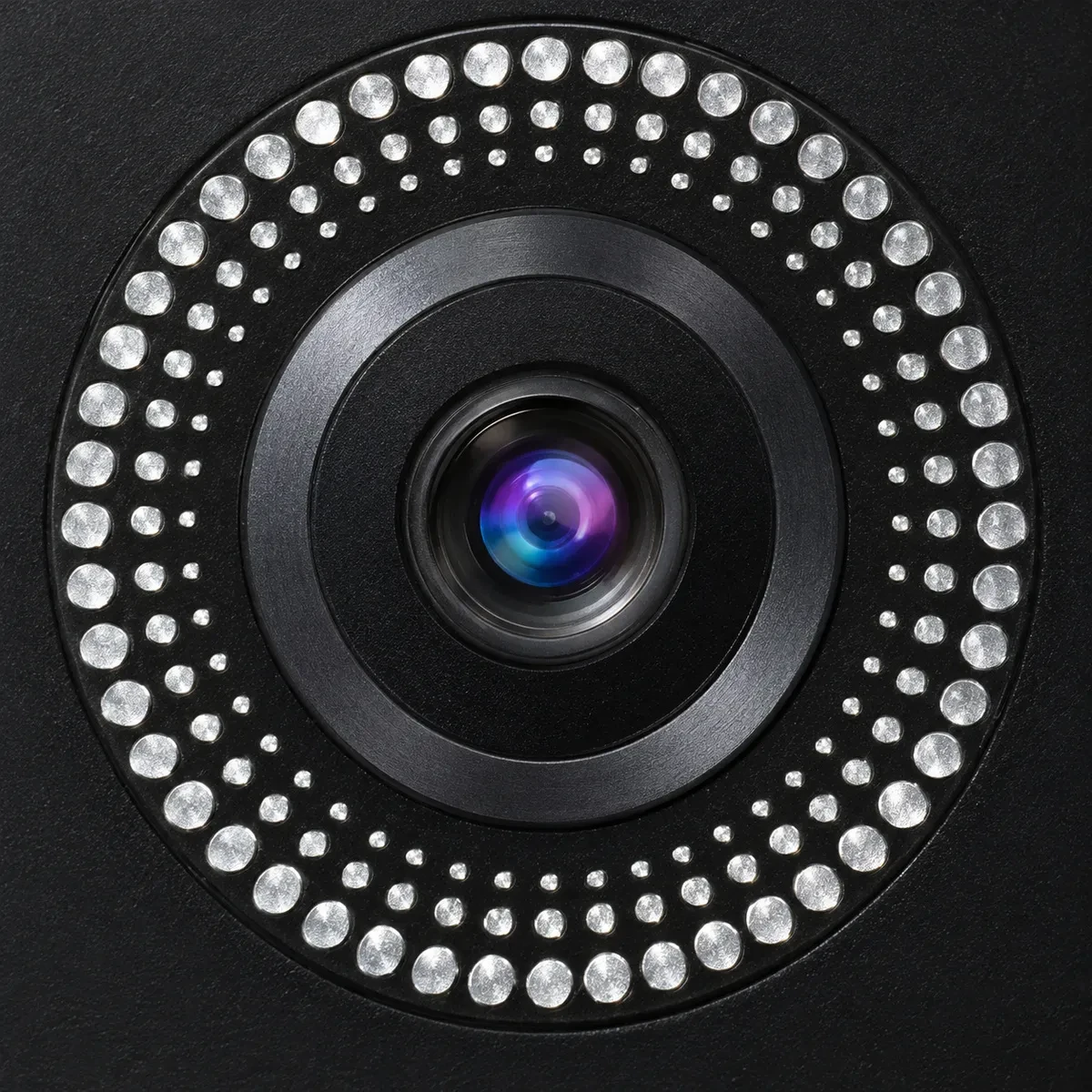
Carefully-crafted details showcase superior craftsmanship and outstanding design features.
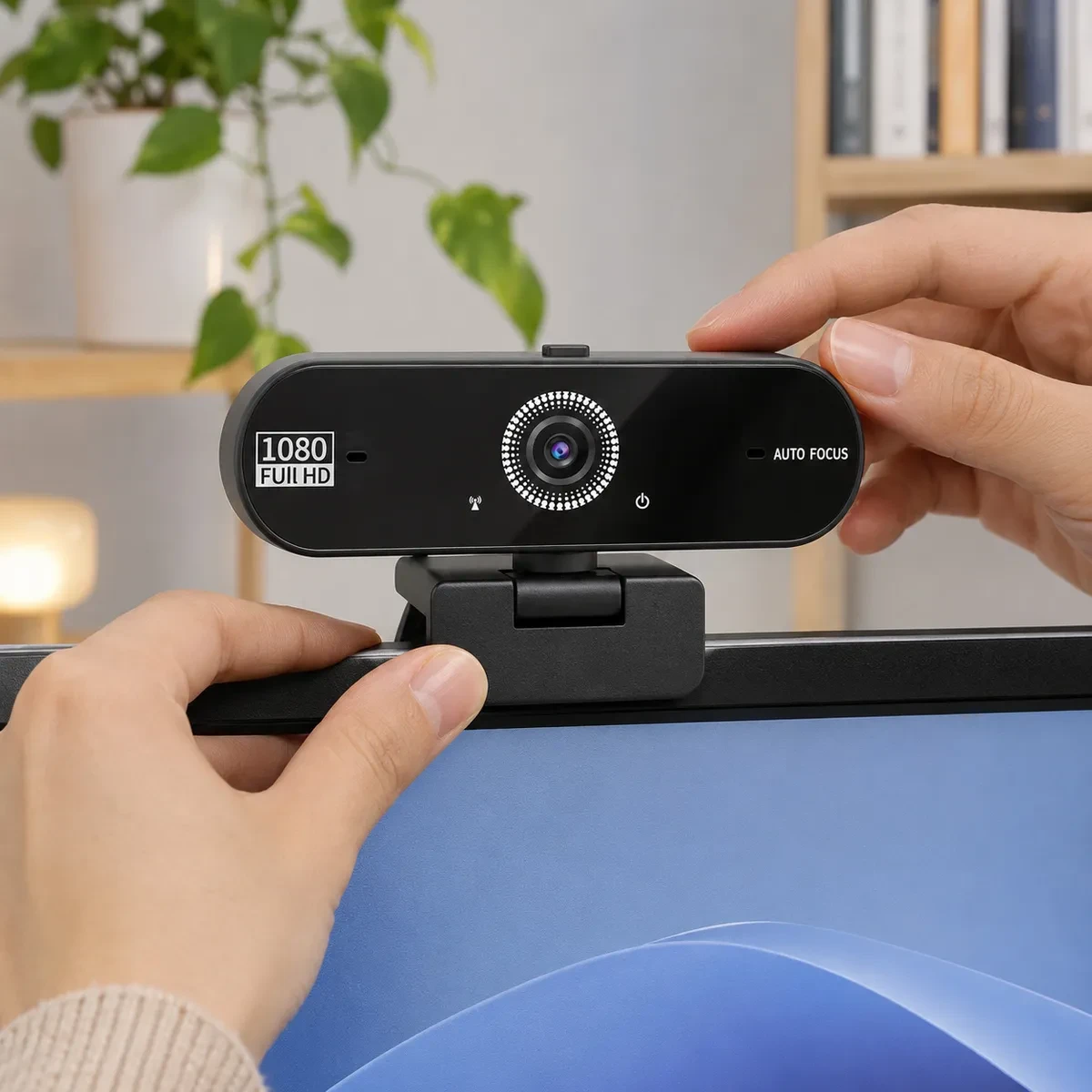
Mount, connect, and cover the lens
Mount the webcam above your screen so the lens sits near your natural eye level.
Uncover Our Core Product Advantages
Reliable quality and solid performance for your varied usage scenarios. Rigorous production standards ensure great durability and cost‑efficiency.
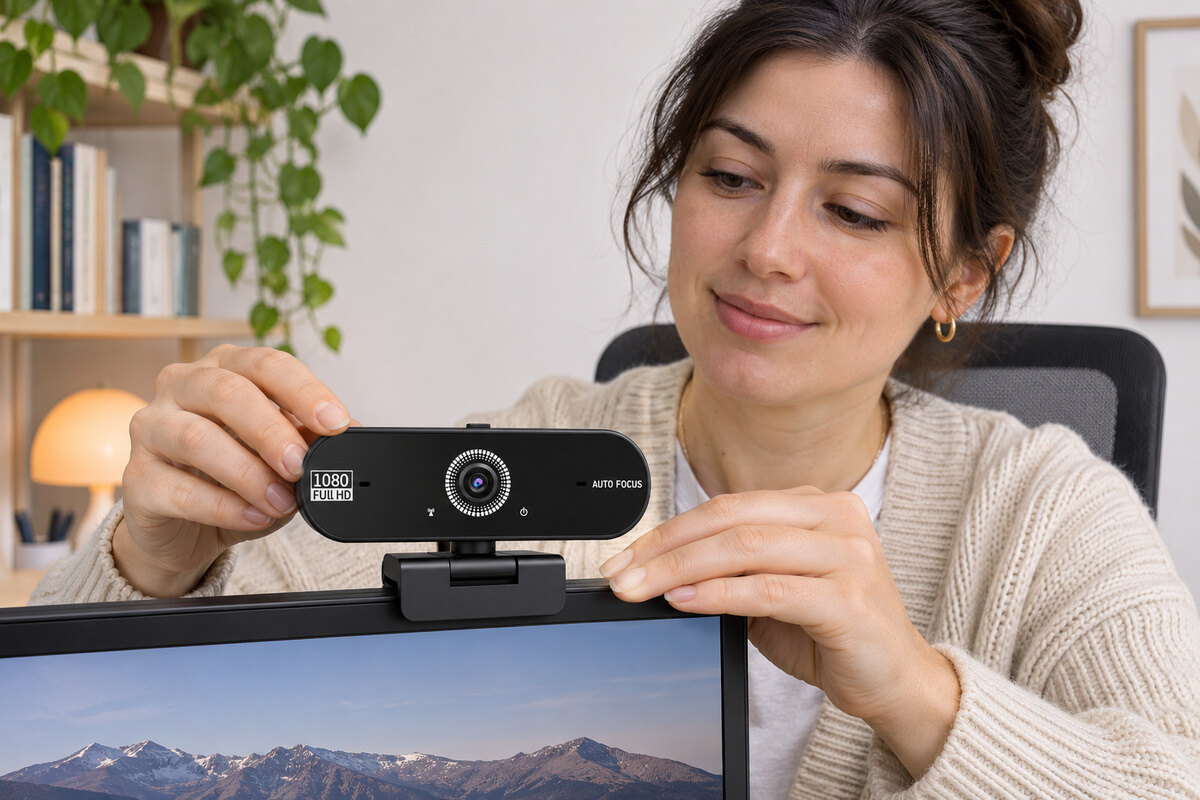
Mount the webcam above your screen so the lens sits near your natural eye level.
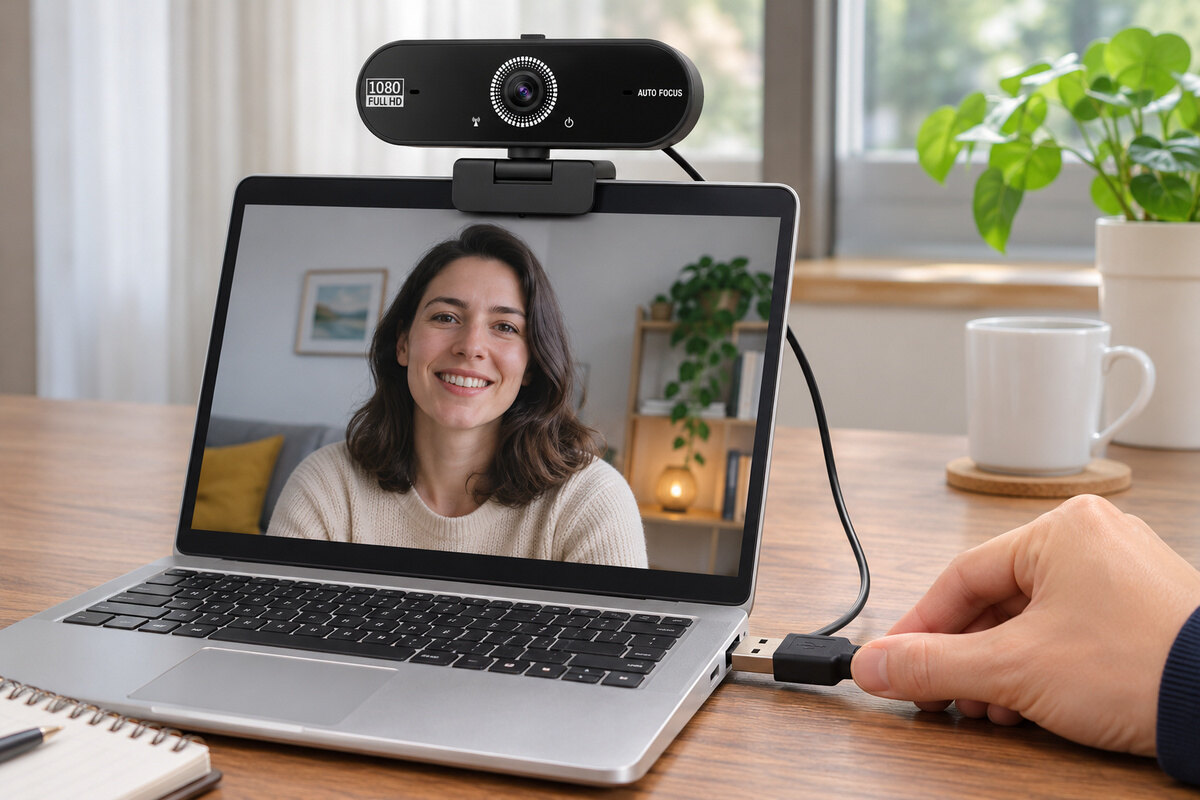
Connect the USB cable to the PC before you open the app you use for video calls.
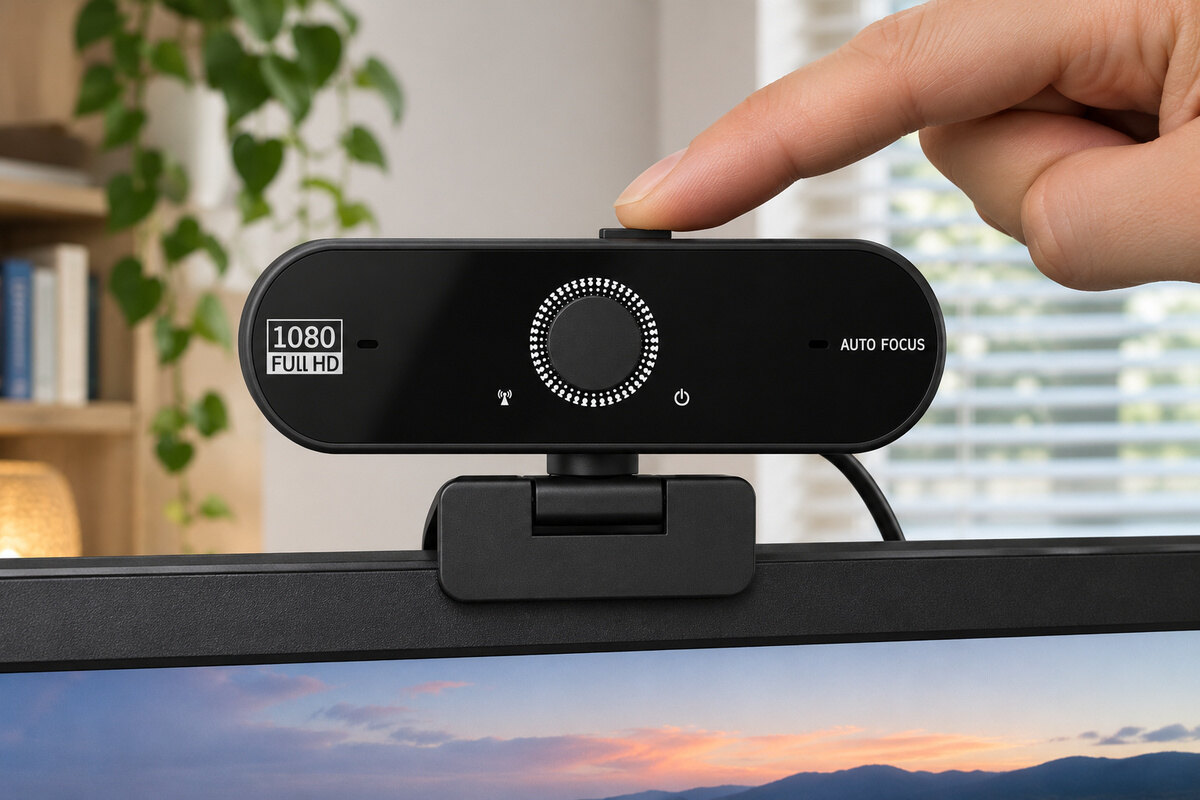
Slide the privacy cover over the lens by hand when you finish the video meeting.
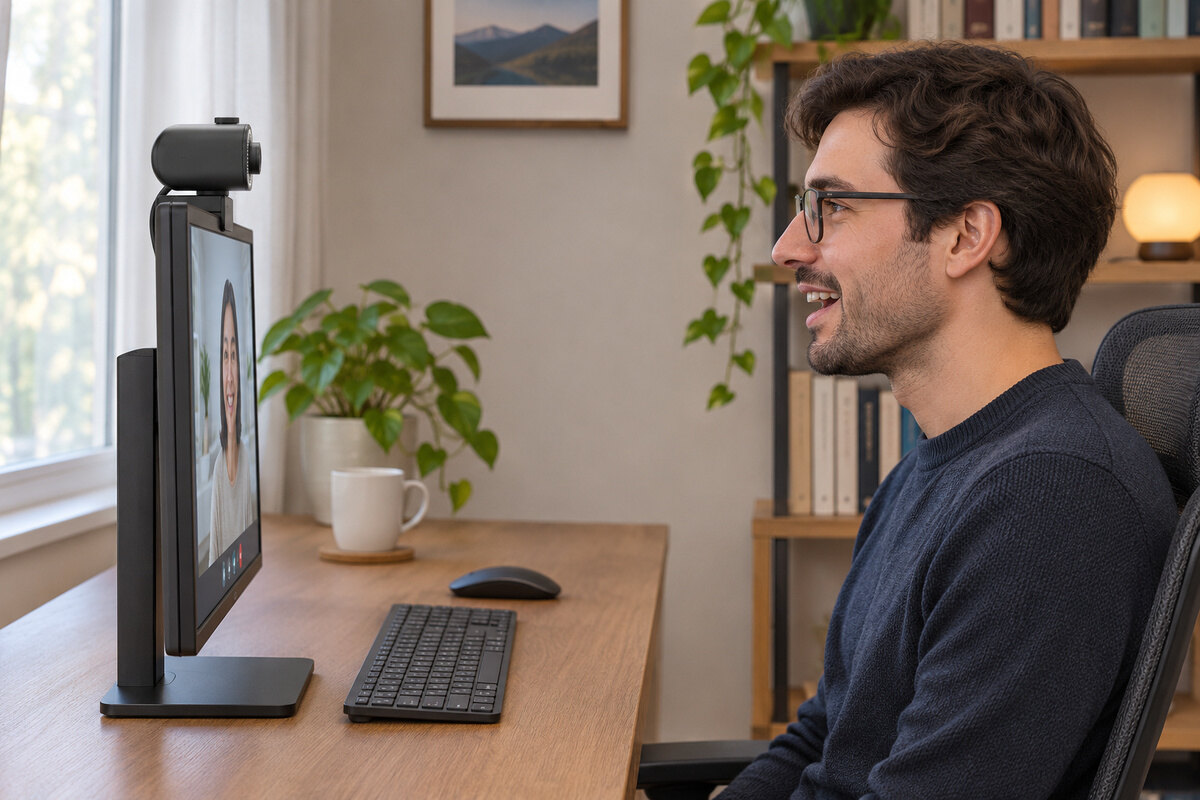
Use the built-in microphone to speak from your desk during a regular video call.
Compatible devices
Other computer-webcam options
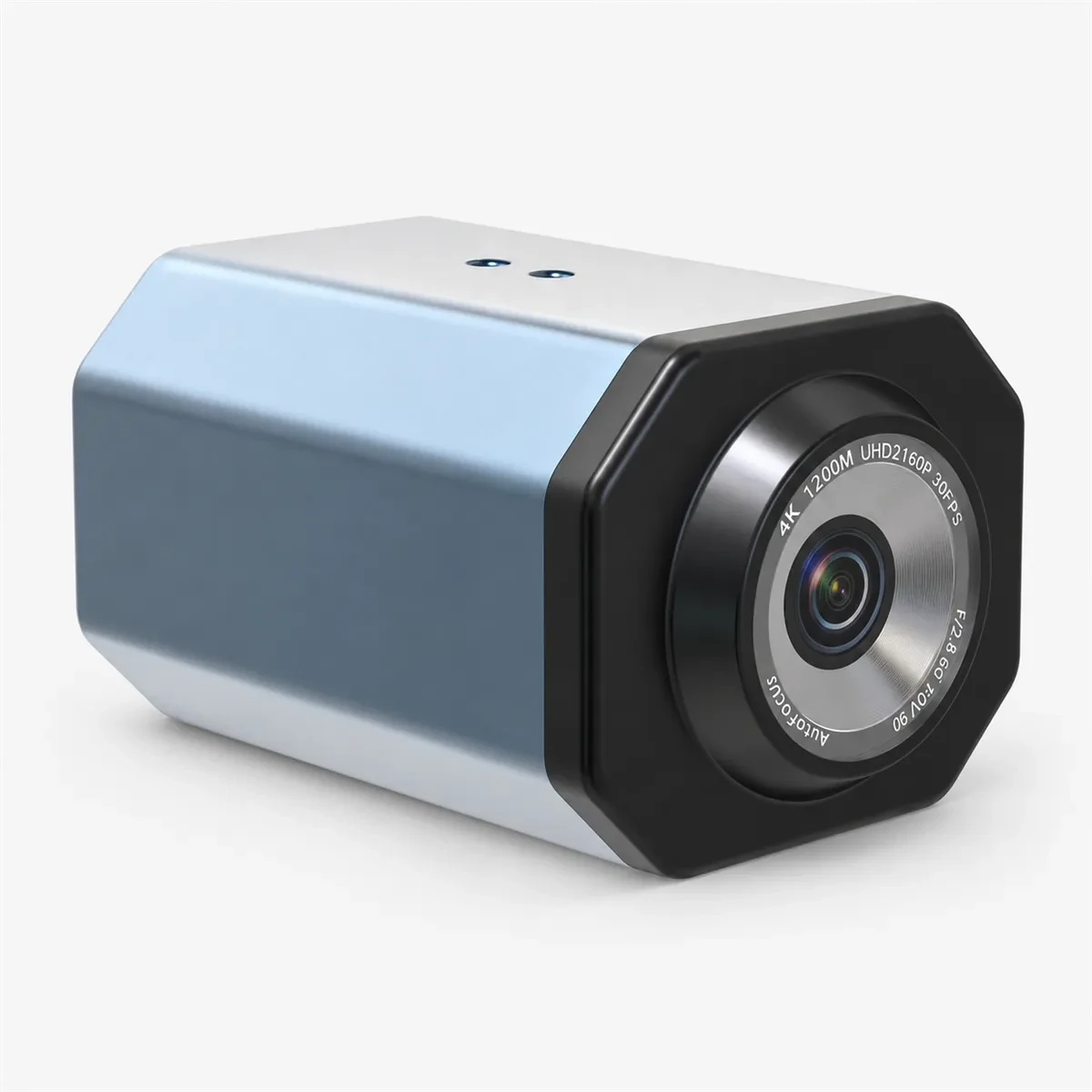
C260 and CW100 are separate computer-webcam alternatives for a desk video-call setup. They are not accessories or attachments for W8, and neither is included in this webcam kit.
C260 Computer Webcam
Product parameters
Product Name1080p USB Webcam with Monitor Clip
ModelW8
BrandUnbranded
Dimensions118 x 24 x 35 mm
Available Colors / PatternsBlack
Configuration1 webcam, 1 USB cable, 1 user manual and 1 color carton
Video Resolution1920 x 1080 pixels
Frame Rate30 fps
Sensor Resolution2 megapixels
InterfaceUSB 2.0
Versatile for a range of applications
Place the webcam at eye level, connect it to the computer and adjust its angle before joining a video call.
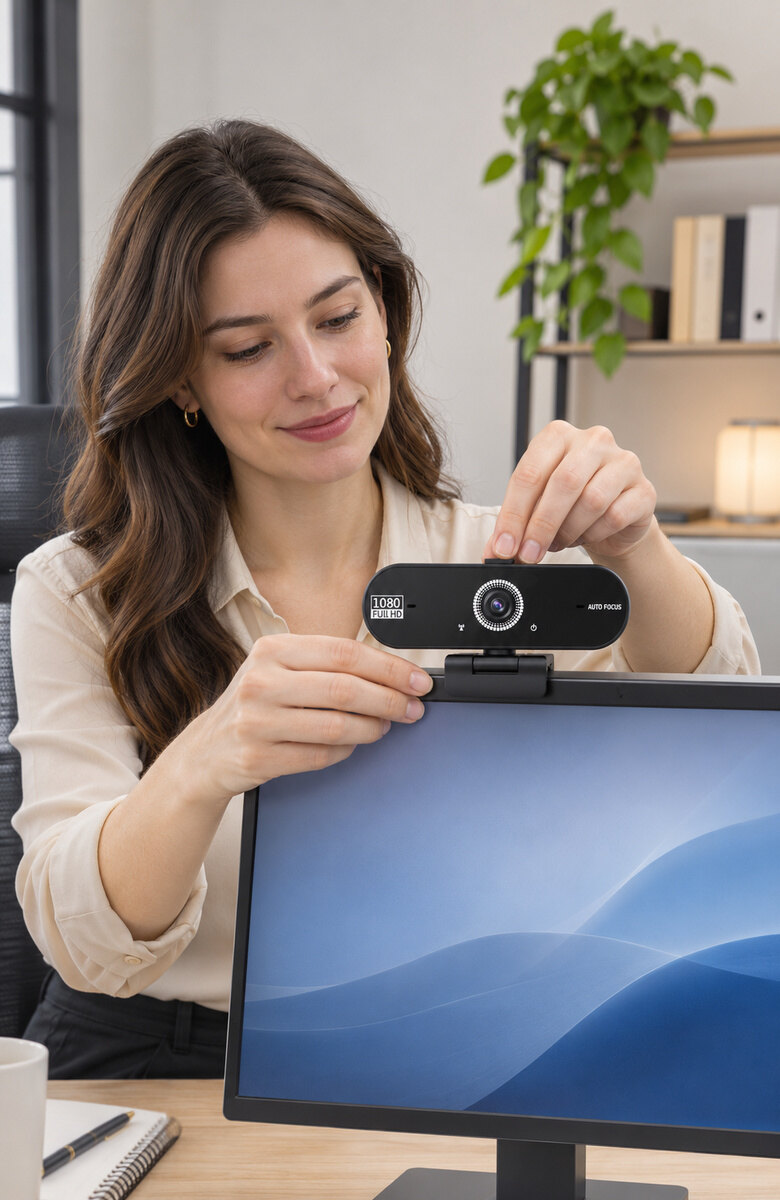
Mount to your displayMount the webcam above your screen so the lens sits near your natural eye level.
Tilt the camera on its clip to frame your face before your scheduled video call.
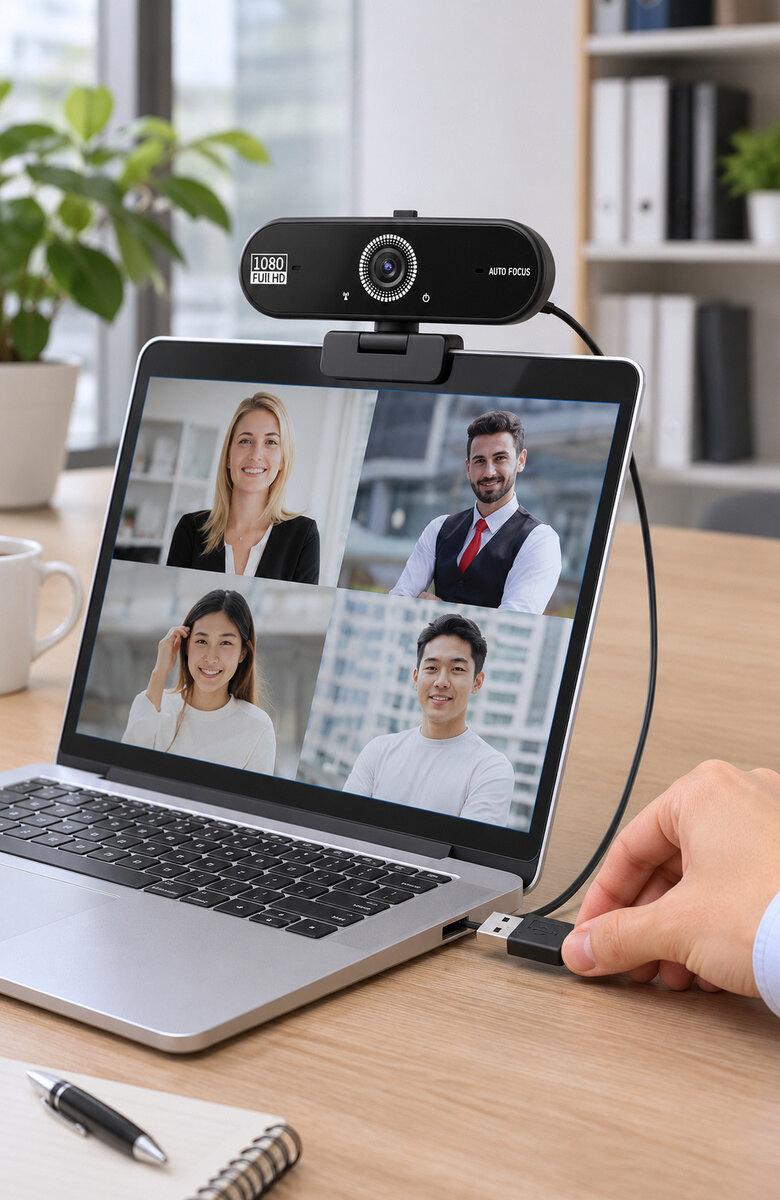
Connect the USB cableConnect the USB cable to the PC before you open the app you use for video calls.
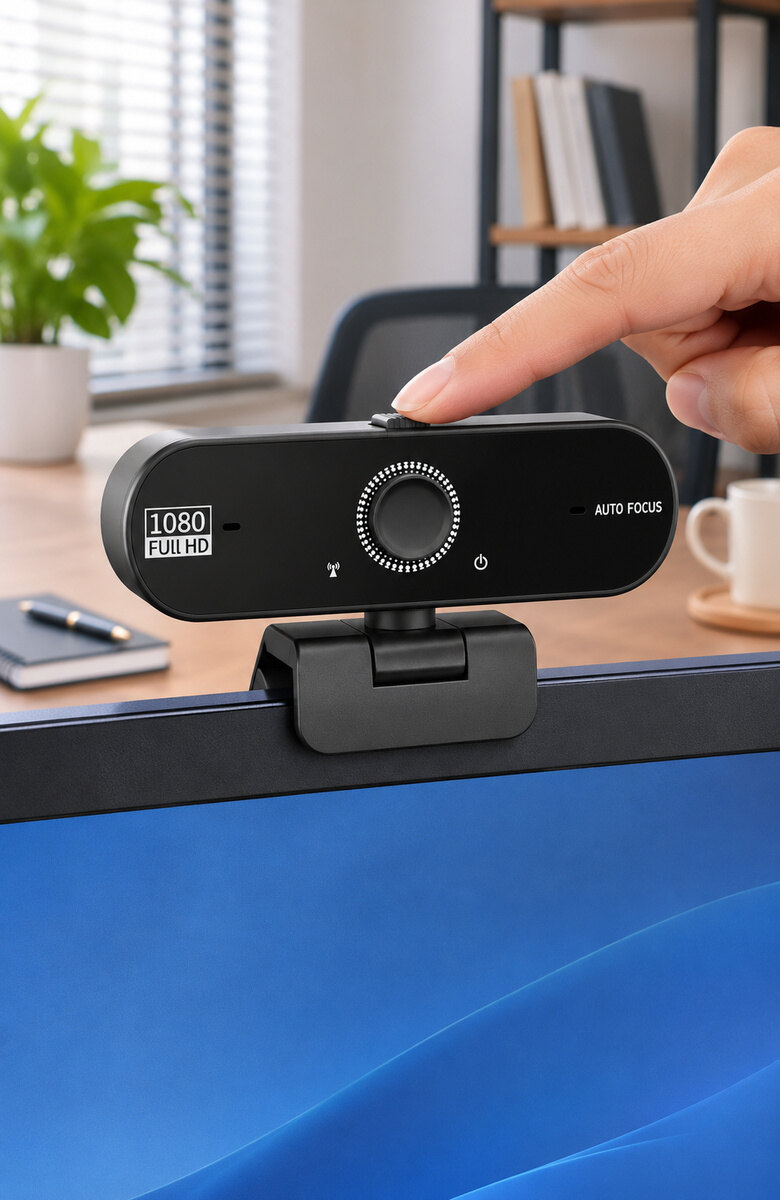
Close the privacy coverSlide the privacy cover over the lens by hand when you finish the video meeting.
Place the camera on the monitor above the keyboard and keep the work area clear.
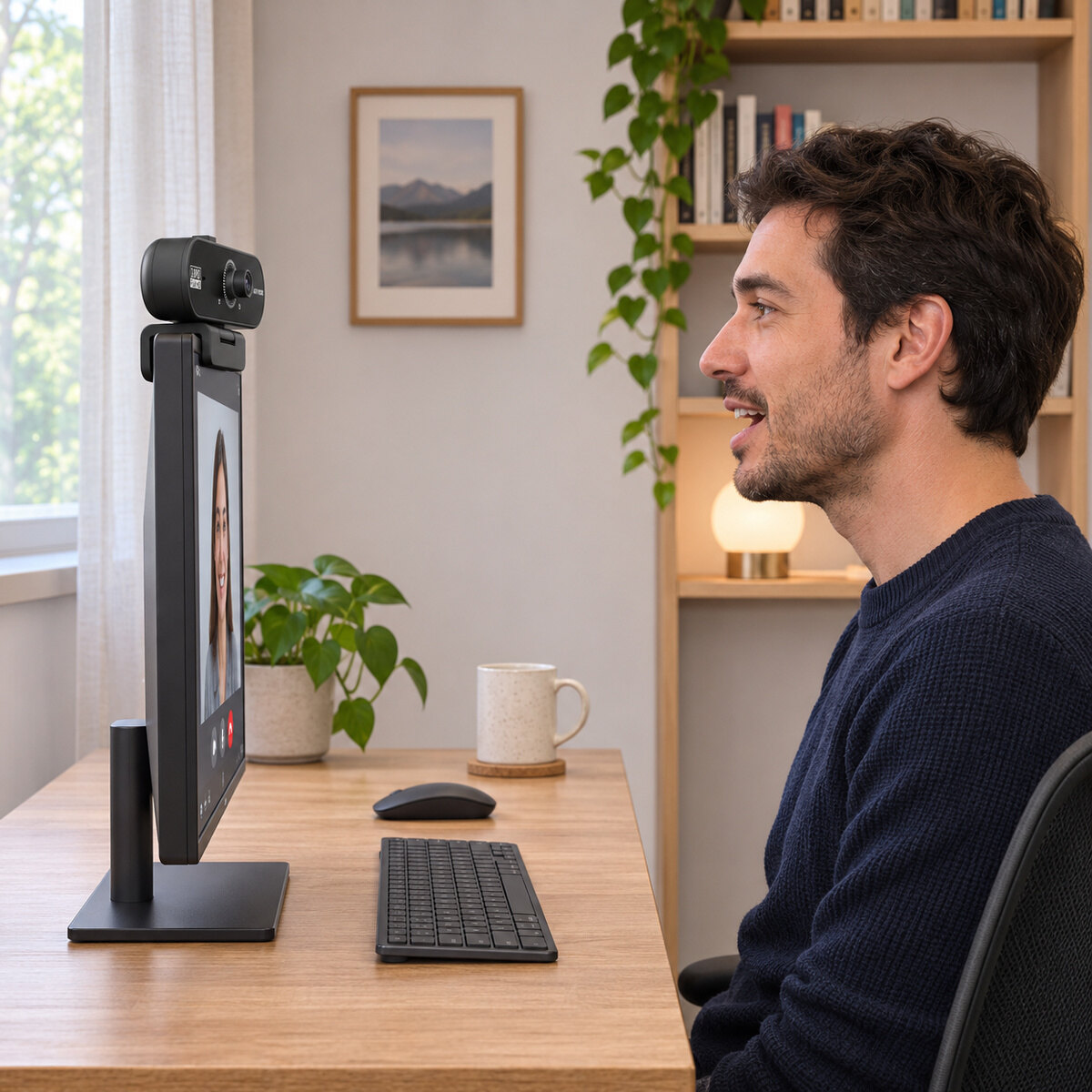
Speak during a video callUse the built-in microphone to speak from your desk during a regular video call.
Packaging list
1 webcam kit
Frequently Asked Questions
Related recommendations