Have a question about sourcing? Our team is here to help.Contact us

 Computers, Office, Networking, Audio-Video & GamingKeyboards, Mice, Webcams & Computer PeripheralsWebcams & Conference Peripherals


MERGORO
4.6Chat with brandFollow brand


In stock for prompt dispatchCorporate bulk purchasingOEM/ODM
C30 Computer Webcam
Minimum order quantity: 100
Current Purchase PriceStandard Purchase Price
- 480P / 720P / 1080P Options; Open-Mold Model in Stock; 1.5 m Cable Length; Privacy Cover Not Included

Authenticity guarantee
Worry-free after-sales service
Delivered on schedule
Exquisite Details & Design Features
Carefully-crafted details showcase superior craftsmanship and outstanding design features.
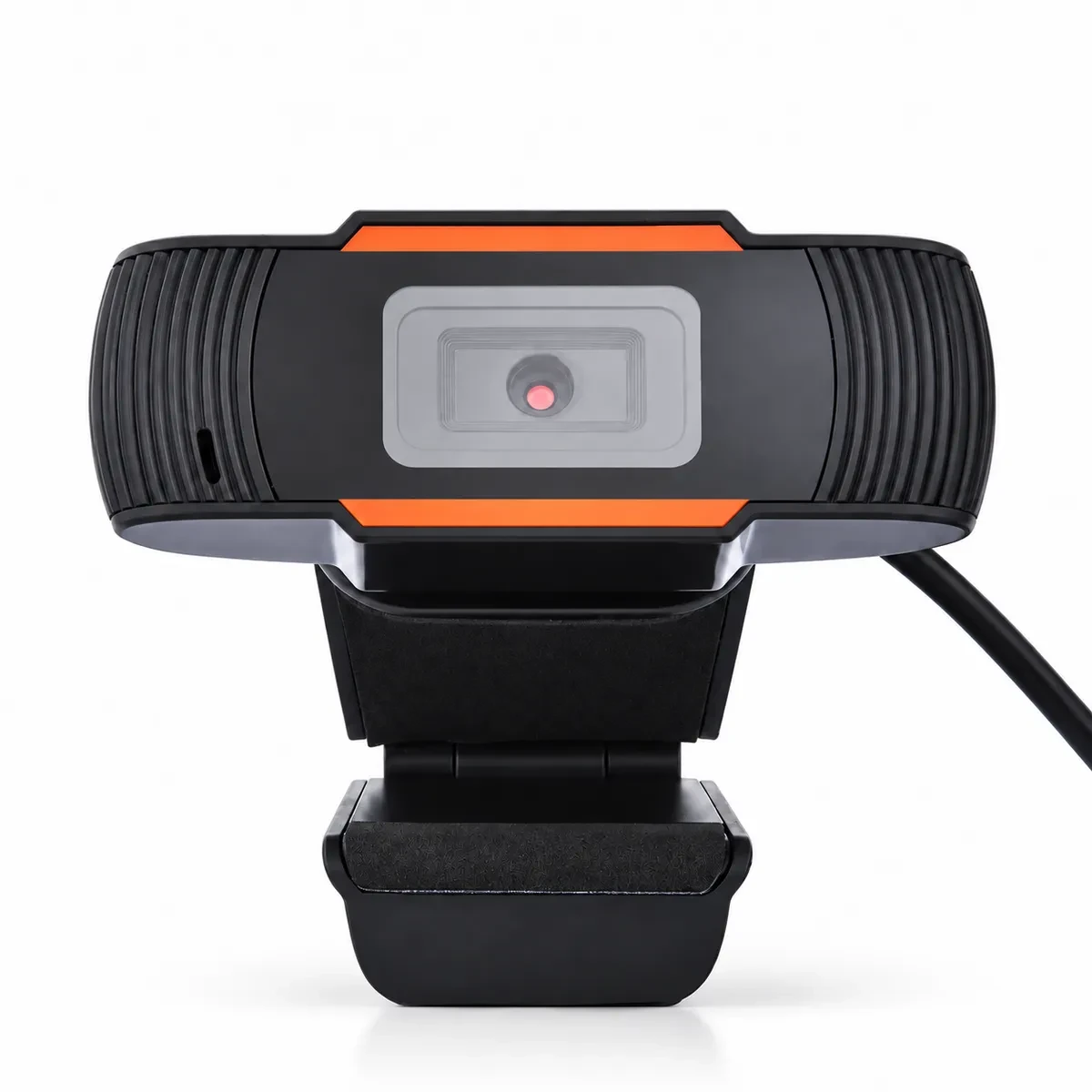
C30 1080P Webcam with Hinged Base for Computer Calls
The selected C30 configuration is specified with 1080P camera output.
Uncover Our Core Product Advantages
Reliable quality and solid performance for your varied usage scenarios. Rigorous production standards ensure great durability and cost‑efficiency.

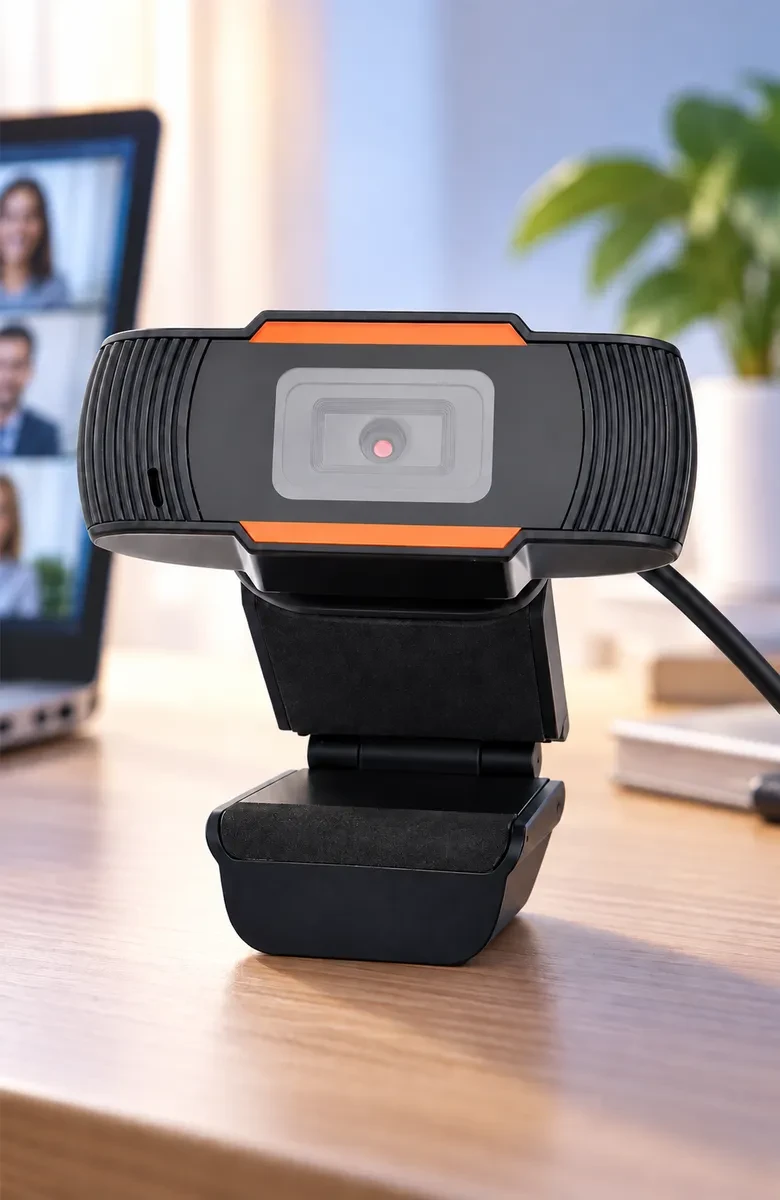
The webcam faces the caller from the upper edge of the laptop screen.
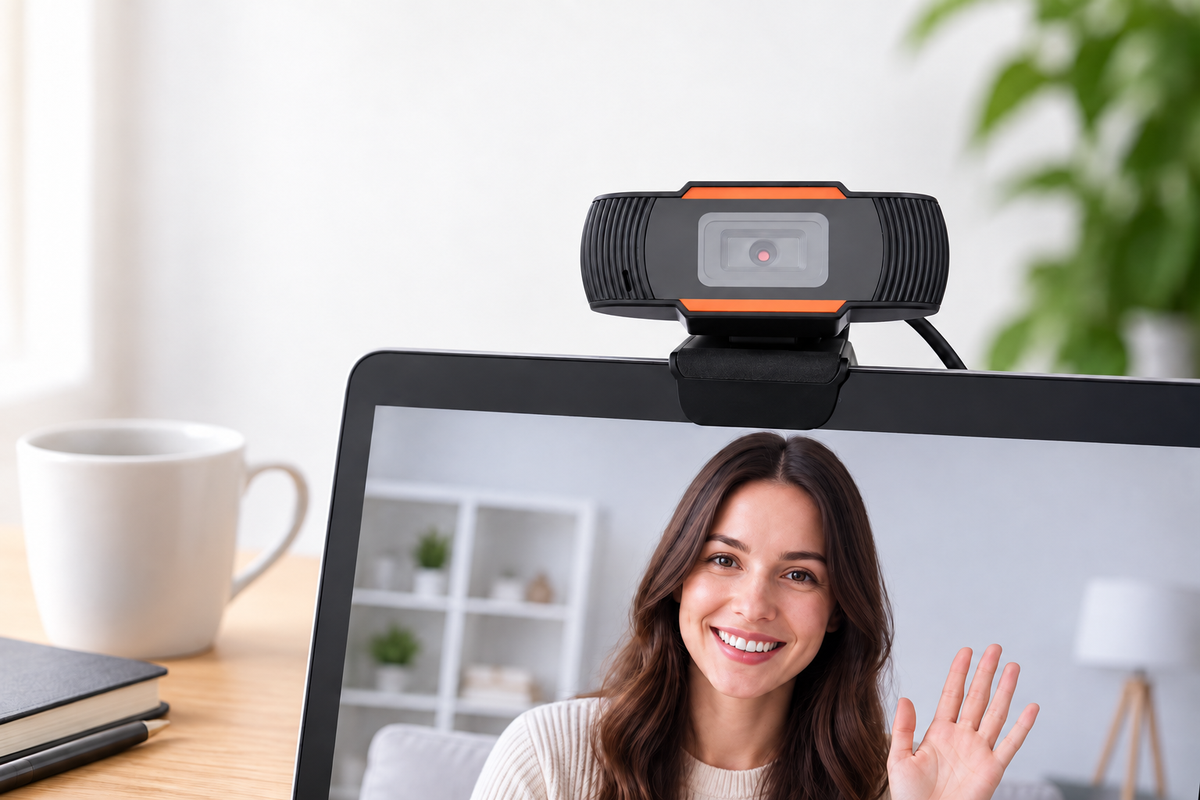
The attached clip positions the camera above the screen for video calls.
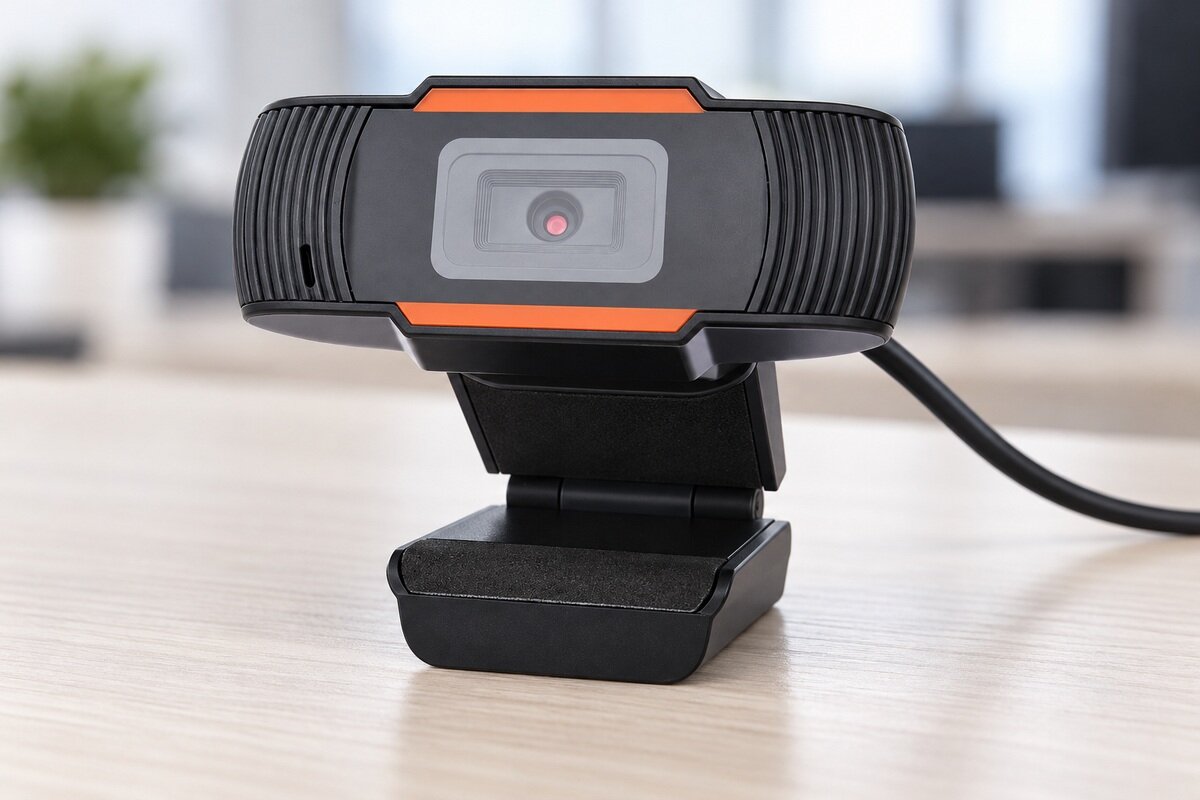
The hinged base supports the camera body on a stable desk surface.
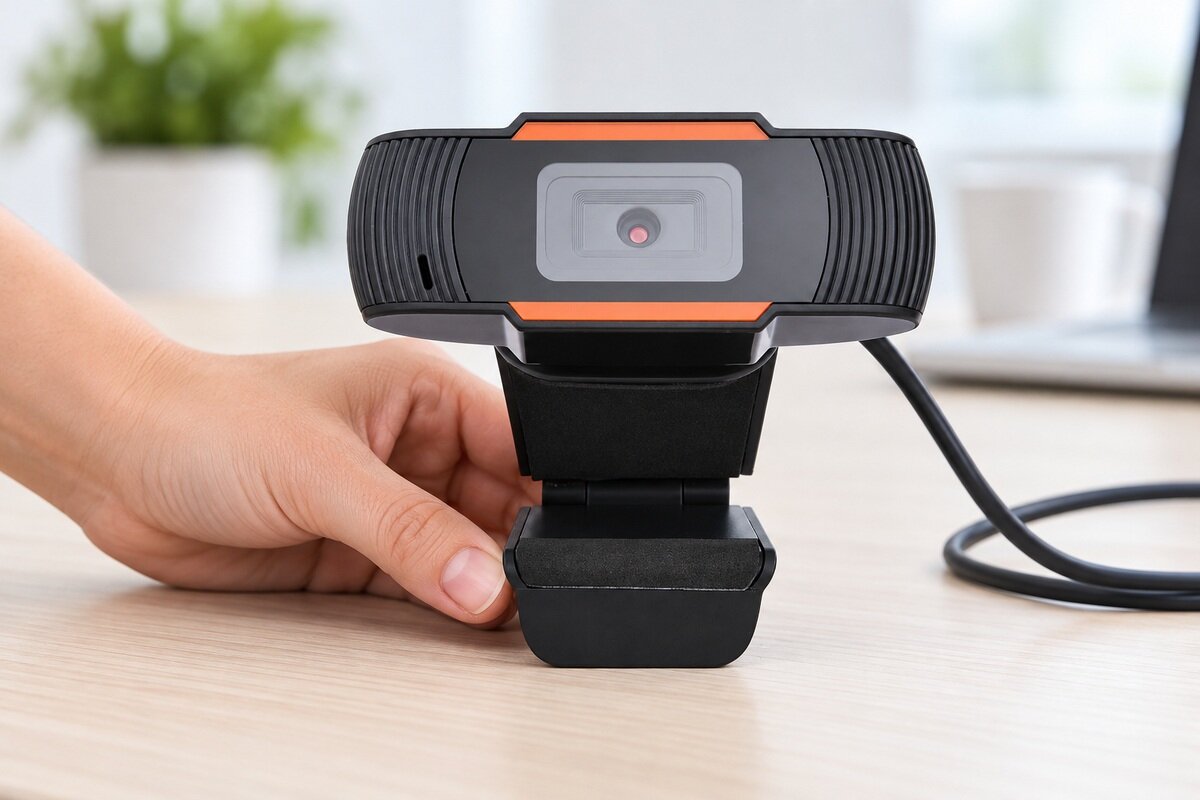
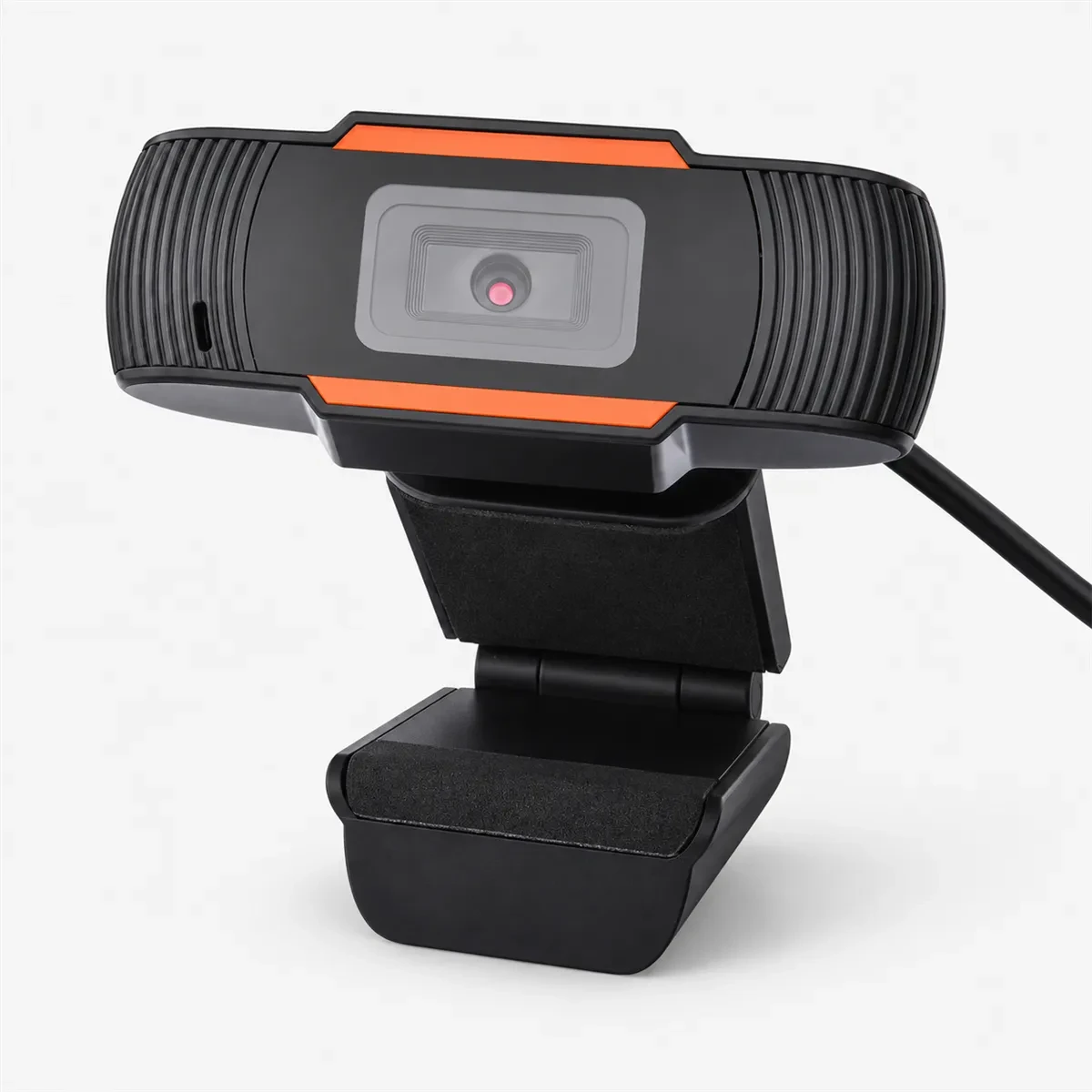
The camera body, attached base and cable form one compact webcam assembly.
Product parameters
Product NameC30 Computer Webcam
ModelC30
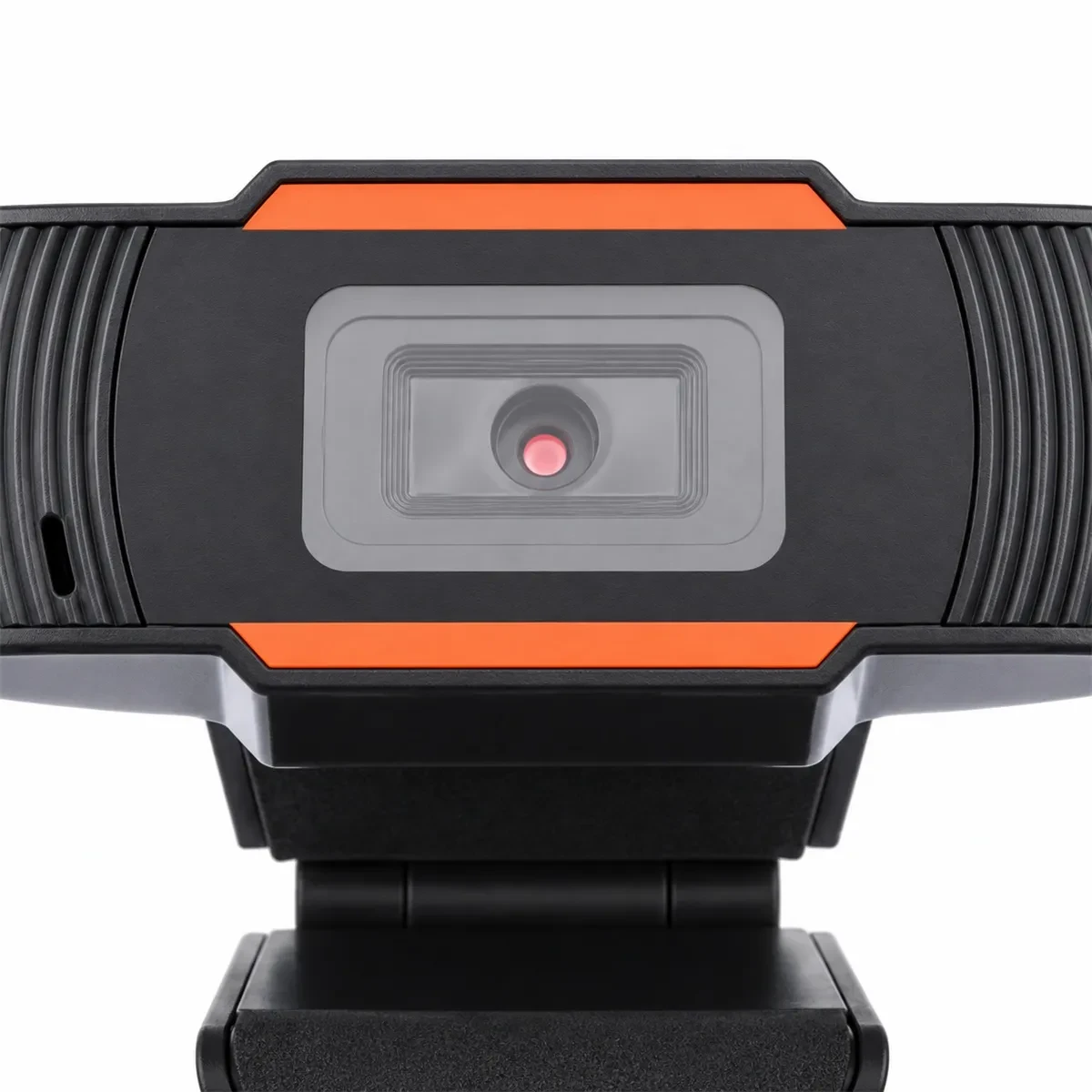
StructureHorizontal ribbed camera body with central lens and articulated clip base
Available Colors / PatternsBlack body with orange accent strips
Configuration1080P camera; attached 1.5 m cable; no privacy cover
Additional Verified ParametersCable length: 1.5 m
Versatile for a range of applications
Position the webcam with its lens facing the caller and its base on a stable surface. Arrange the cable without tight bends, check the framing before a call and keep the lens clear when adjusting the camera.
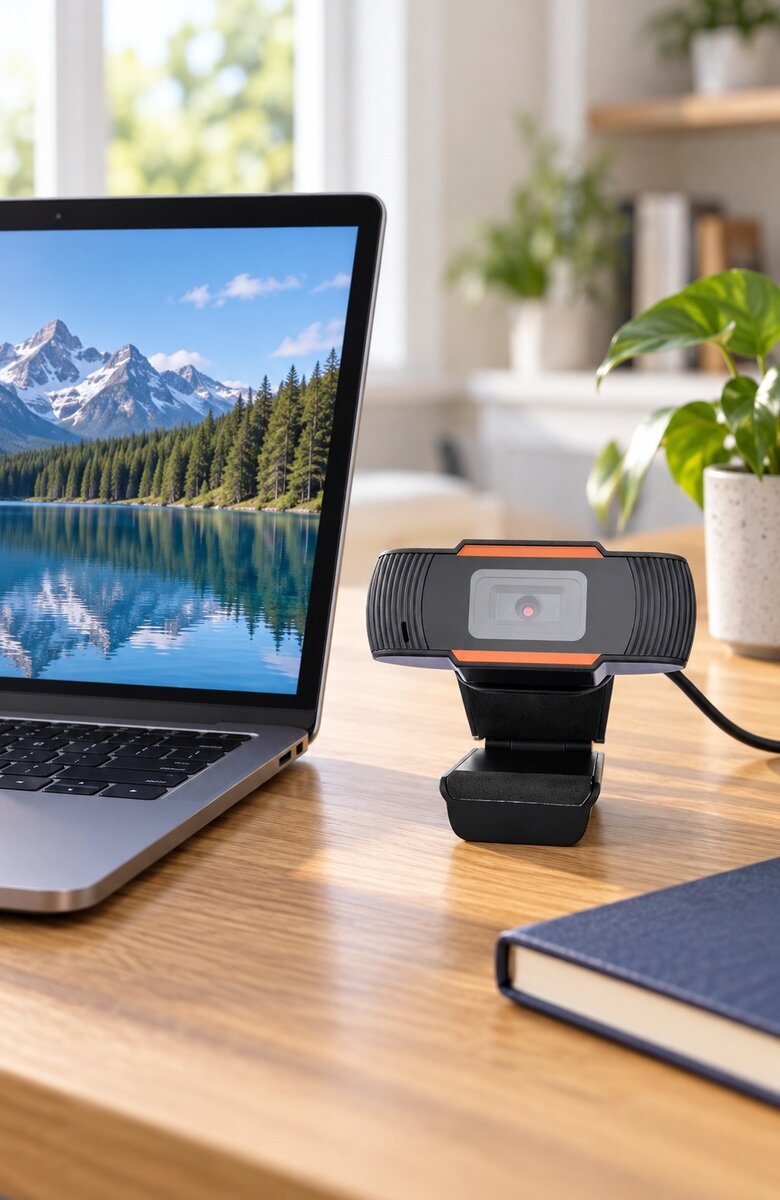
Laptop Desk SetupArrange the camera by the laptop with its lens facing the seated caller for use.
Check lens and camera body before placing the webcam onto a stable desk surface.
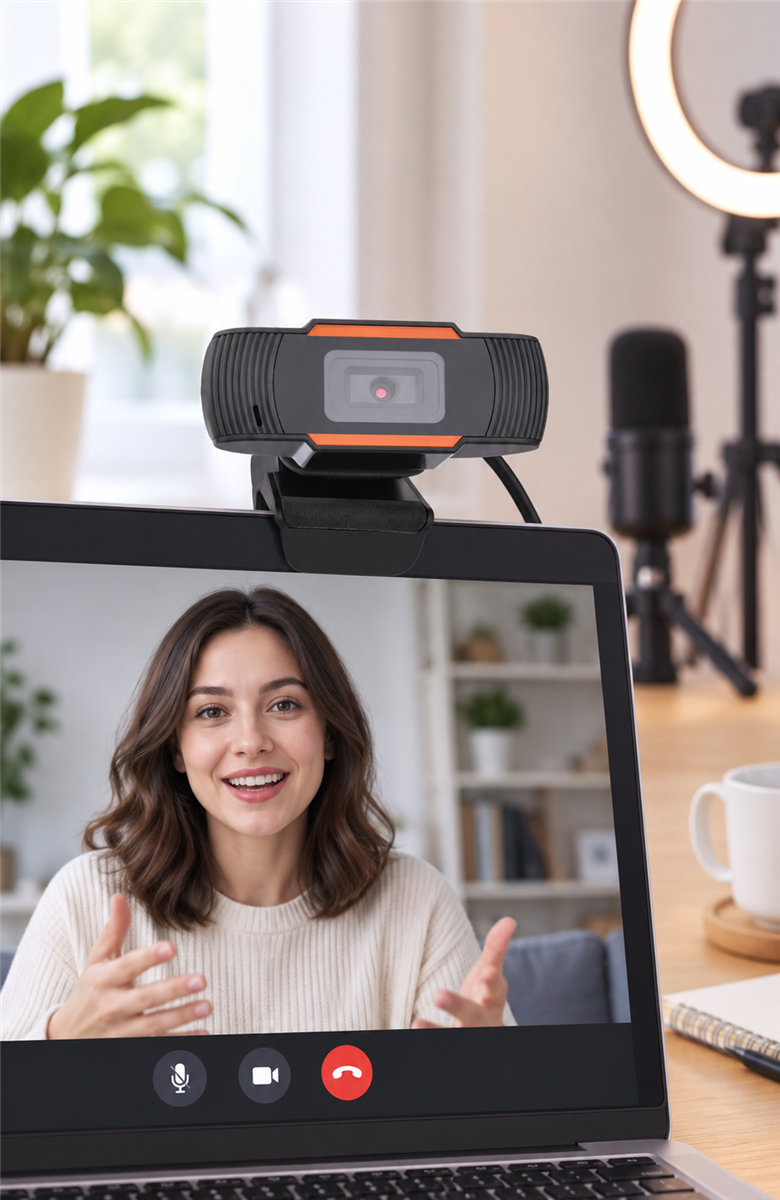
Desktop Video CallKeep the webcam facing you during calls, with the screen and workspace arranged.
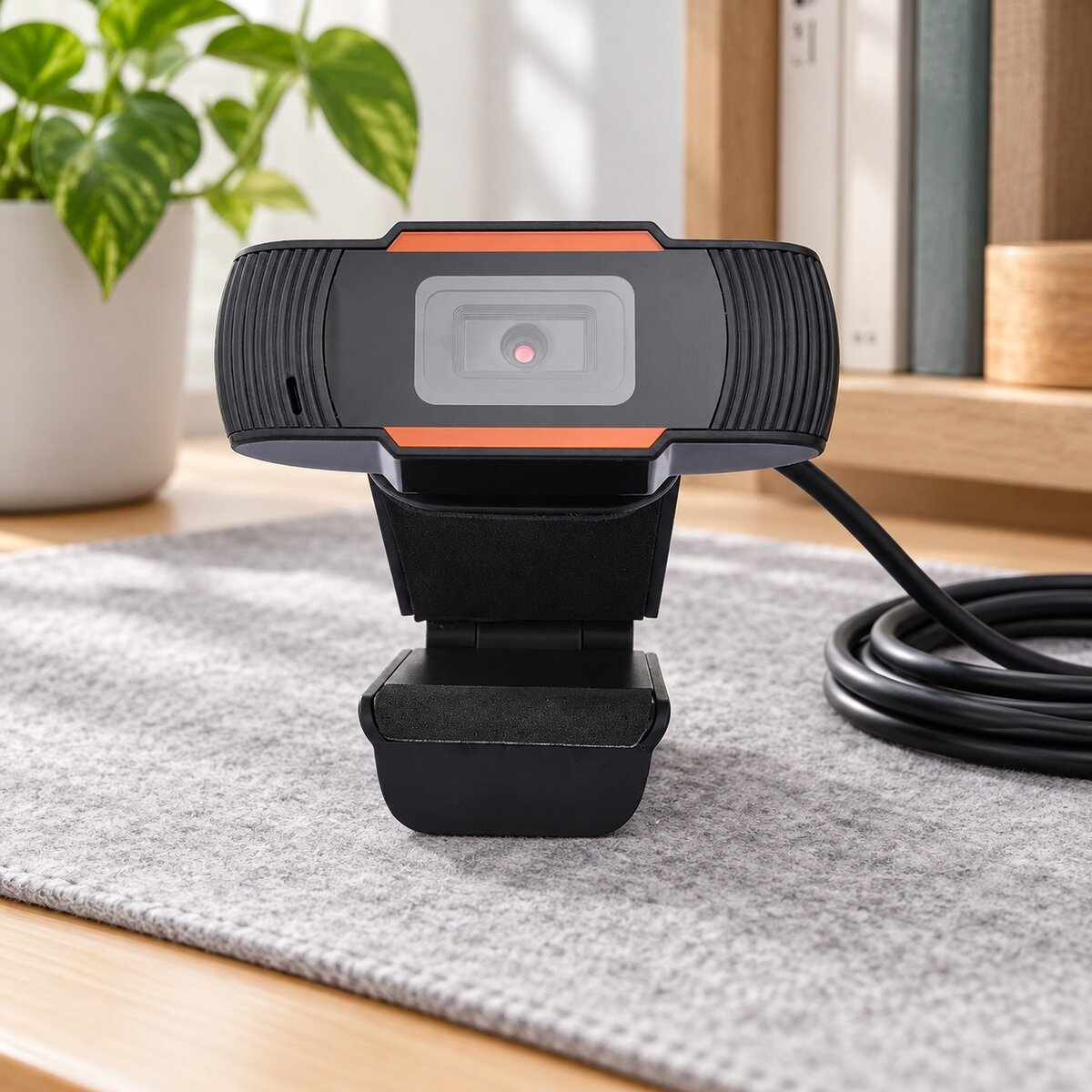
Between-Call StorageSet the webcam on a clean dry mat and coil its attached cable loosely after use.
Route the attached cable without tight bends and keep the working surface clear.
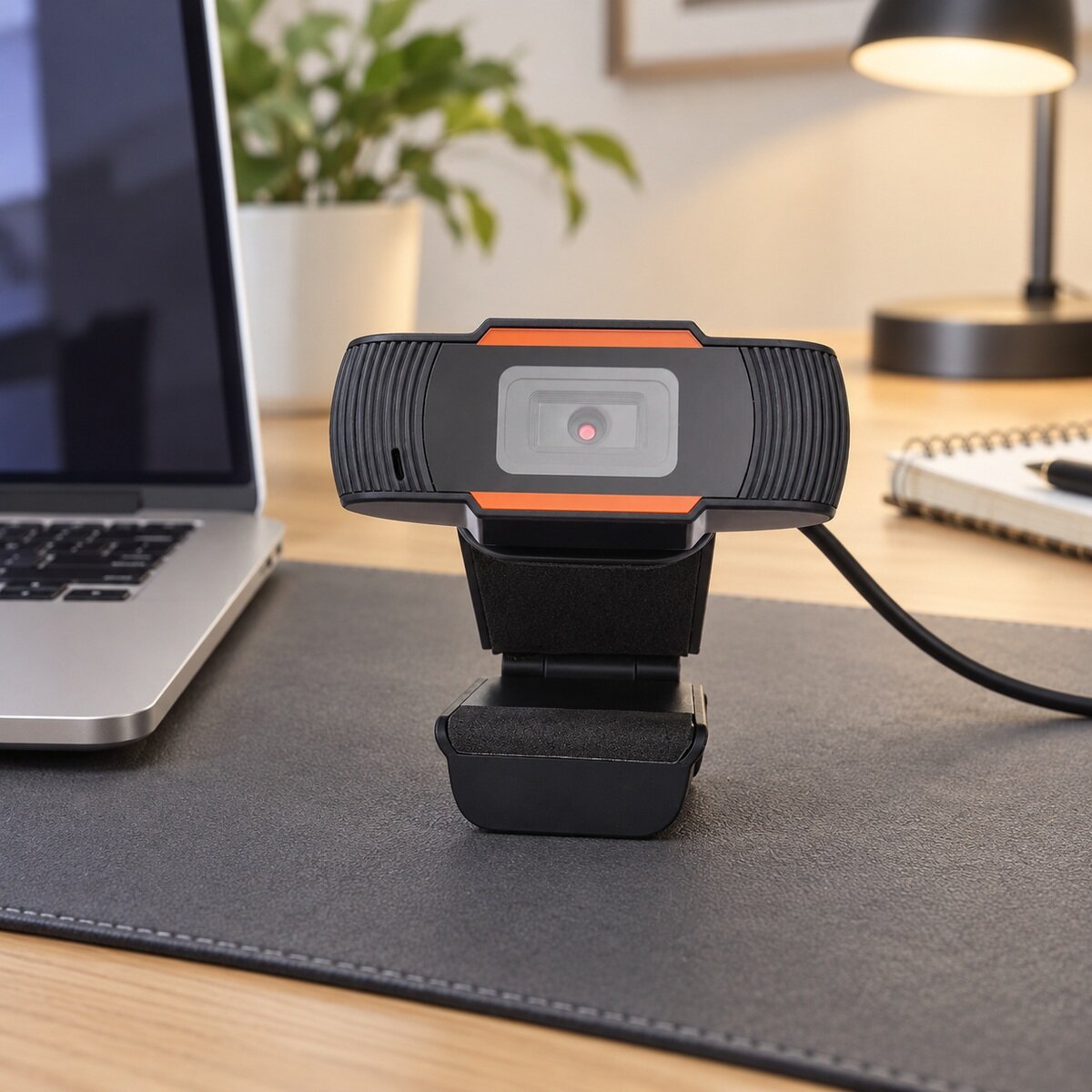
Before-Call Desk CheckSteady the webcam body on its base while checking its position before your call.
Packaging list
1 x C30 webcam with attached cable and mounting base; 1 x user guide.
Cable length: 1.5 m.
Frequently Asked Questions
Related recommendations
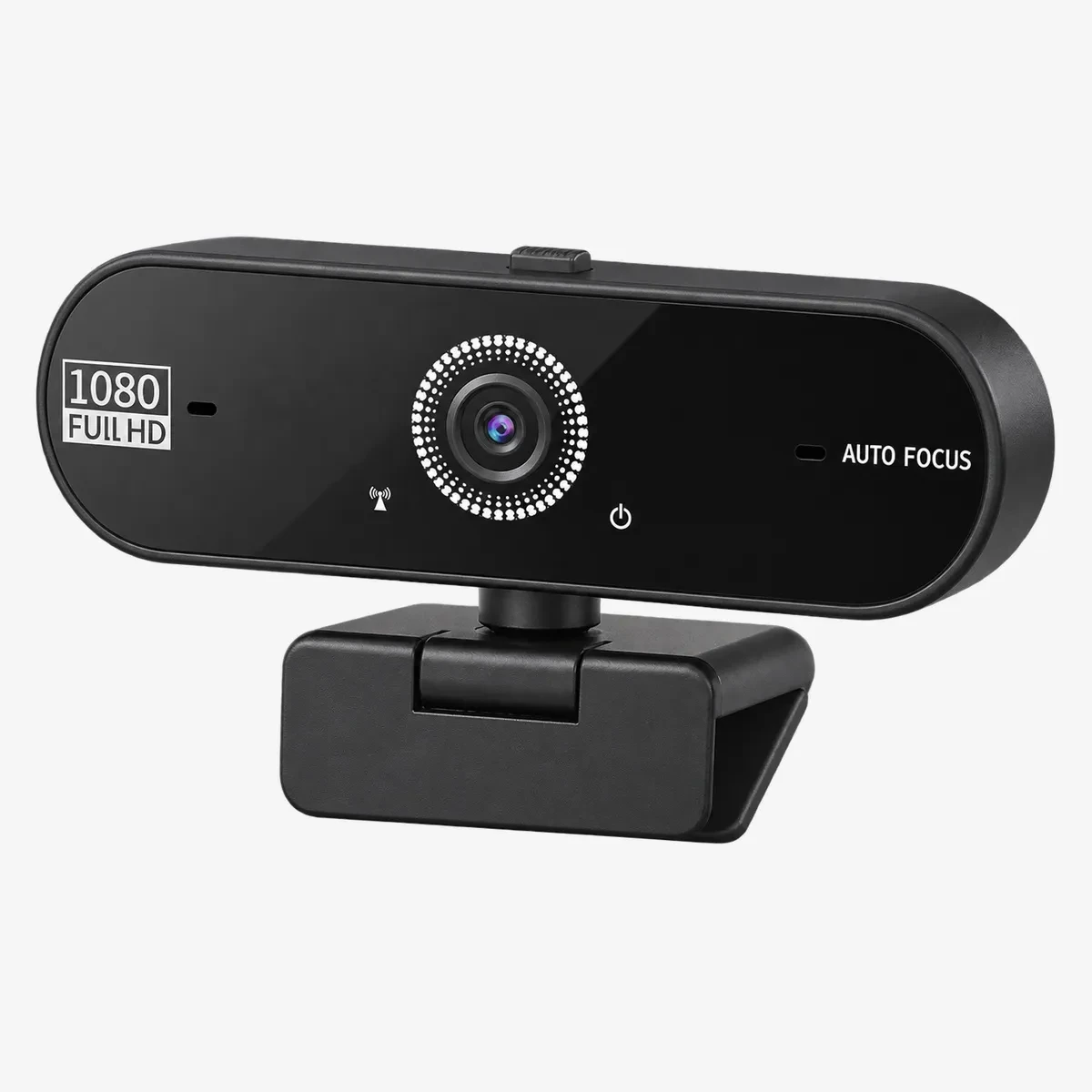
W8 1080p USB Webcam with Monitor Clip
MOQ 100 set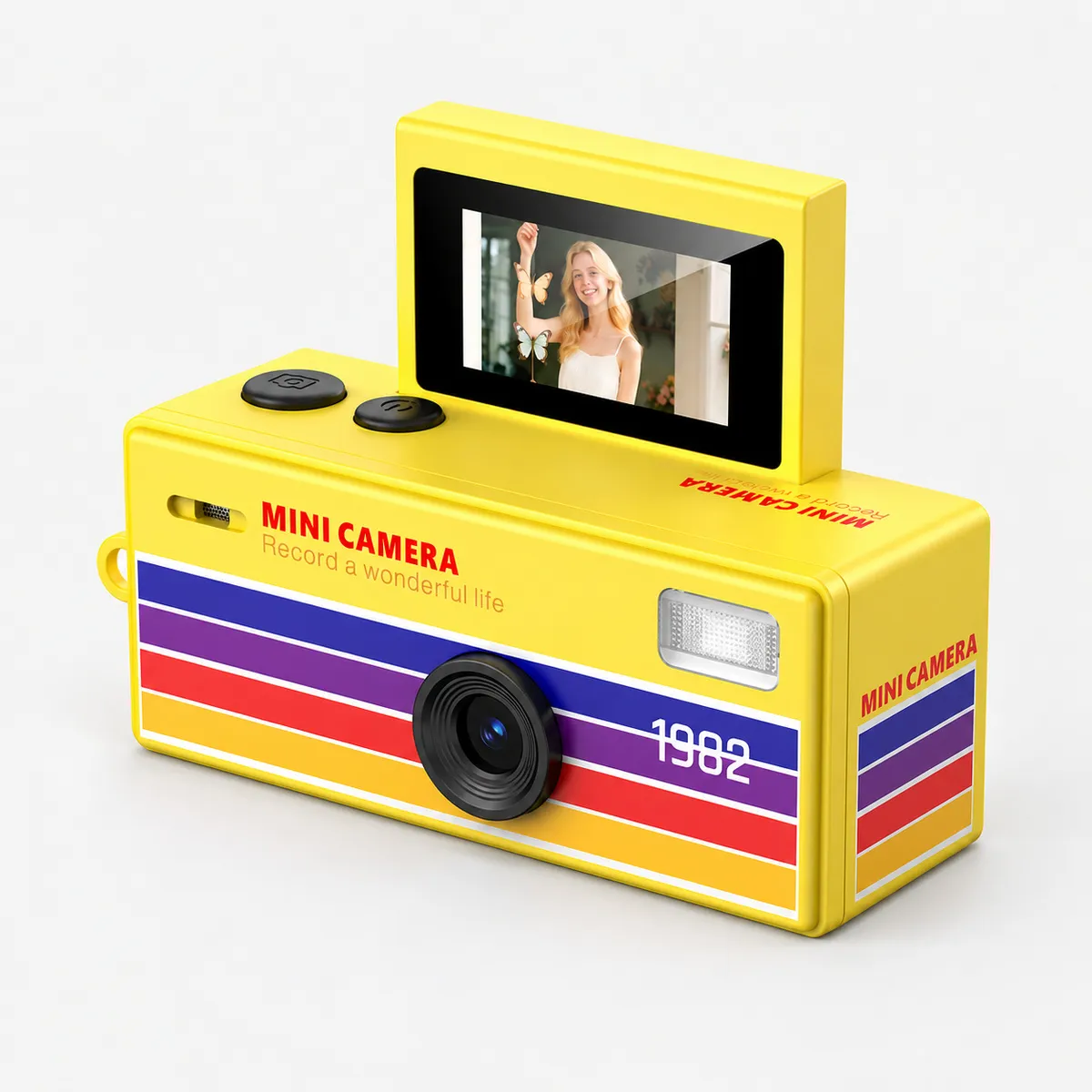
Mini Thumb Camera
MOQ 200 unit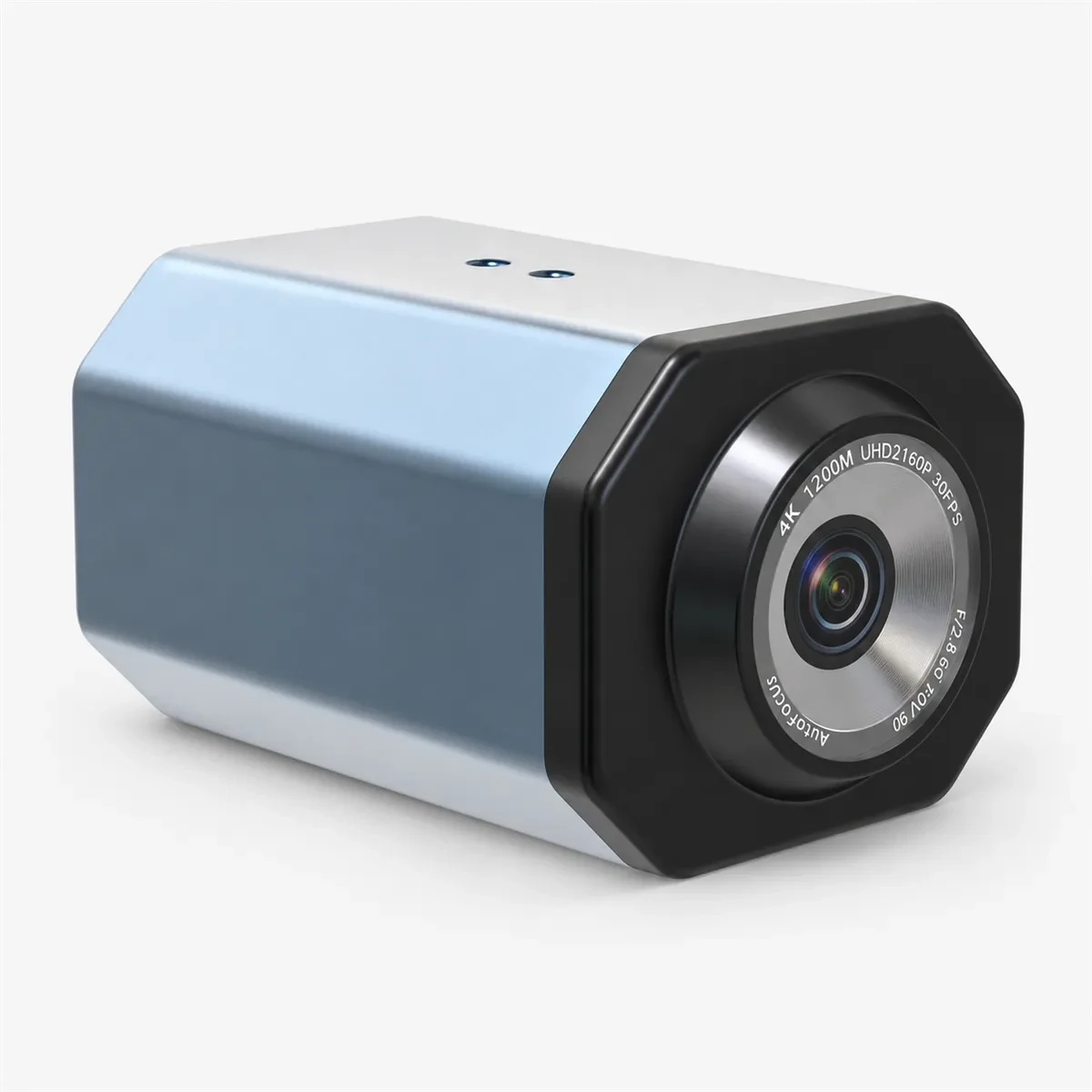
C260 Computer Webcam
MOQ 24 unit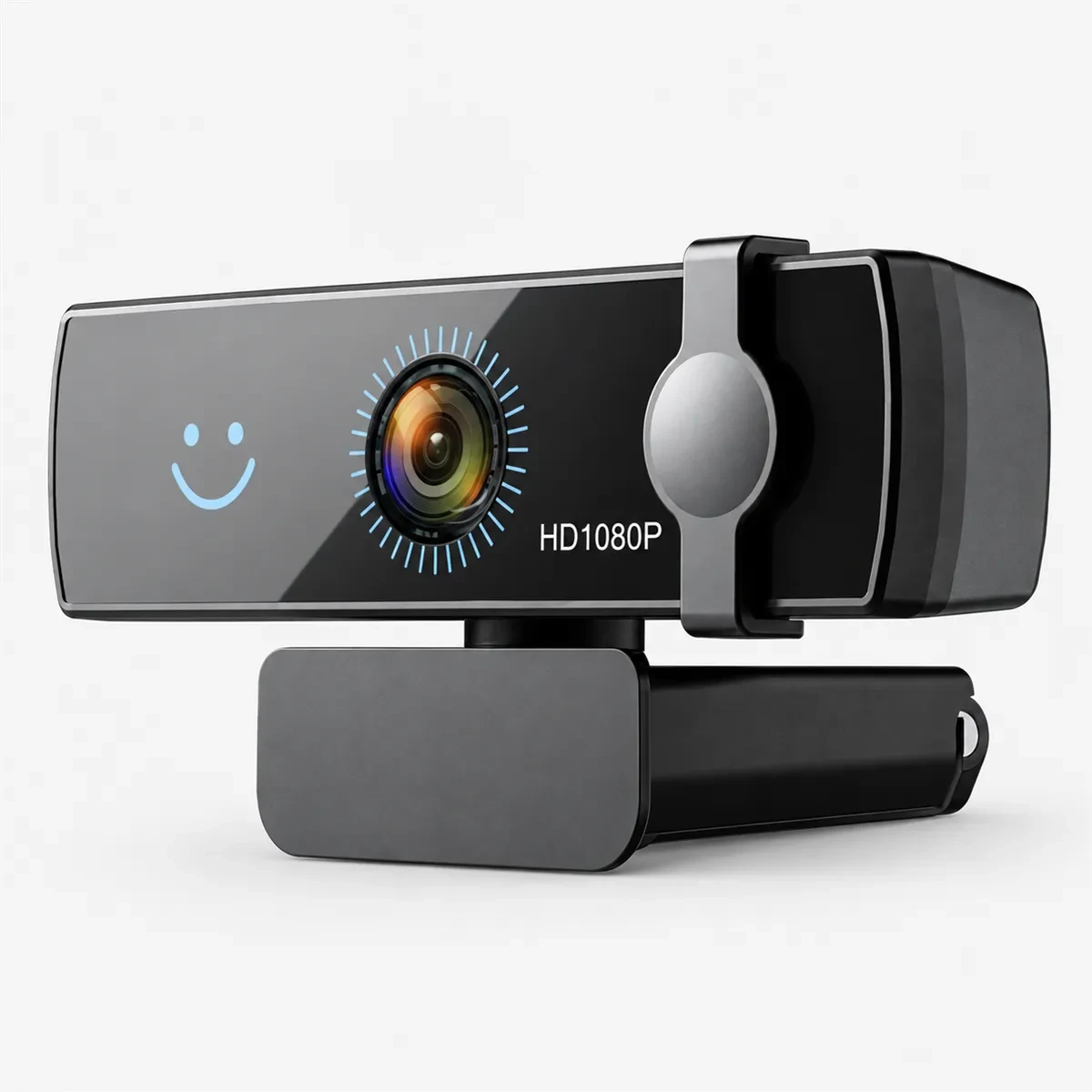
CW100 Computer Webcam
MOQ 24 unit