Unser Kundenservice beantwortet alle Ihre Fragen zur Beschaffung.Jetzt kontaktieren

 Computer, Büro, Netzwerk, Audio-Video & GamingTastaturen, Mäuse, Webcams und ComputerperipheriegeräteWebcams und Konferenzperipheriegeräte


MERGORO
4.6Mit der Marke chattenMarke folgen


Auf Lager, kurzfristig versandbereitGroßeinkauf für UnternehmenOEM/ODM
C260 Computer-Webcam
Mindestbestellmenge: 24
Aktueller EinkaufspreisStandard-Einkaufspreis
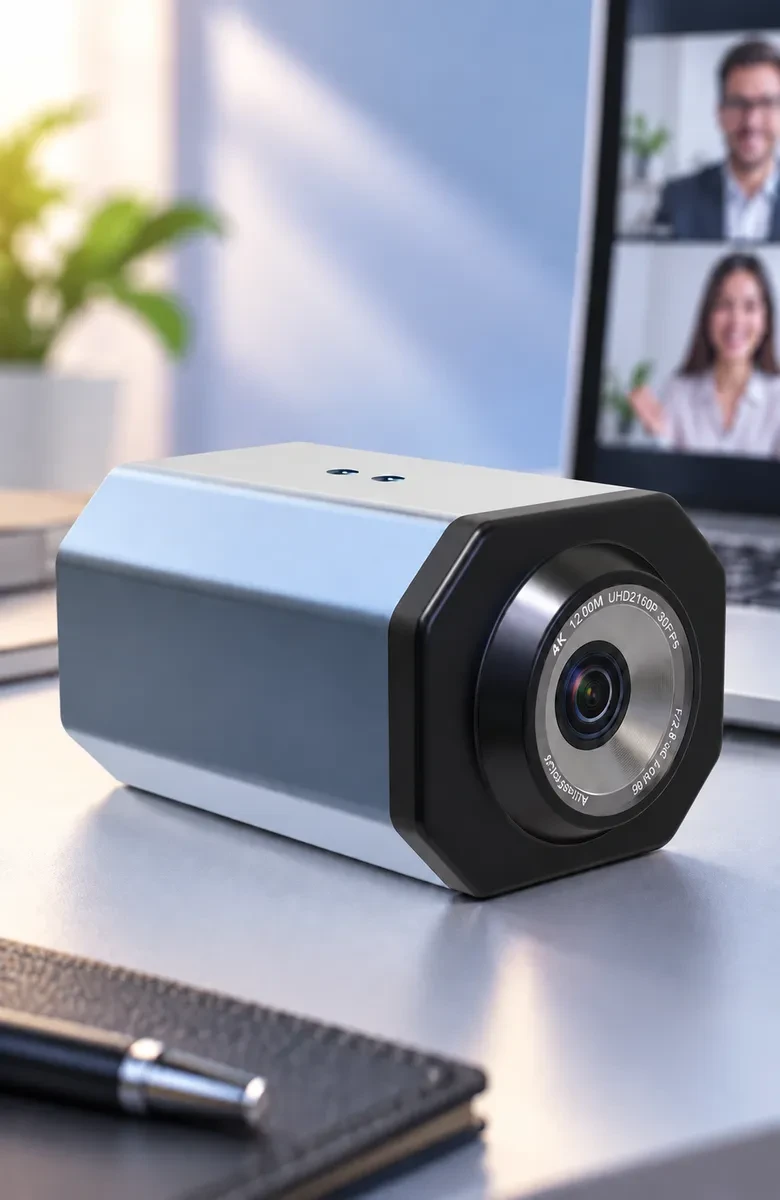
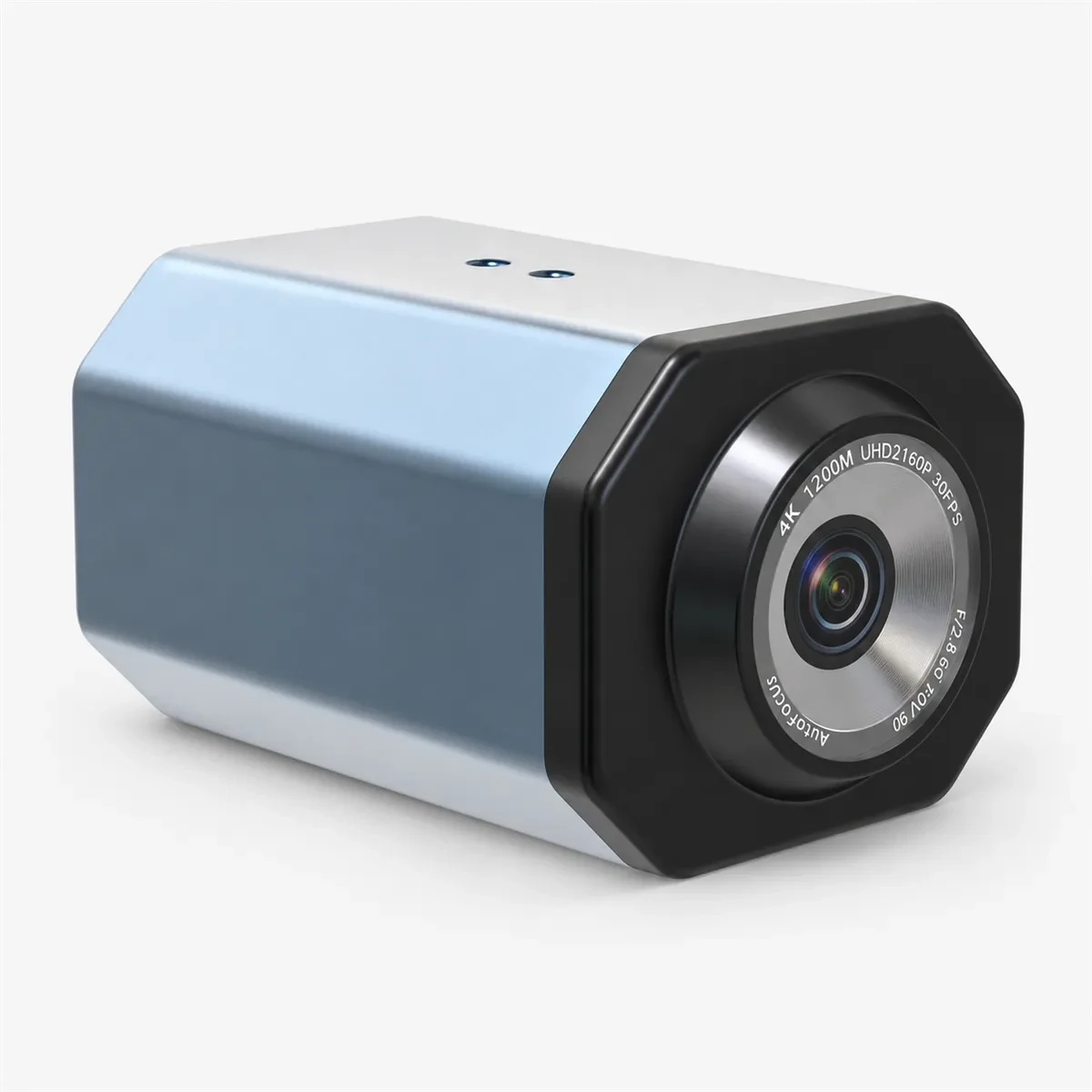
- 4K-USB-Webcam mit Autofokus, 2 m Kabel und facettiertem silbergrauem Kameragehäuse.

Echtheitsgarantie
Sorgloser Kundendienst
Termingerecht geliefert
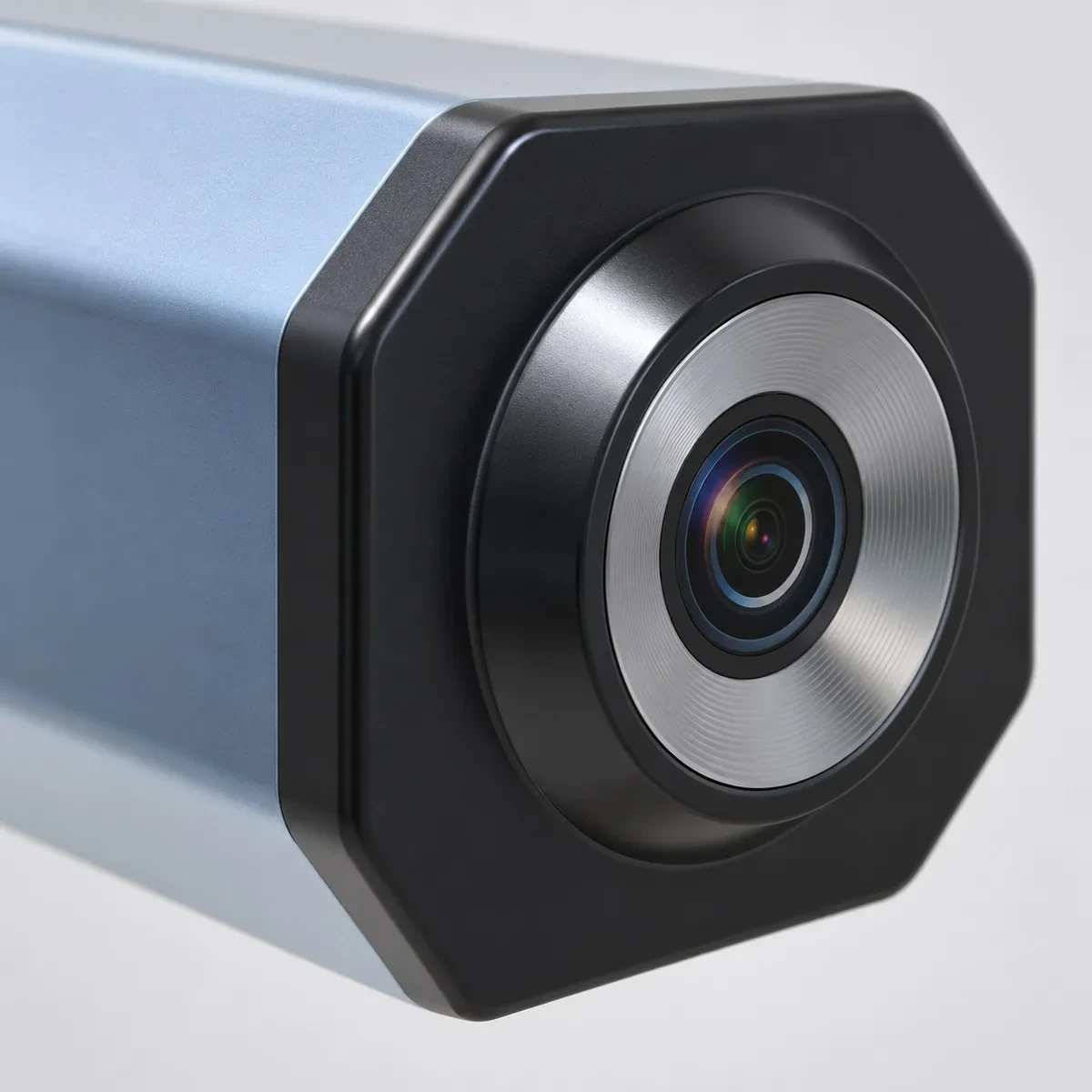
Feinste Details und Designmerkmale
Sorgfältig gefertigte Details zeugen von überlegener Handwerkskunst und herausragenden Designmerkmalen.
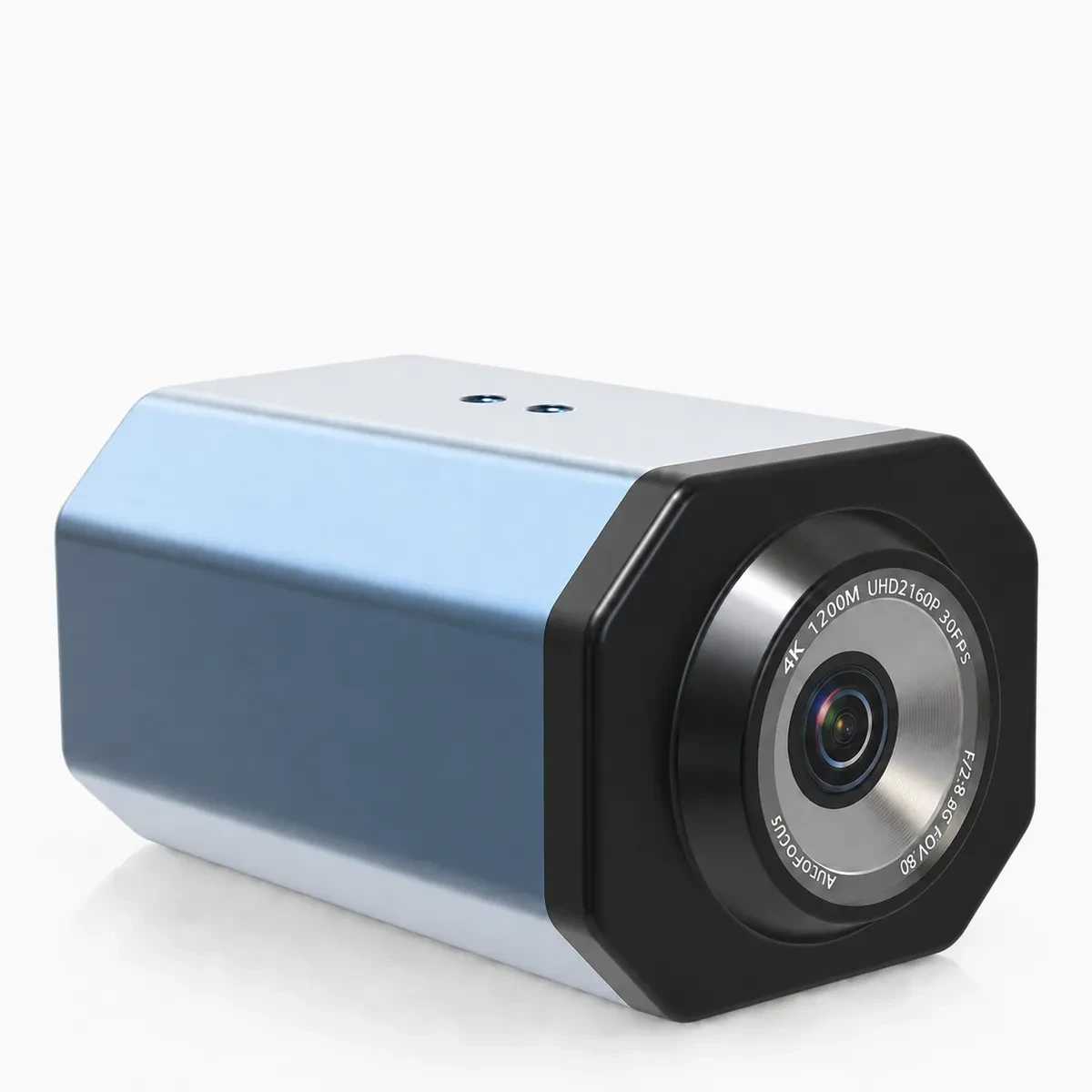
C260 4K Autofocus USB Webcam for Computer Calls
The C260 combines 4K output with automatic lens focusing.
Entdecken Sie die Kernvorteile unserer Produkte
Zuverlässige Qualität und solide Leistung für verschiedenste Einsatzszenarien. Strenge Produktionsstandards gewährleisten hohe Langlebigkeit und Kosteneffizienz.
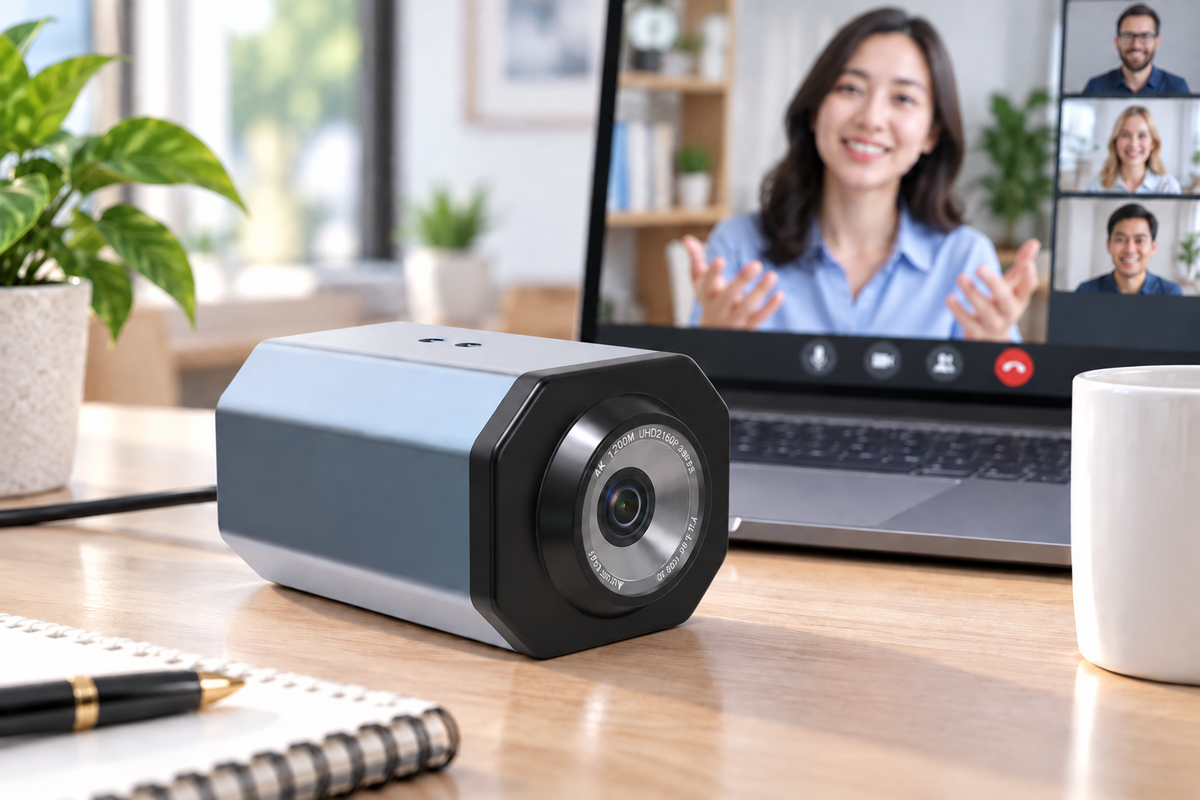
Place the webcam on a stable desk surface with its lens facing the caller.
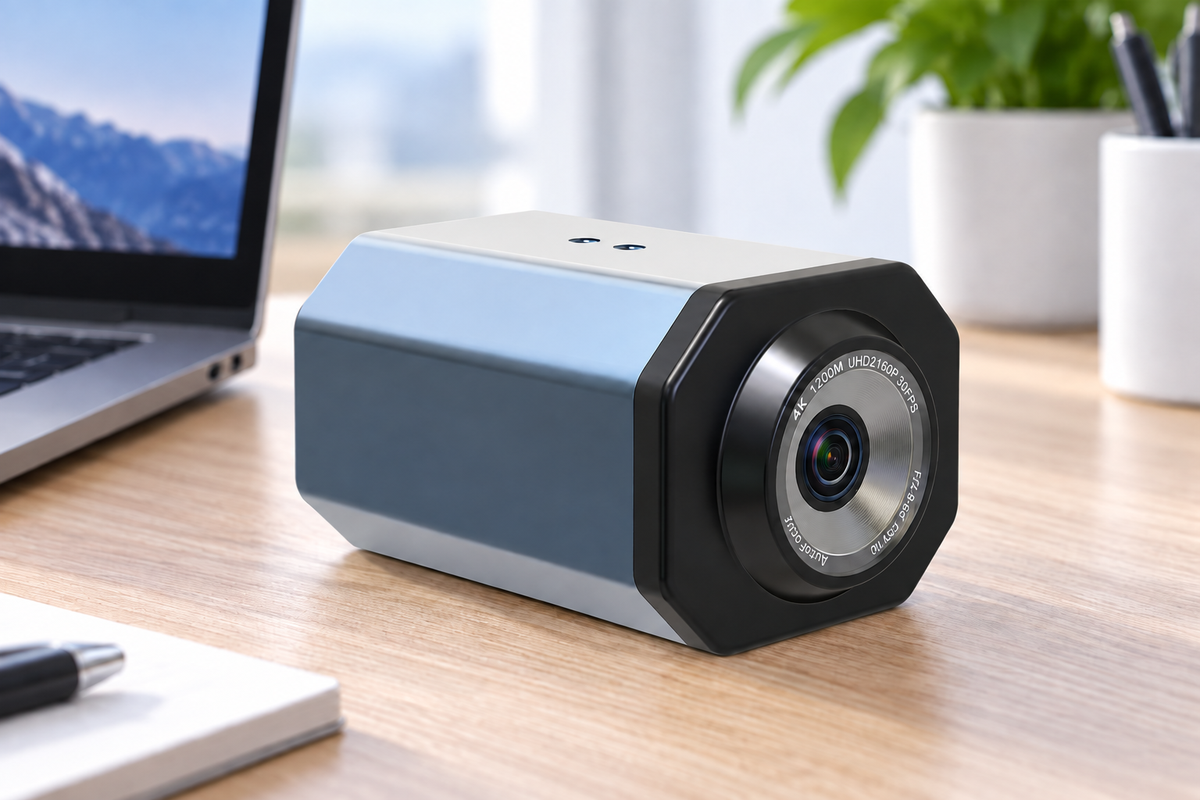
The faceted housing supports the camera on its flat lower face.
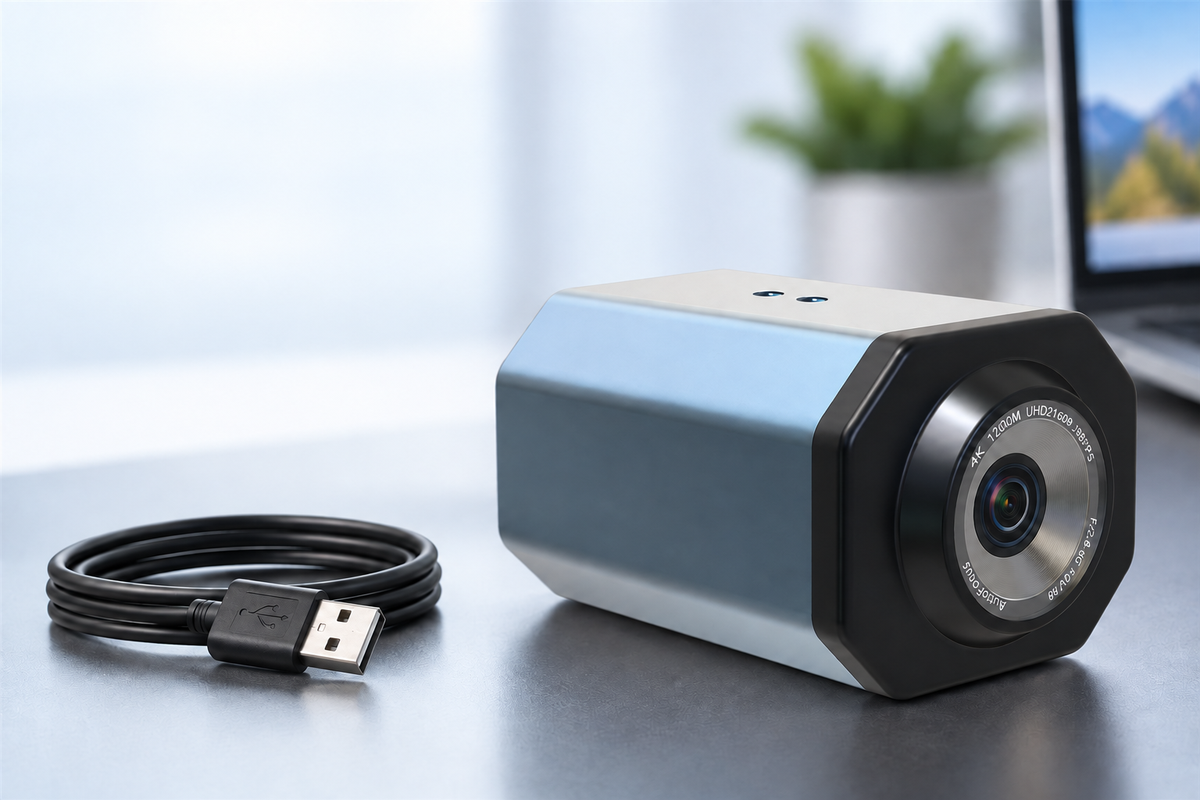
The USB lead can be arranged loosely beside the webcam before connection.
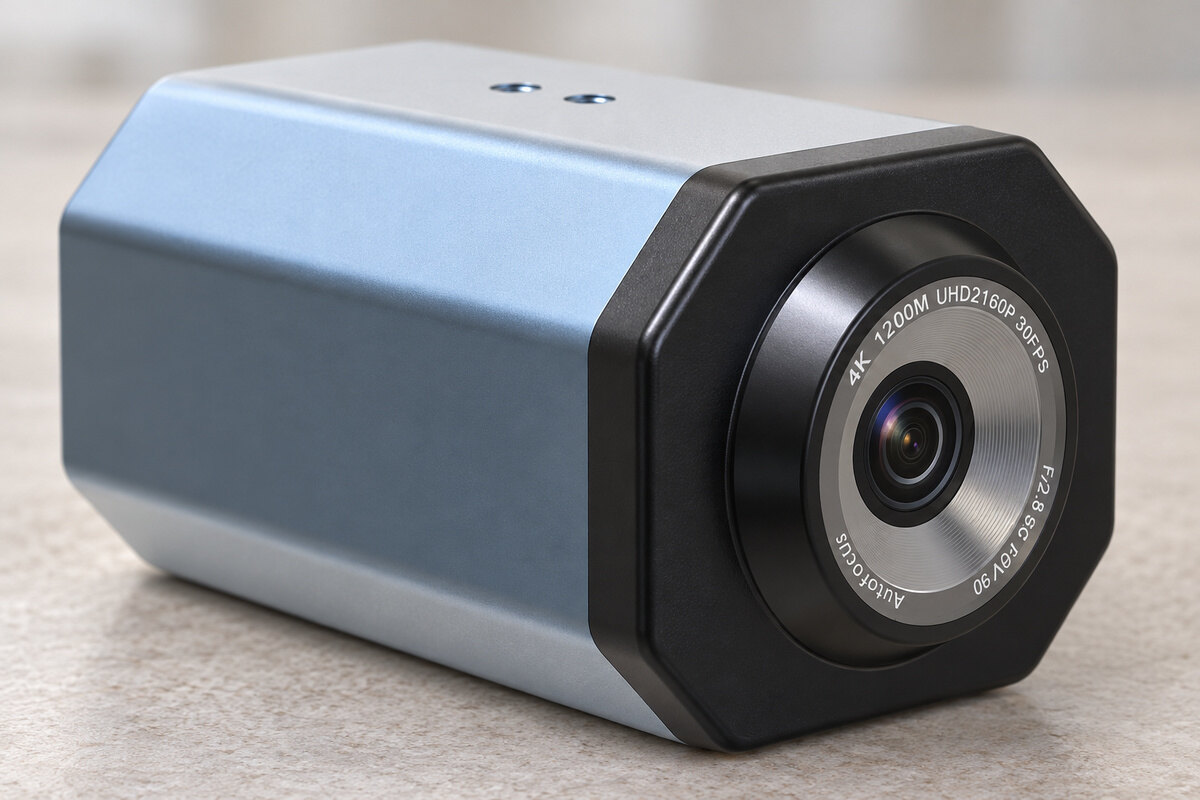
The circular front lens projects from the black beveled camera face.
Produktparameter
Product NameC260 Computer Webcam
ModelC260
StructureElongated faceted camera housing with black front plate and projecting circular lens
Available Colors / PatternsSilver-gray housing with black lens surround
Configuration4K camera; autofocus; USB connection; 2 m USB cable; no privacy cover
Additional Verified ParametersCable length: 2 m
Flexibel für vielfältige Szenarien
Place the webcam on a stable desk surface with the lens facing the caller. Check framing before a video call, arrange the USB cable without tight bends and keep the lens clear when adjusting the camera position.
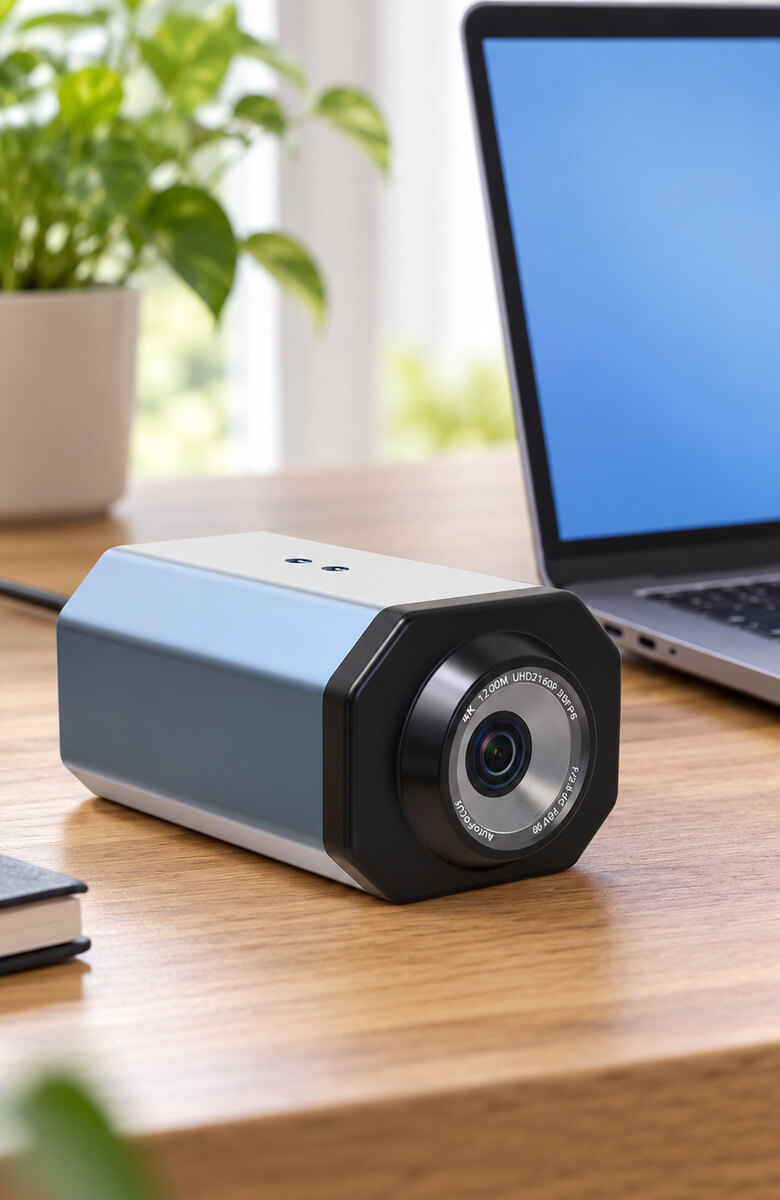
Laptop Desk SetupArrange the camera by the laptop with its lens facing the seated caller for use.
Check lens and camera body before placing the webcam onto a stable desk surface.
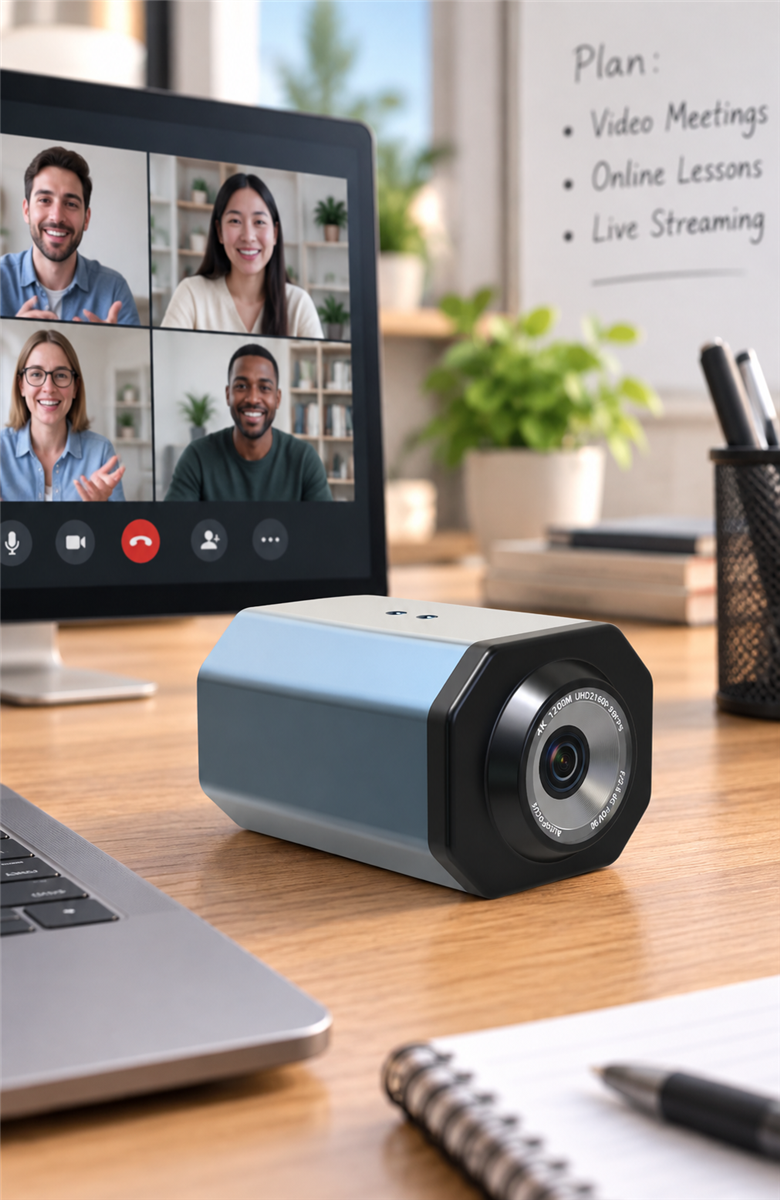
Desktop Video CallKeep the webcam facing you during calls, with the screen and workspace arranged.
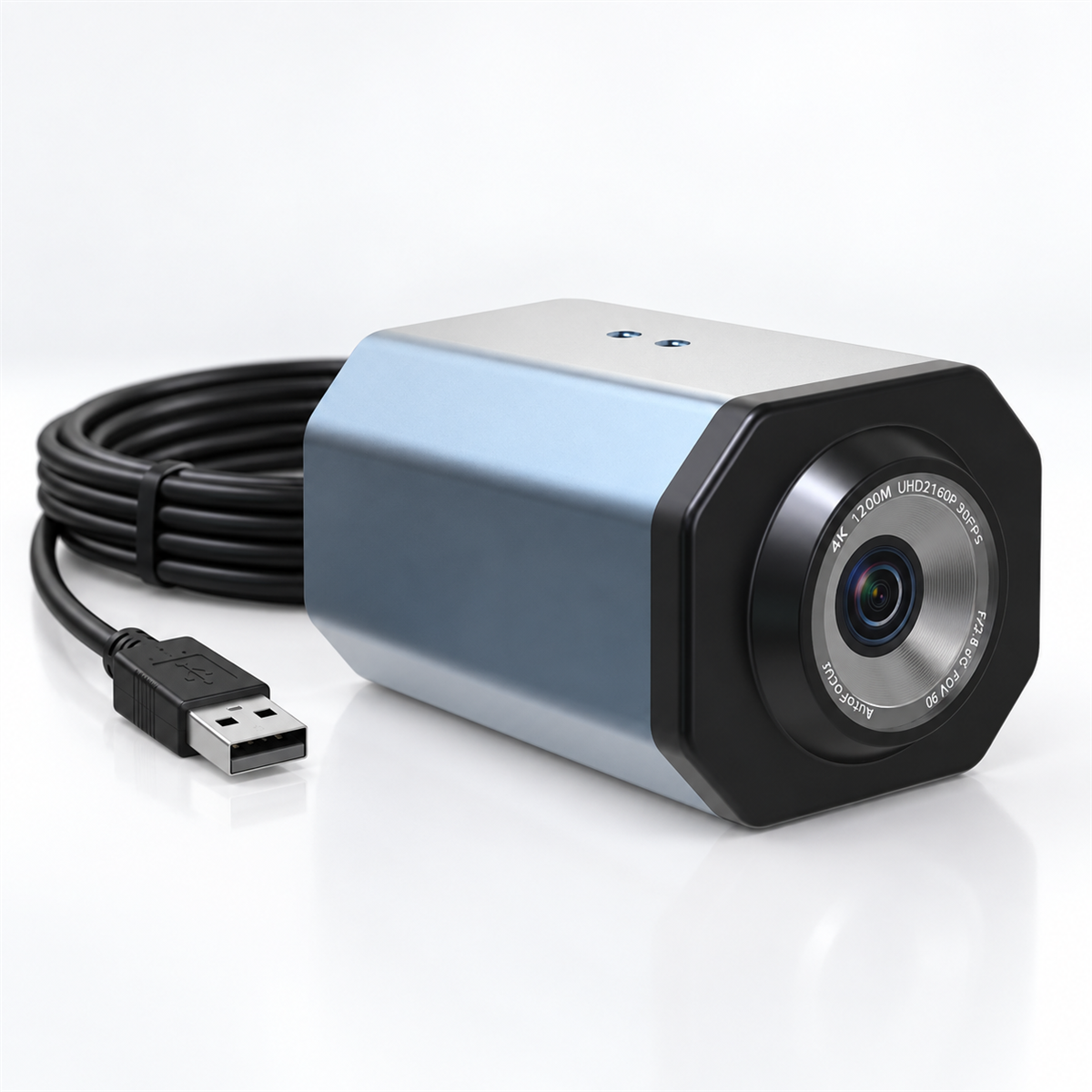
Cable PreparationLay the USB cable loosely beside the webcam before arranging the computer setup.
Route the attached cable without tight bends and keep the working surface clear.
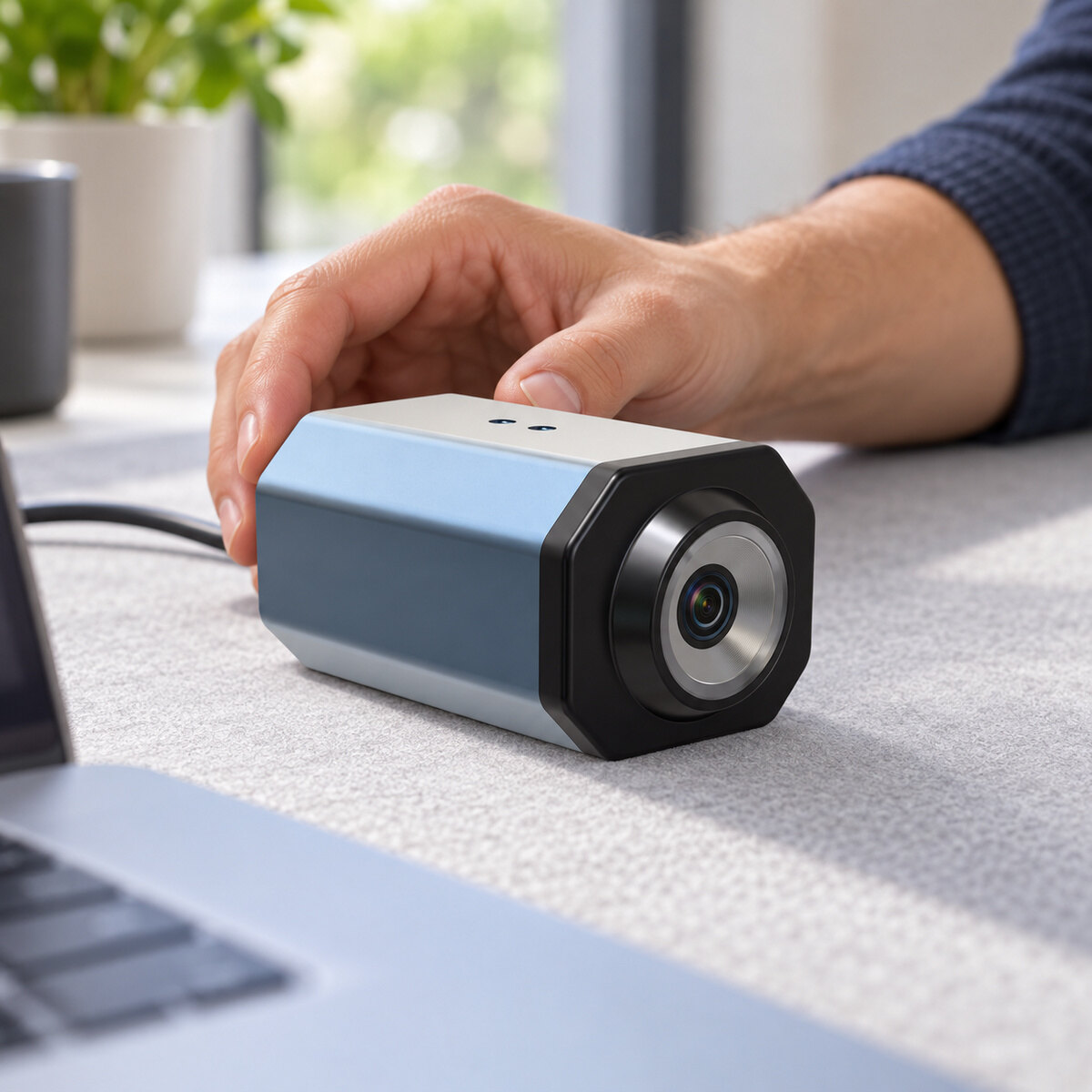
Before-Call Position CheckSteady the webcam body on a mat while checking its position before a video call.
Verpackungsliste
1 x C260 webcam and 1 x USB cable.
USB cable length: 2 m.
Häufig gestellte Fragen
Ähnliche Empfehlungen
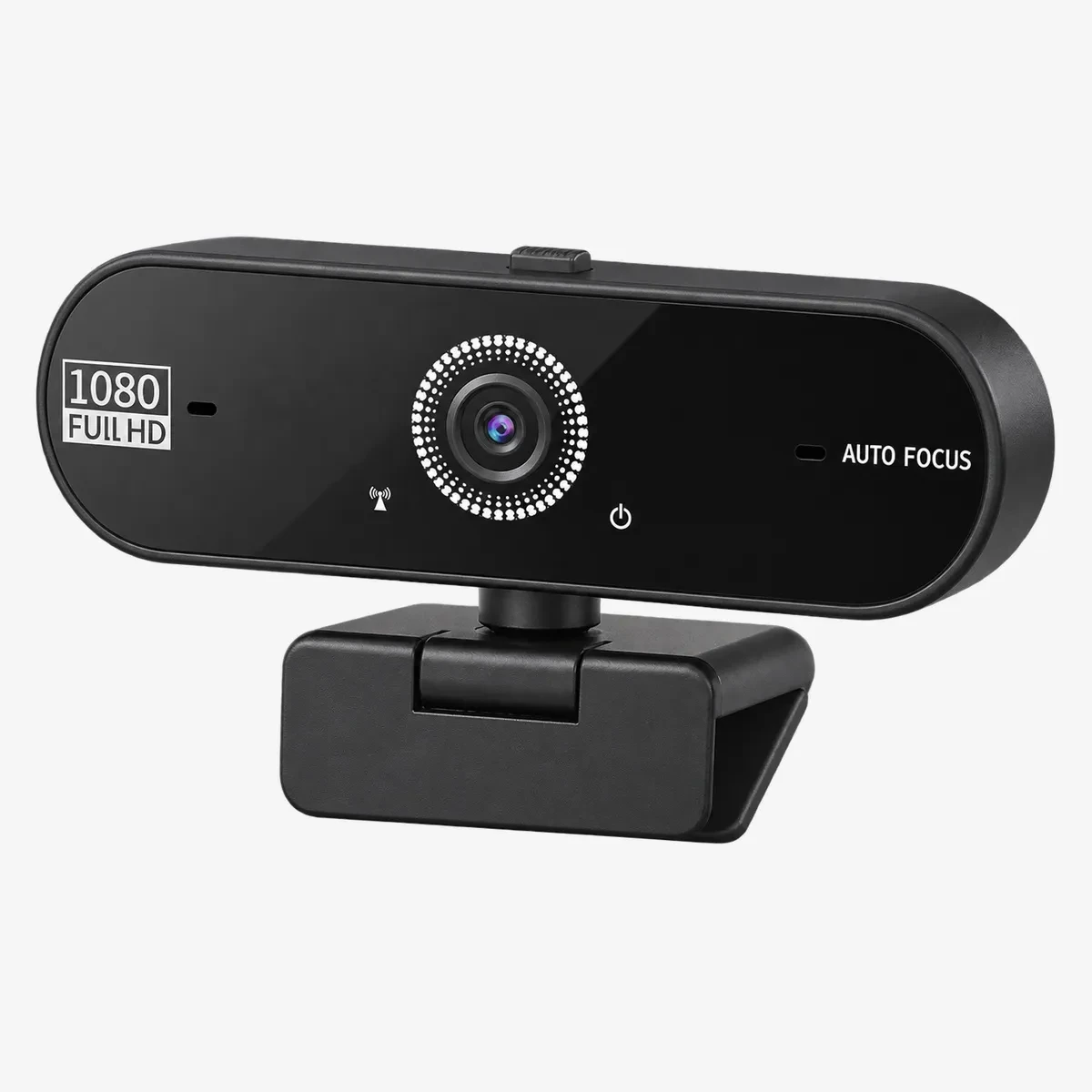
W8 1080p USB-Webcam mit Monitorclip
MOQ 100 set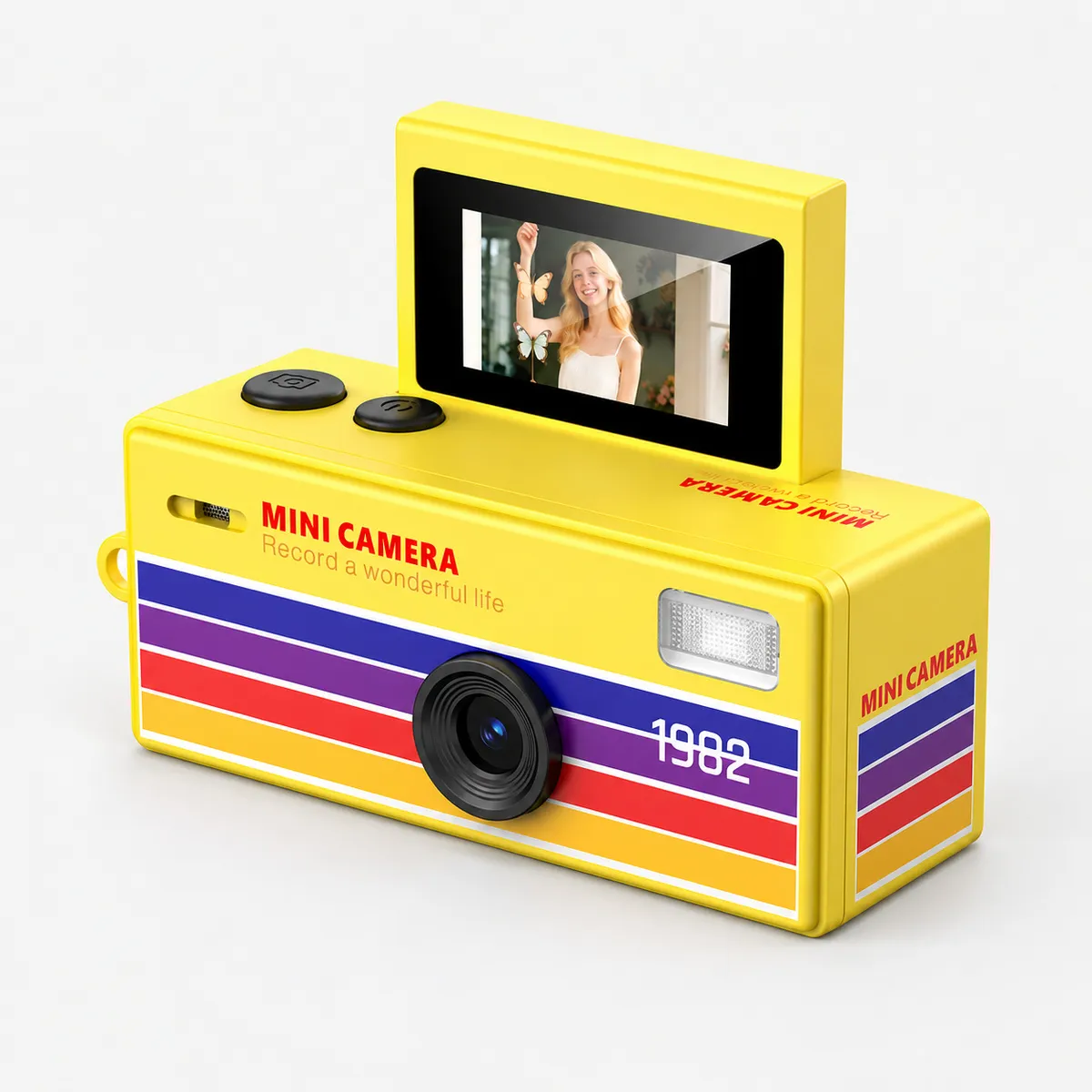
Mini-Daumenkamera
MOQ 200 unit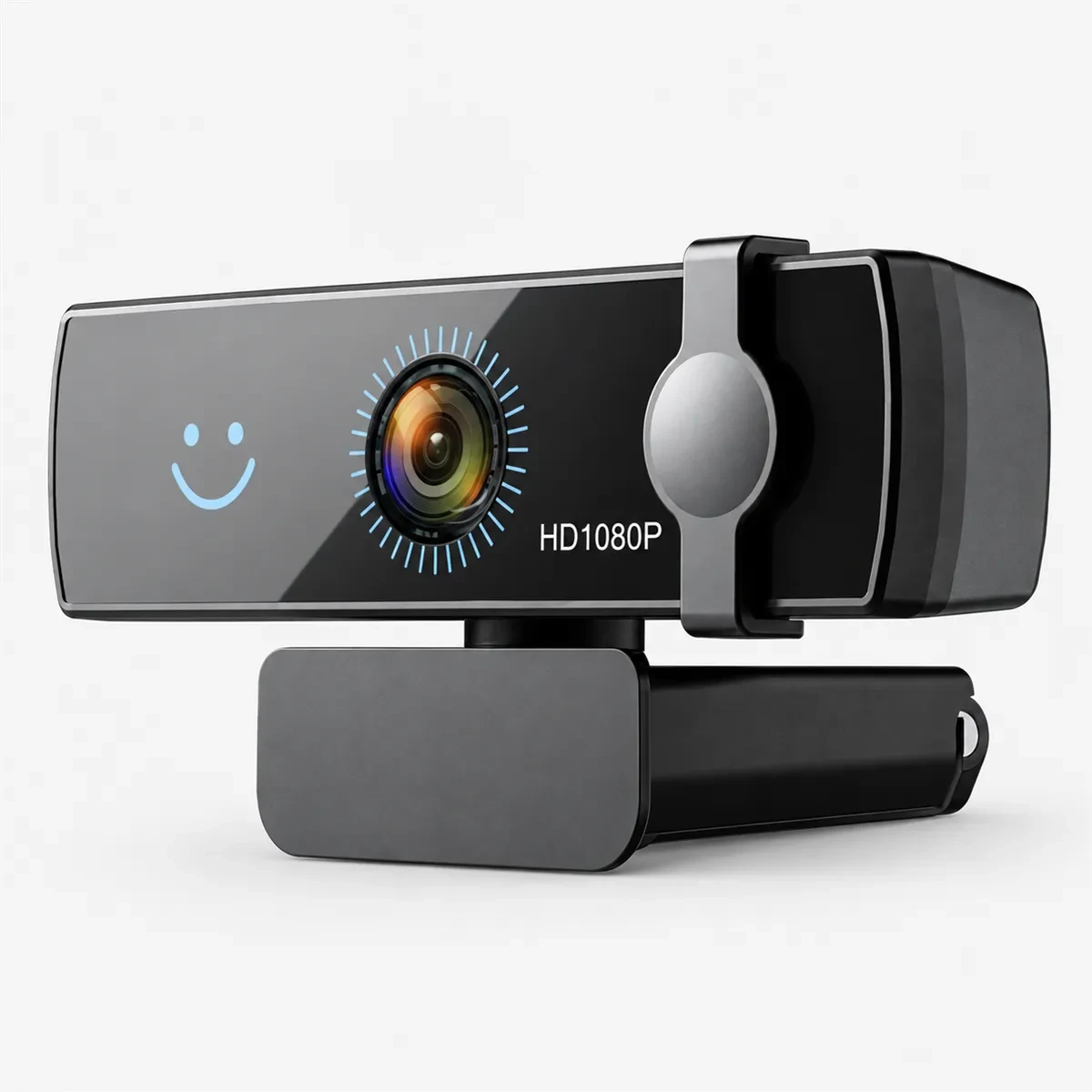
CW100 Computer-Webcam
MOQ 24 unit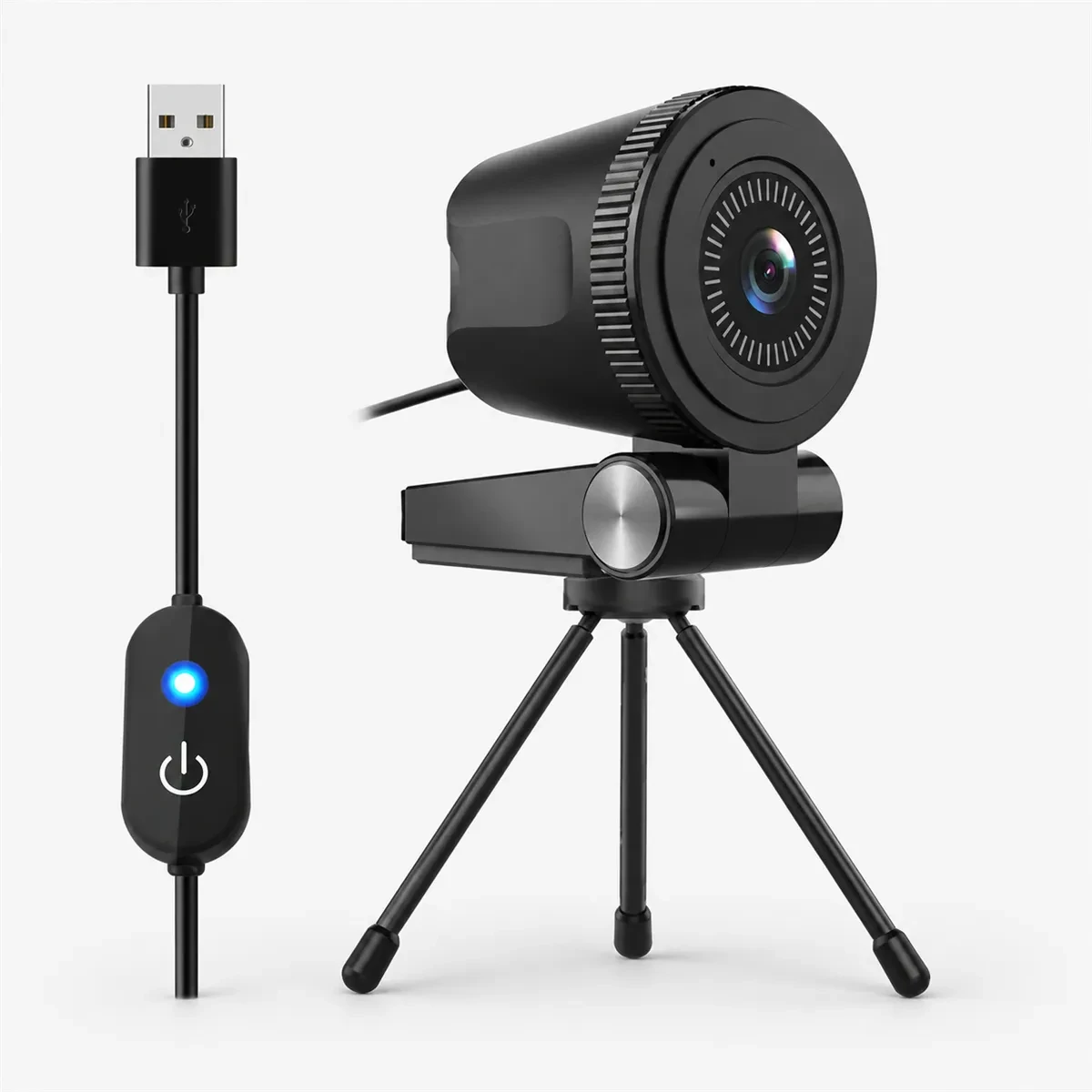
C380 Computer-Webcam
MOQ 12 unit